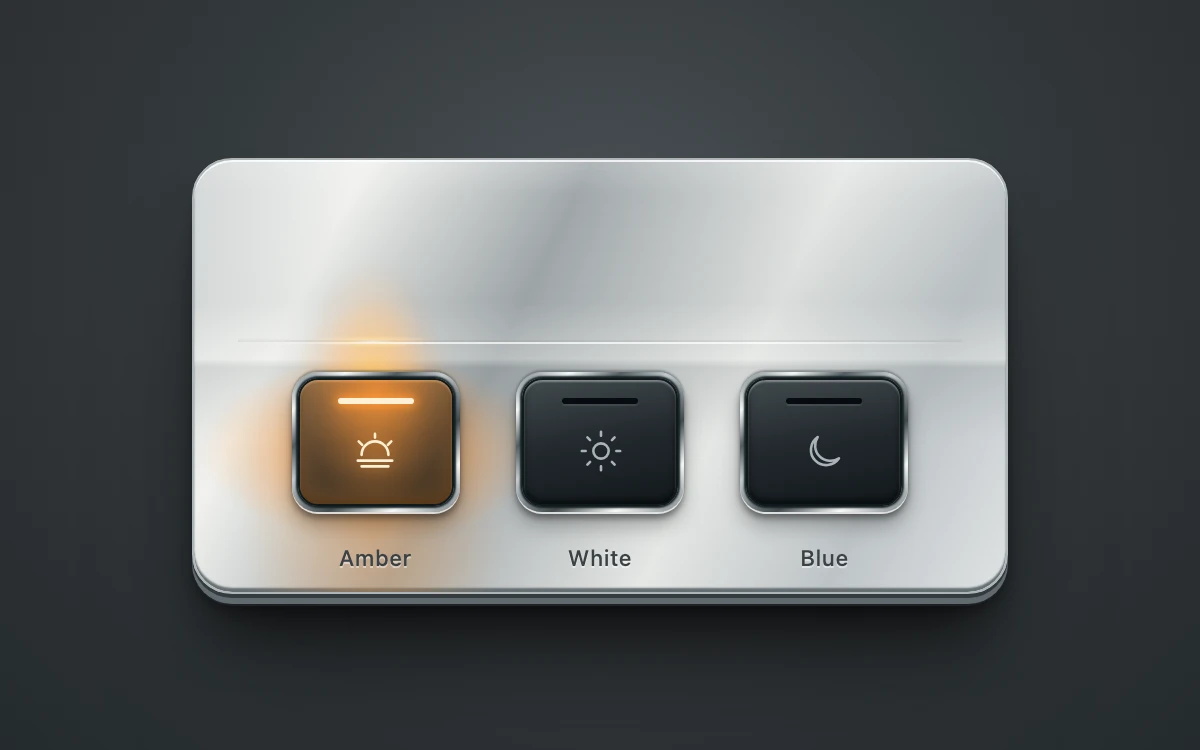
Illuminated metal keys
Select a light color to illuminate its key and the metal above it.

Subframe Motion Library
Open-source React animations, Motion components and WebGL shaders.
288 examples
Select a light color to illuminate its key and the metal above it.
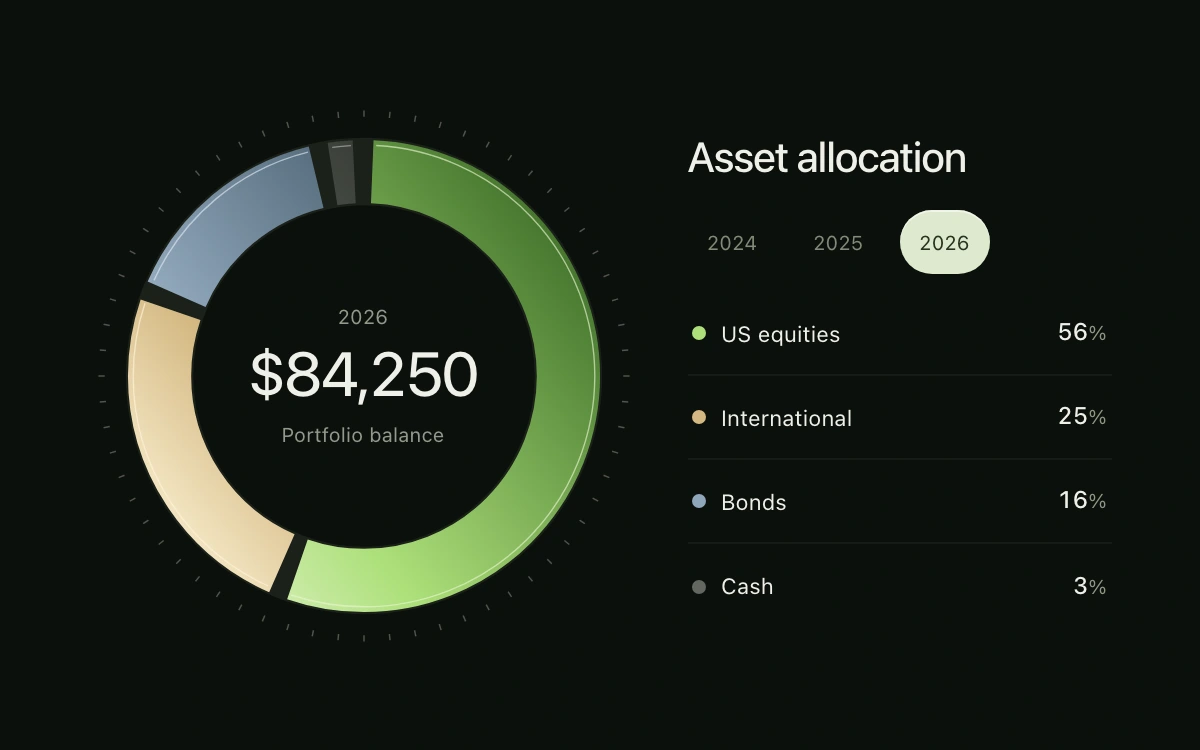
Choose a year; hover, focus or select a holding.
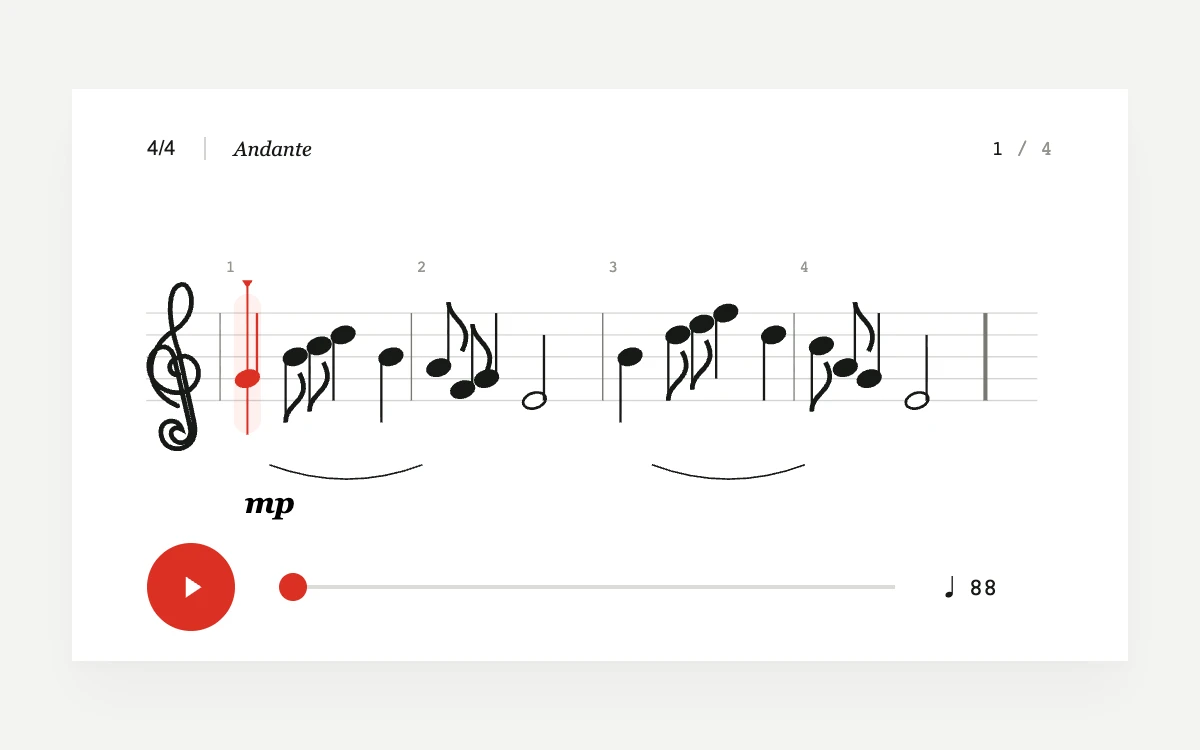
Play, change the tempo, or drag the score to seek

Scrub the reveal in either direction.
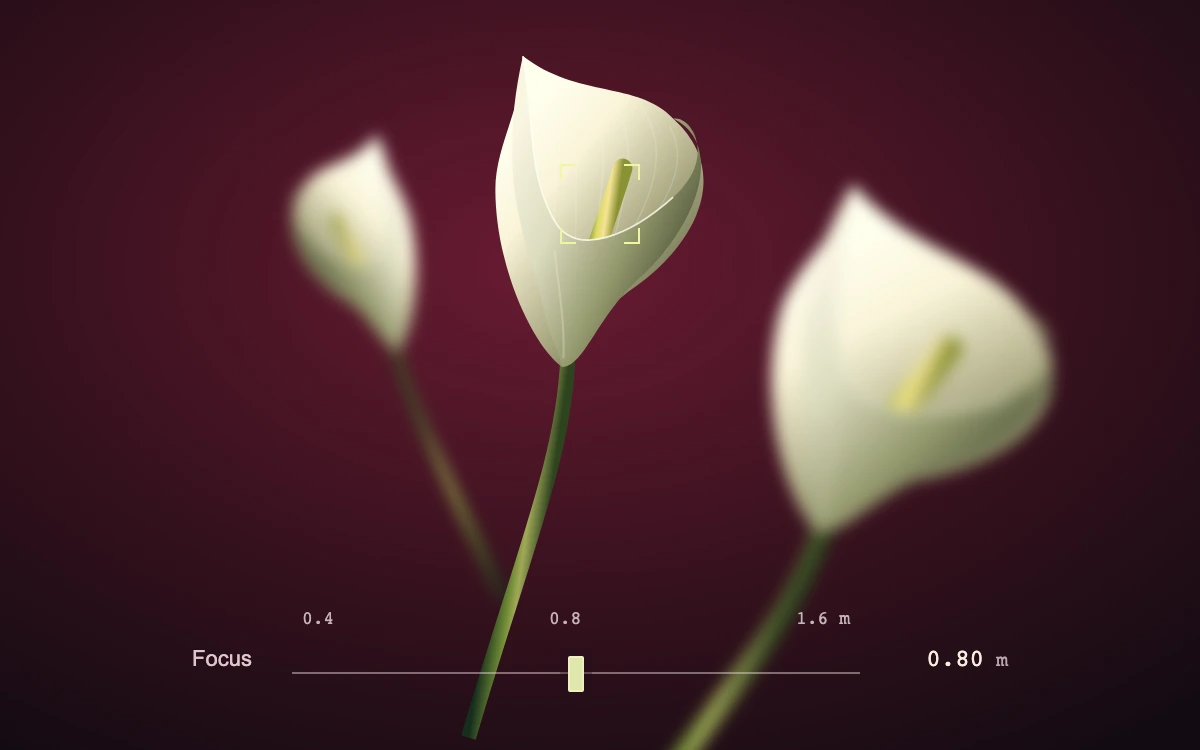
Select a flower or move the focus rail.
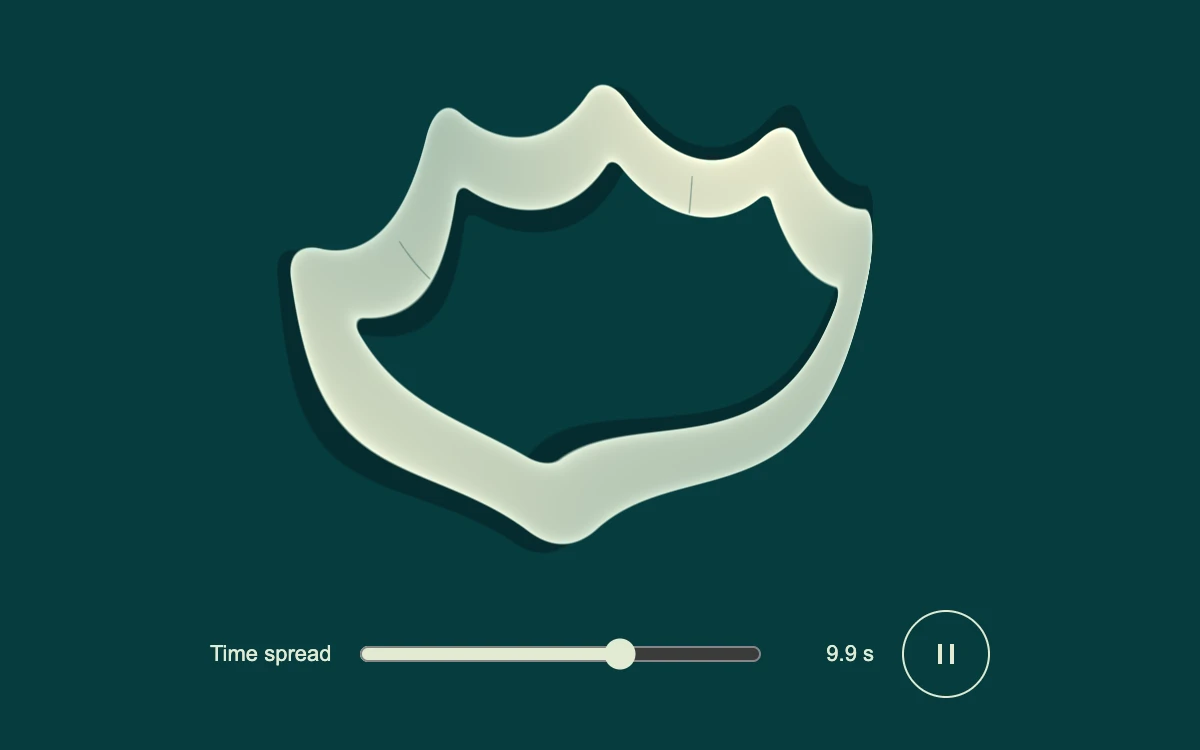
Change time spread or pause the scan.
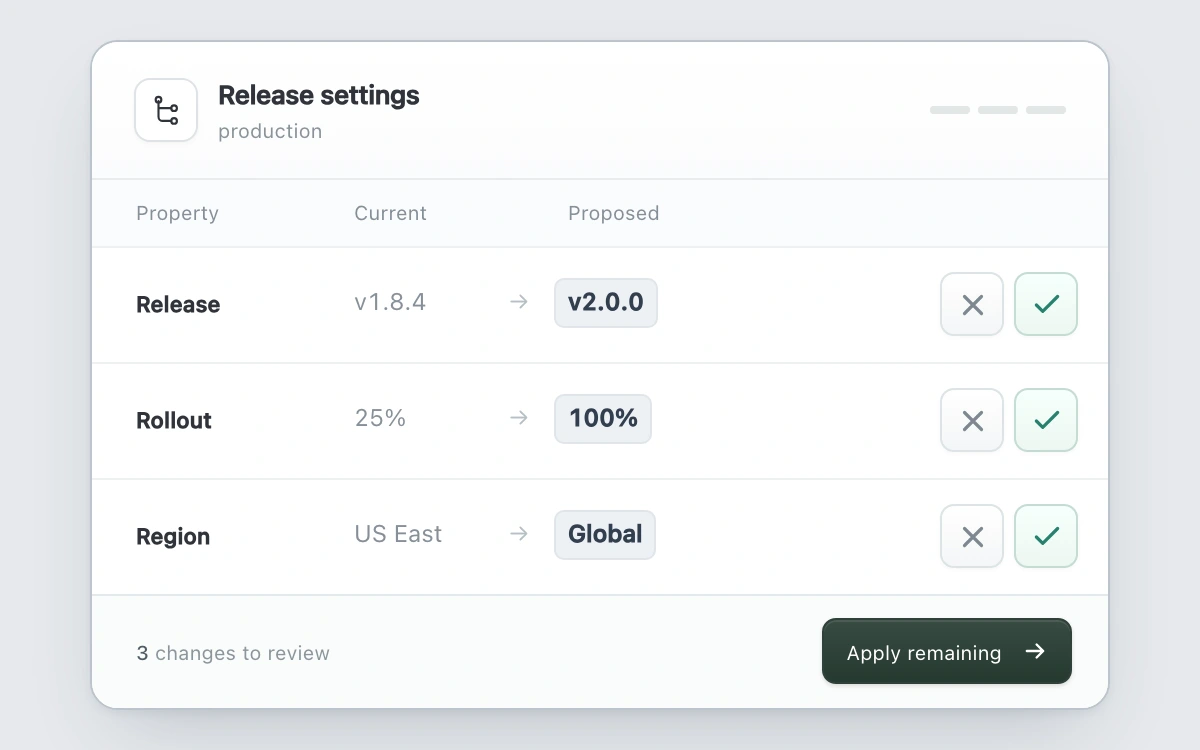
Accept or reject each field, undo a decision, or apply the remaining changes.
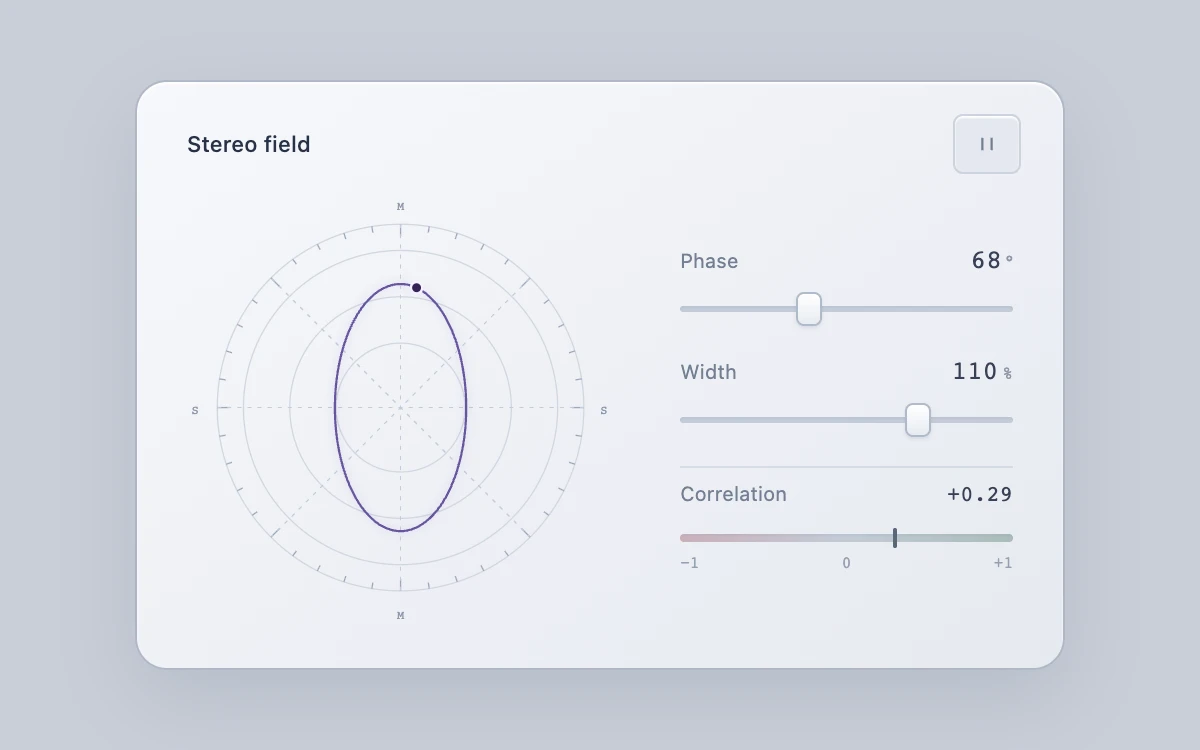
Adjust phase and width, inspect correlation, and pause or resume the trace.
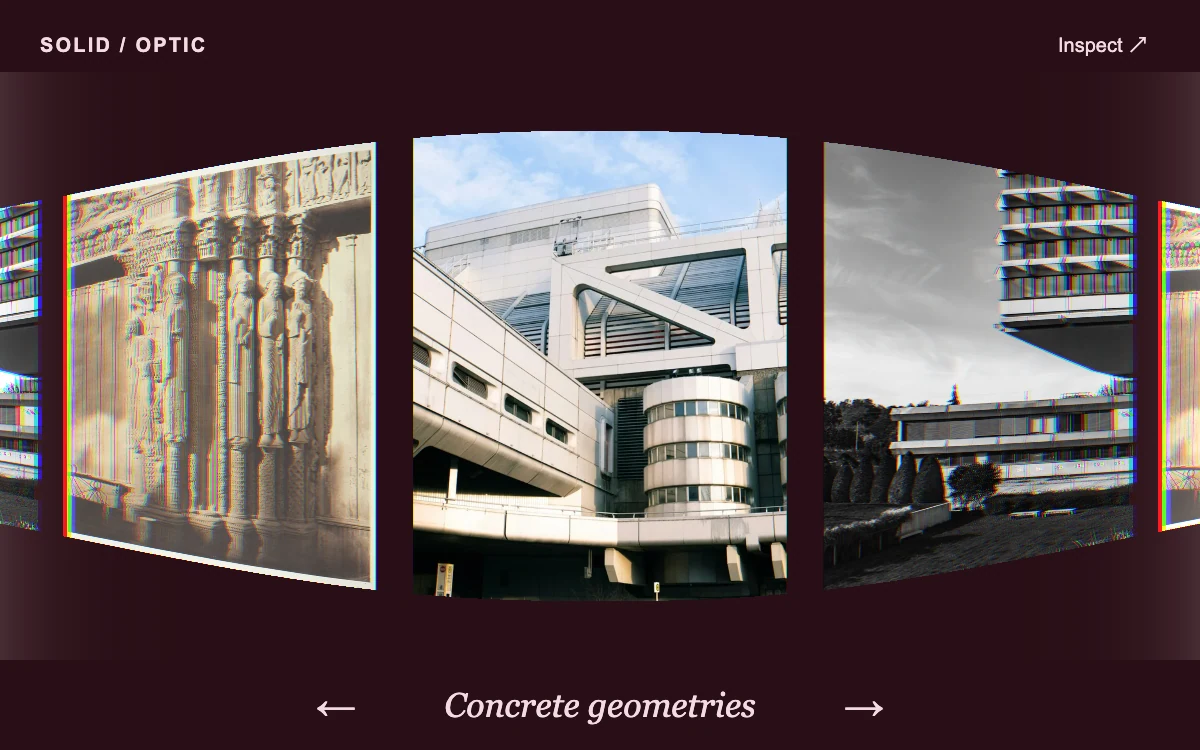
Drag or step through images, then choose Inspect.
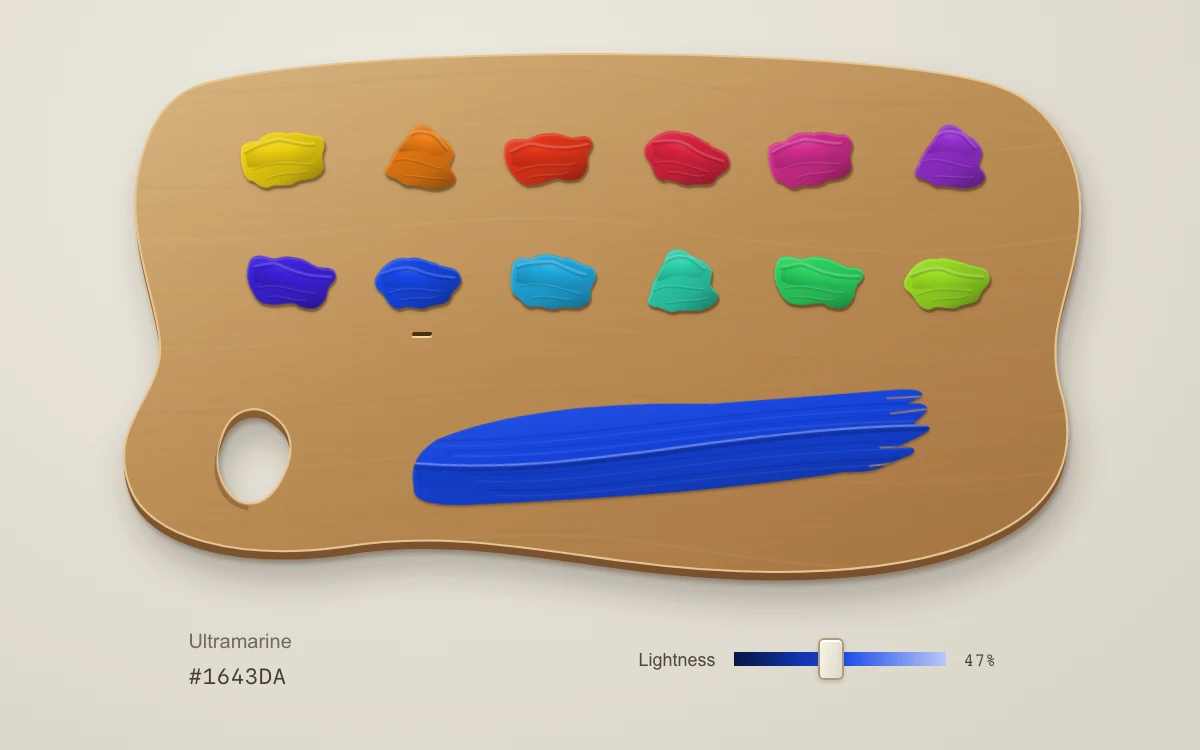
Choose a pigment, then adjust Lightness. Arrow keys move through the two rows; Home and End jump to the first and last pigment.
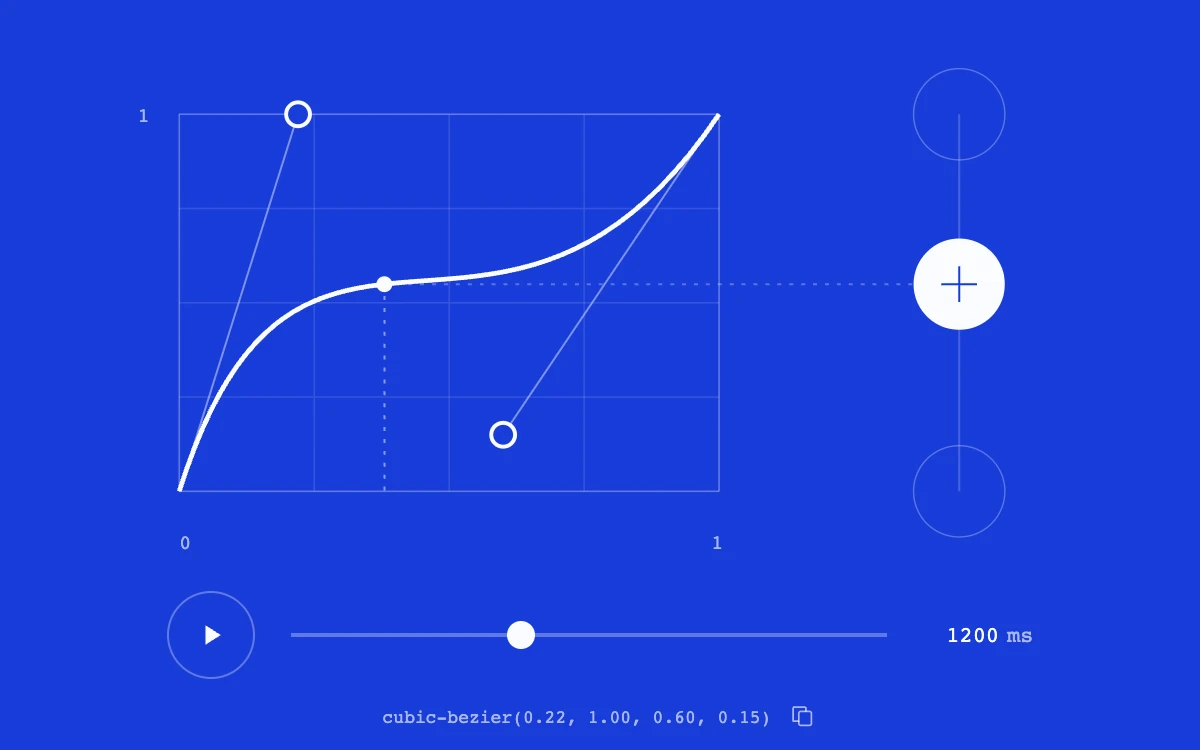
Drag the handles, scrub time, play the motion, or copy the CSS curve
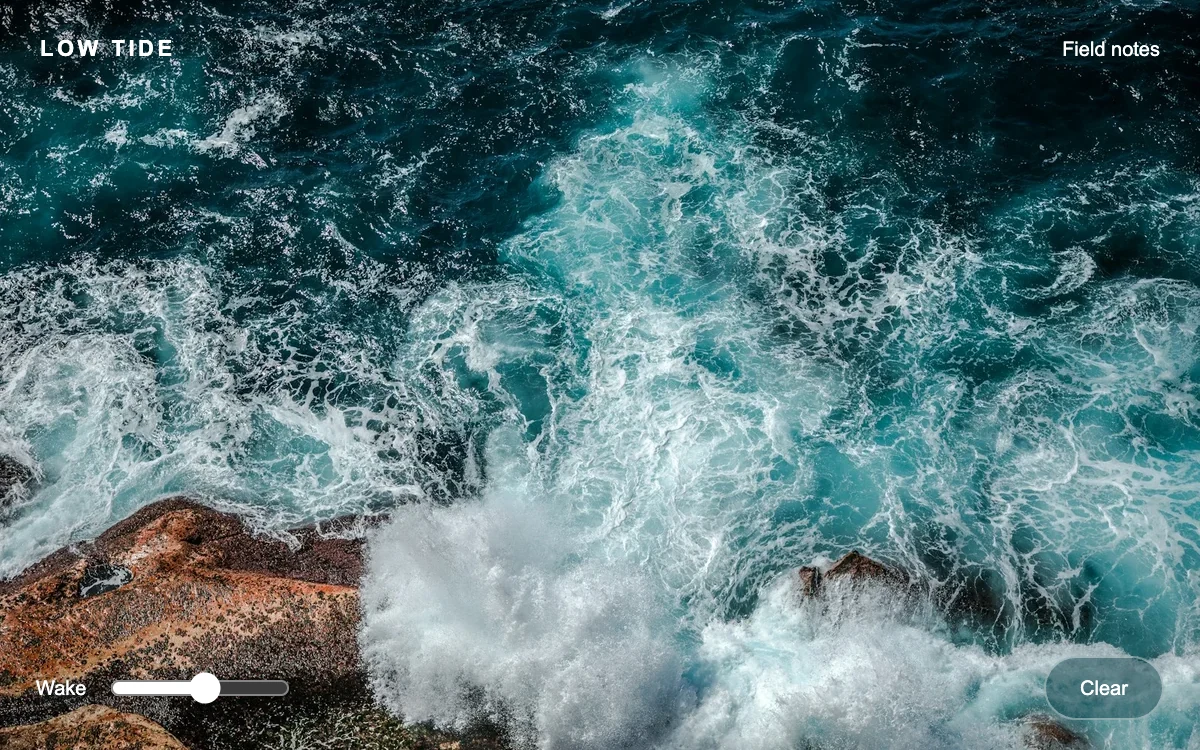
Move across the water and adjust the wake strength.
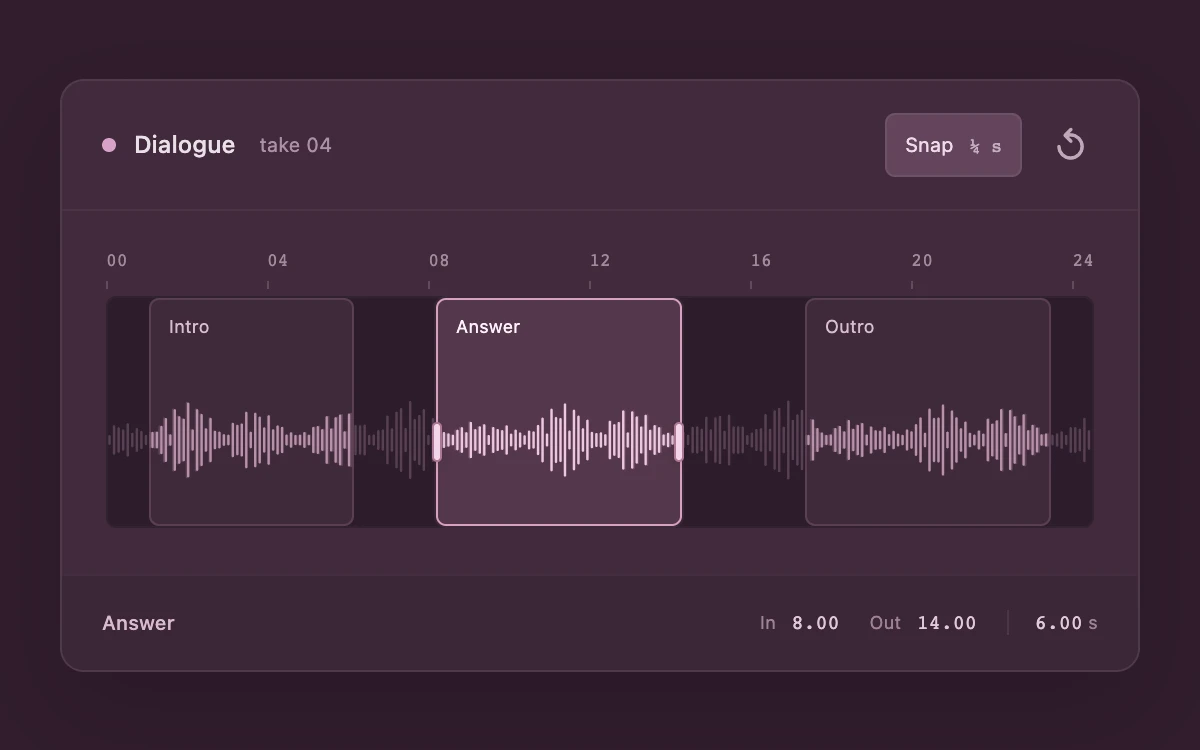
Drag a region or its selected edges; use arrows, Shift, Home and End; toggle quarter-second snapping or reset.
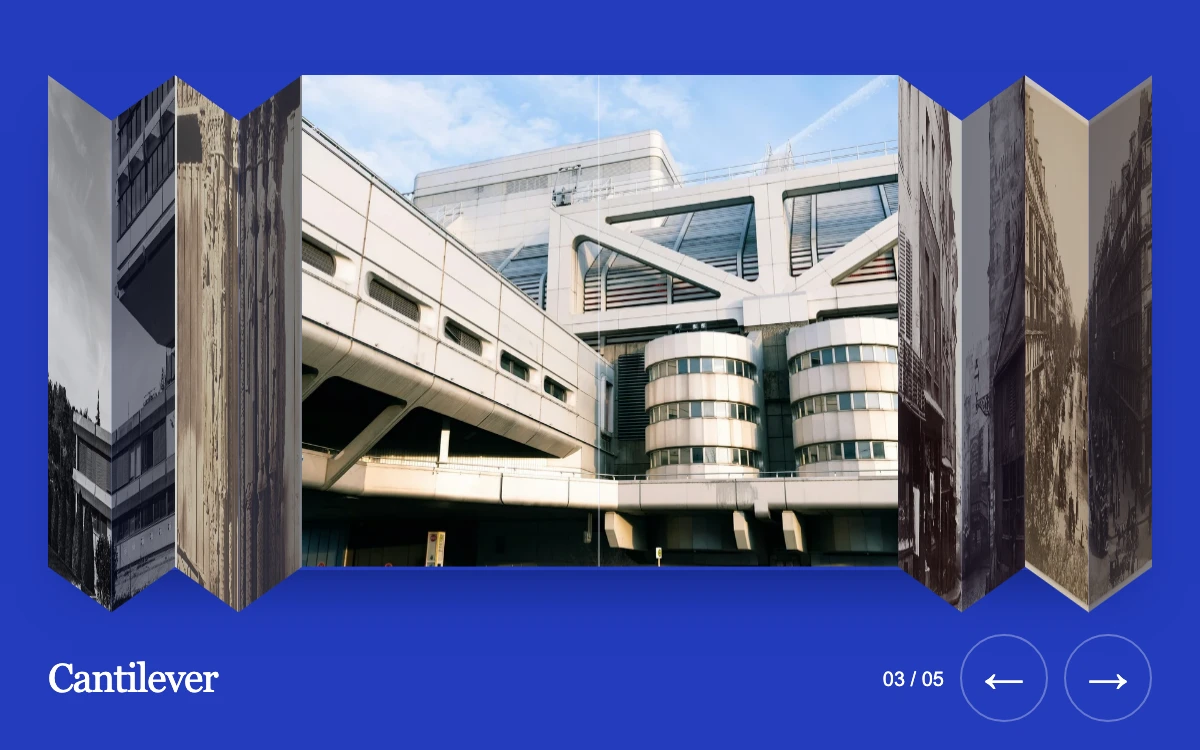
Drag the photographs, choose one, or use the arrows. Left, Right, Home and End navigate directly.
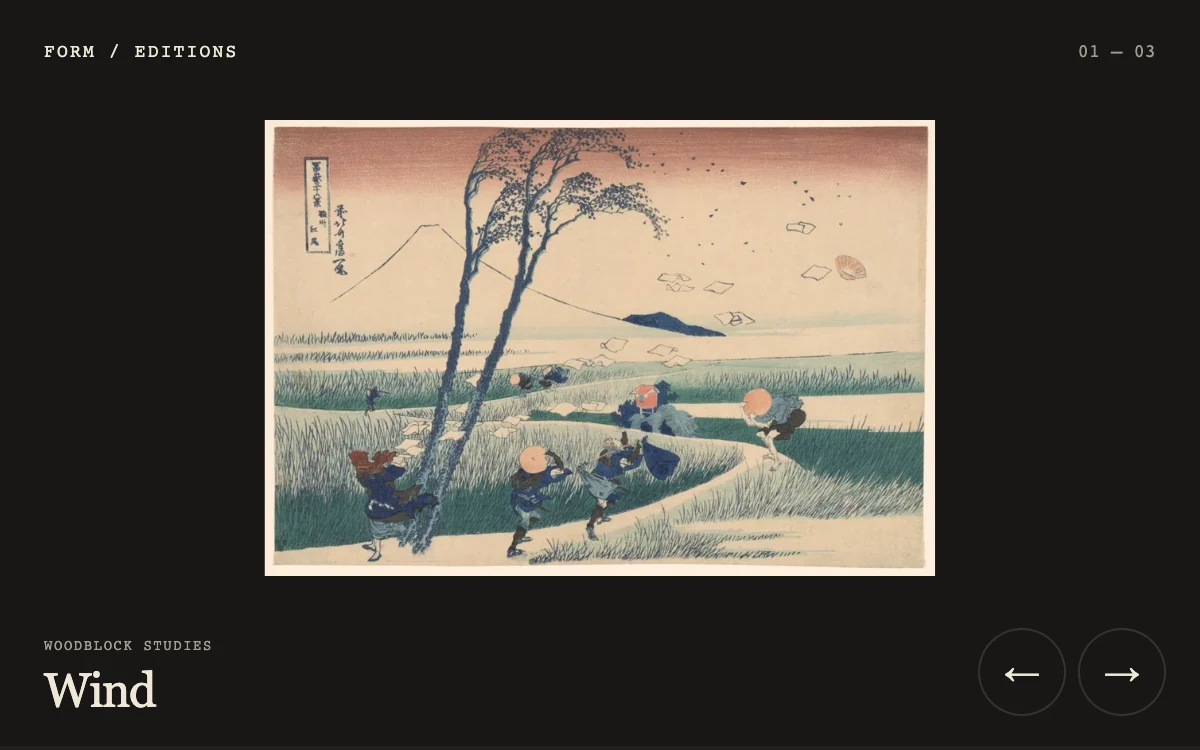
Drag left across the print or select the next and previous controls.
Drag the value, click to type, or use arrow keys; Shift accelerates and Alt refines
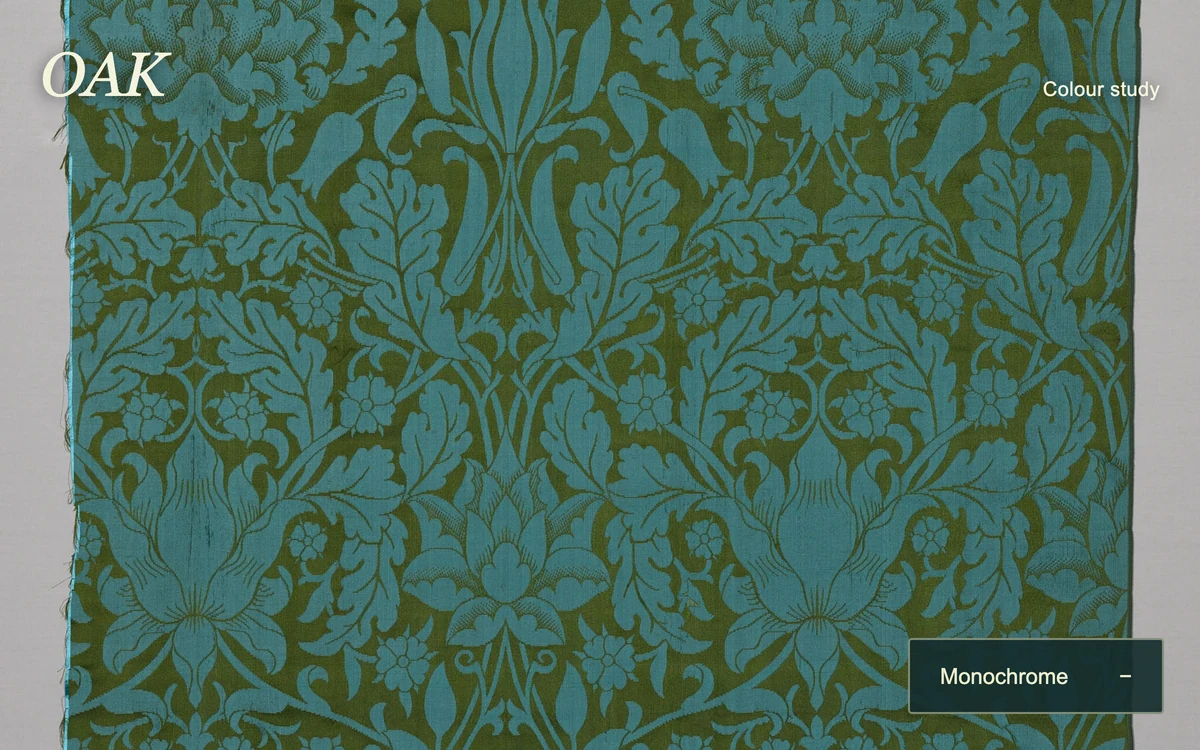
Paint across the textile or develop all its color.
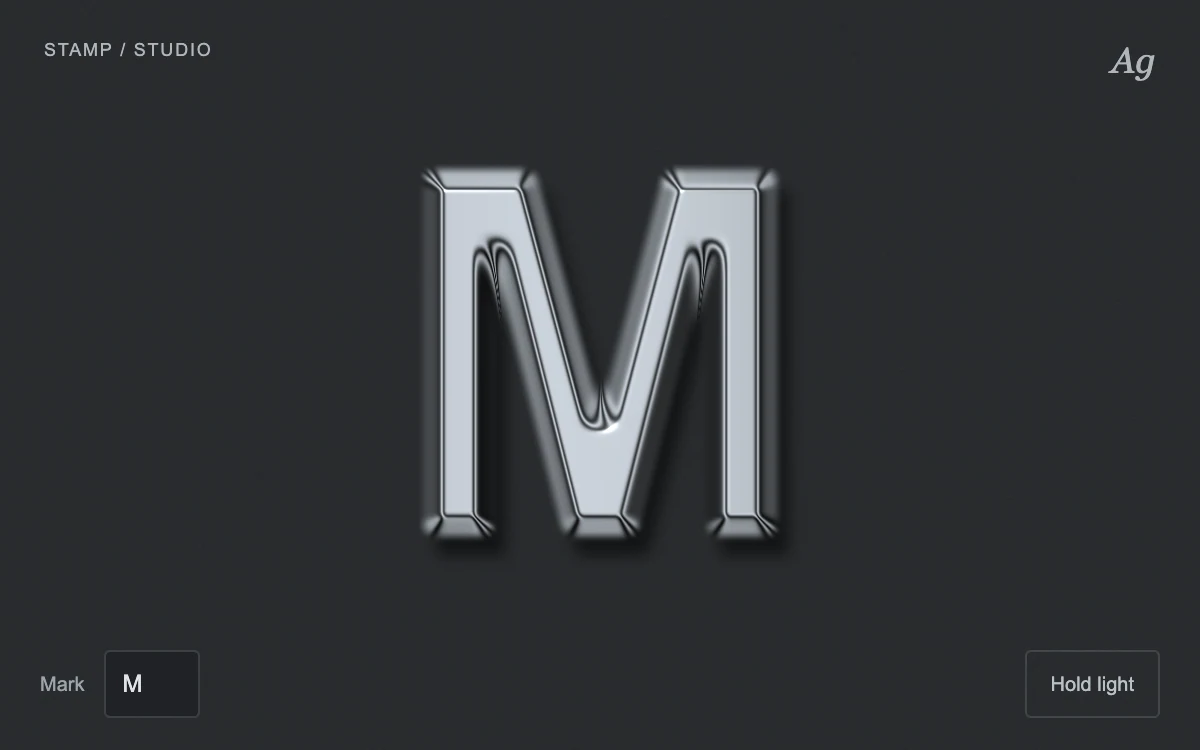
Change the mark, move the light or hold it in place.
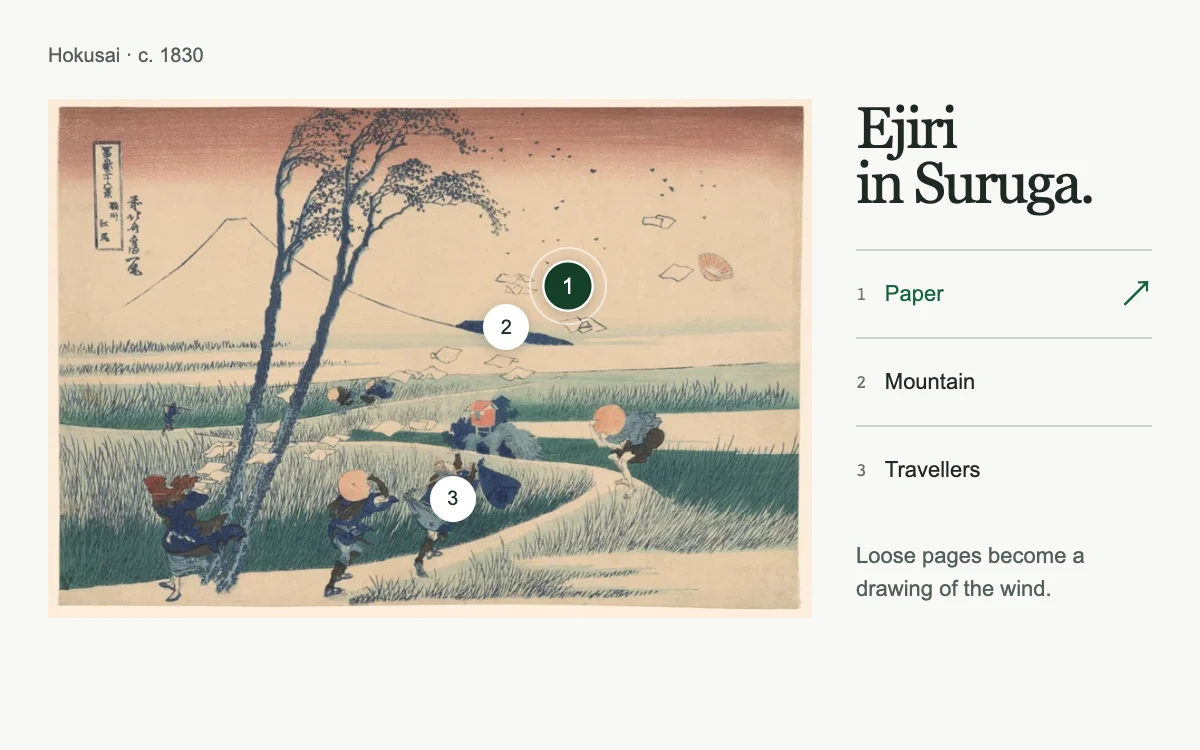
Choose a point on the print or a detail in the index

Drag a letter and release it, or use arrow keys and Enter
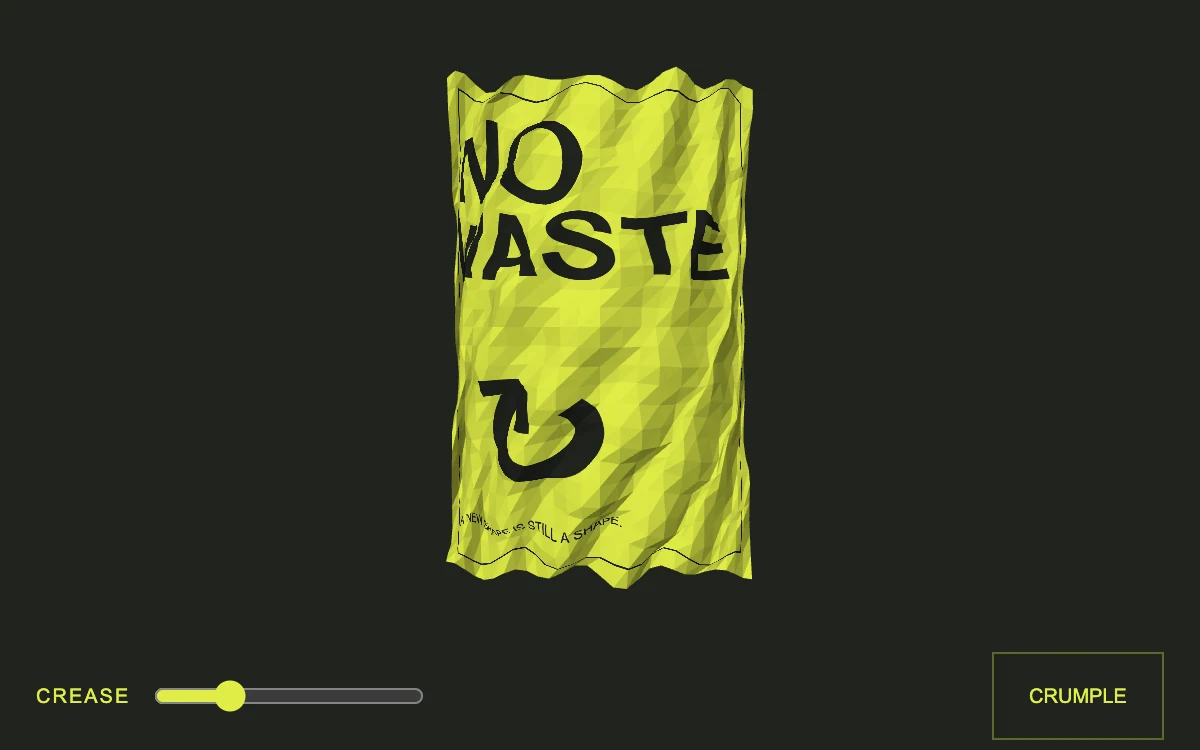
Crumple the paper or adjust the crease.
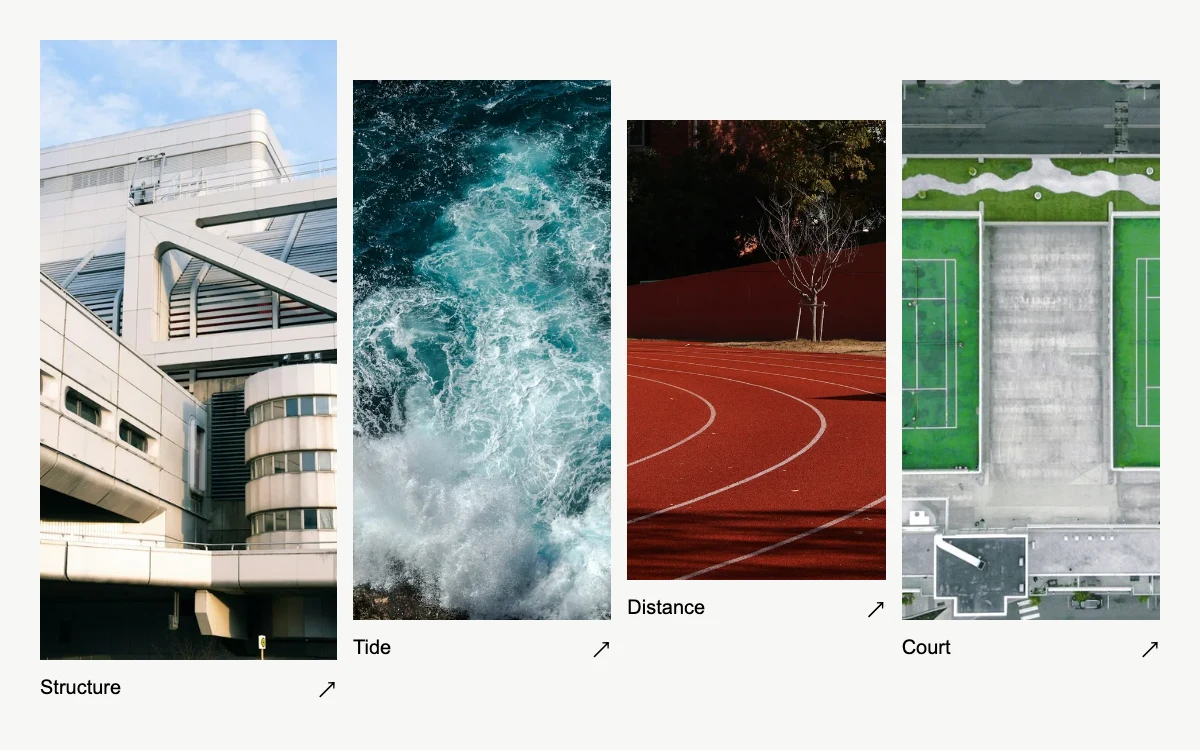
Open a photograph; browse, enlarge and drag. Arrow keys browse or pan the enlarged image.
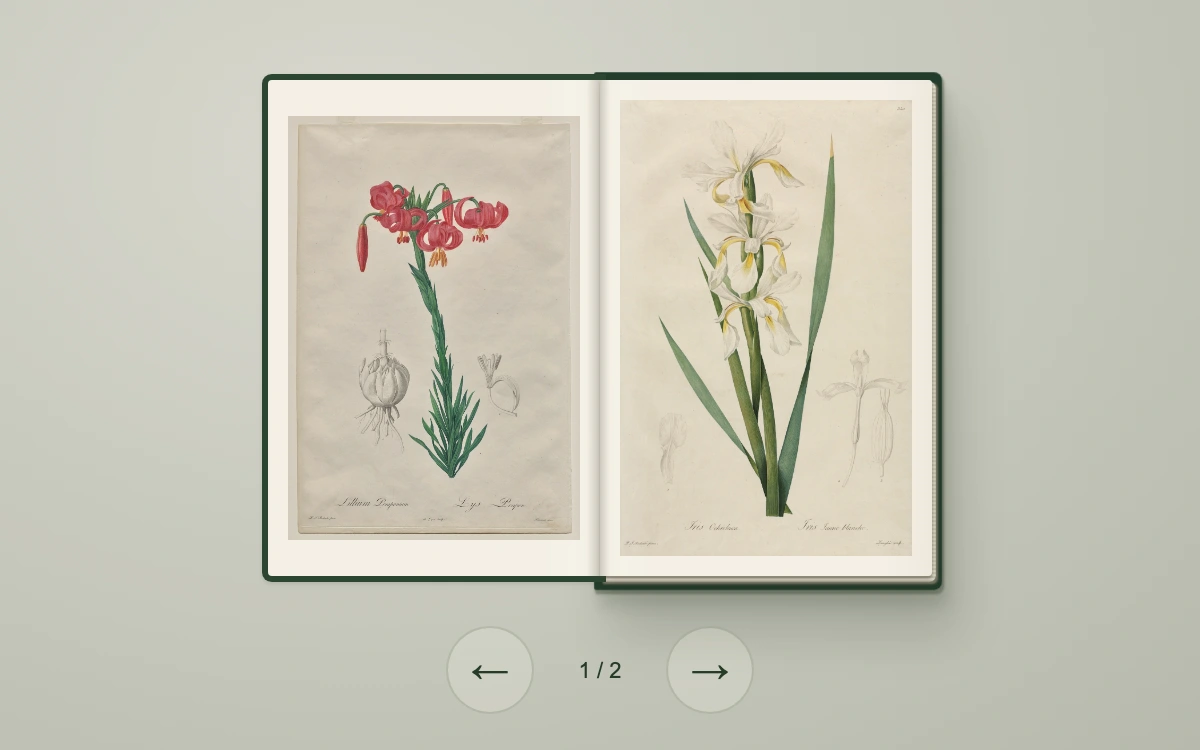
Turn the spreads, go back or close the cover.
Move across the surface to stir it.
Hover or select a mode. Arrow keys, Home and End select immediately.
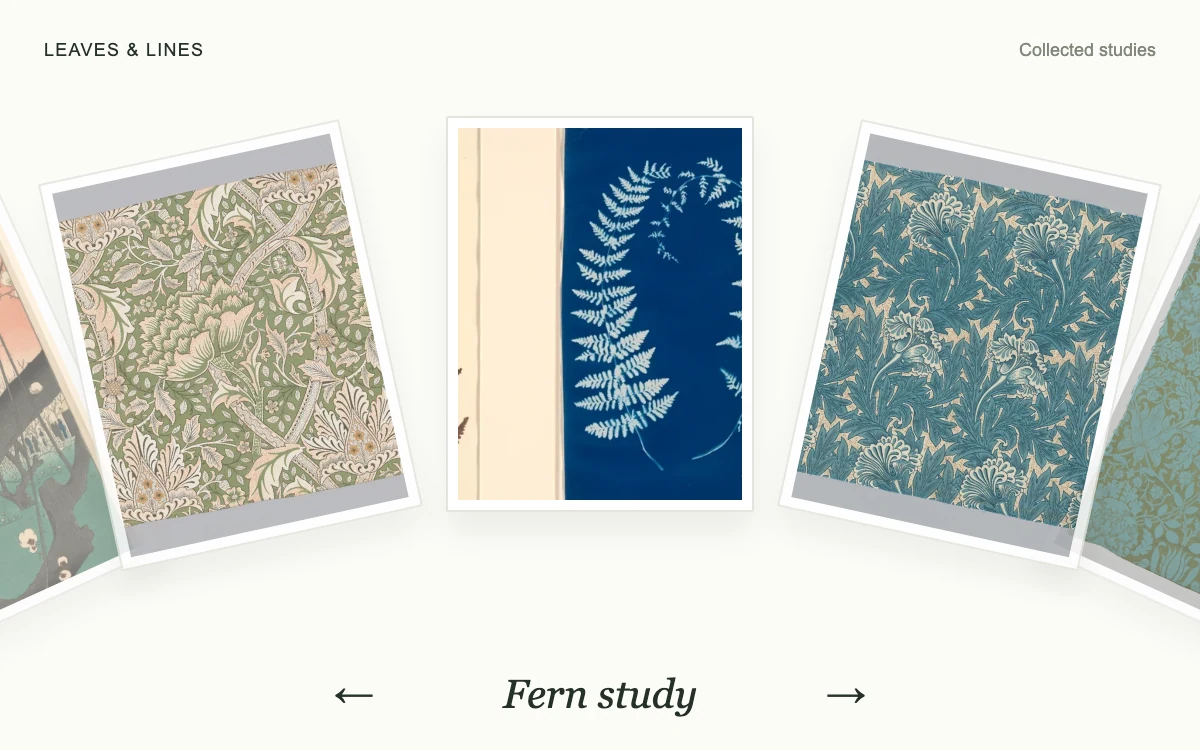
Drag the plates or use the previous and next controls.
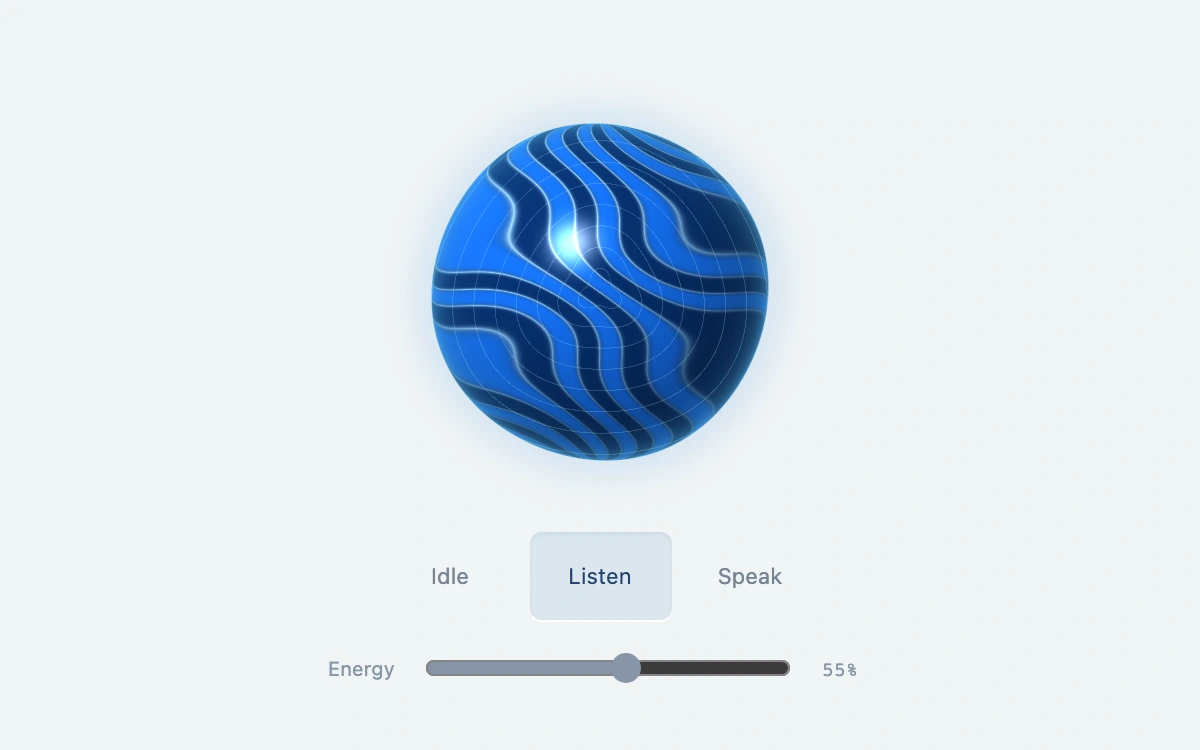
Select Idle, Listen or Speak, then adjust energy.

Open the folder and select a print.
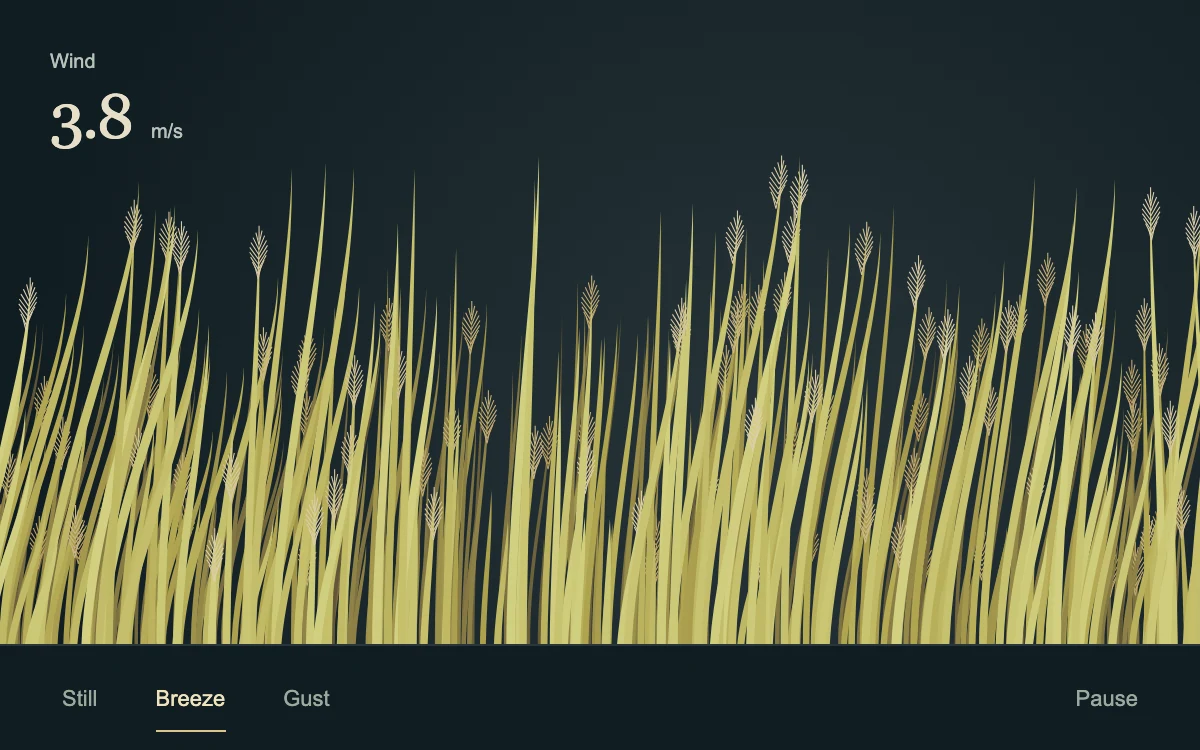
Brush across the reeds or change the wind strength
Adjust parameter.
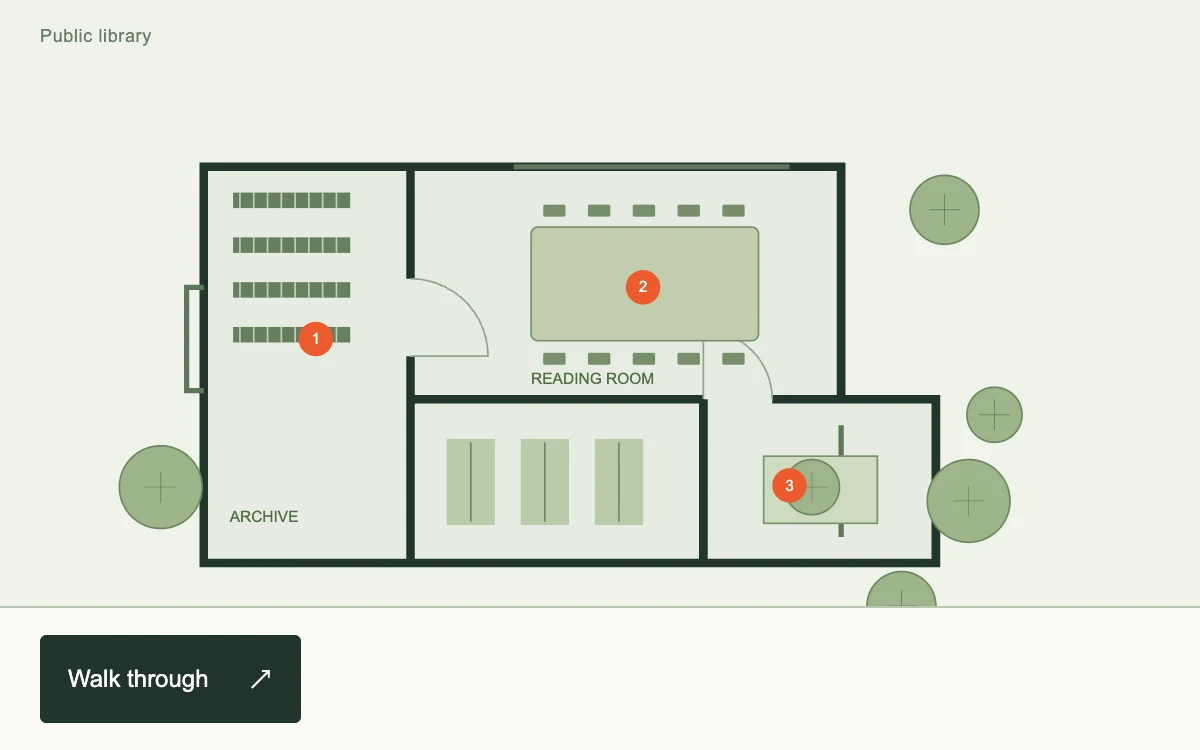
Start the walkthrough; advance through three points or use arrow keys. Escape exits.

Scroll, drag upward, scrub the aperture slider or choose Open view.
Adjust ribbon width.
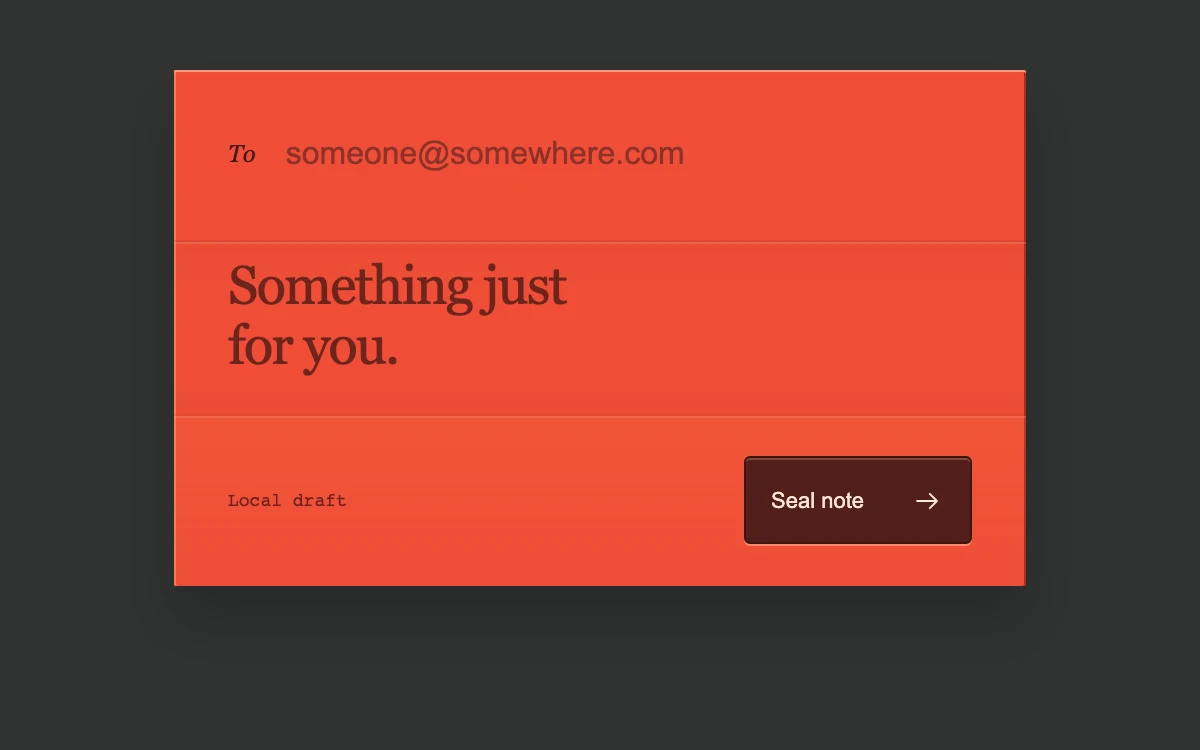
Enter a recipient email and note, seal the draft, then open it again; cancel while folding
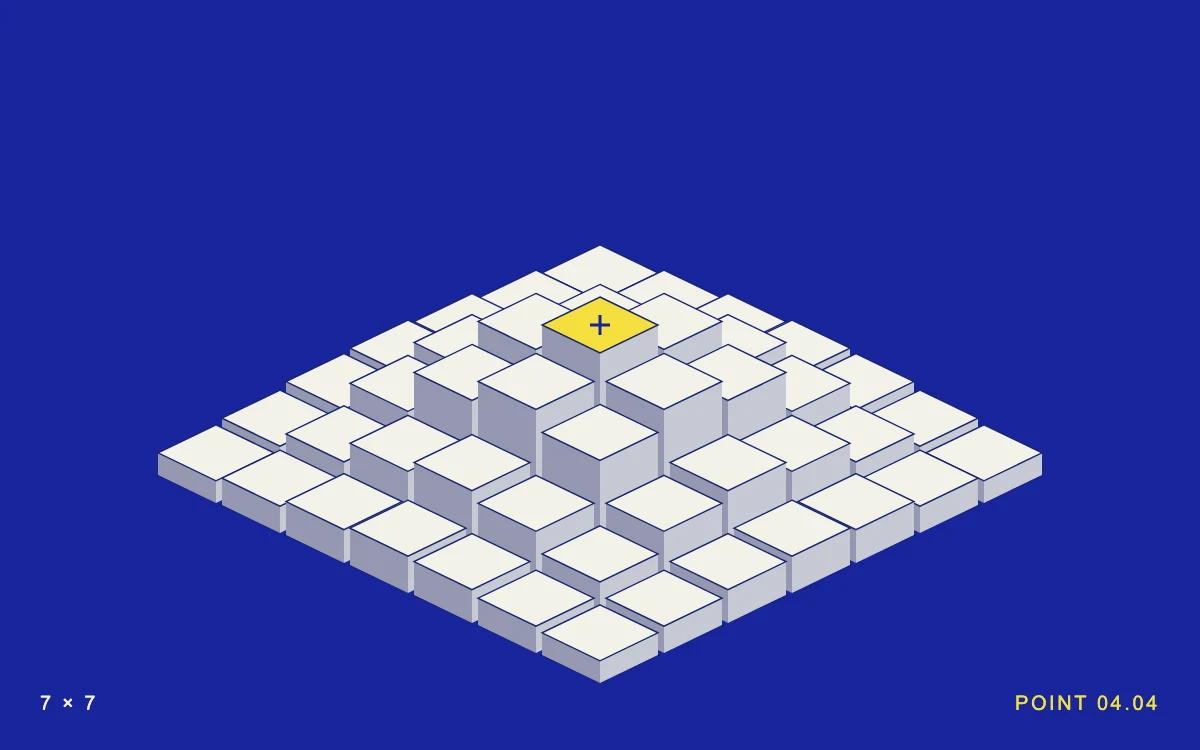
Move across the field or select a point.
Adjust mode.
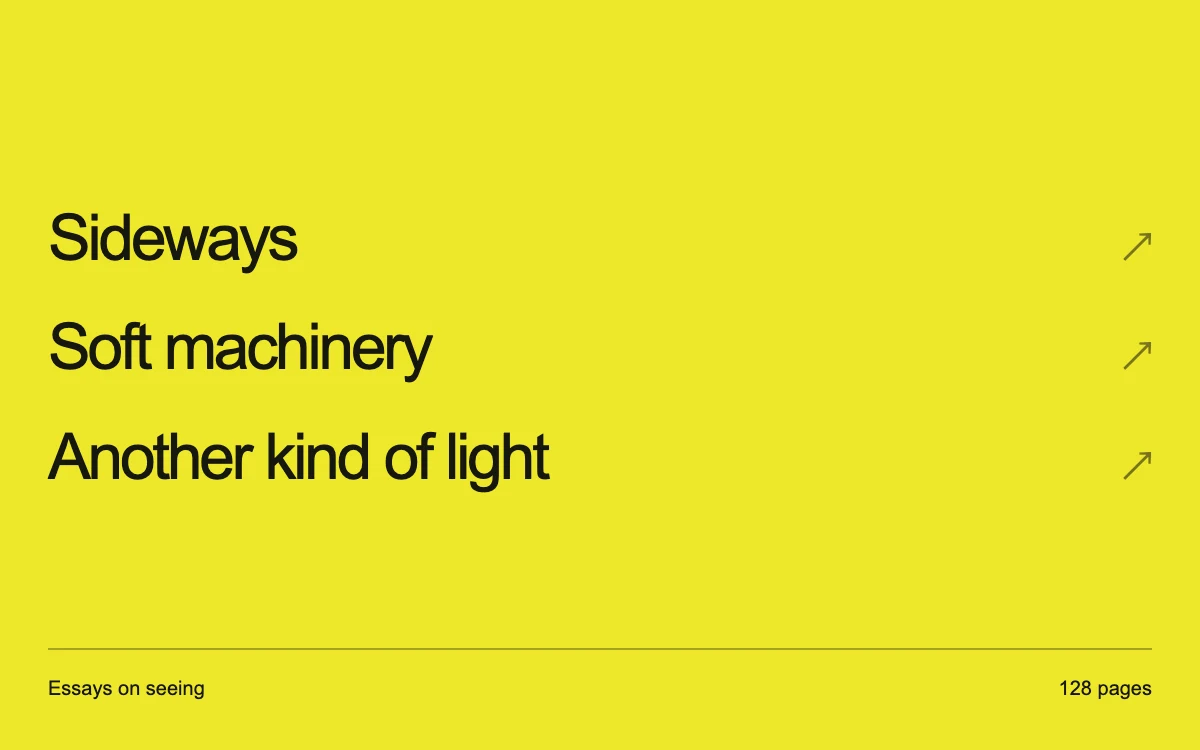
Move across titles and choose a book.
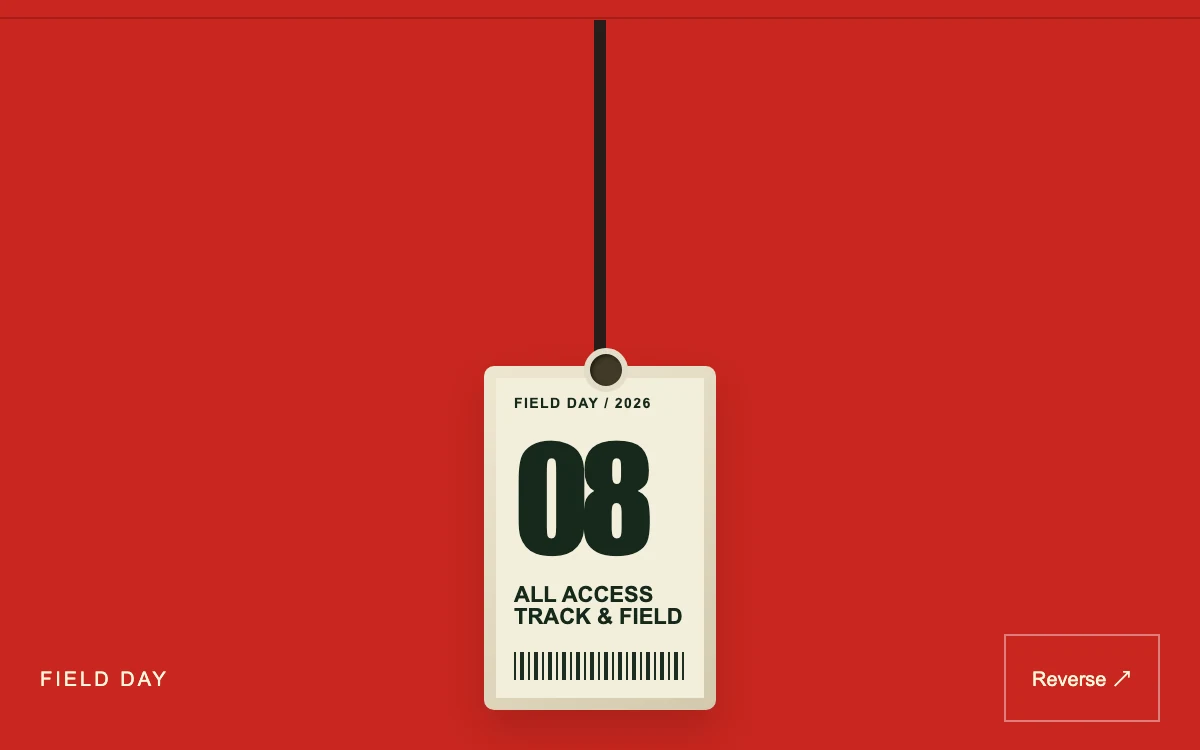
Drag the pass and release.

Adjust track spacing.
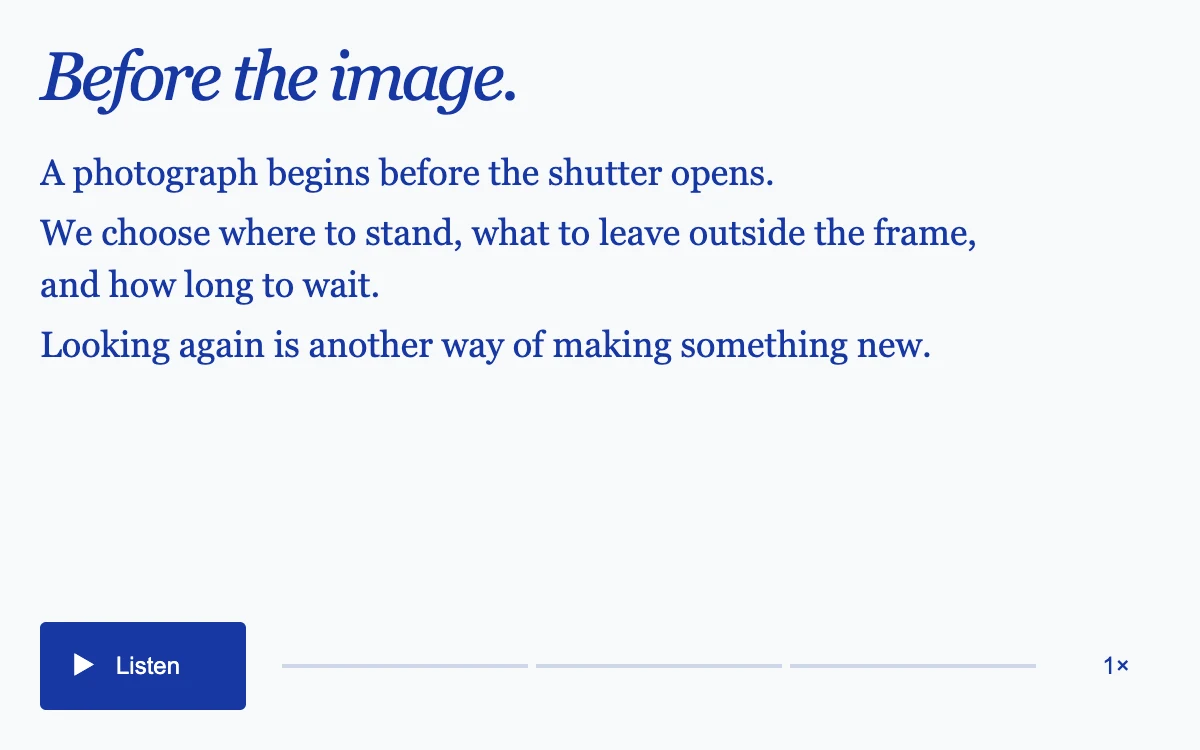
Listen, pause, select a sentence or change the speaking rate.
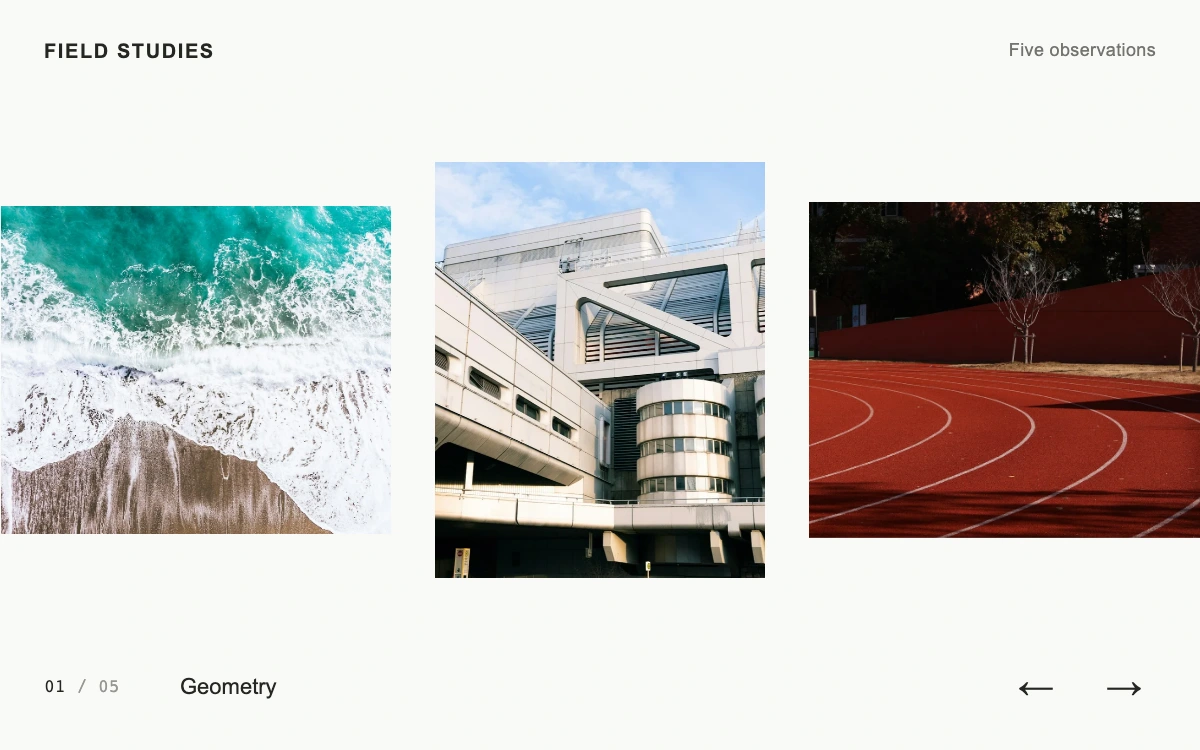
Drag or swipe the rail; use Previous, Next or keyboard arrows to center an image.
Adjust cut angle.
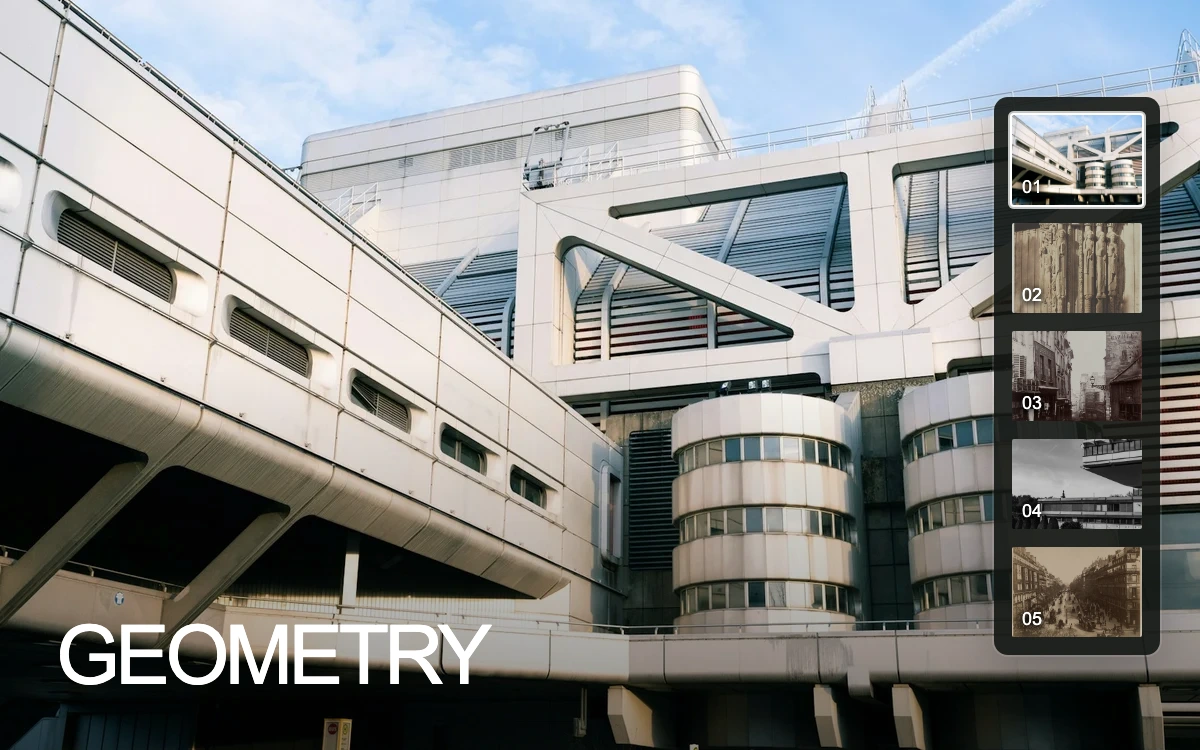
Choose a thumbnail. Up, Down, Home and End move the focused selection.
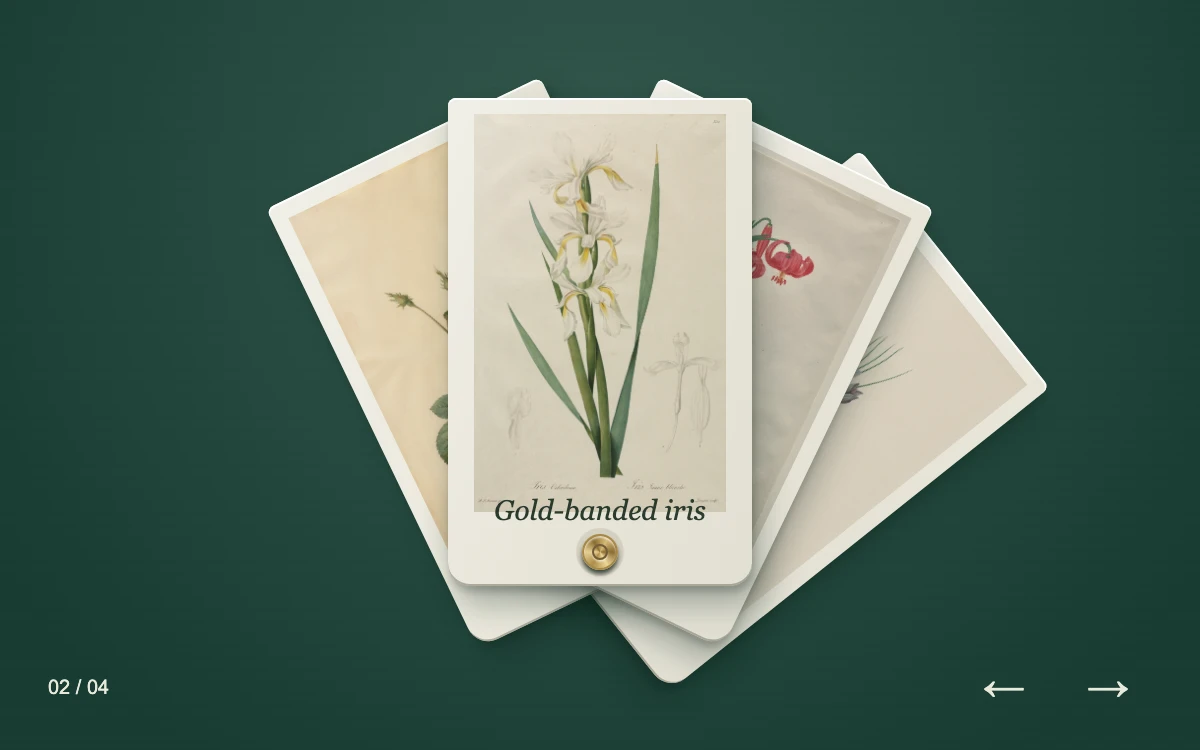
Drag or select a specimen. Use the arrows, Left, Right, Home and End to browse.
Adjust thread width.
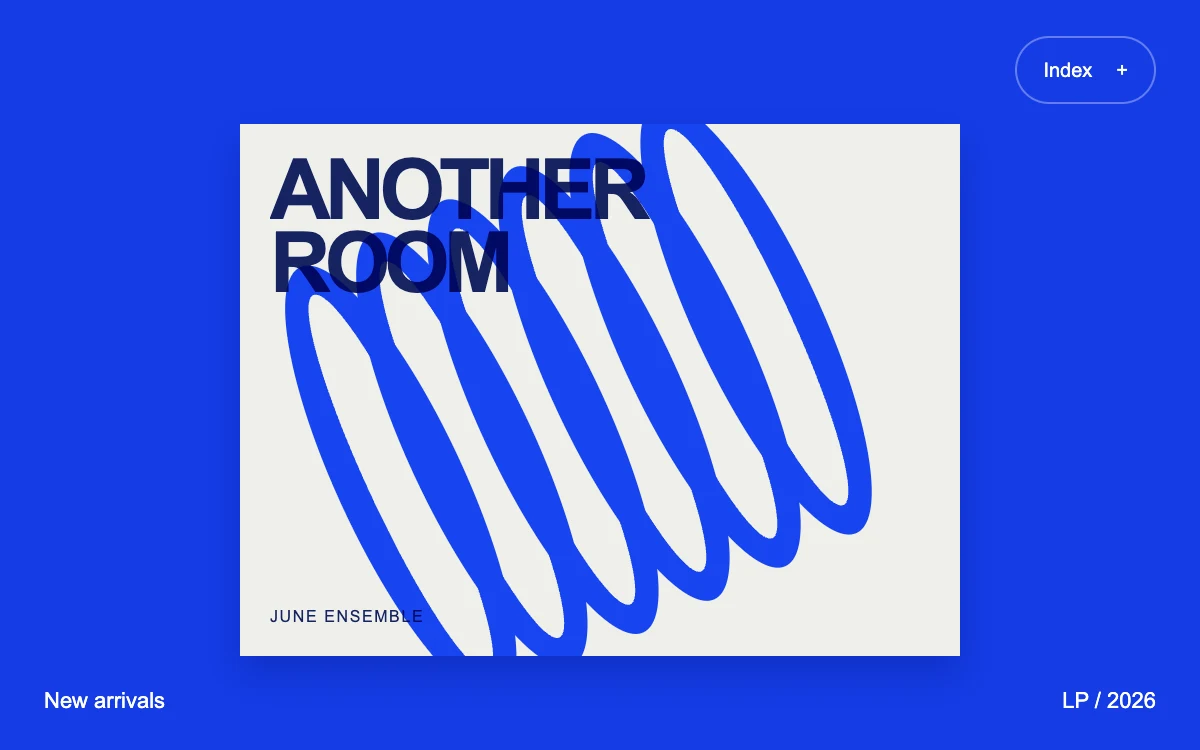
Open the index and choose a collection.
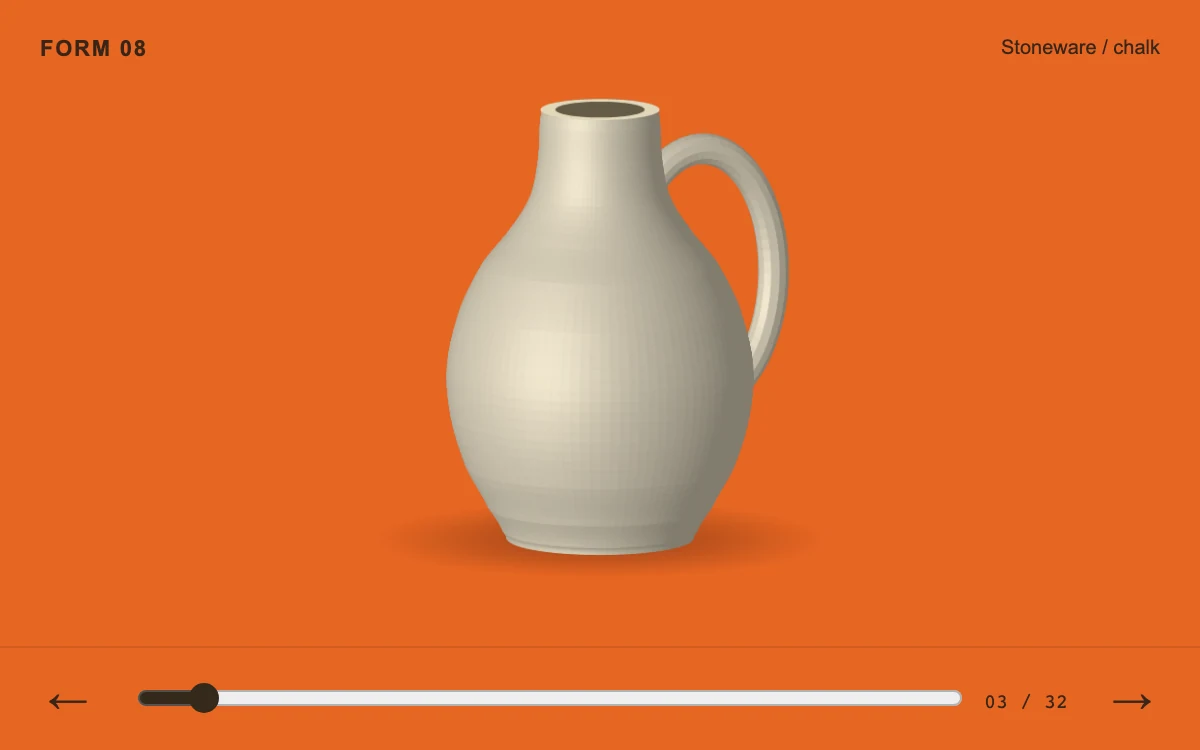
Scroll through the object or select an individual view.

Adjust registration.
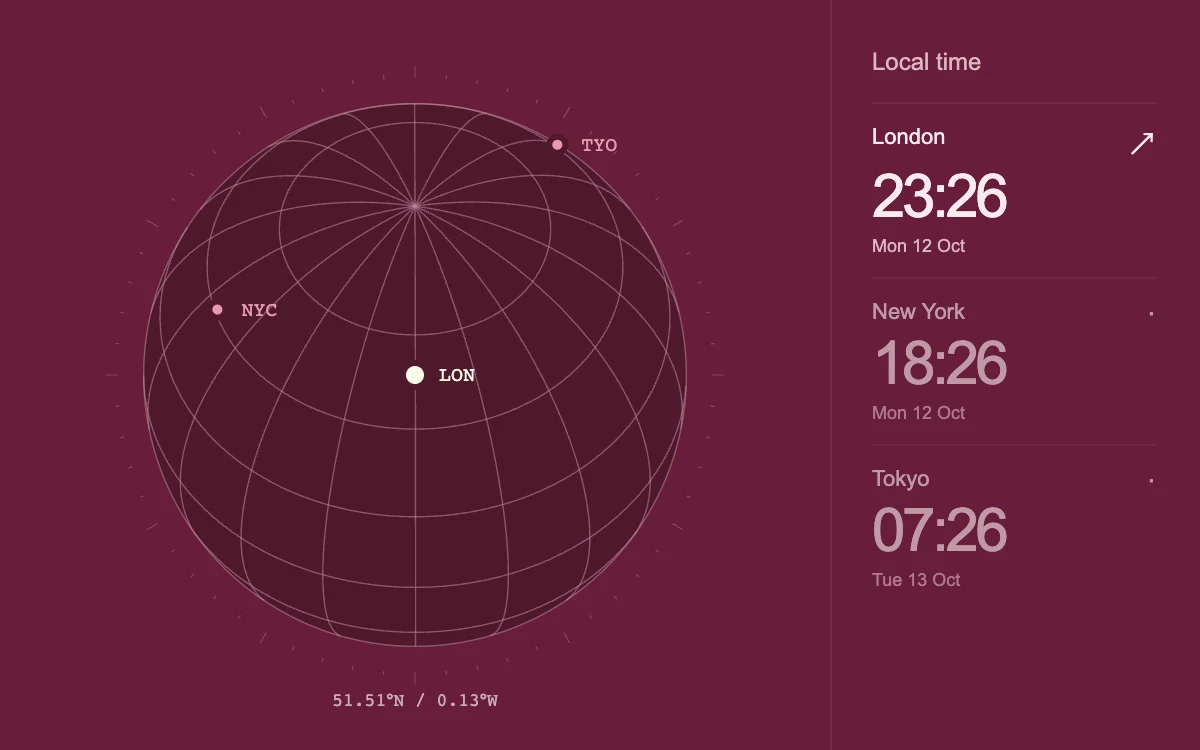
Select a city or drag the globe. Focus the globe and use arrow keys; Home returns to the selected city.
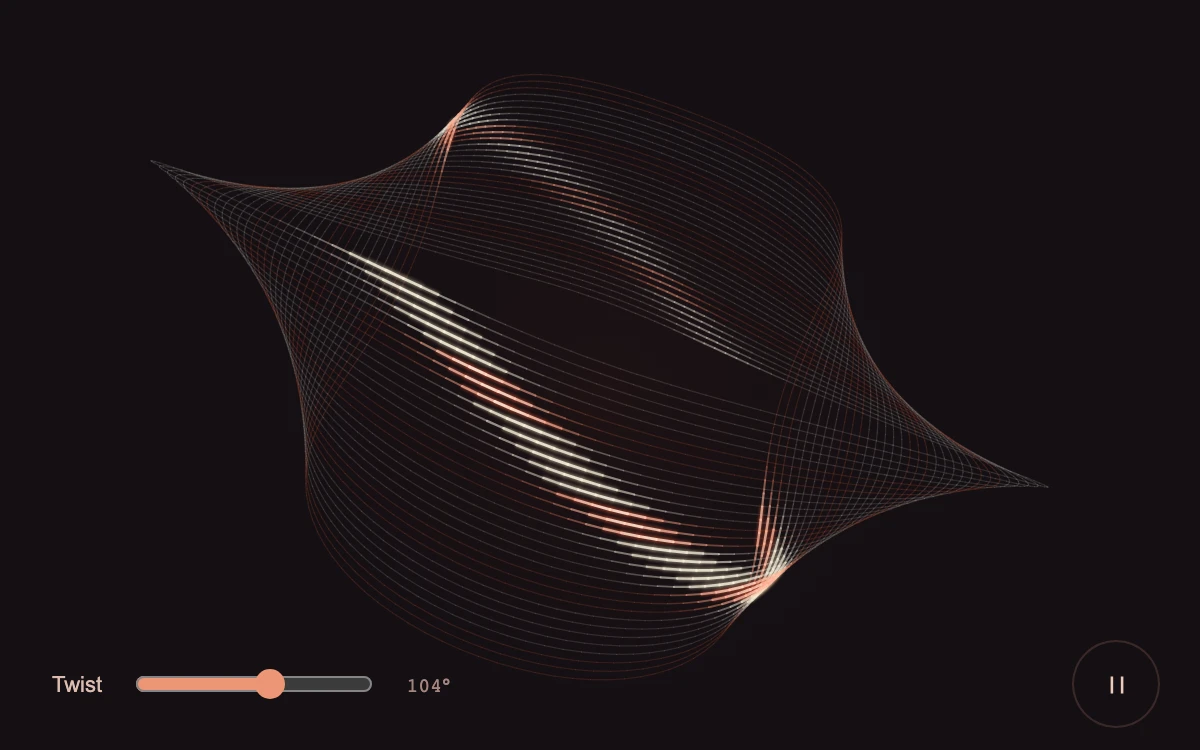
Drag the loop or adjust Twist; pause to inspect the light.

Adjust character size.
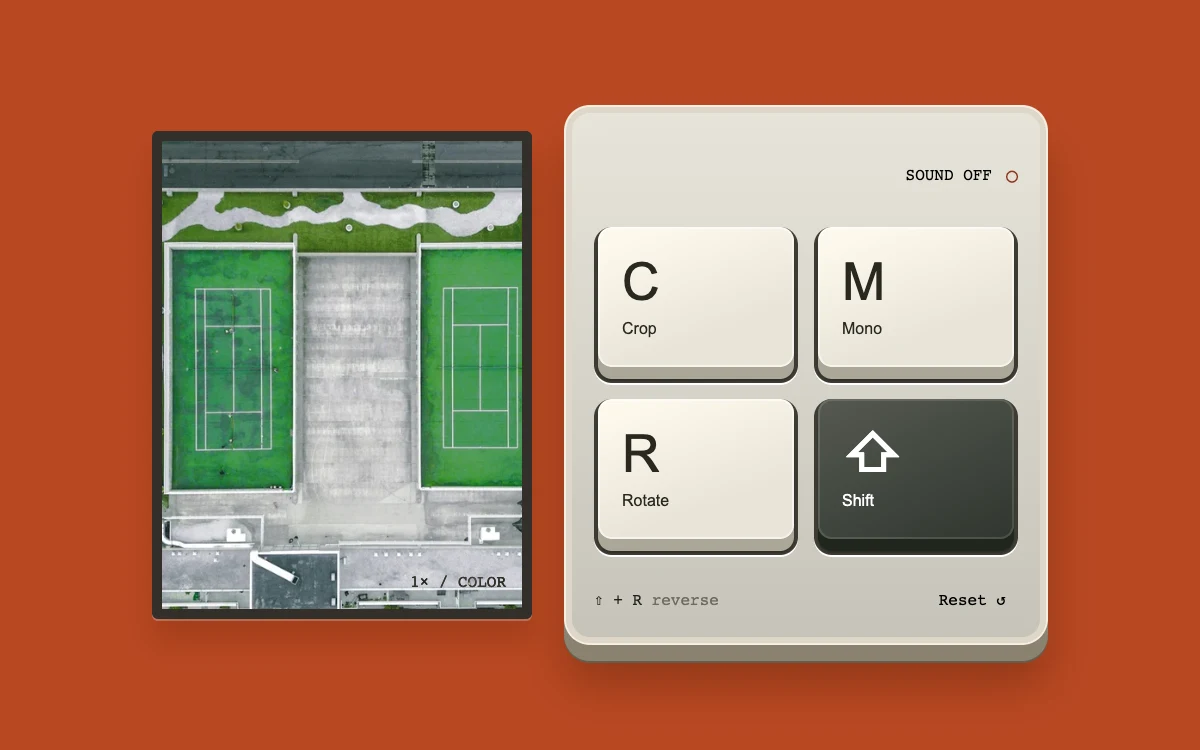
Press C, M and R or the keycaps. Hold Shift with R to rotate backward. Enable sound explicitly if desired.
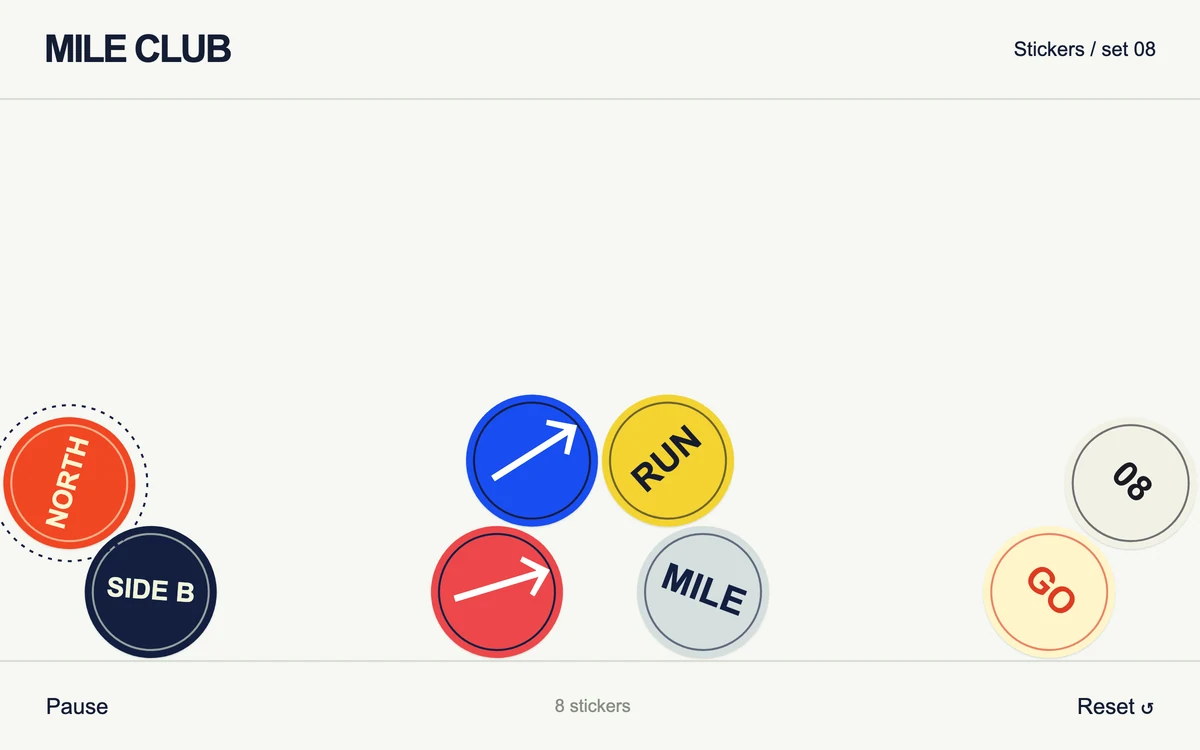
Drag and release a seal, or pause and arrange it with the keyboard.
Adjust view angle.
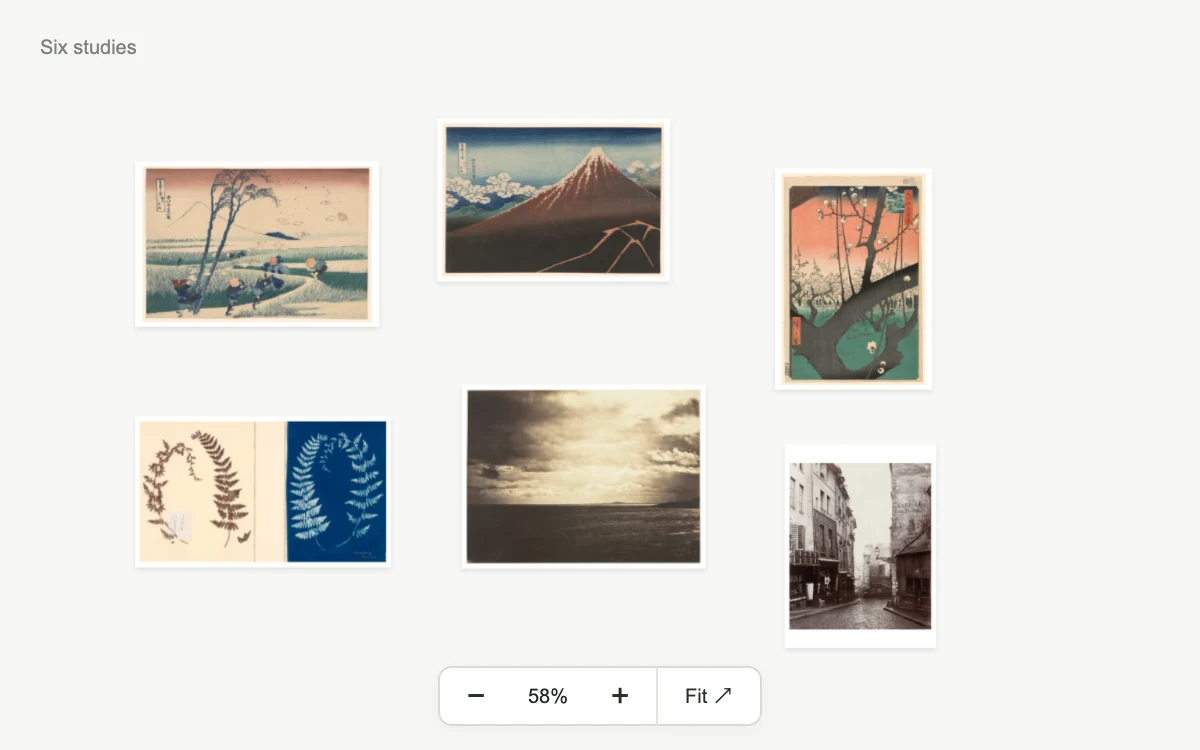
Drag the canvas, zoom or choose a work.
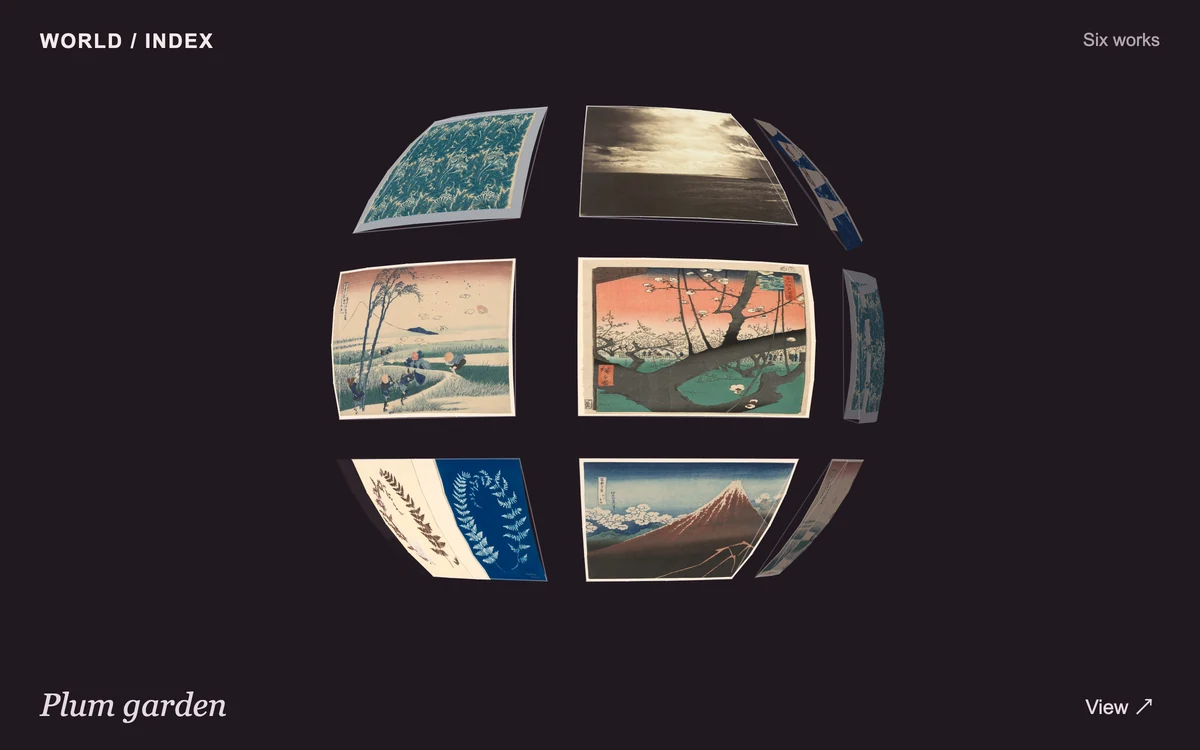
Orbit the sphere and open a work.
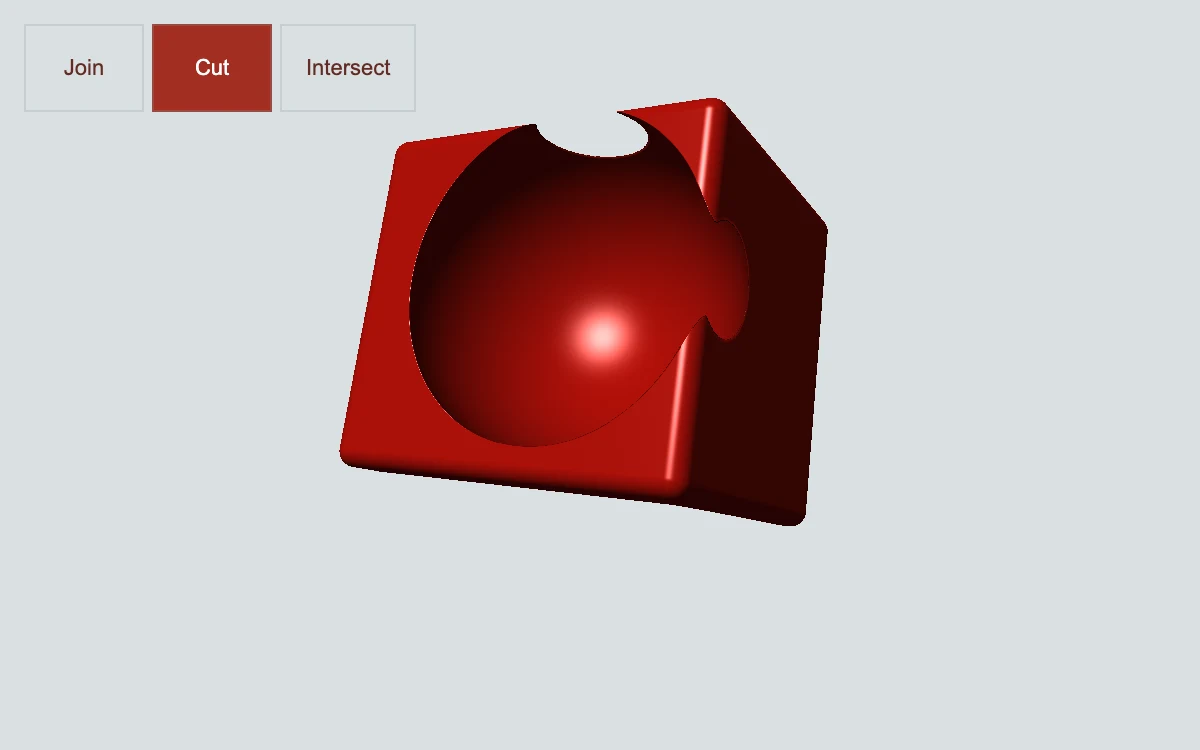
Choose Join, Cut or Intersect; drag the cutter or adjust its position.
Open the envelope and browse the photographs.
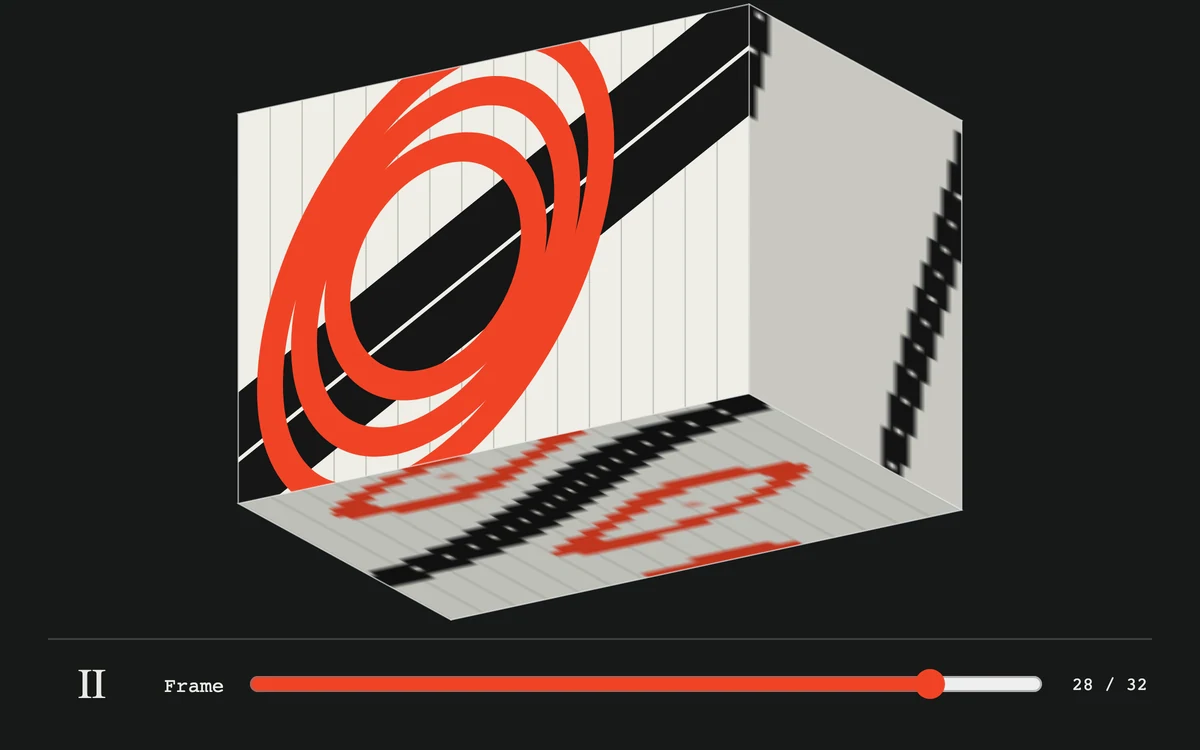
Orbit, play or scrub.

Adjust reflections.
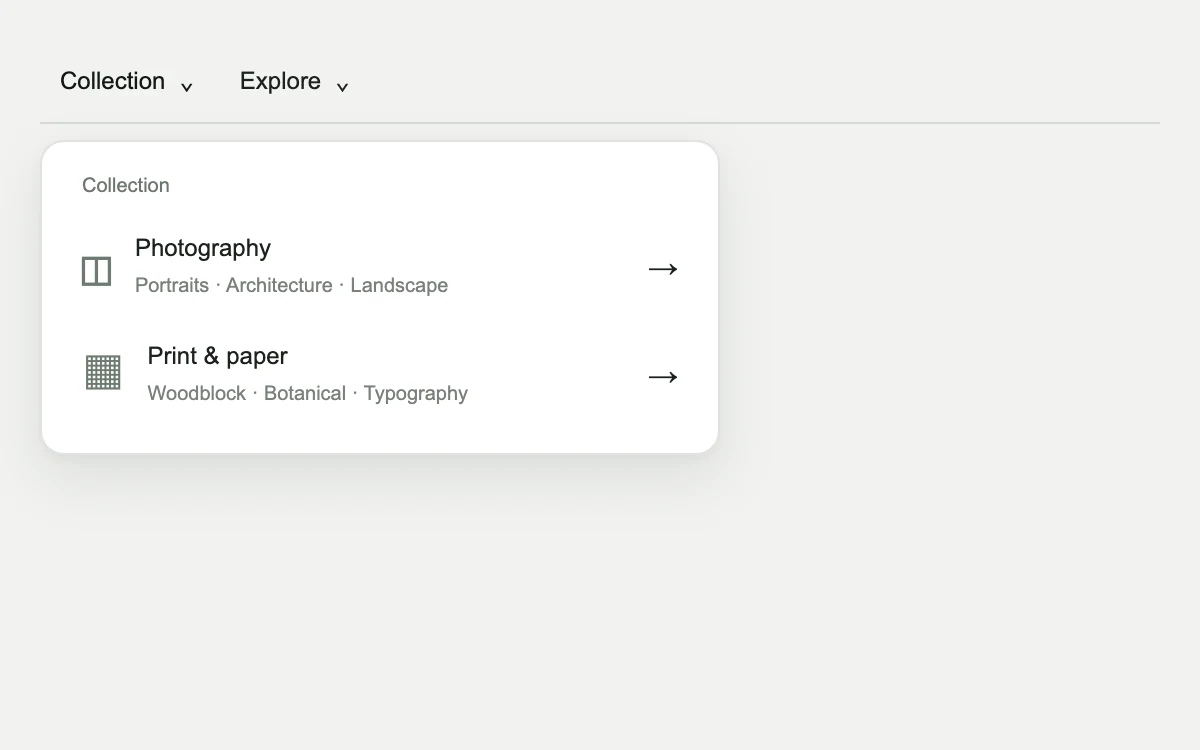
Open a category, drill into a group and choose a collection.
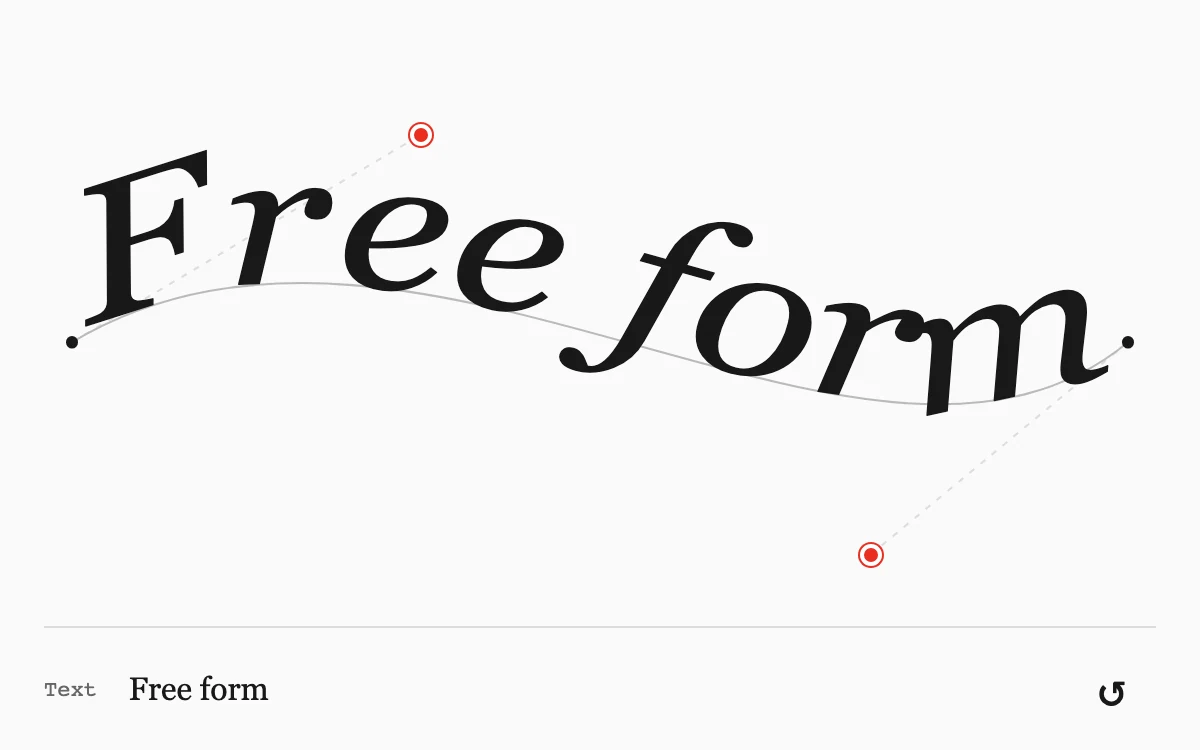
Drag a bend or edit the text.

Adjust sensitivity.
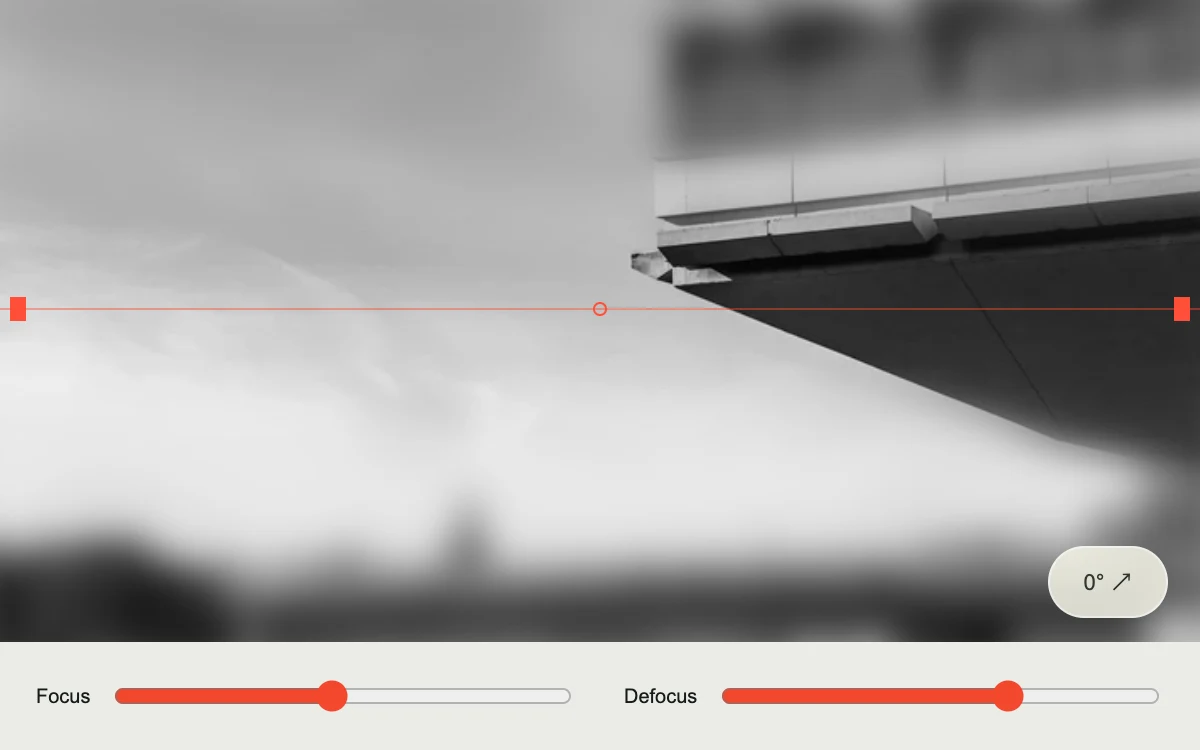
Drag the focal plane and adjust blur or tilt.
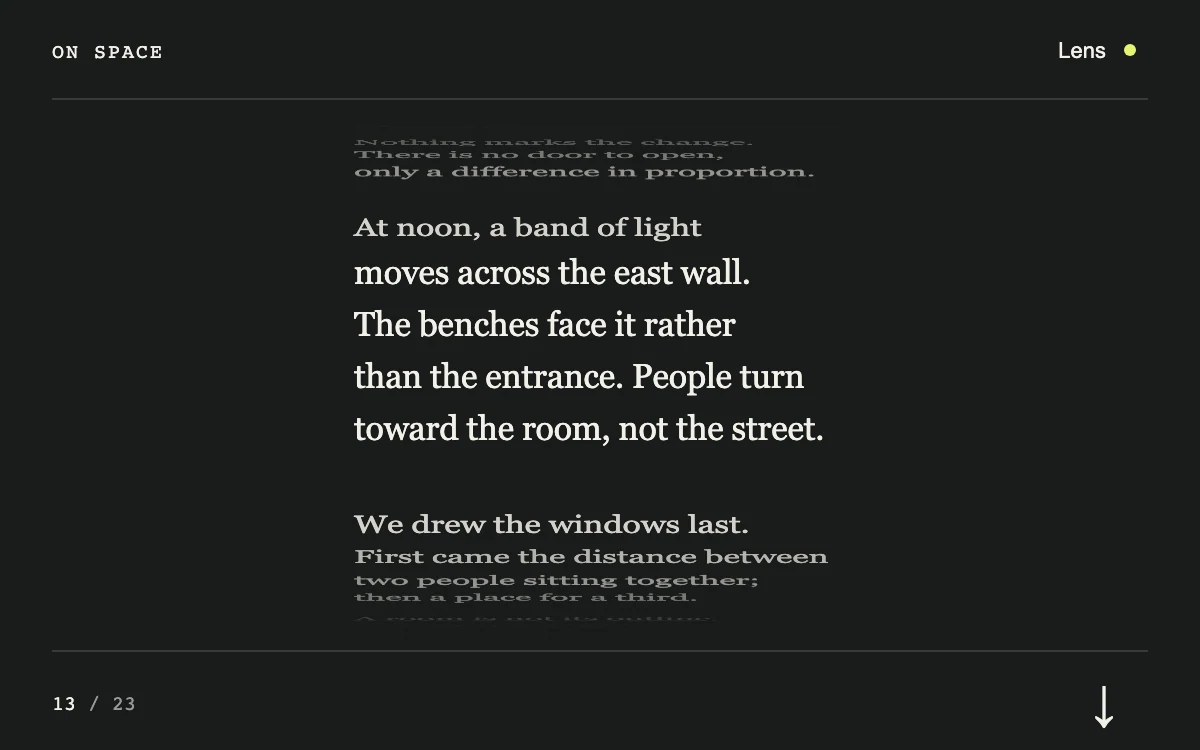
Scroll or advance a passage.
Adjust twist.
Toggle the studio light.
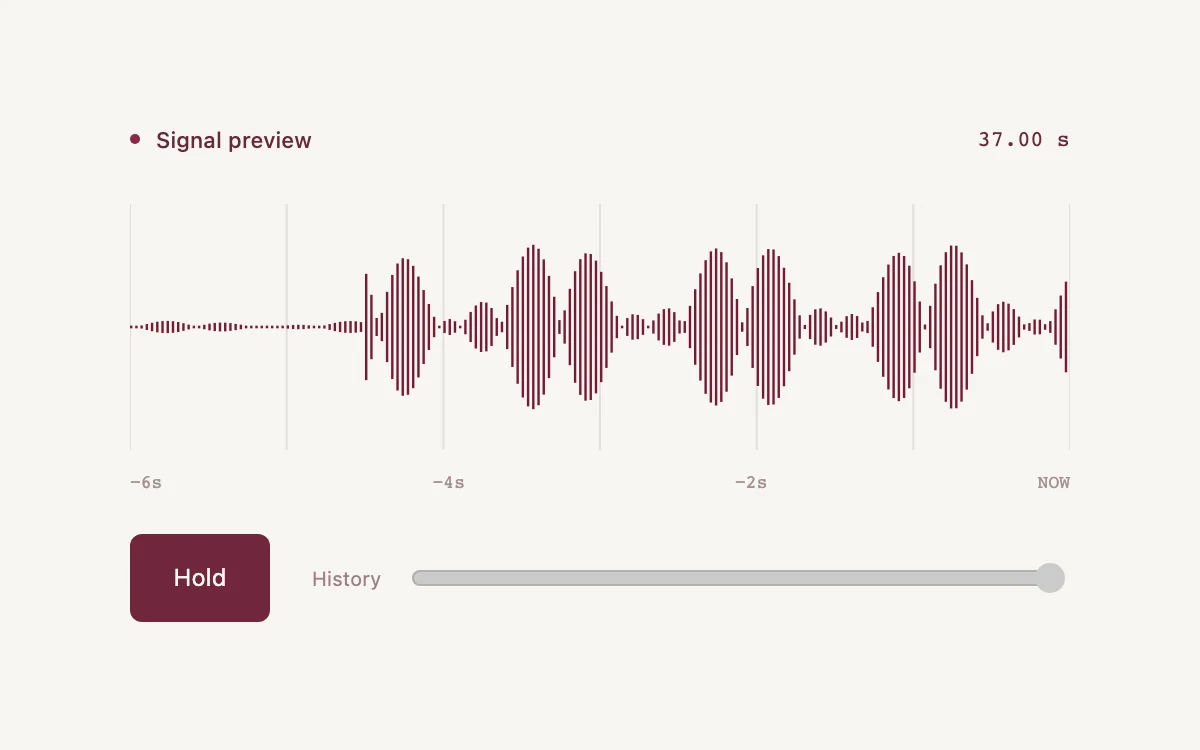
Hold the signal, then scrub its retained history.
Adjust growth.
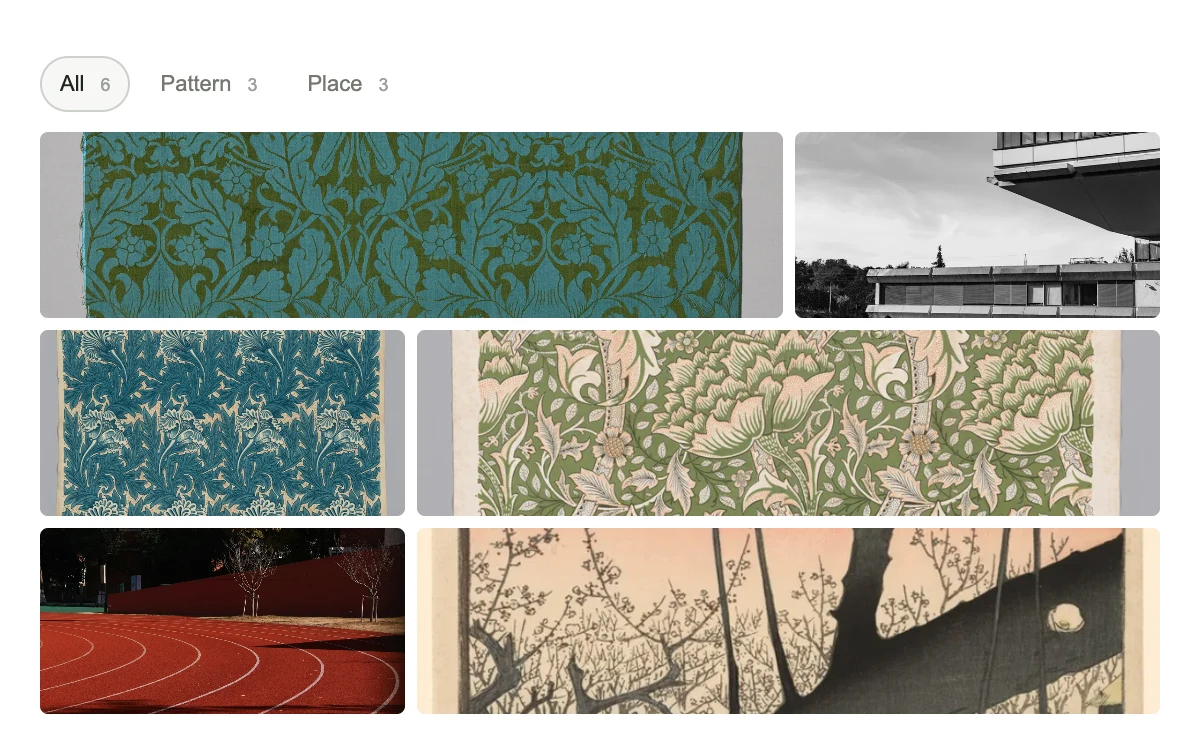
Choose a category and select a tile.
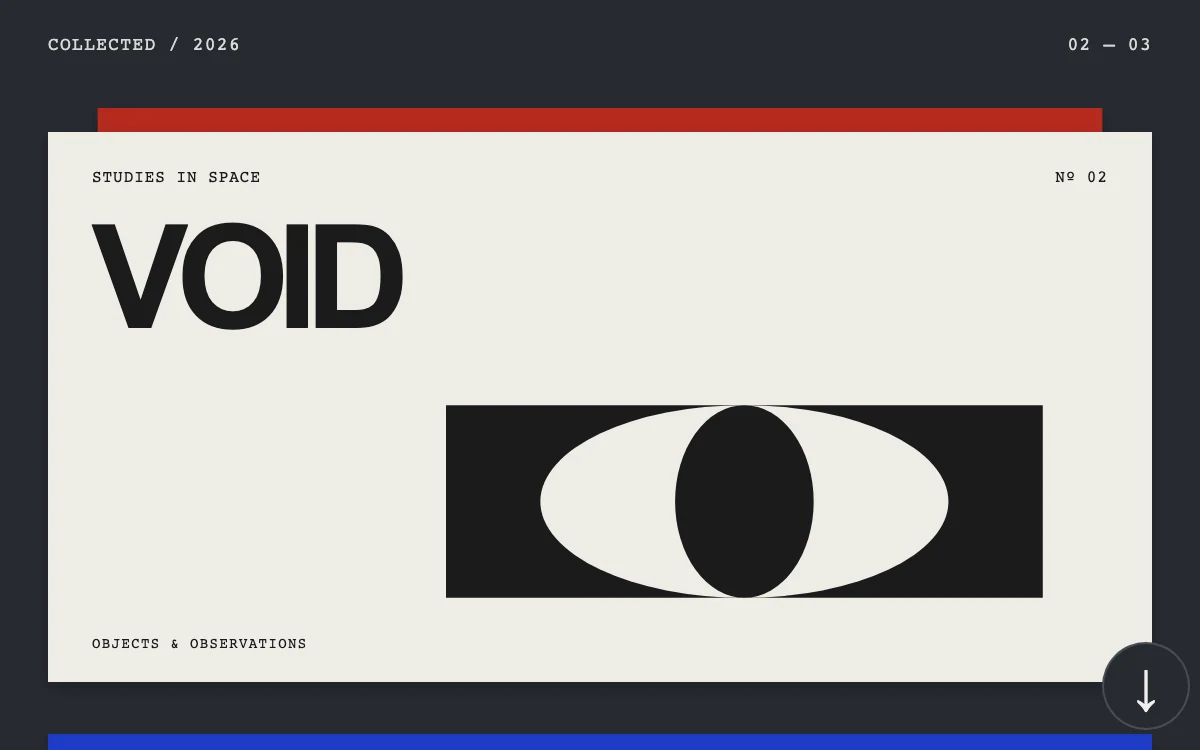
Scroll through the folios.
Drag or press Enter on the water; adjust depth.
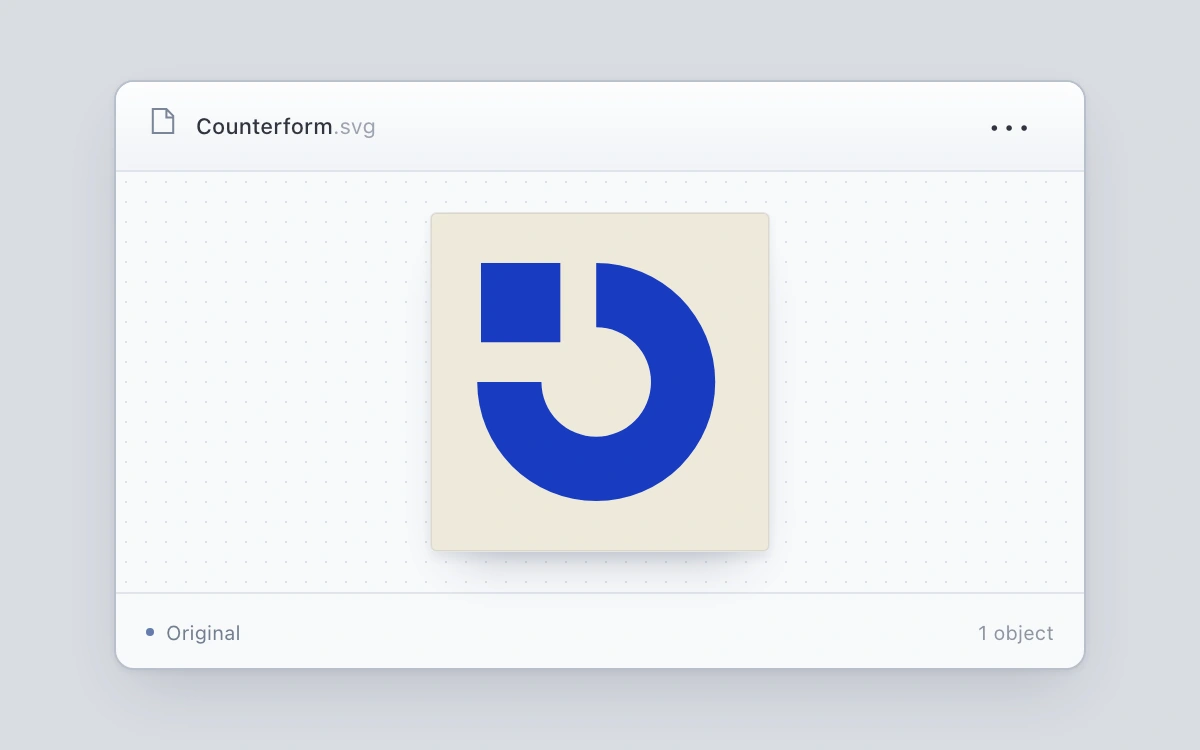
Right-click or tap an artwork, use the three-dot button, or press Shift+F10. Rotate, invert ink or duplicate; each copy remains independently editable.
Enter or leave the mark.

Adjust persistence.
Type a password and toggle its visibility.
Rewrite the note.
Move the pointer for parallax; change or reverse the flow
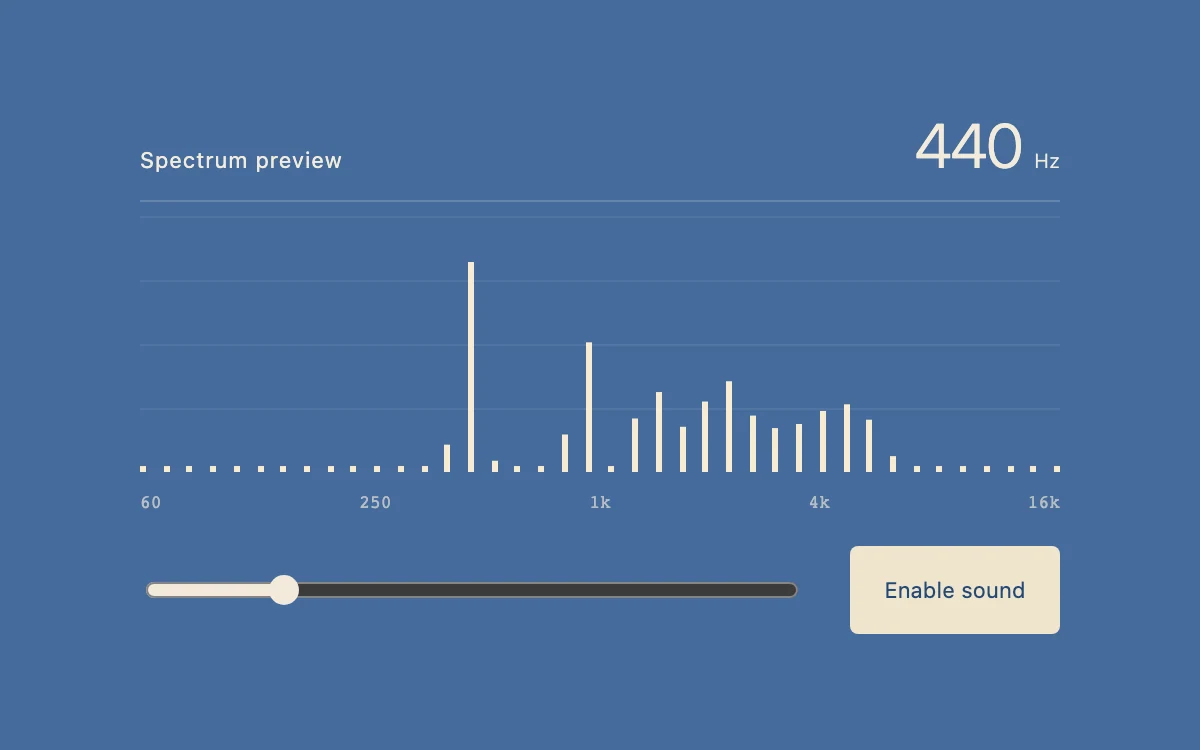
Enable sound and change oscillator frequency.
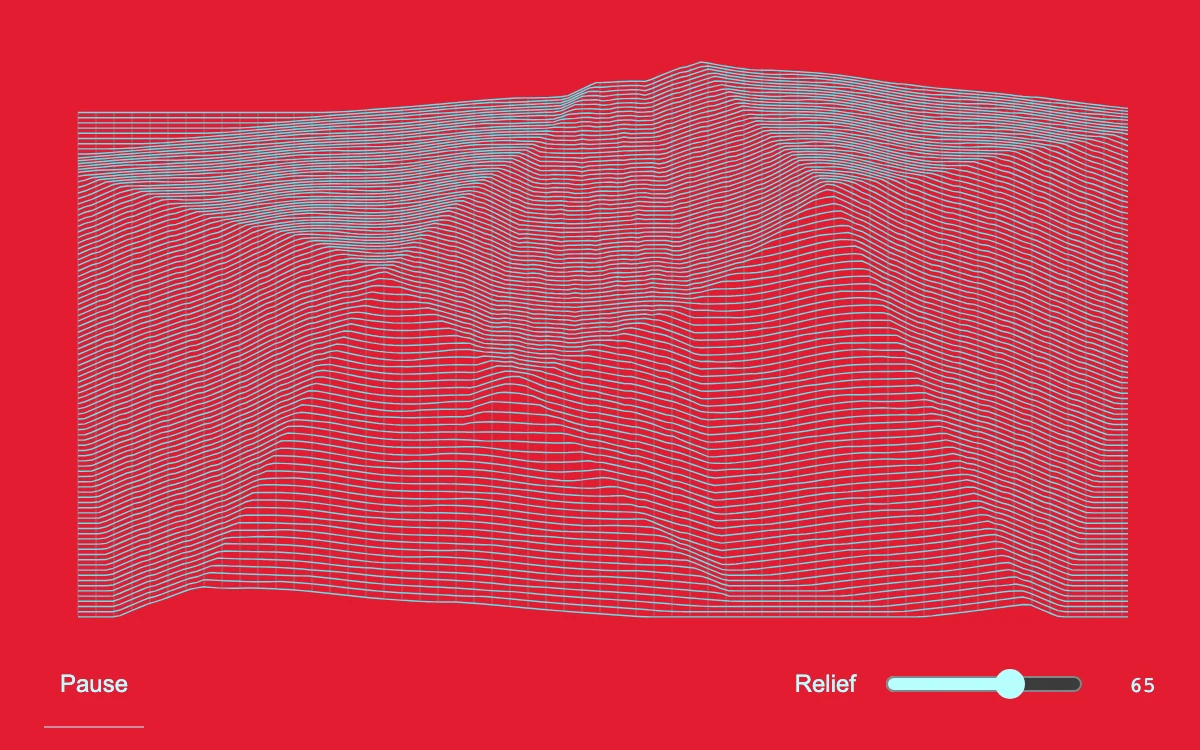
Adjust relief and pause the moving engraving
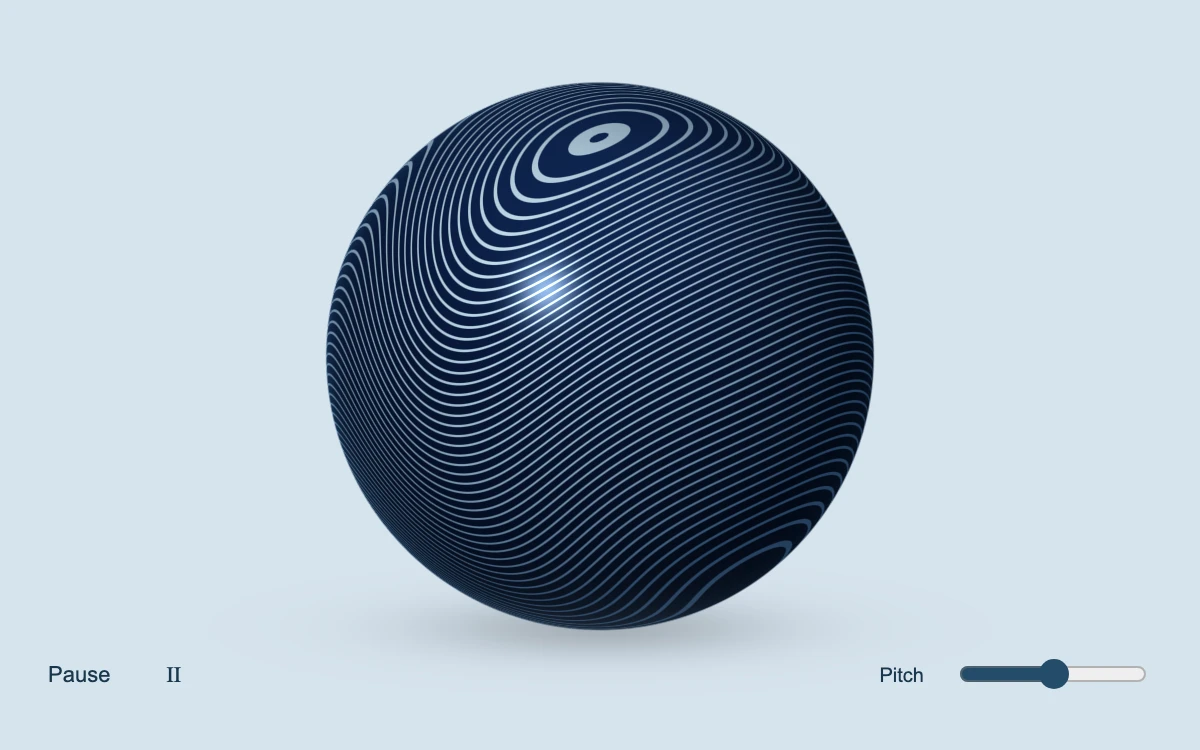
Drag or use arrow keys to rotate; adjust engraving pitch and toggle automatic rotation.
Edit the address, then blur or select Check address.
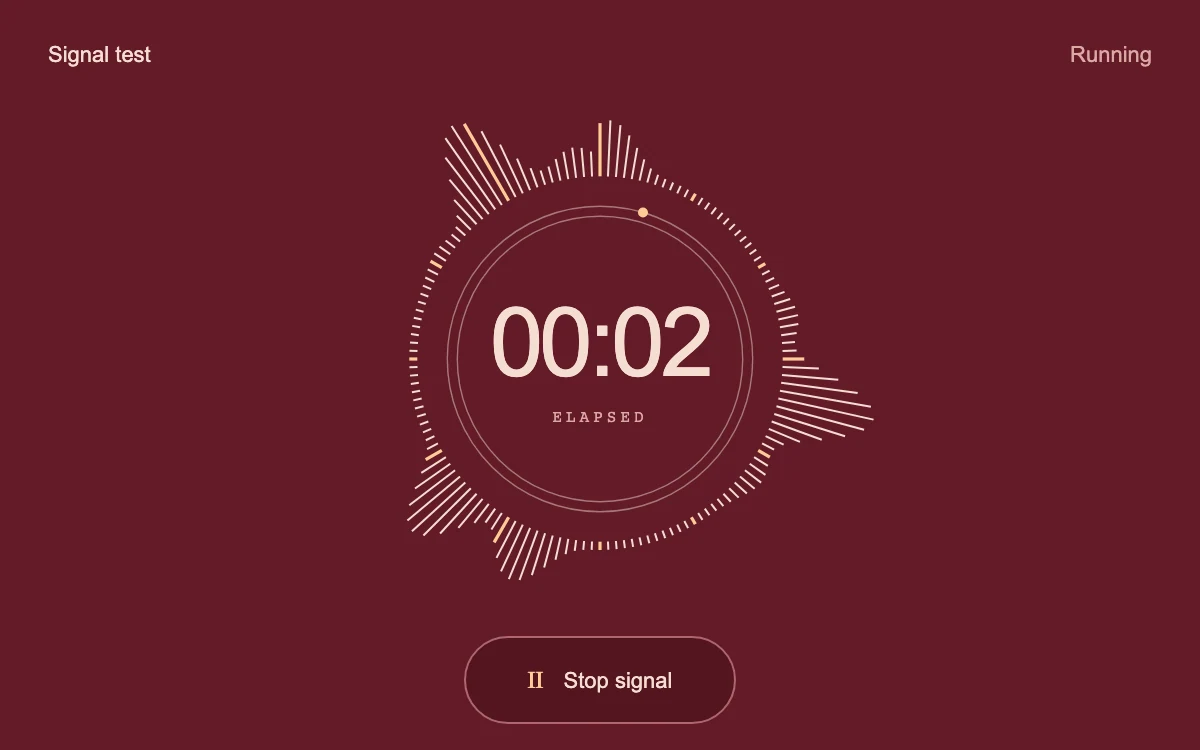
Start and stop the simulated signal
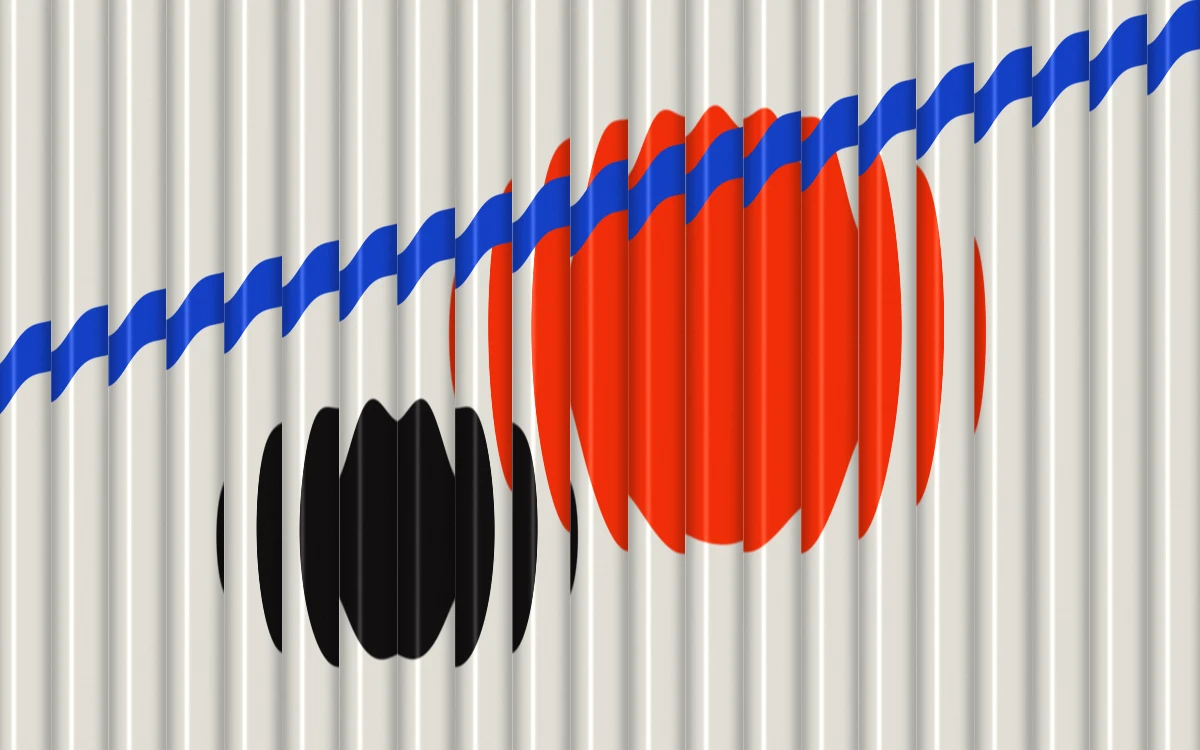
Adjust refraction
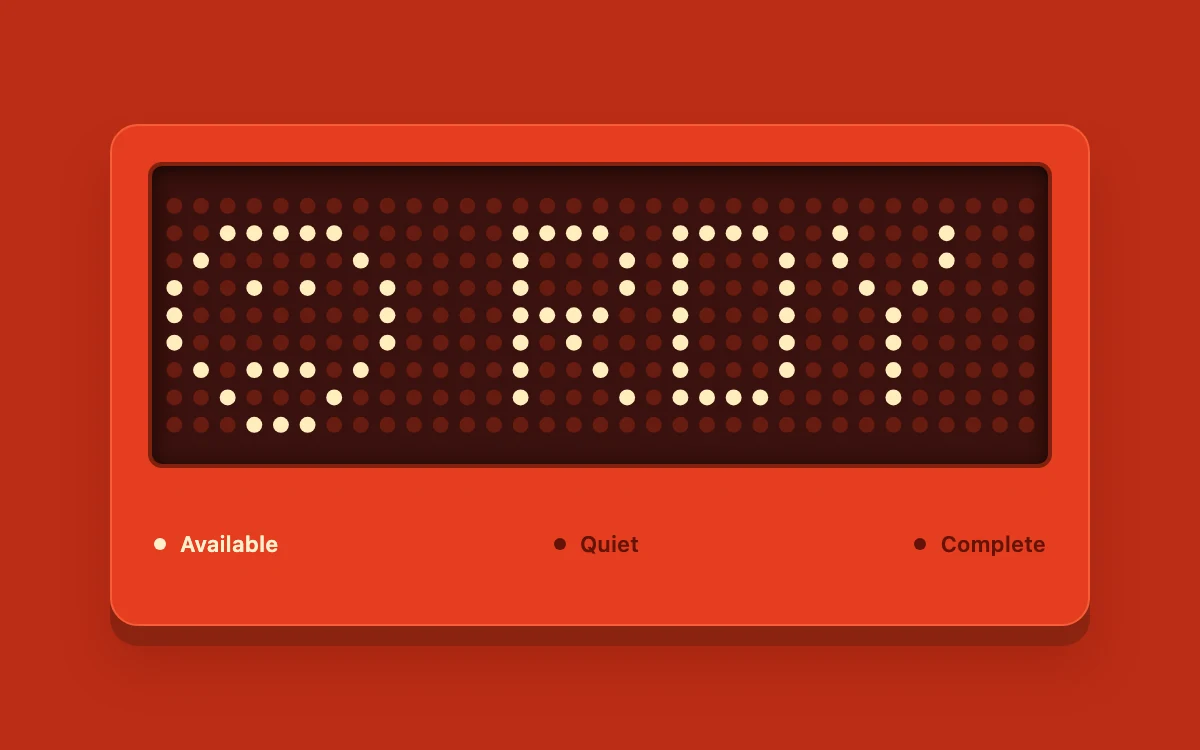
Choose Available, Quiet or Complete.

Change ripple intensity or pause the record motion

Adjust depth
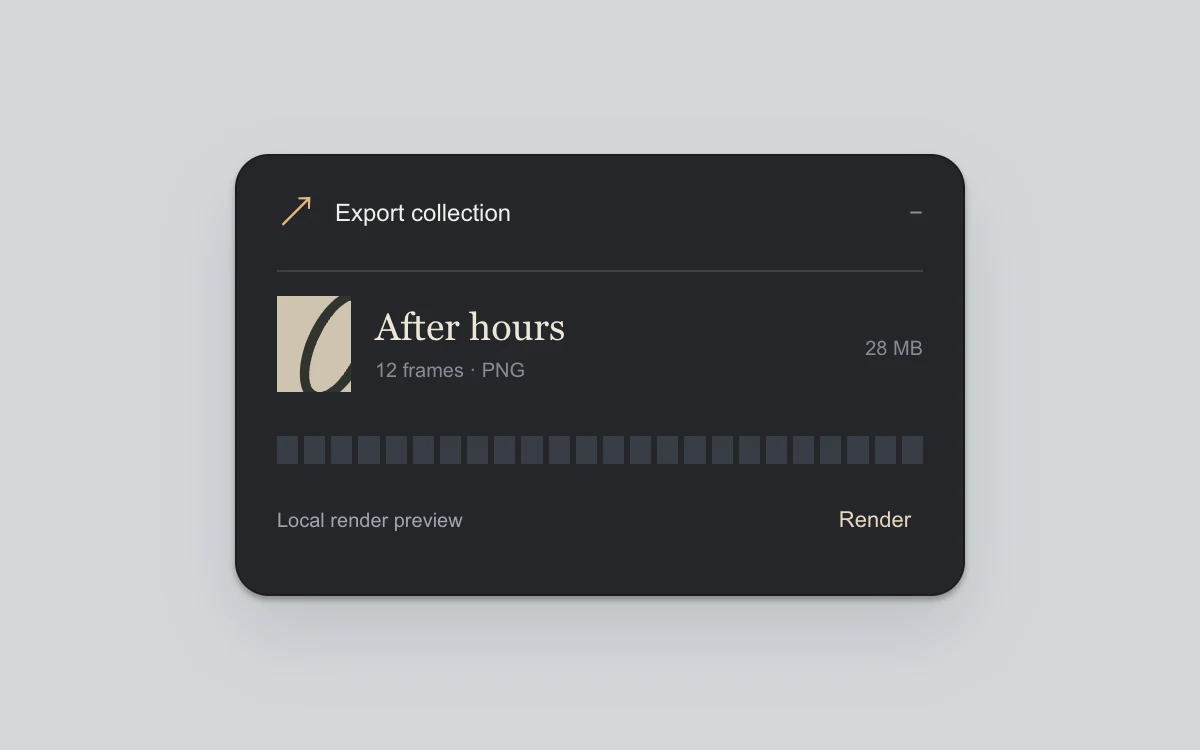
Render, collapse or expand the task, cancel, and restart.
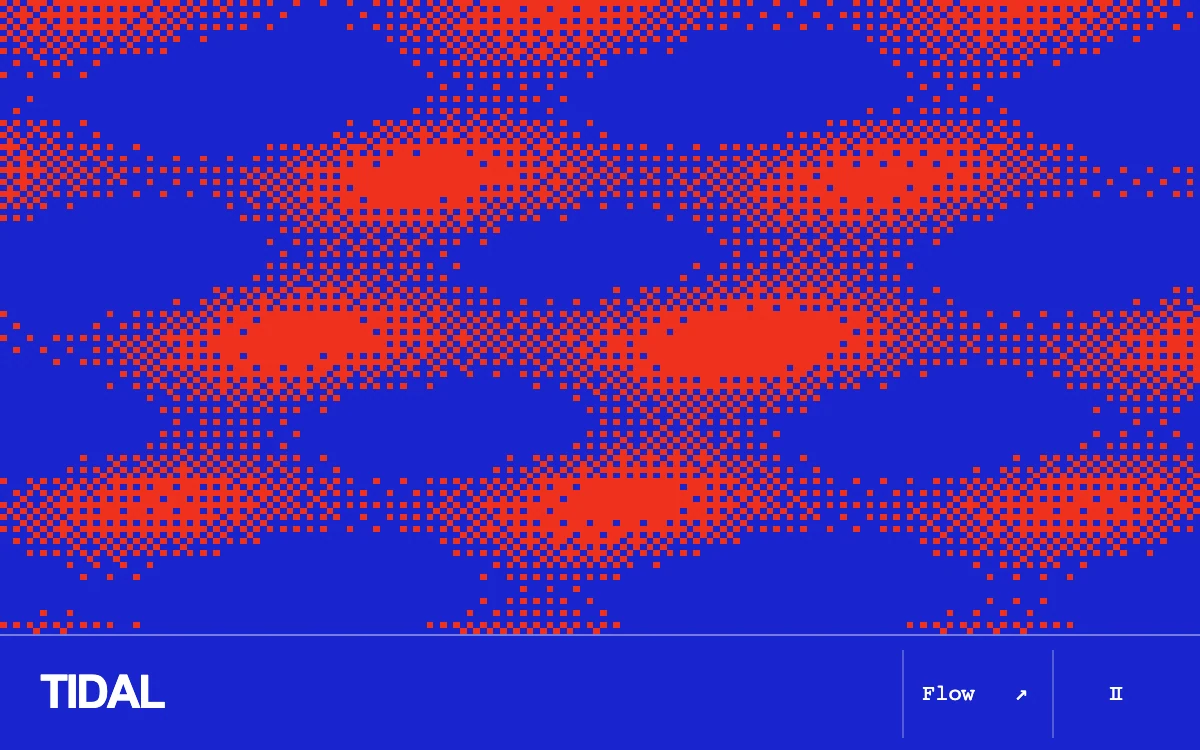
Move the pointer or arrow keys; change the field mode.
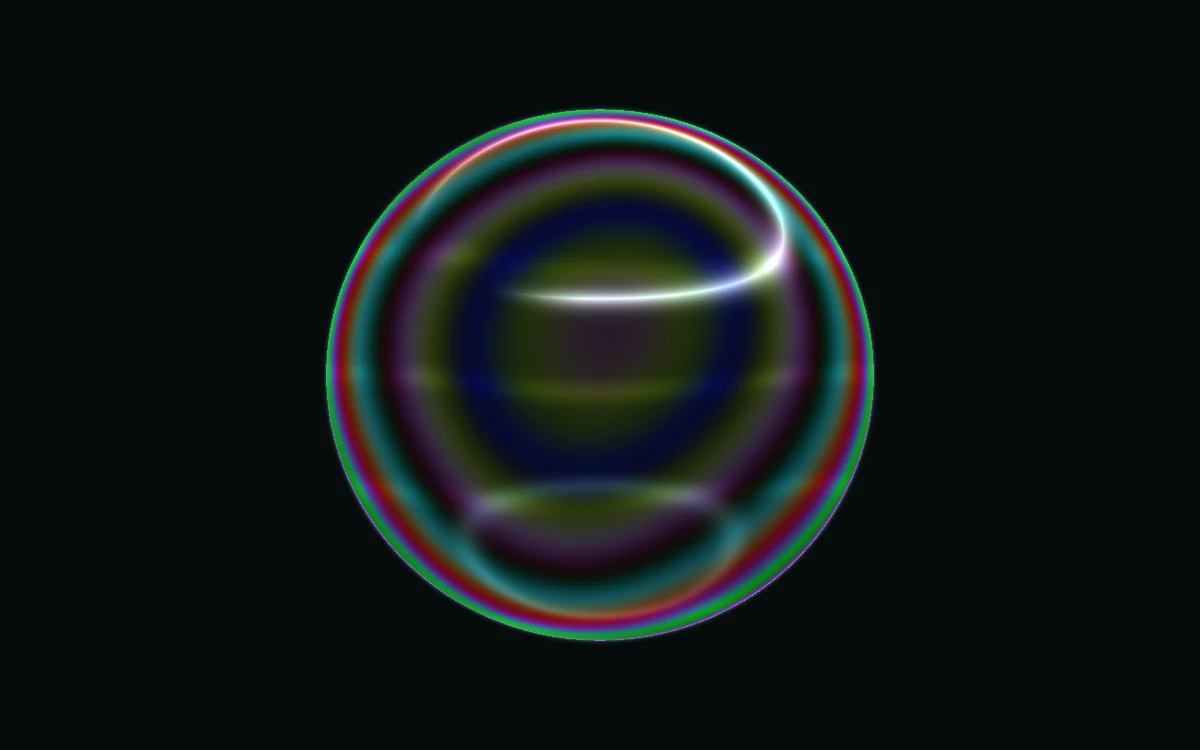
Adjust thickness
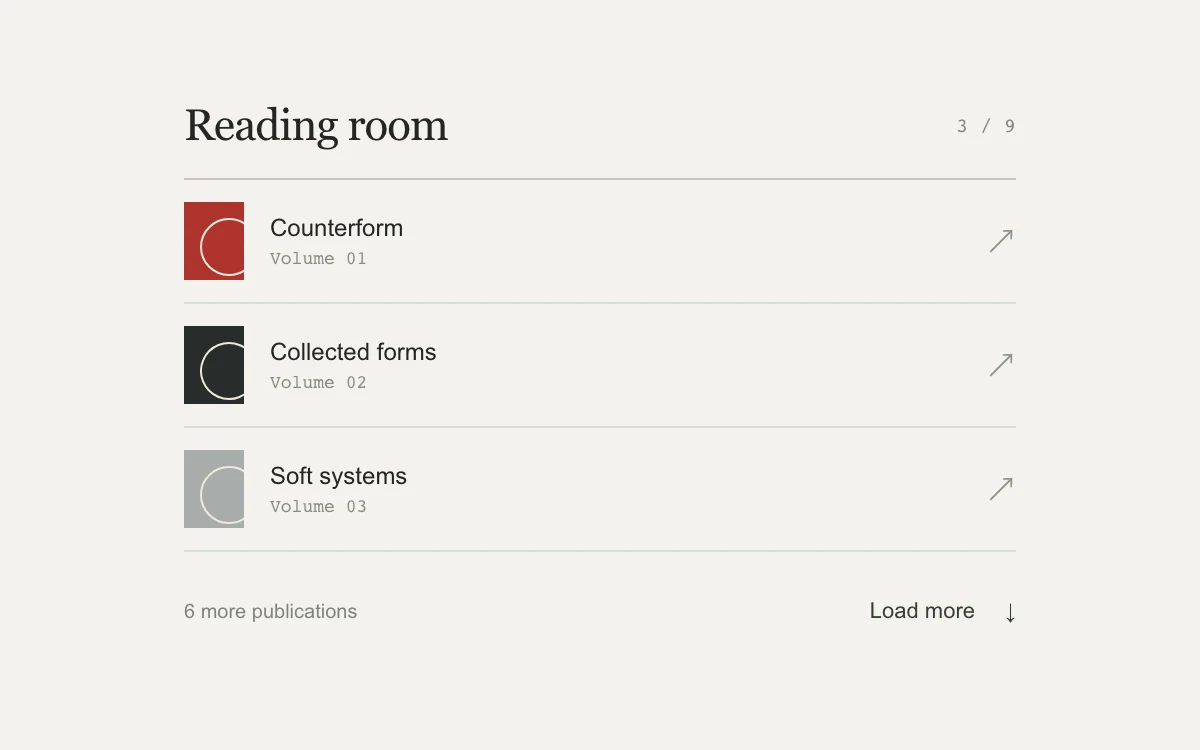
Load the next batch, retry the first failed request, and reach the final record.

Press Disrupt signal.
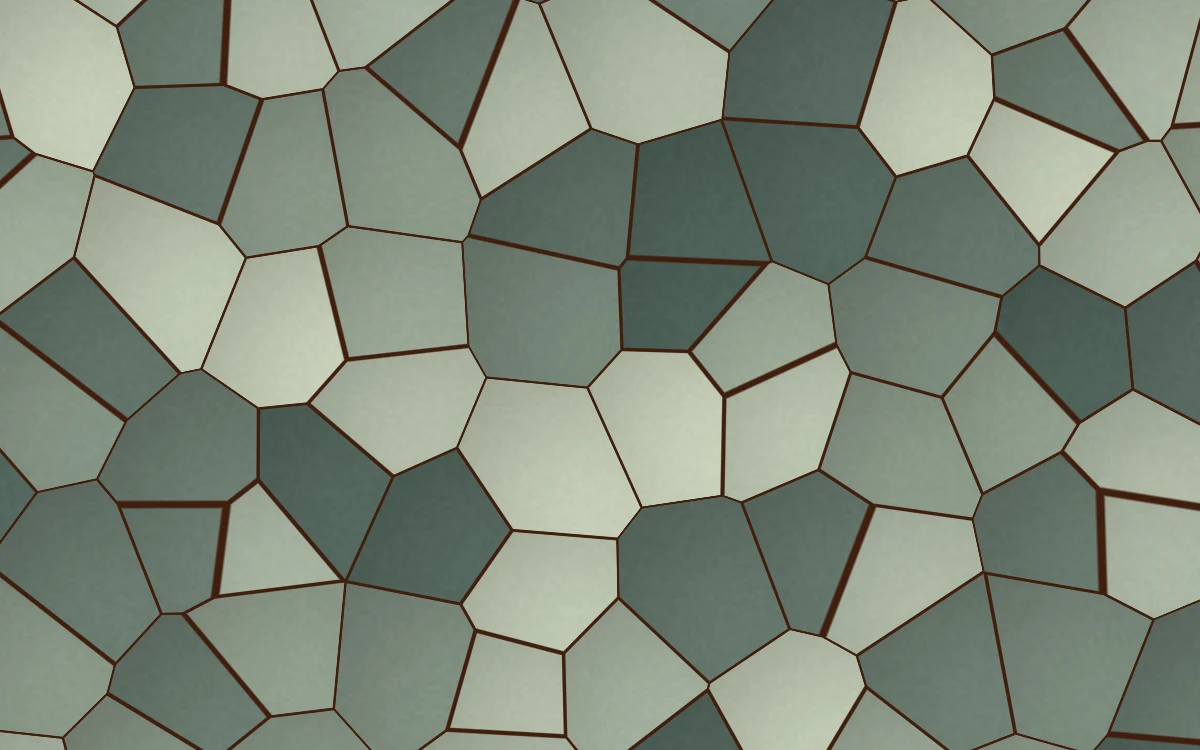
Adjust cell scale
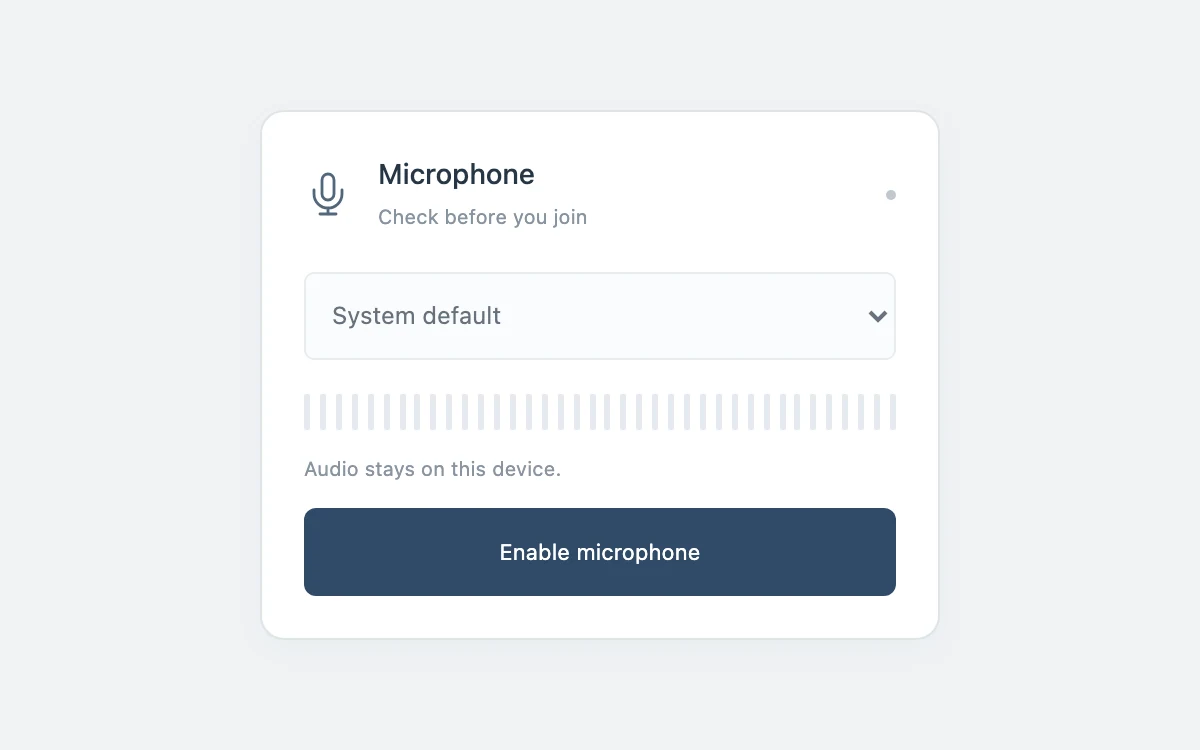
Enable the microphone, choose a device, then mute or disconnect.
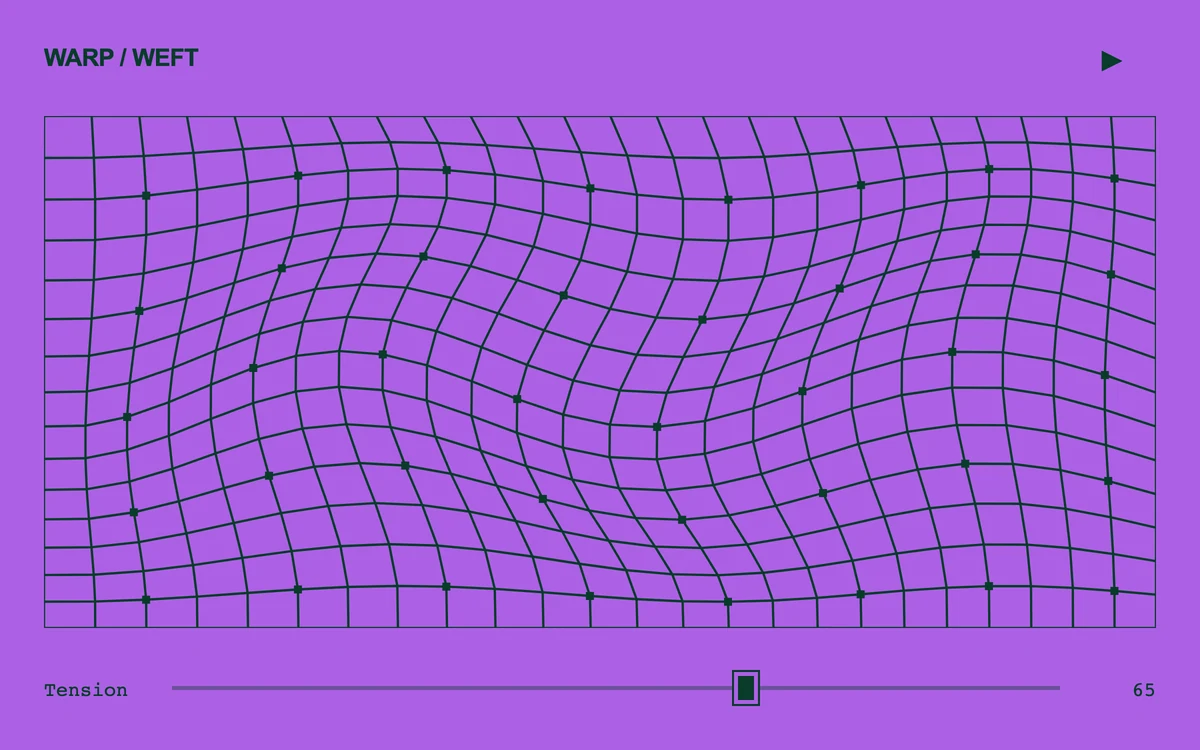
Adjust tension and pause the field.
Adjust light
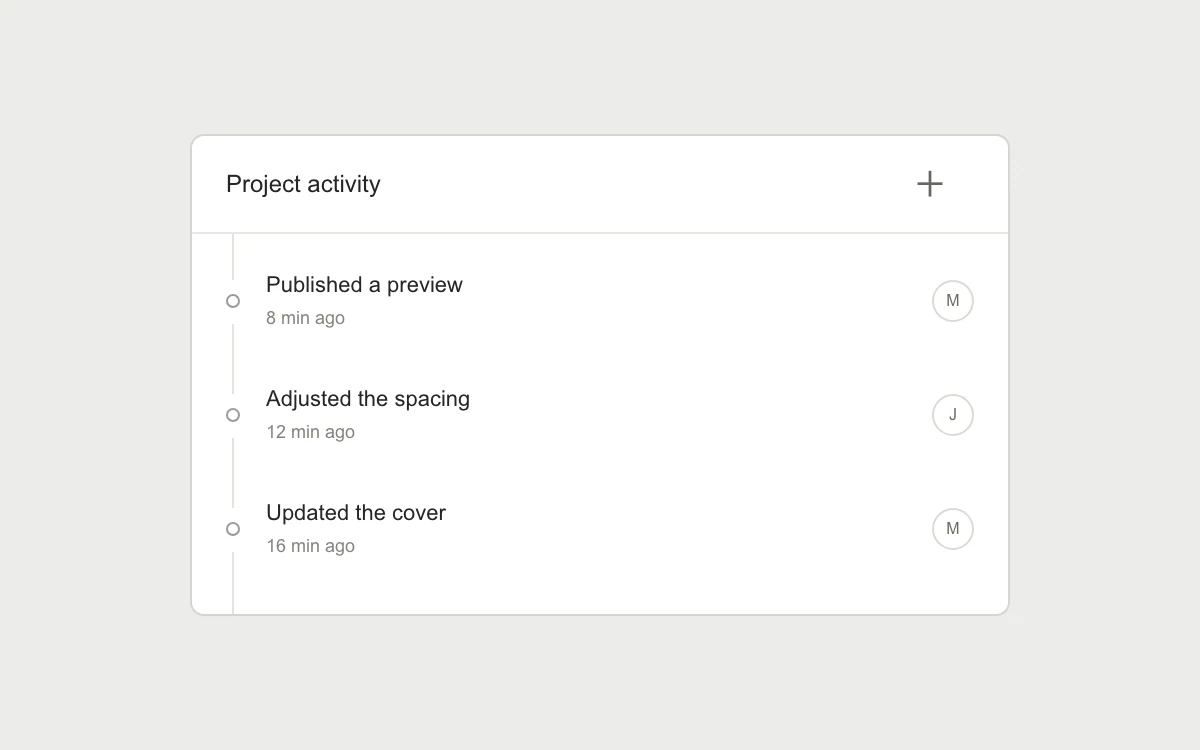
Add a preview update, keep reading, or jump to the newest entry.
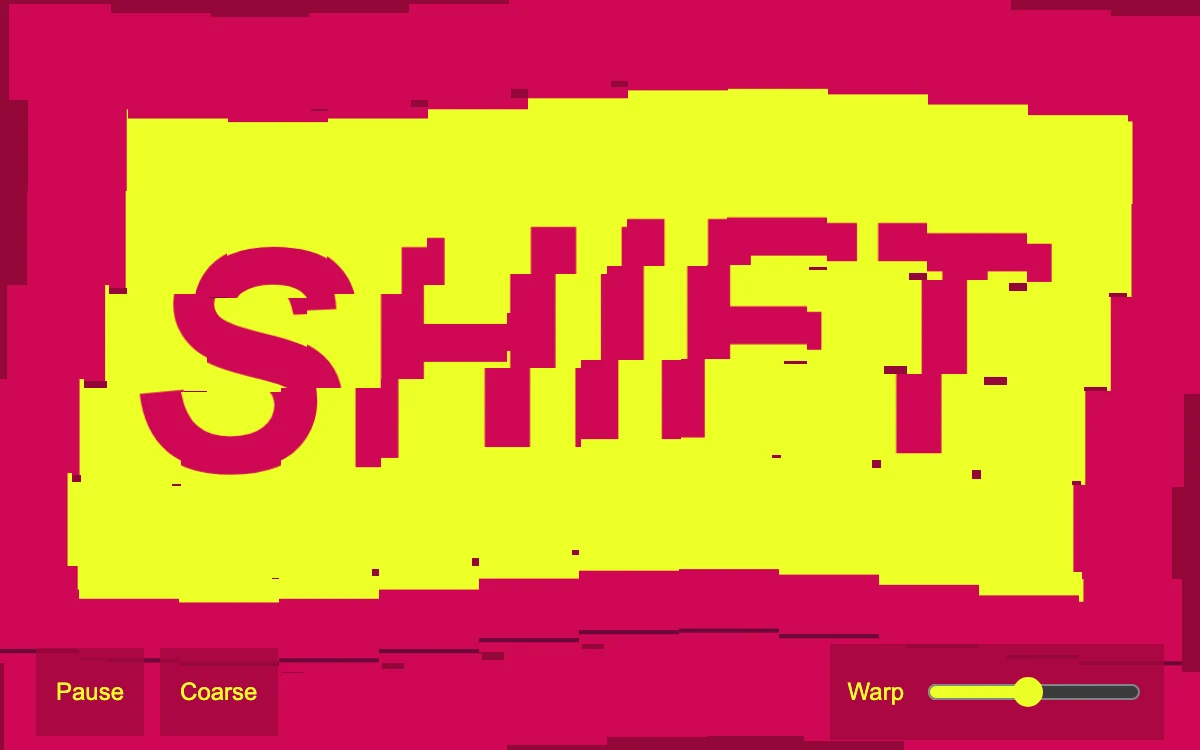
Change warp amount, switch tile density, or pause
Adjust density
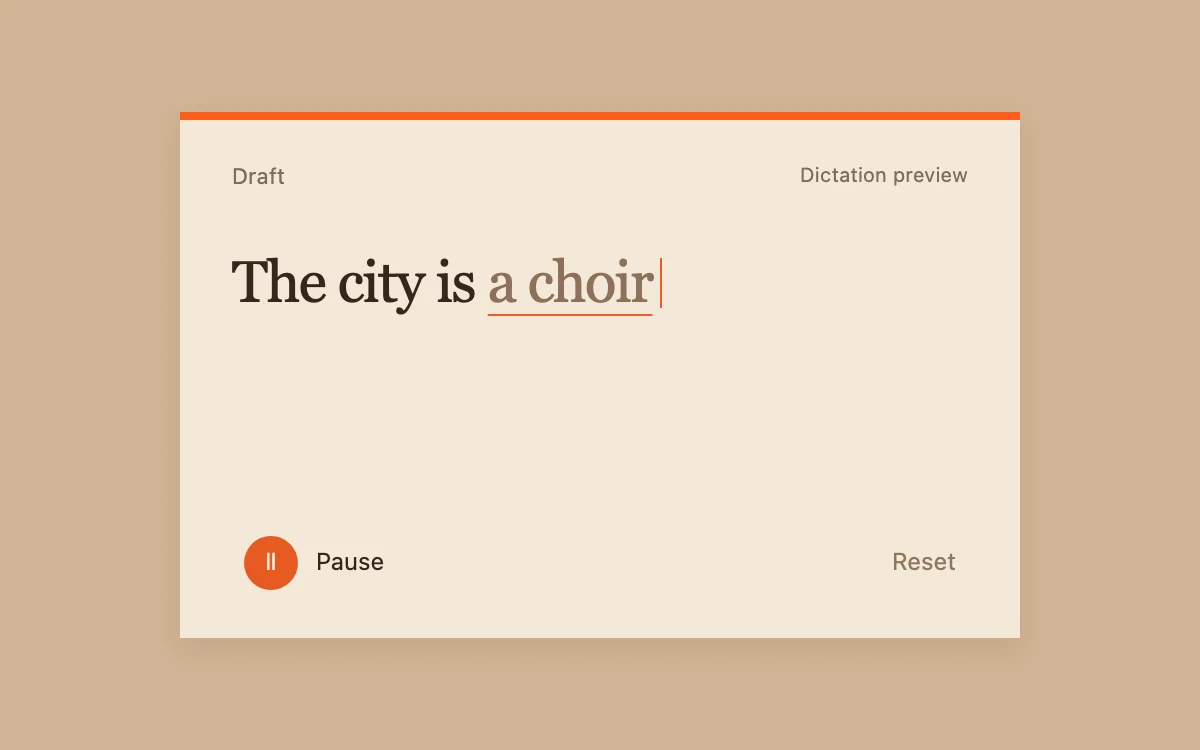
Preview, pause and reset the incoming words, then edit the finished draft.
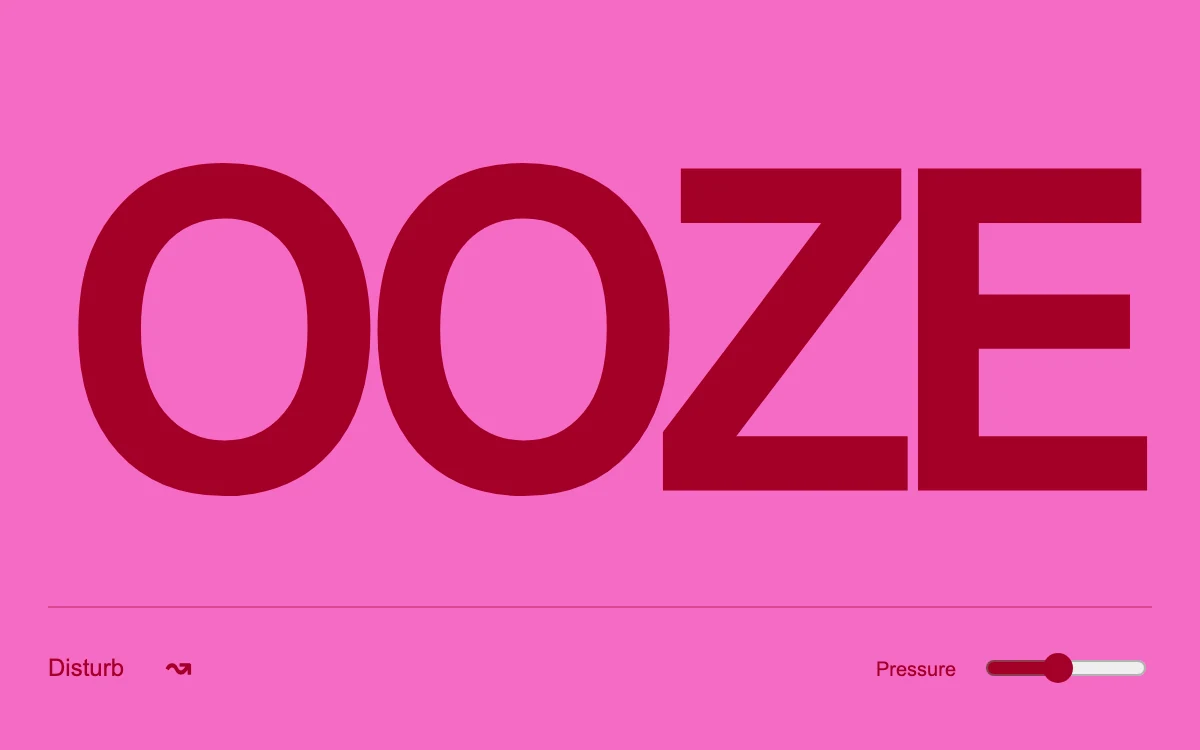
Move across the letters or press Disturb; tune pressure

Adjust activity; pause or resume the curtain
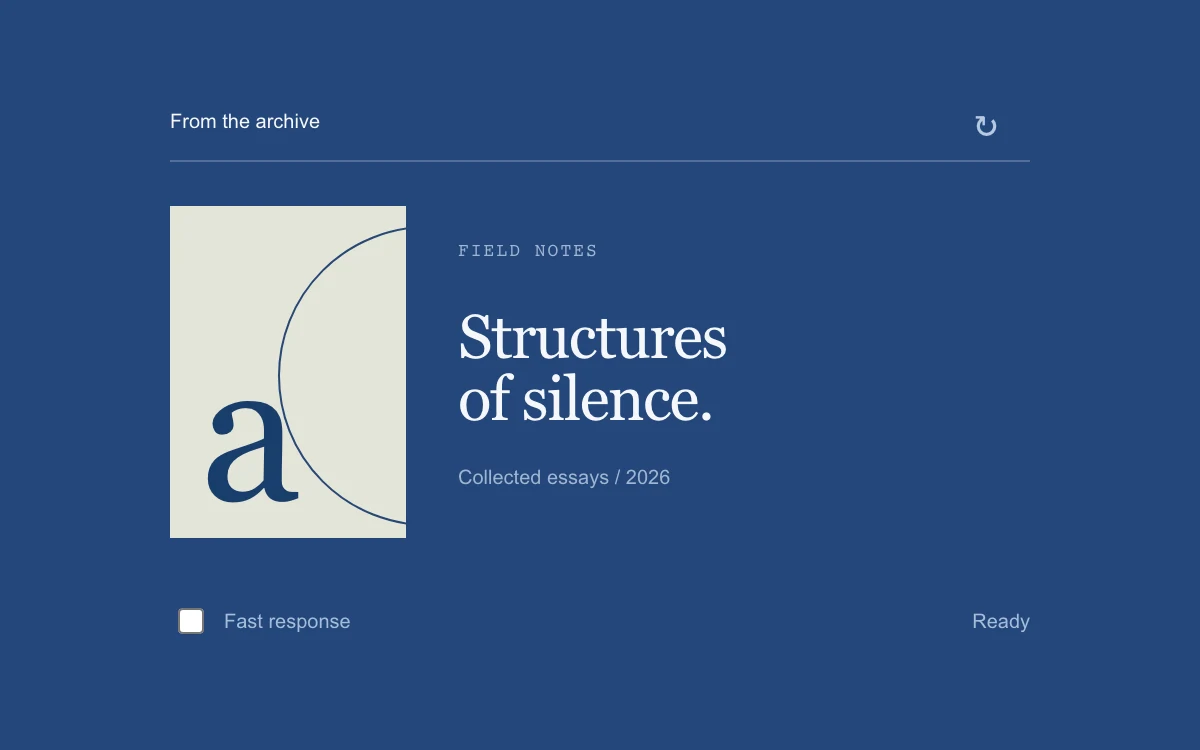
Reload the publication and compare fast and slow responses.
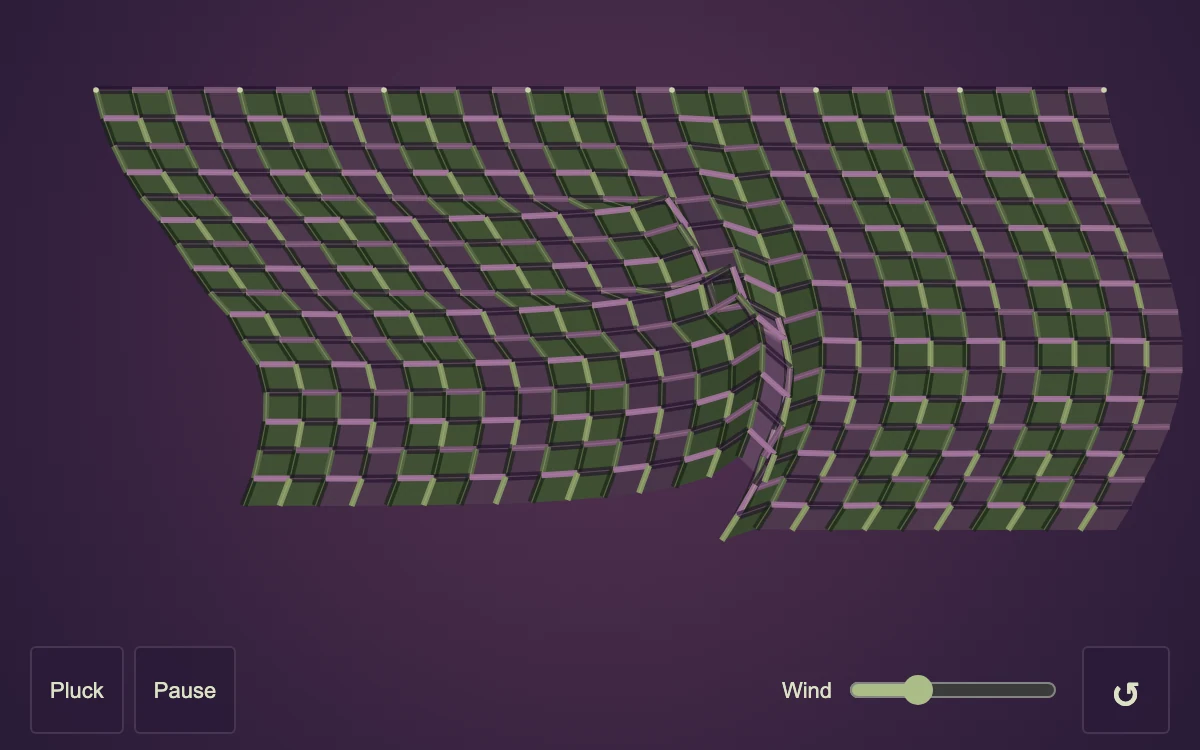
Drag a thread, pluck the cloth, adjust wind, or pause

Adjust alignment
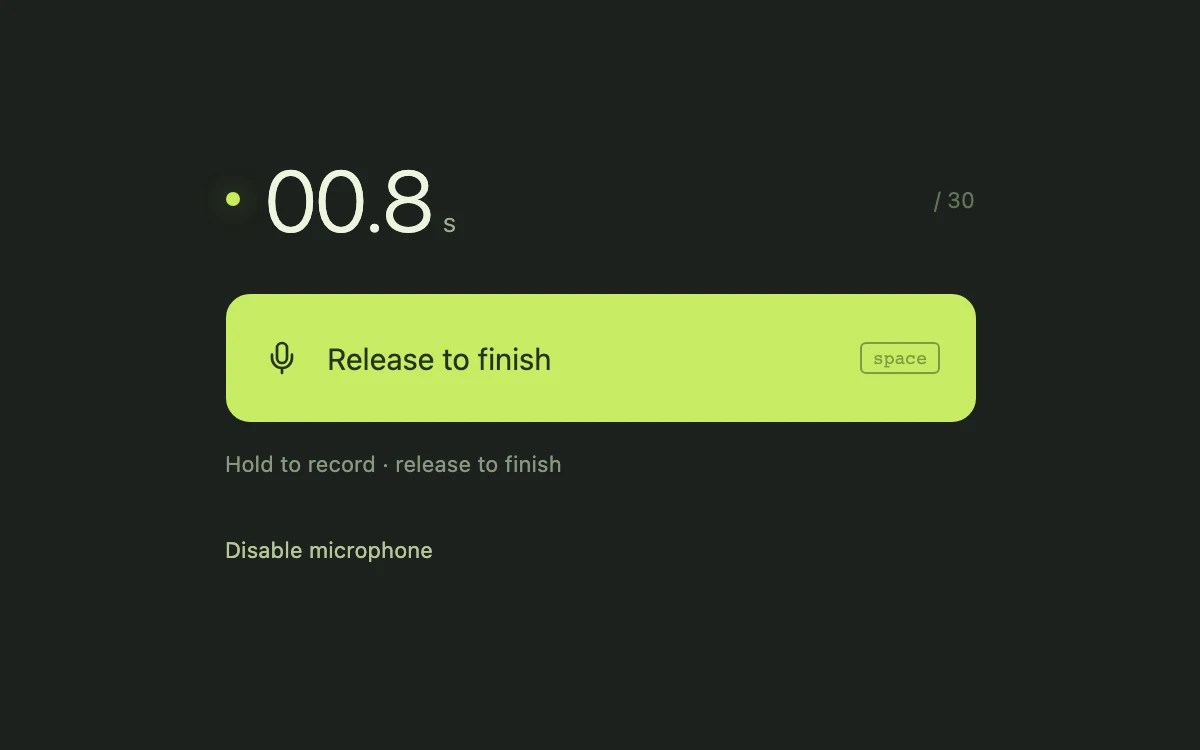
Enable the microphone, hold to record, release to finish, then play the take.

Draw with a pointer, touch or arrow keys; clear to begin again
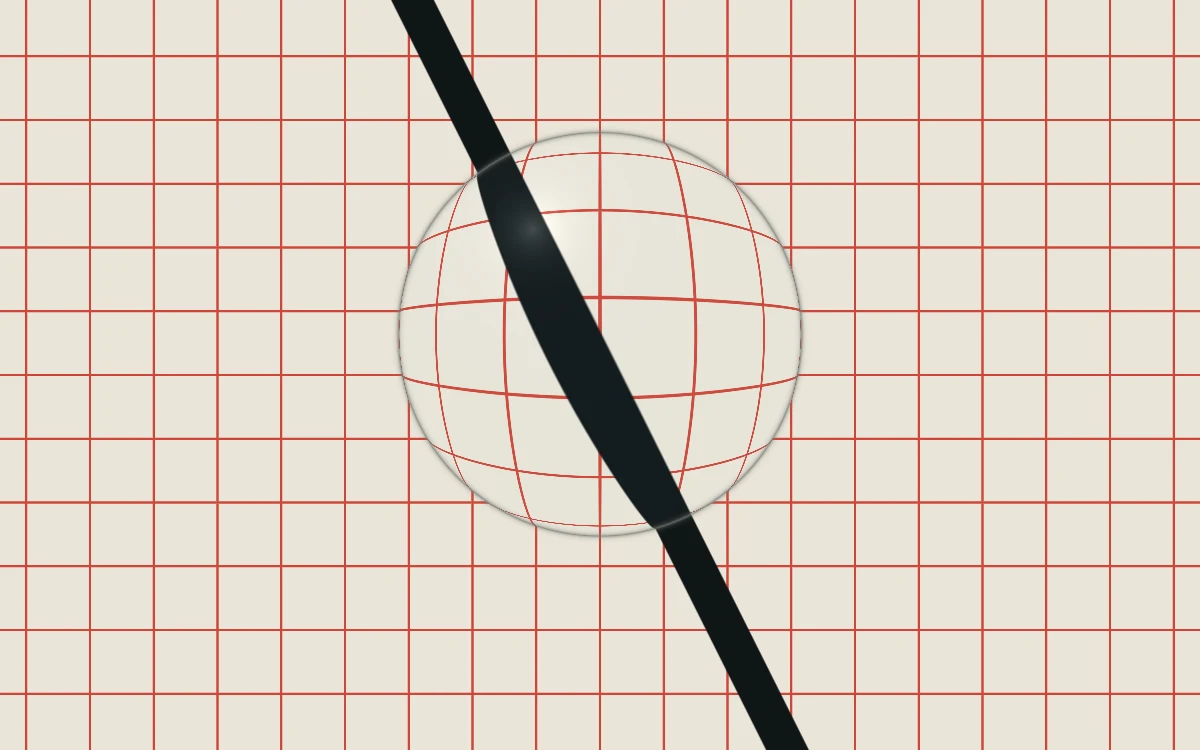
Adjust position
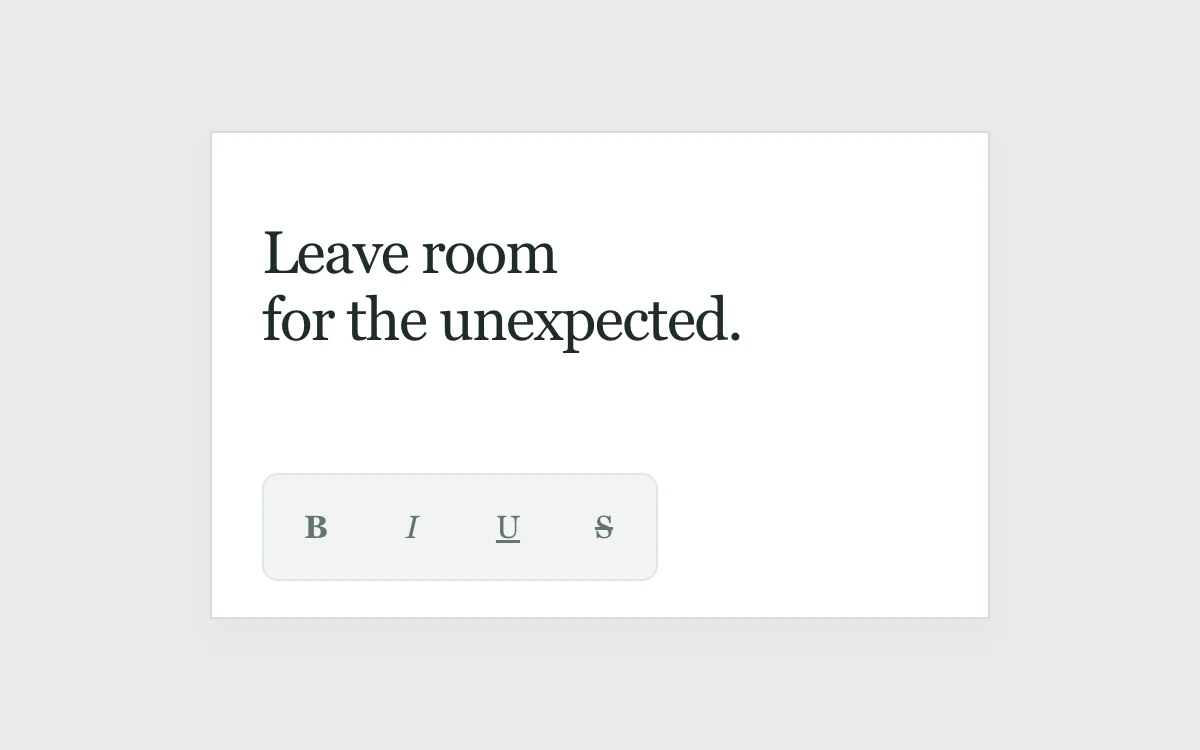
Hover across the group, focus controls with Tab, or toggle formatting.
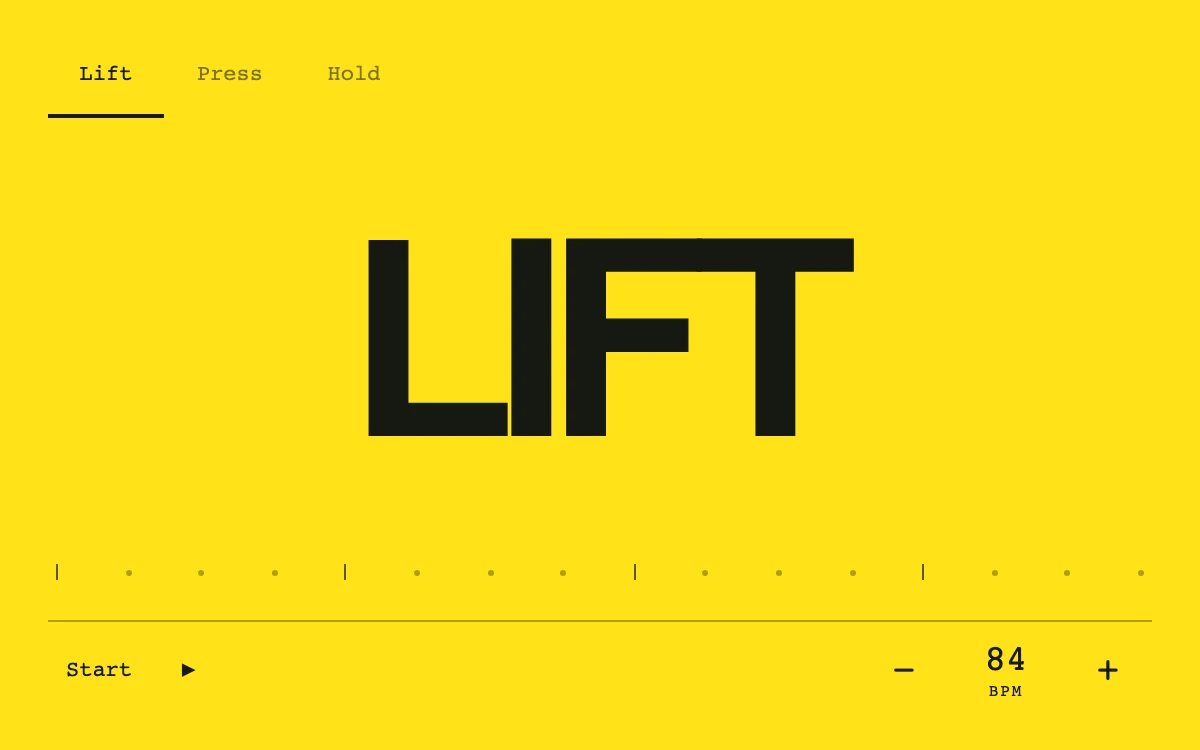
Choose a pattern, start, and change BPM.
Adjust stir
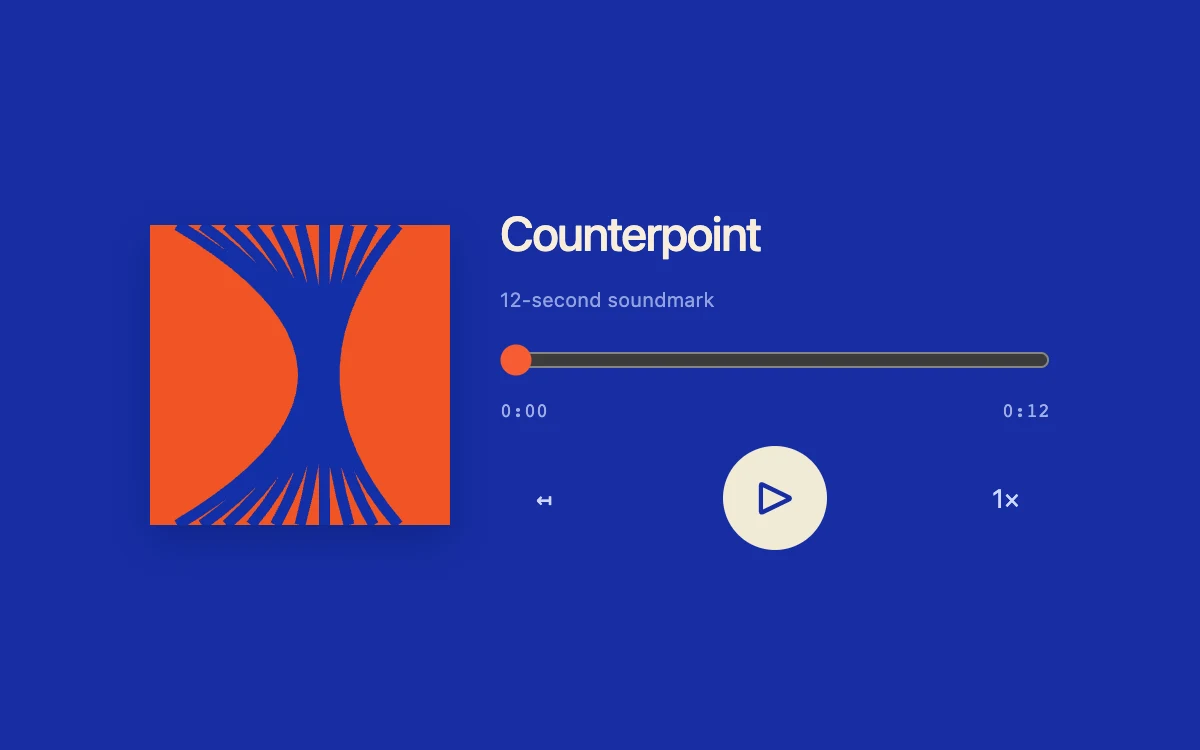
Play the soundmark, seek, restart or change speed.
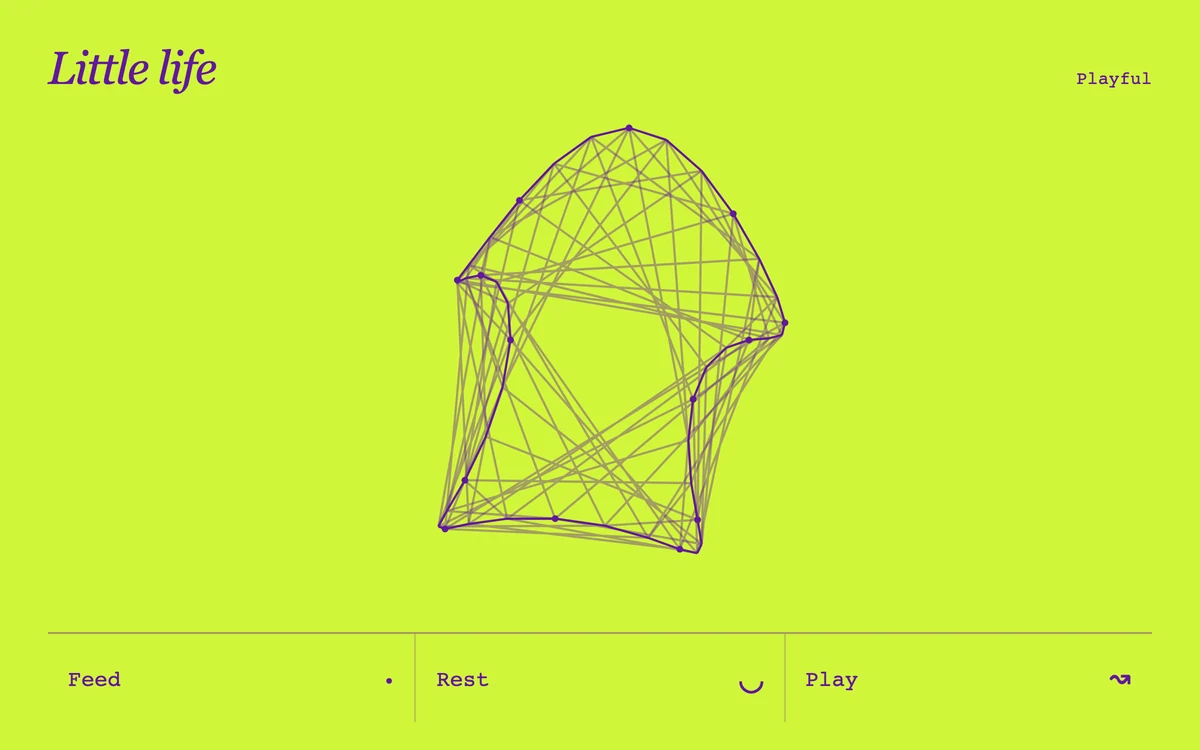
Feed, play, and switch between rest and wake.
Adjust spread
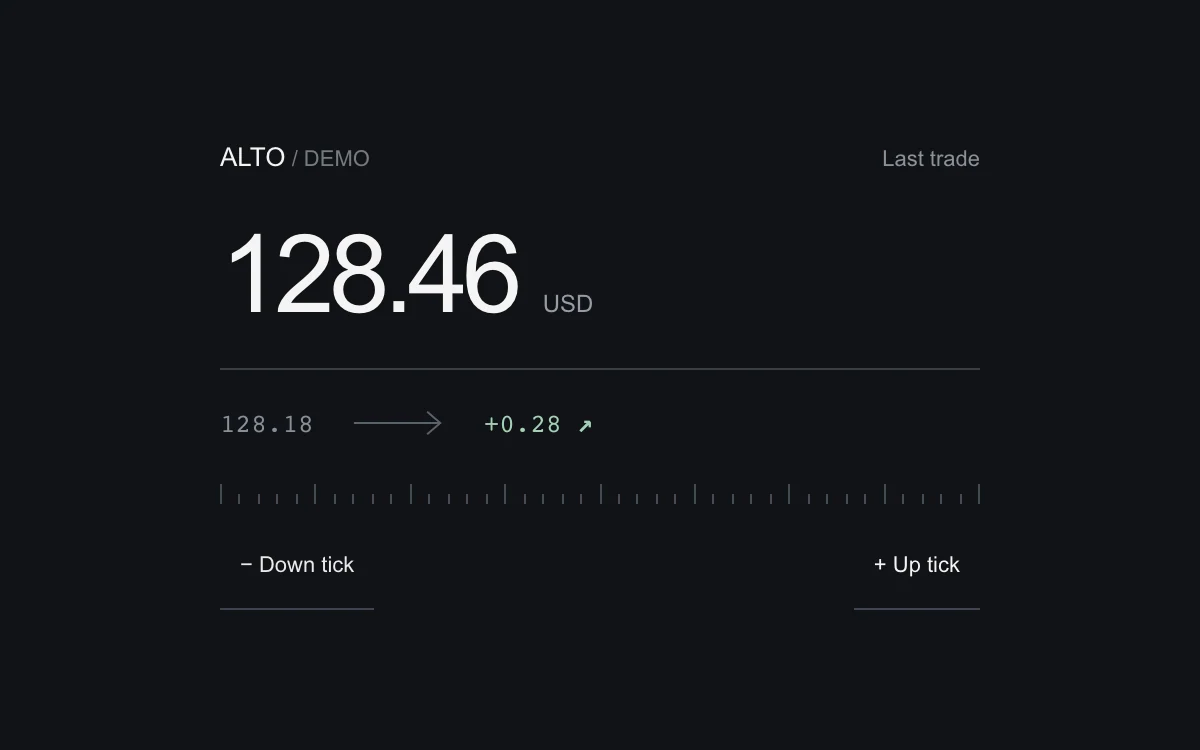
Apply an up or down tick and compare the previous value and signed difference.
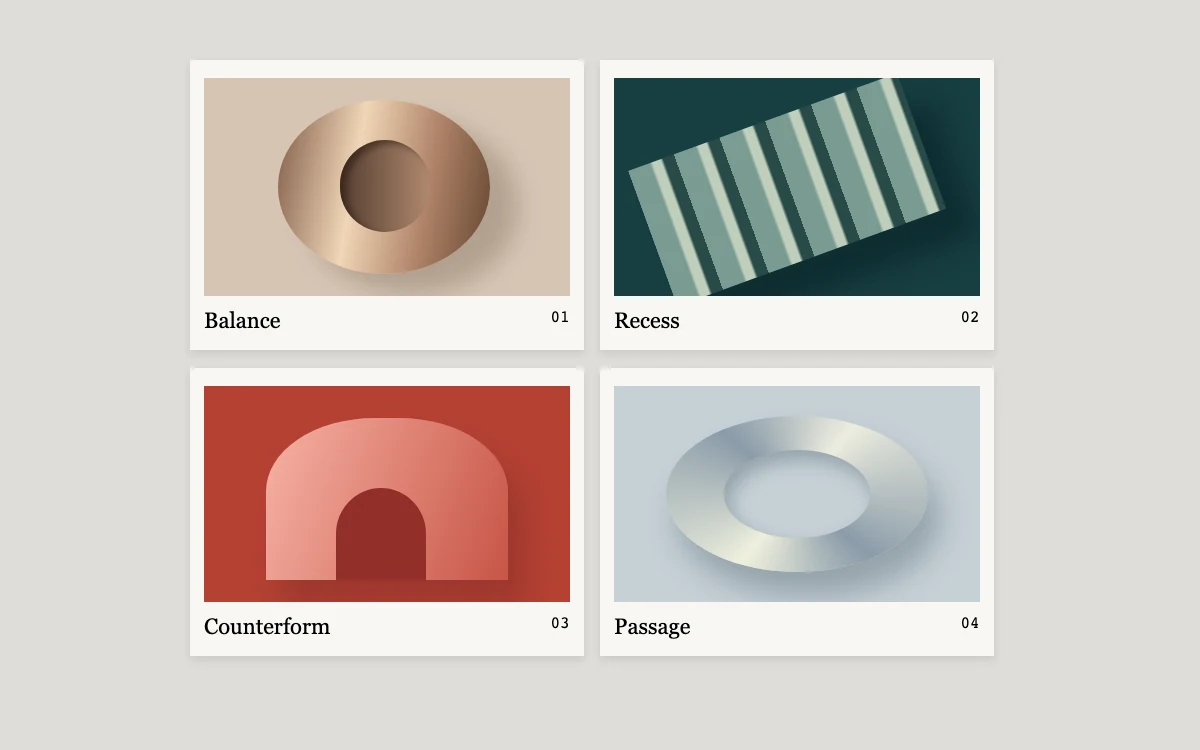
Expand a print
Adjust roughness
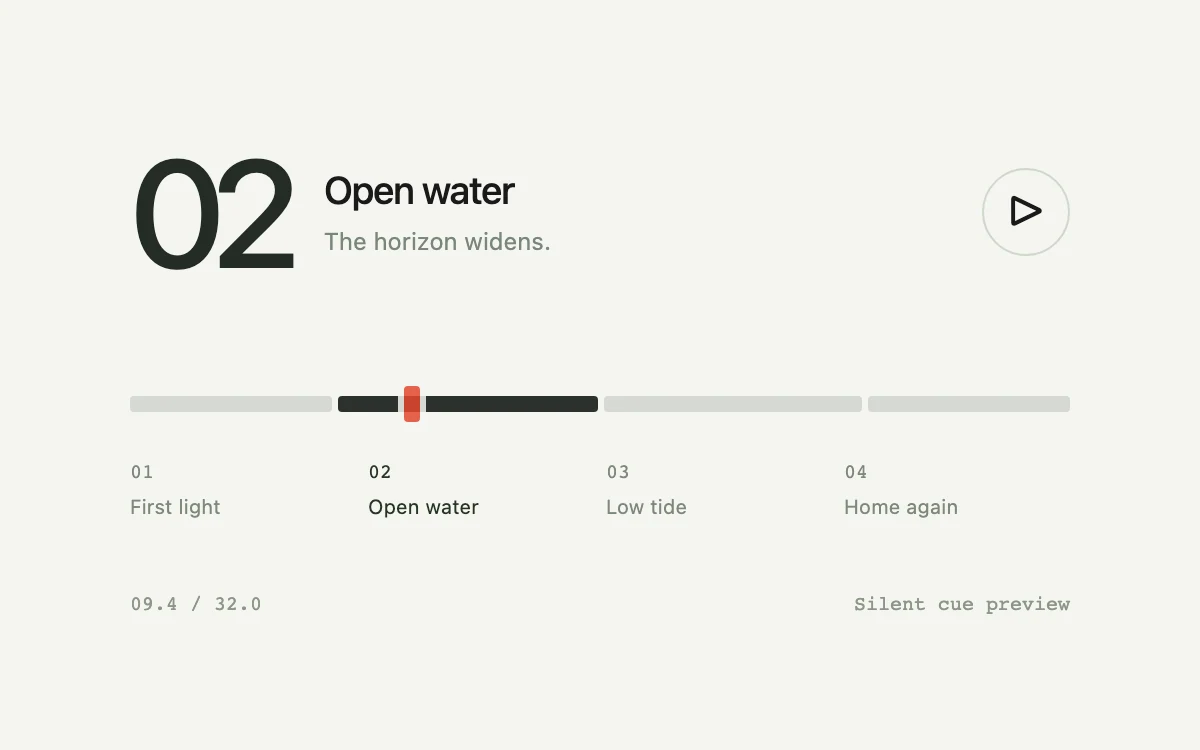
Preview a cue on hover, jump to a chapter or scrub the clock.
Hover, focus or choose a project.
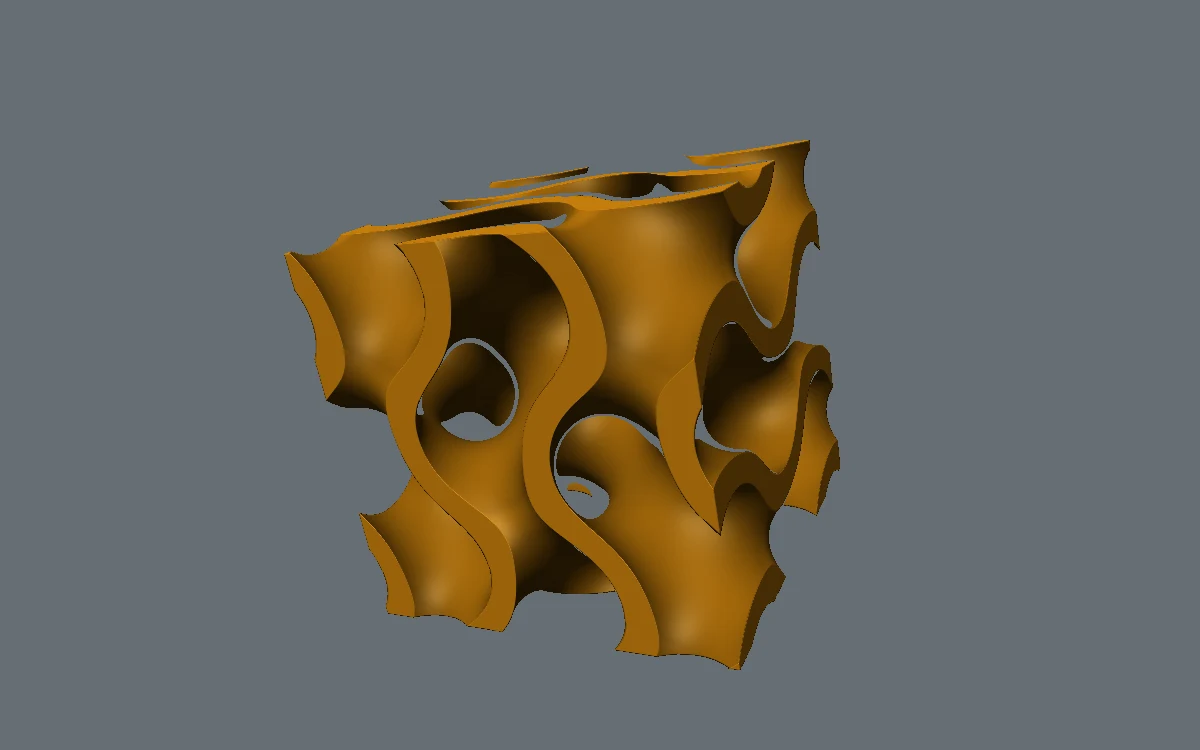
Adjust wall thickness
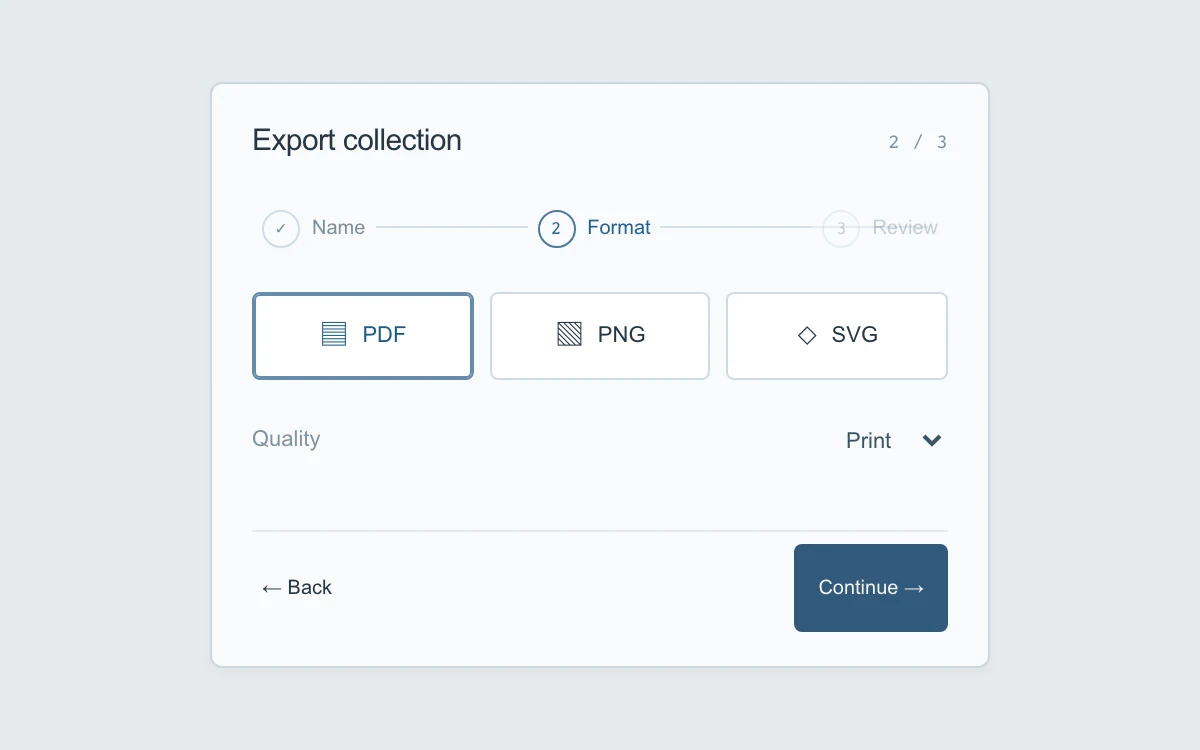
Name the collection, choose a format and quality, review, and prepare the local preview.
Change the print

Adjust light angle
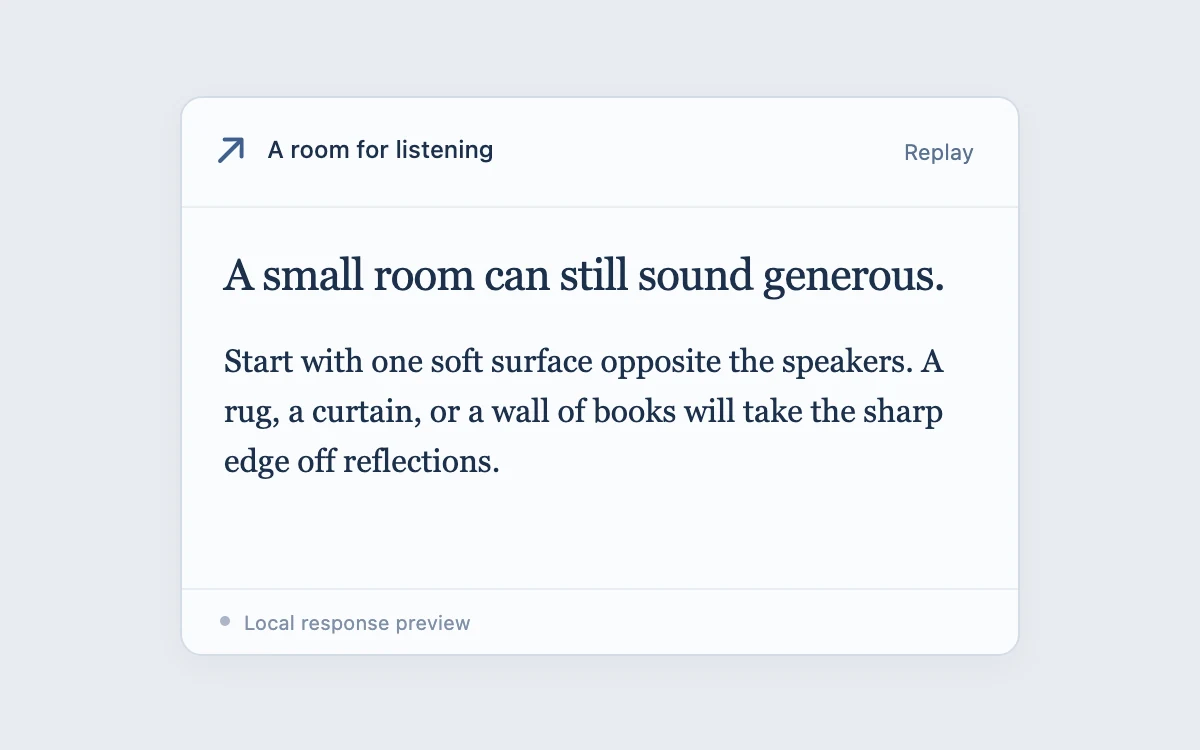
Replay or stop the response; scroll up, then jump to the latest text.
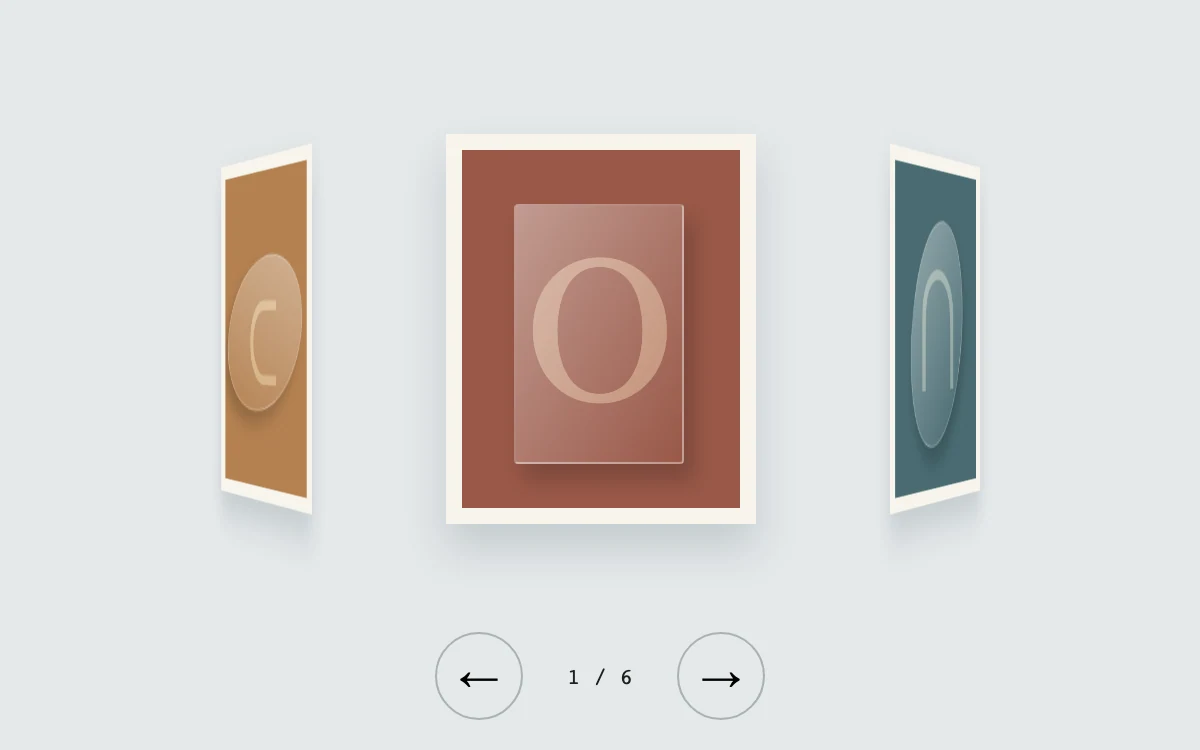
Turn the collection
Adjust hotspot
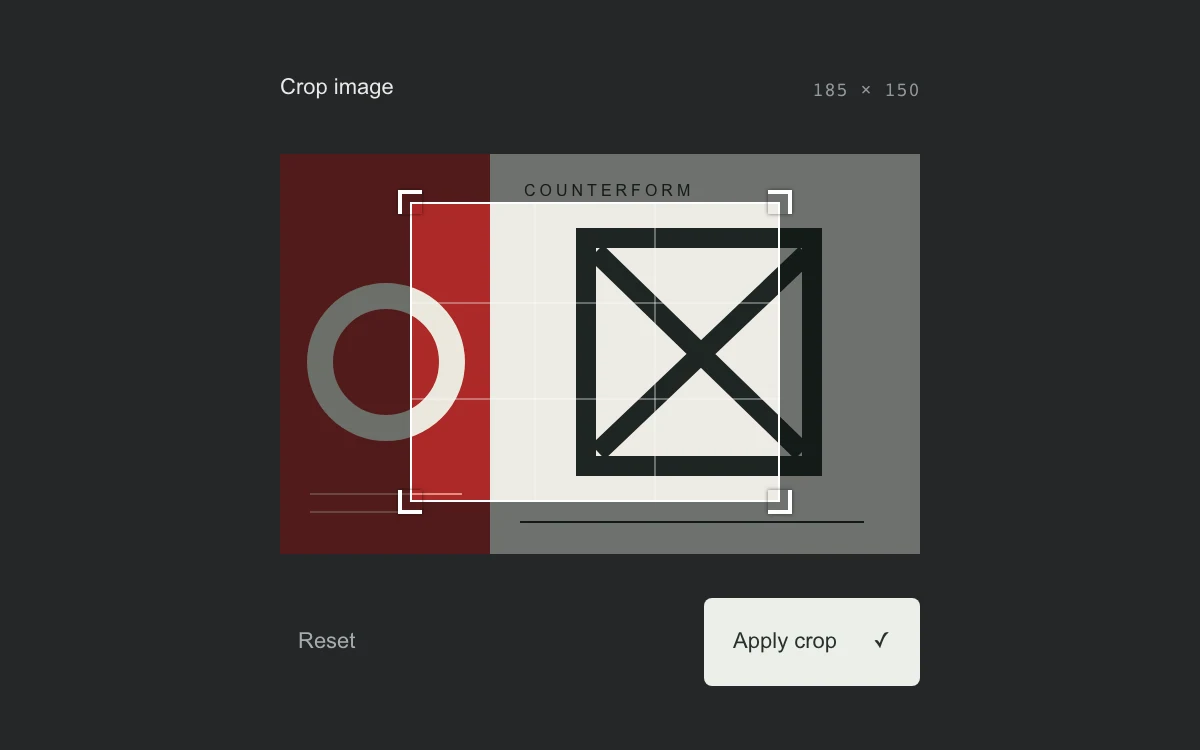
Drag the frame or its corners, use arrows with optional Shift, and apply the crop.
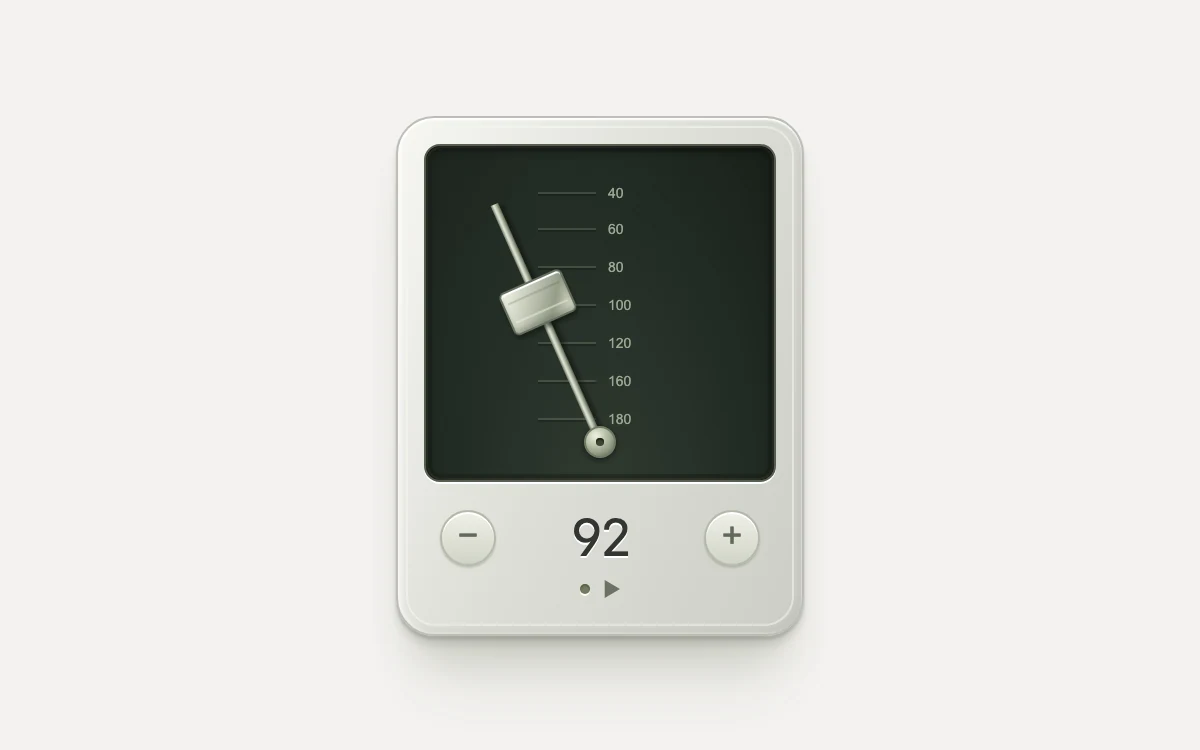
Start the pendulum and change its tempo
Adjust sun angle
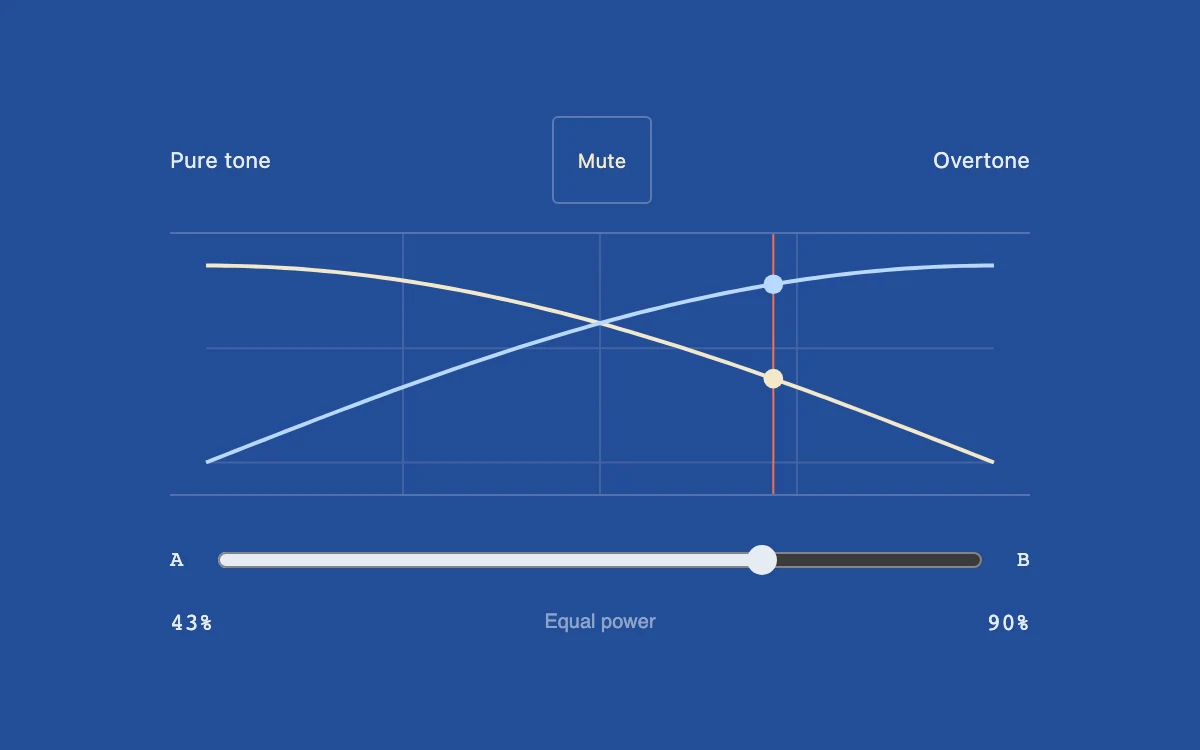
Enable sound and move the equal-power blend control.
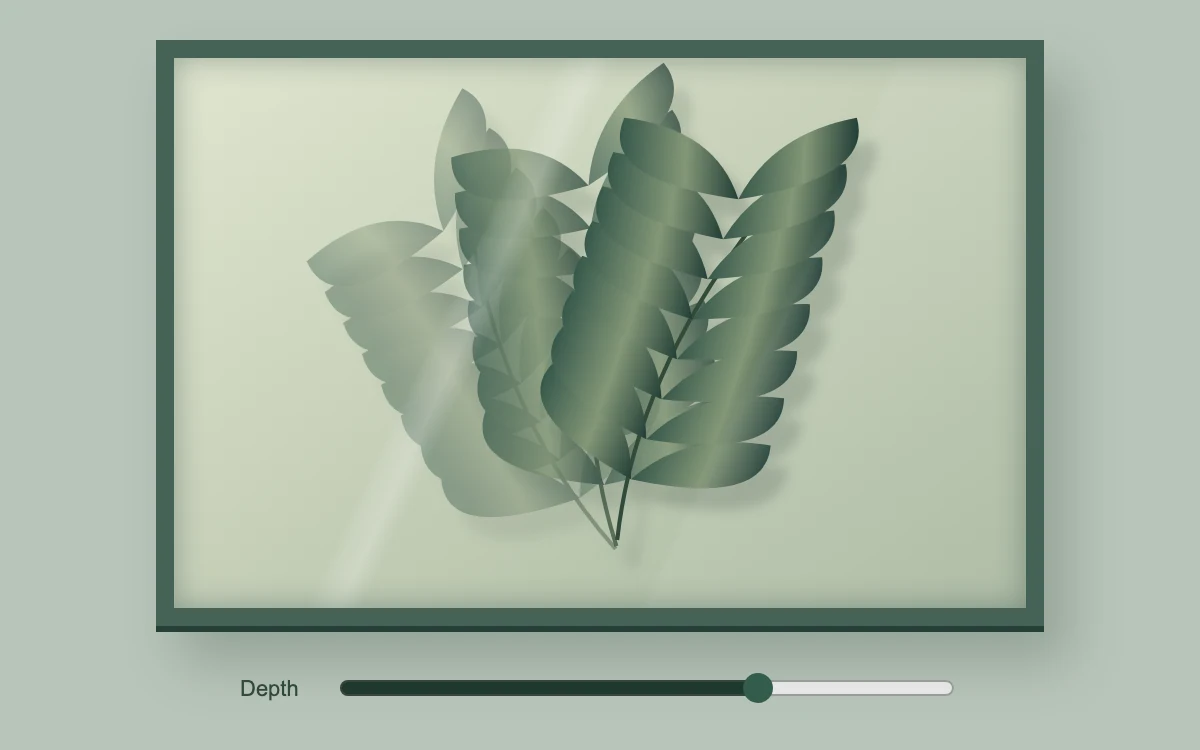
Move across the specimen or adjust depth
Adjust view
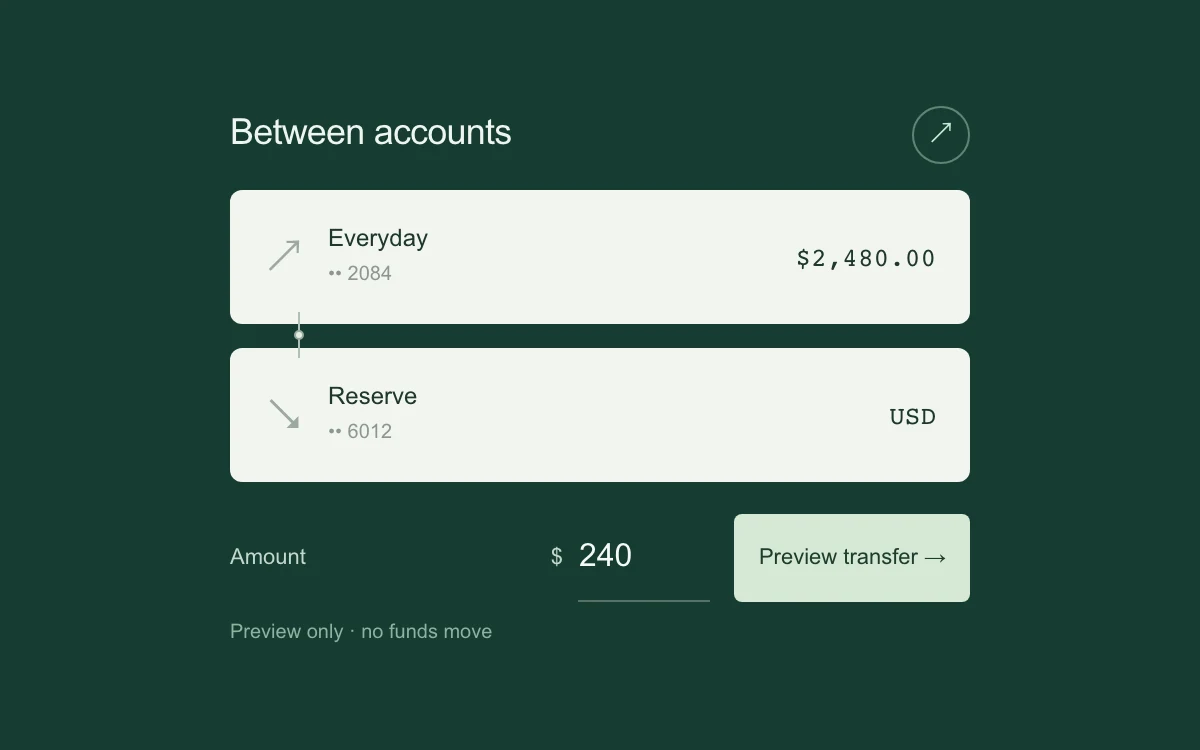
Enter an amount, preview or cancel, and start again after completion.

Pull the ball, then release
Adjust dissolve
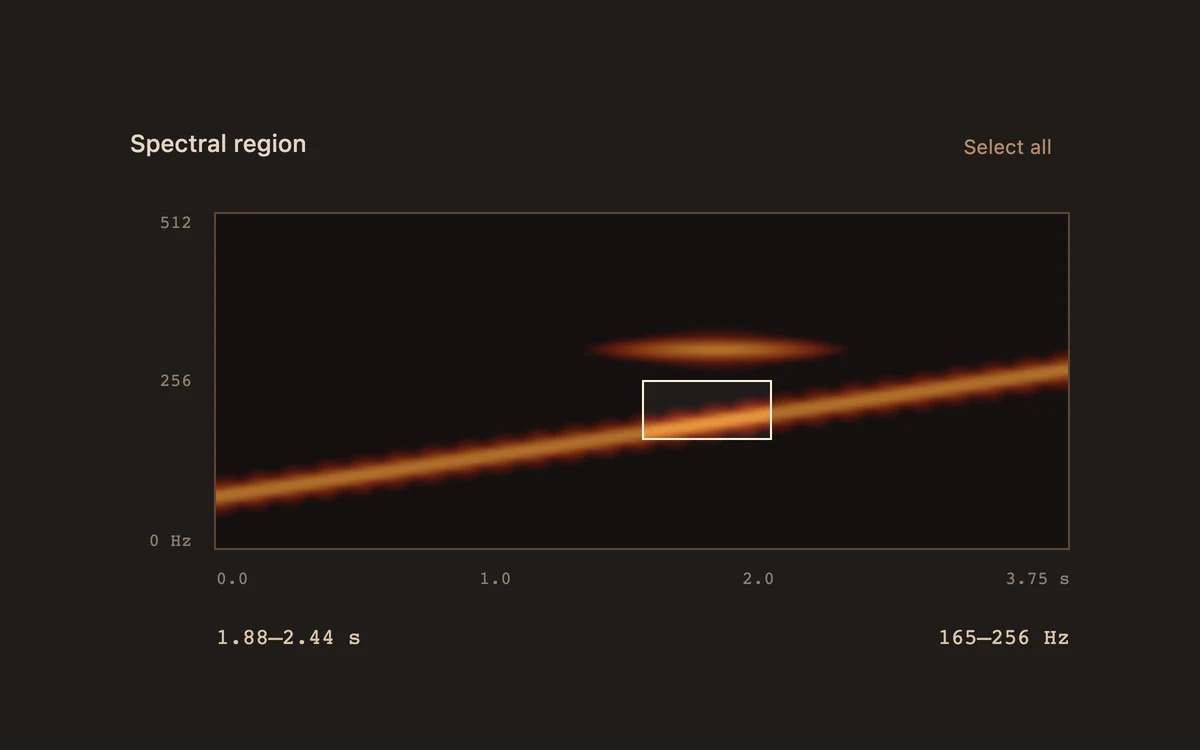
Drag a region, move it with arrow keys, or resize it with Shift and arrows.
Move through the field or place a print
Develop the print with the exposure slider
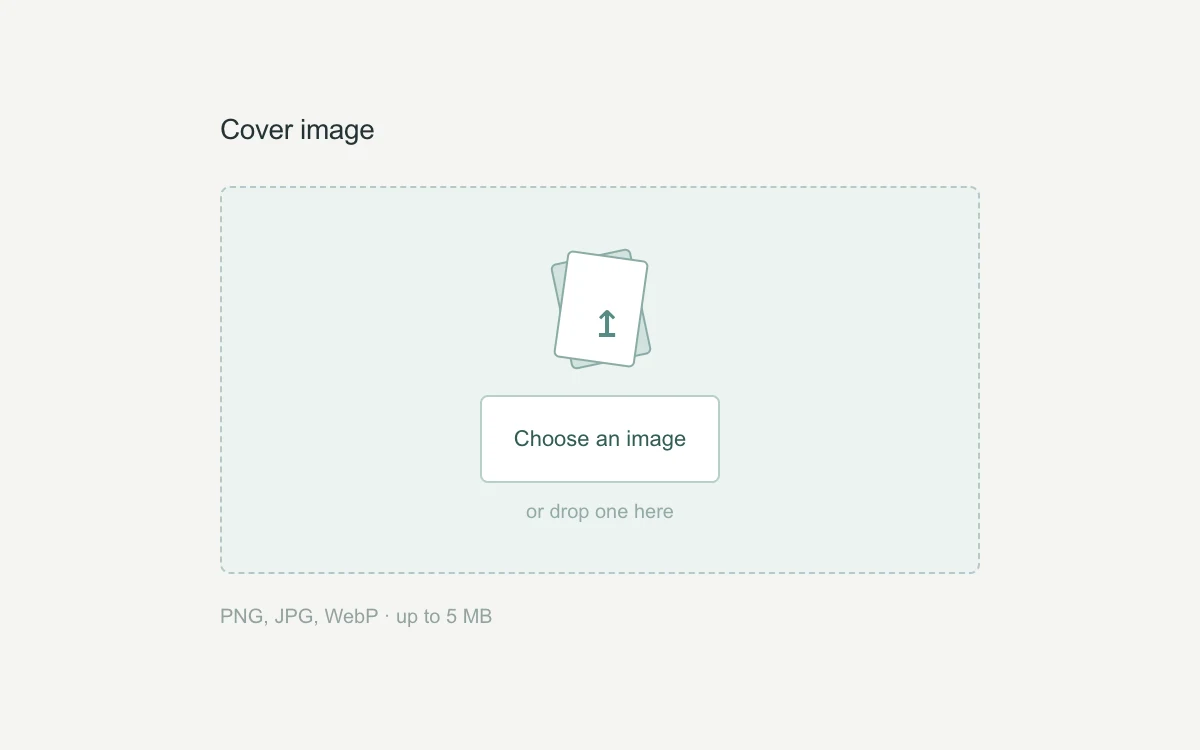
Drop a PNG, JPG or WebP, or choose one; replace or remove it.
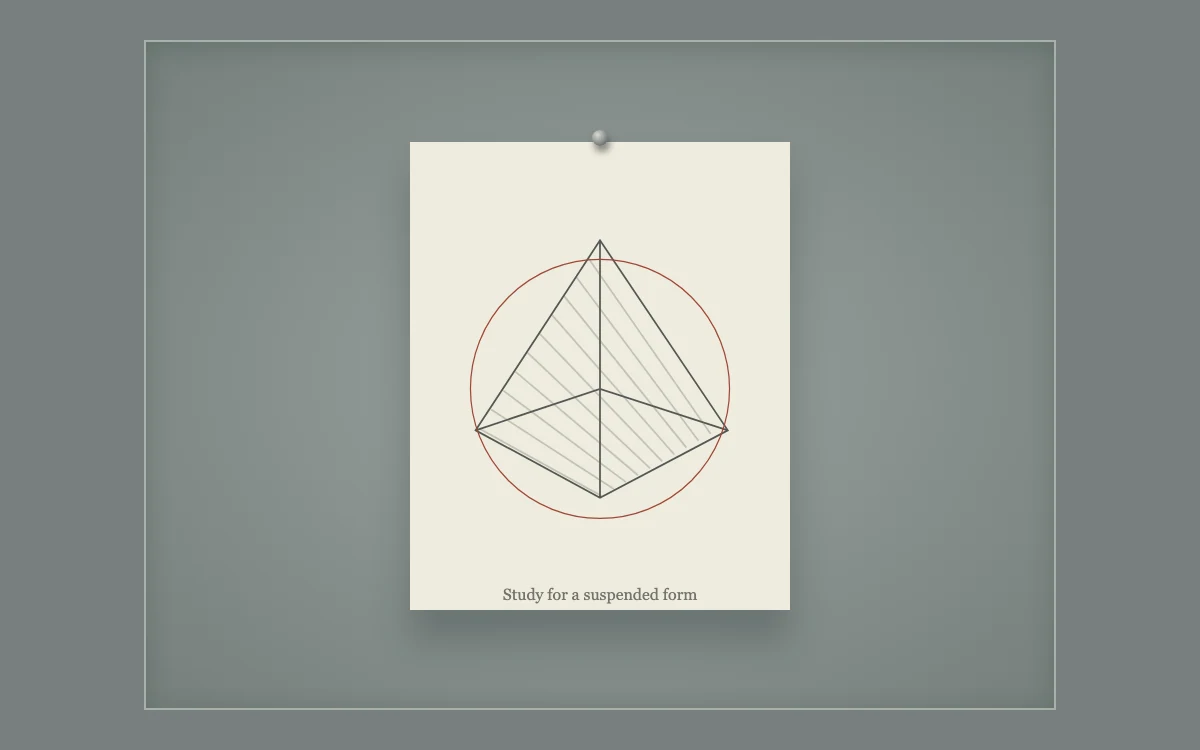
Drag the study or nudge it with arrow keys

Adjust separation
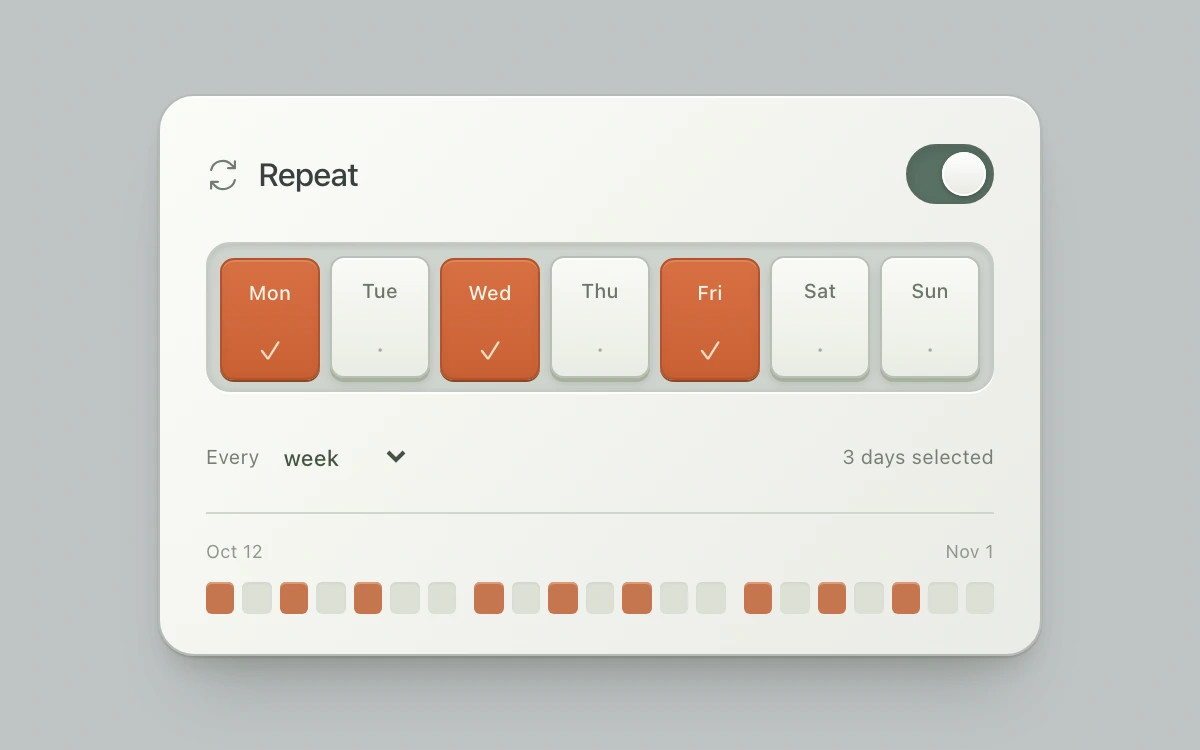
Select weekdays, choose a weekly interval and toggle repeating. The 21-day strip follows the rule.
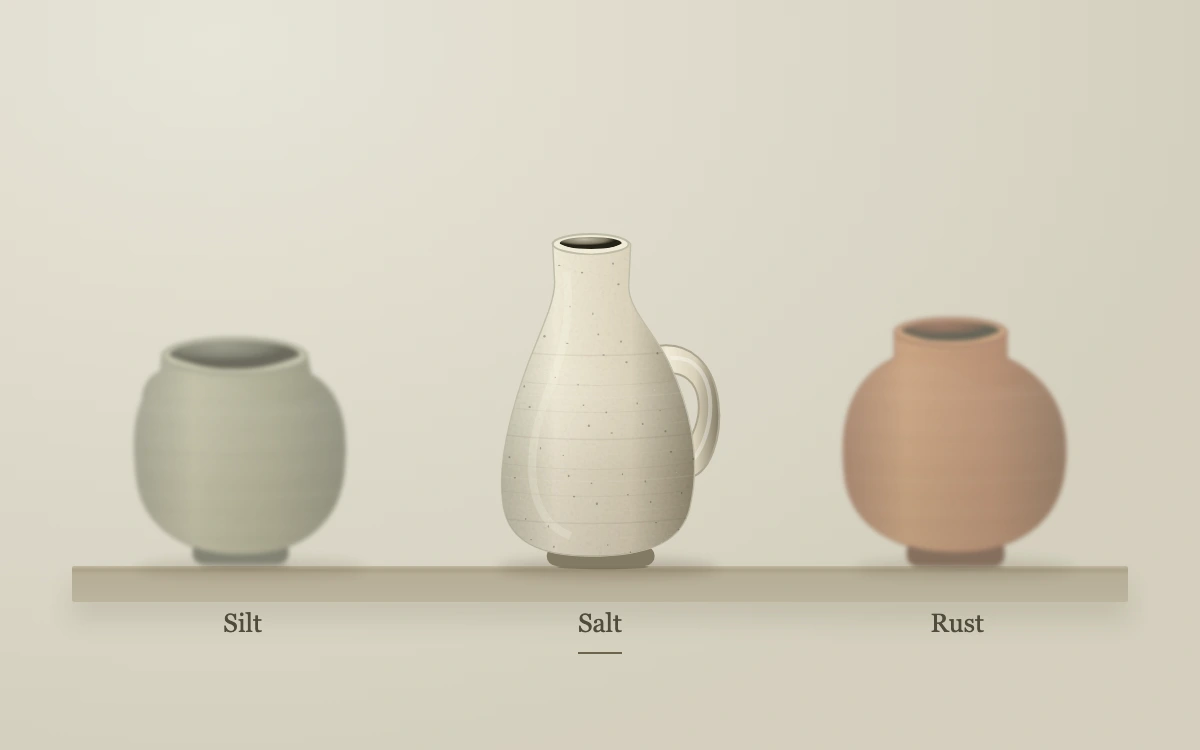
Hover, focus or select a vessel.
Adjust growth
Write a reply, send with Enter, then resolve or reopen the thread.
Reveal or redact the note
Rotate the light or pause its orbit
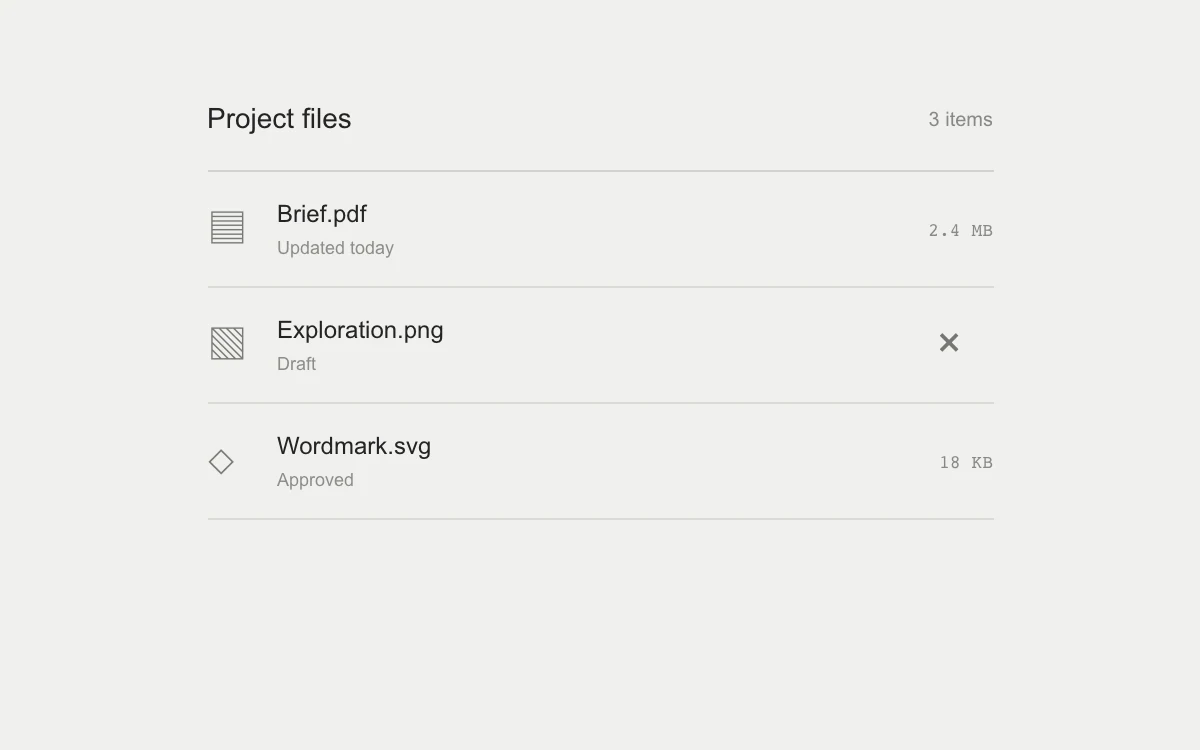
Remove the draft, pause expiry by hover or focus, and Undo or reset after expiry.
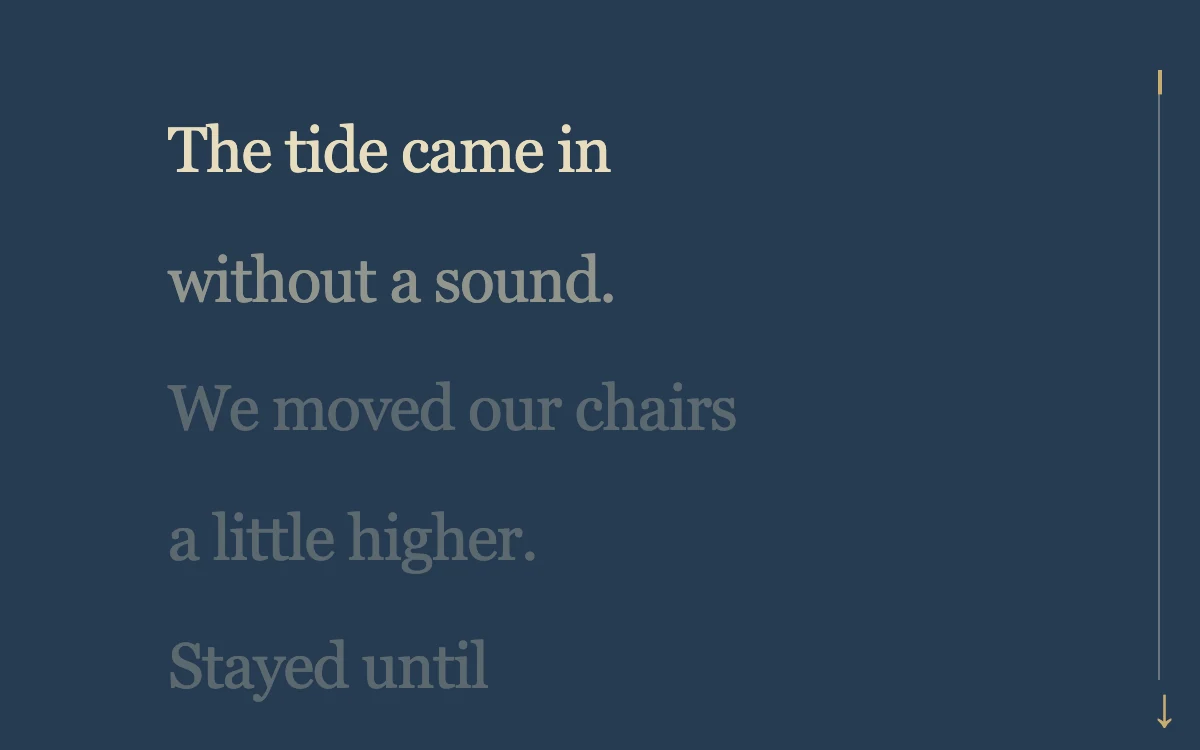
Scroll through the poem

Adjust bend
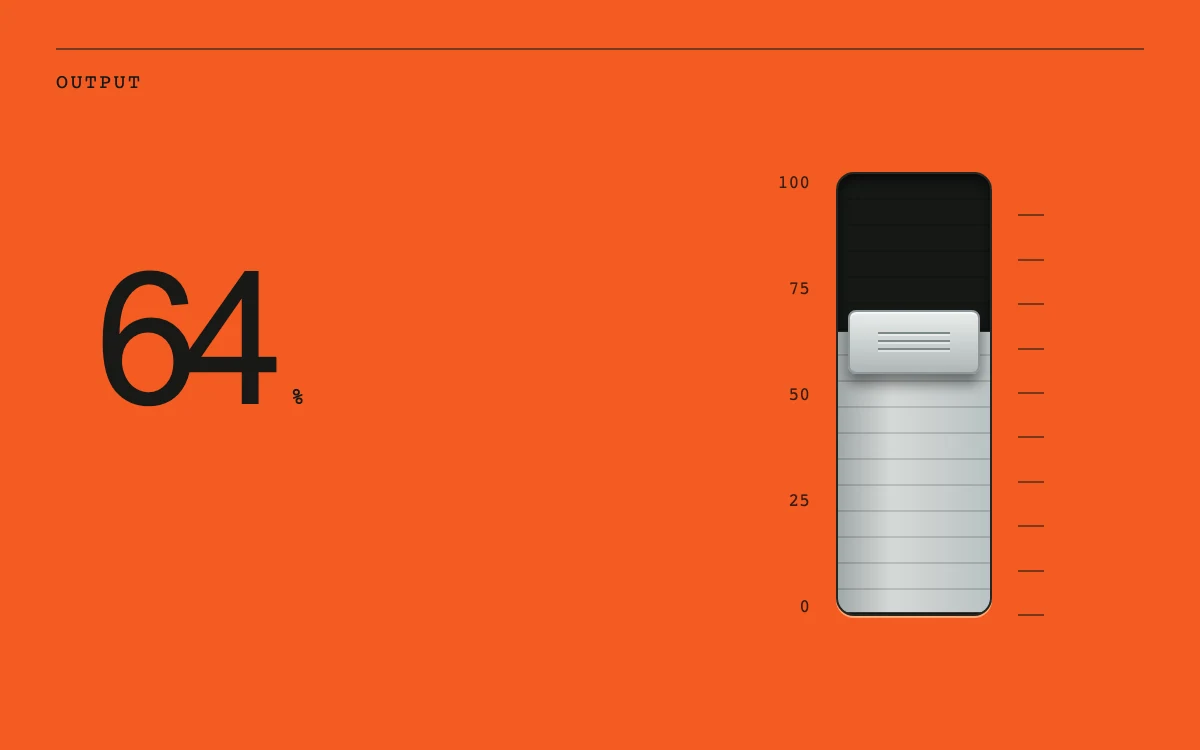
Drag the level past either endpoint, or use arrow keys.
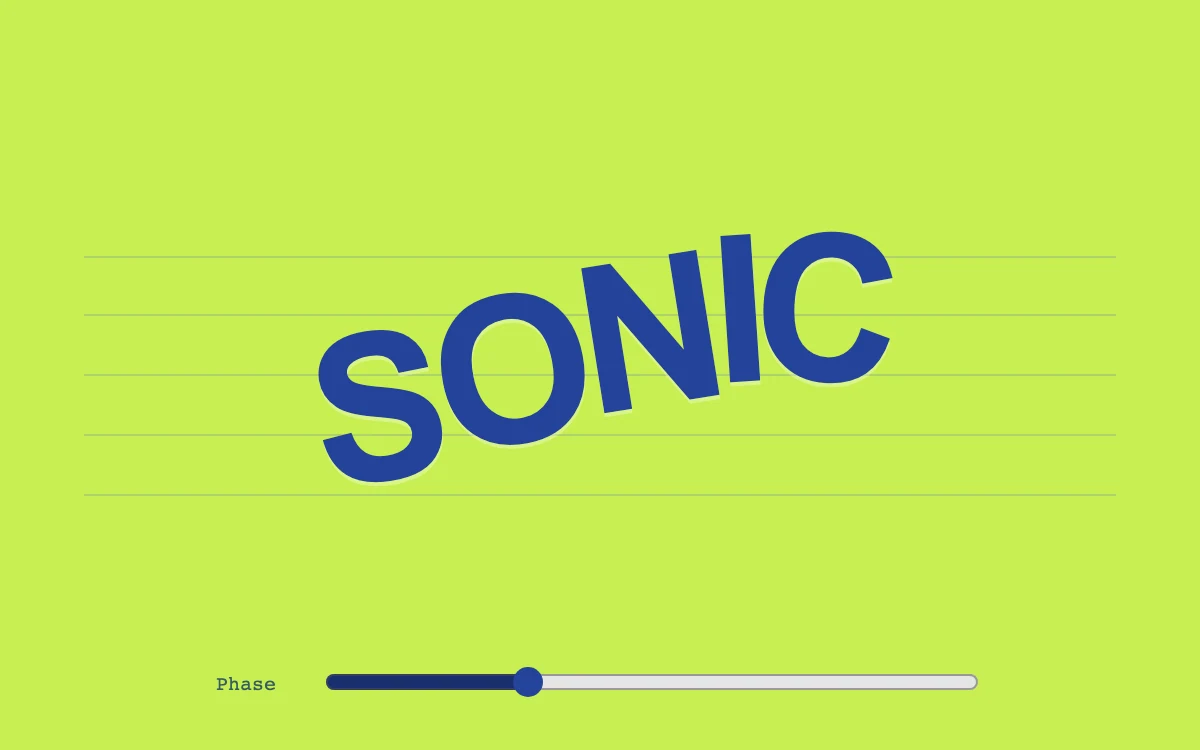
Adjust the phase
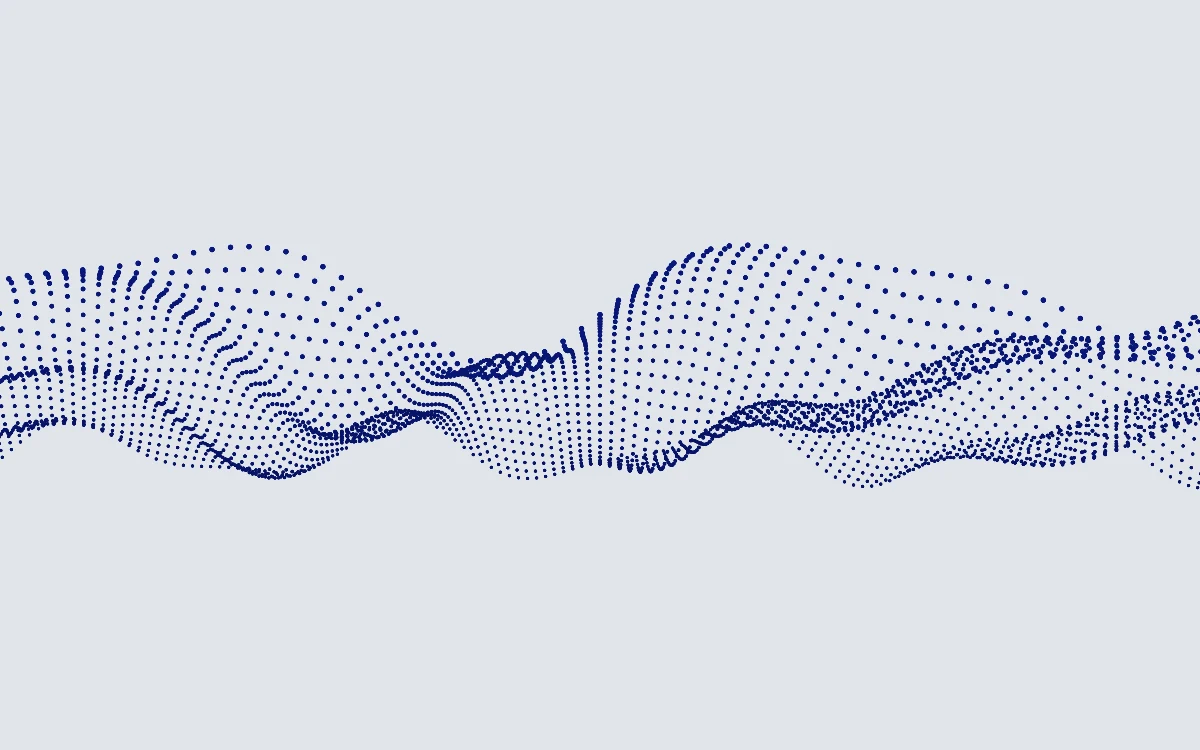
Adjust amplitude
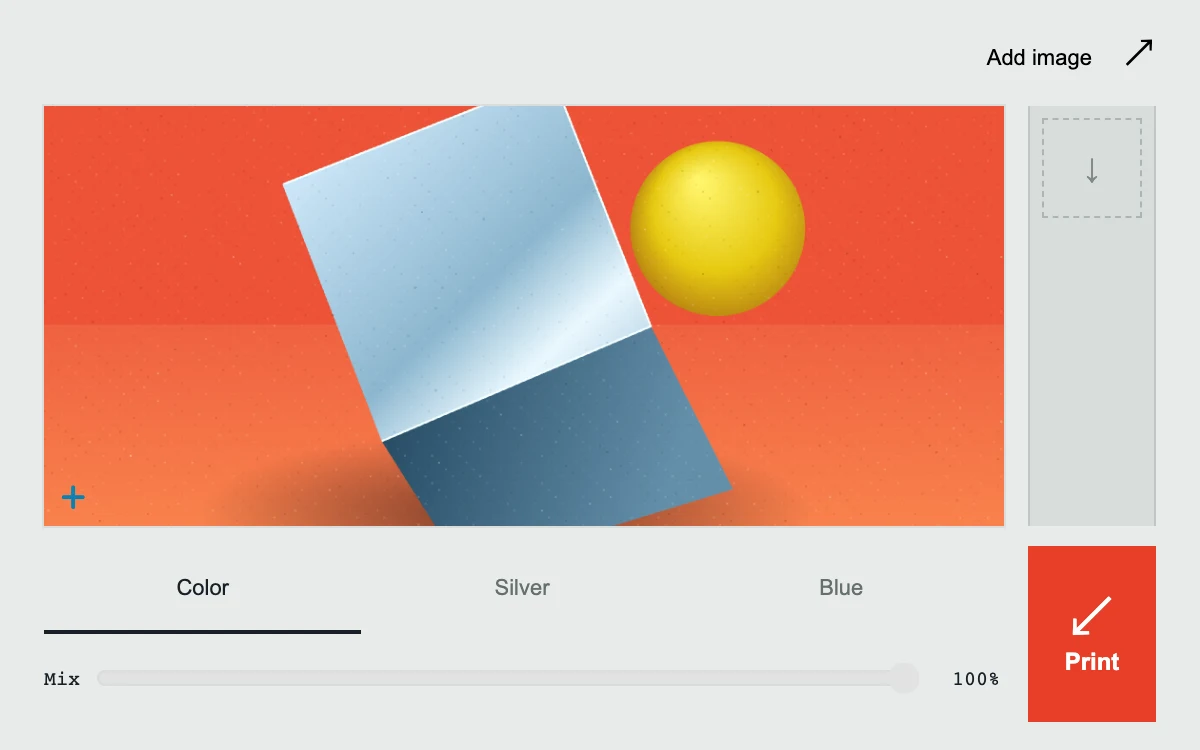
Choose a treatment, adjust its mix, and print a proof

Turn the wordmark

Adjust wind angle
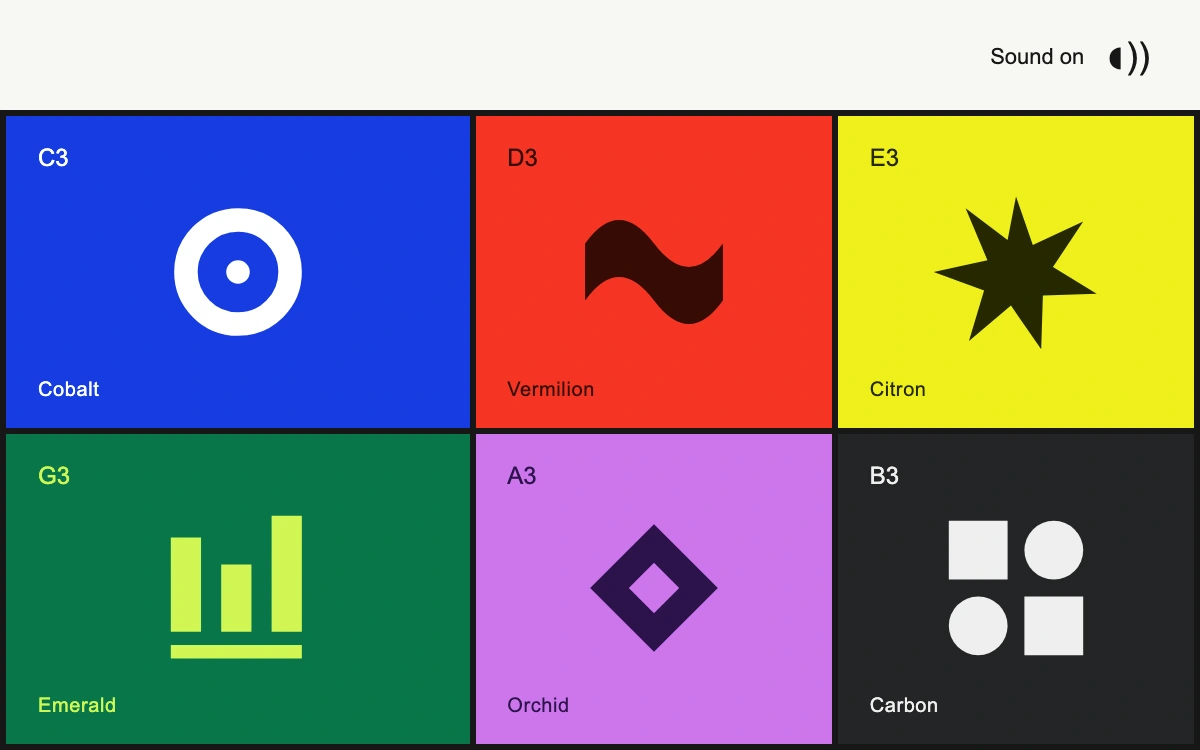
Press a pad, use keys 1–6, or toggle sound.
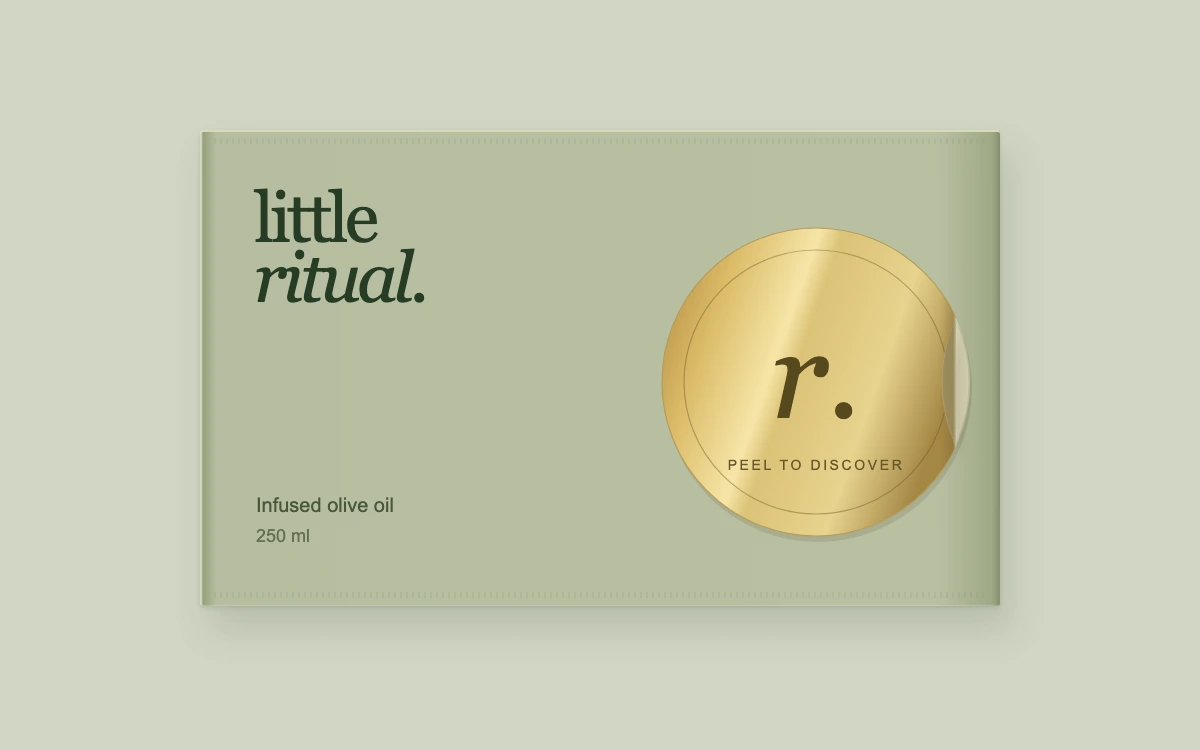
Peel the foil, then press either the foil reverse or exposed seal area to reseal.

Adjust ink density
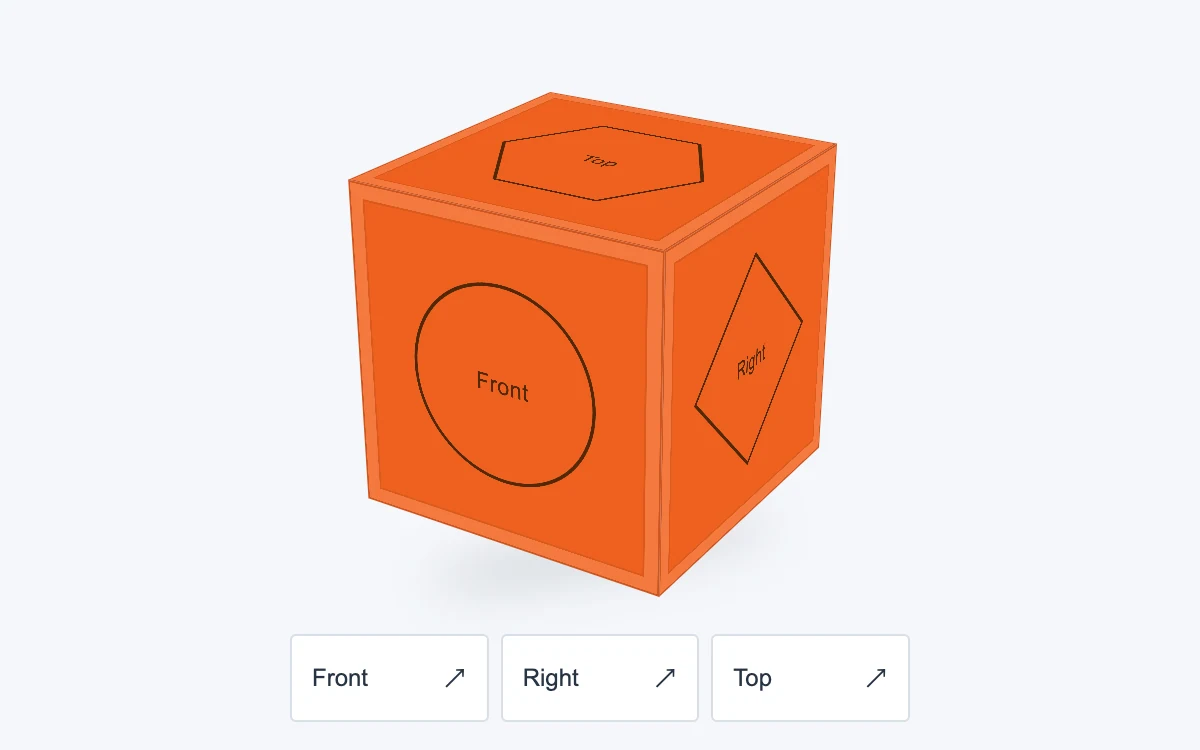
Drag the cube, use arrow keys, or choose a face
Break apart or restore
Play or pause the material study.
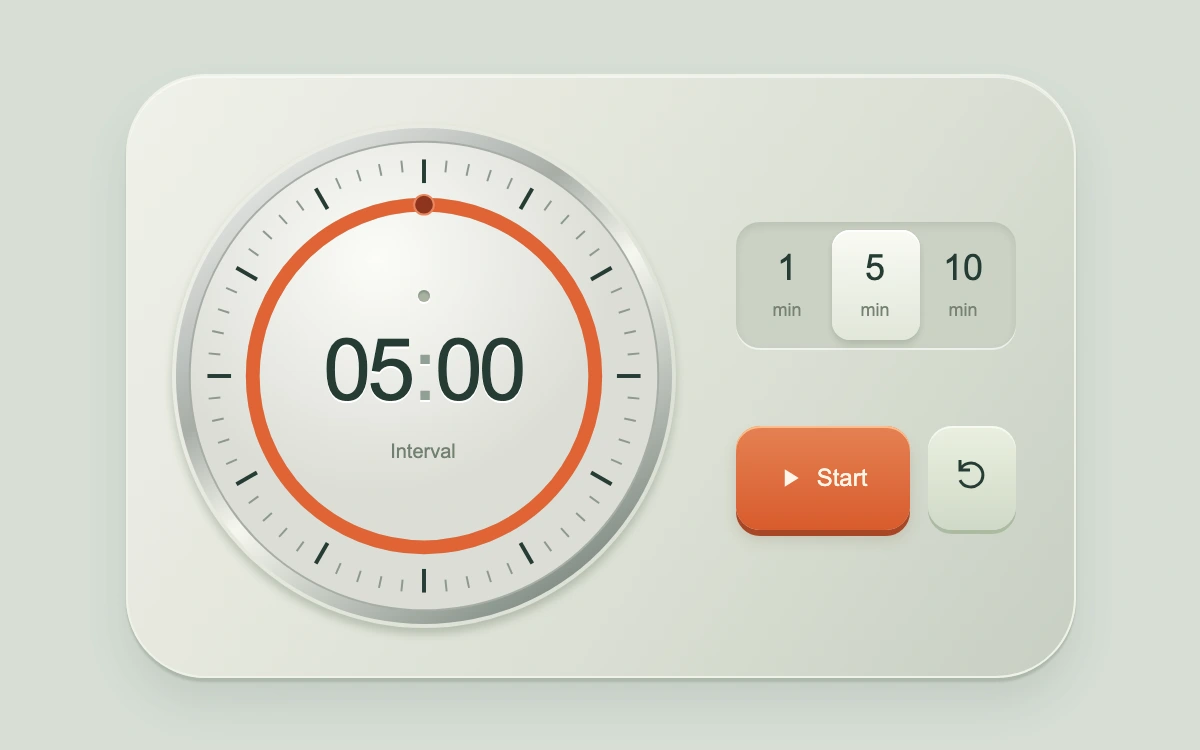
Choose 1, 5 or 10 minutes; start, pause or reset.
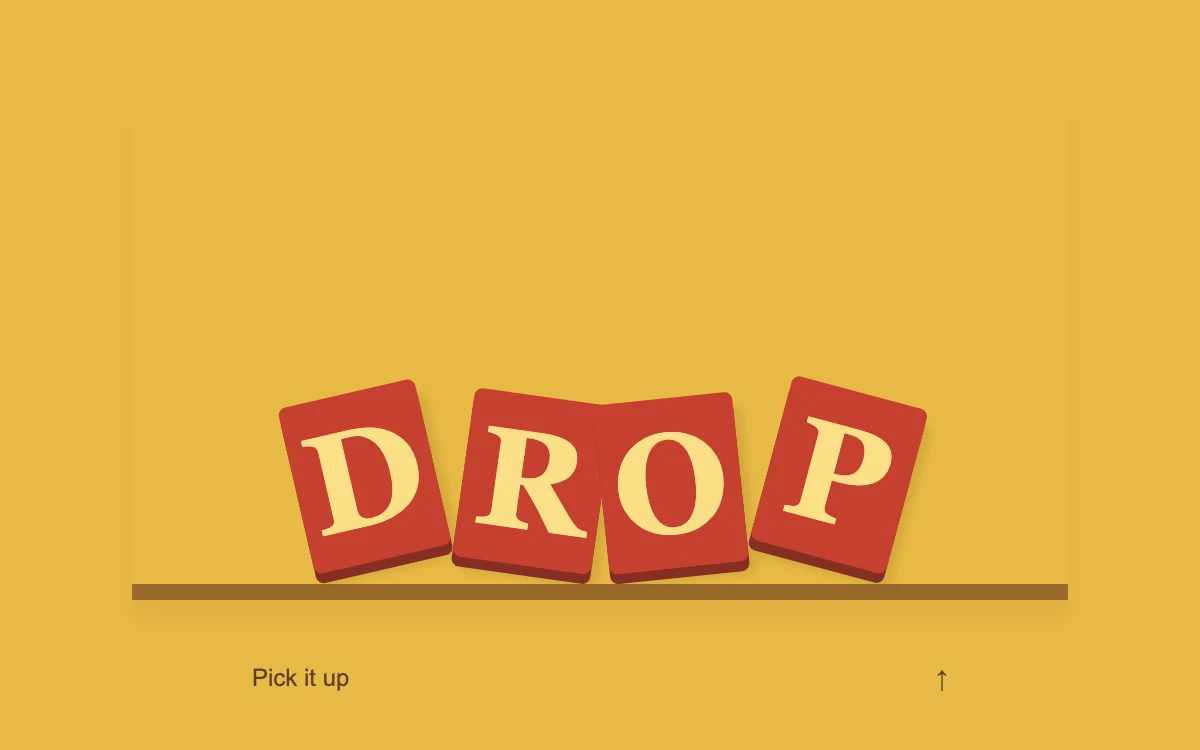
Drop or reset the letters

Play or pause the material study.
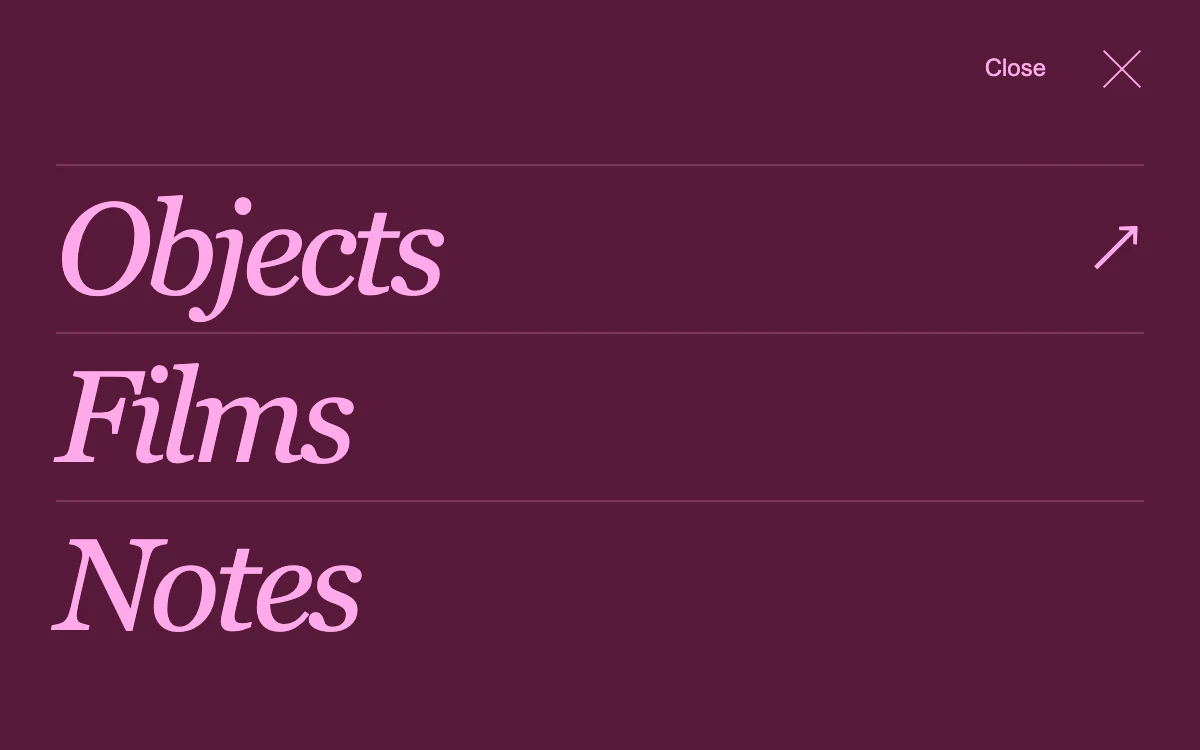
Open Index, select a section, or close with Escape
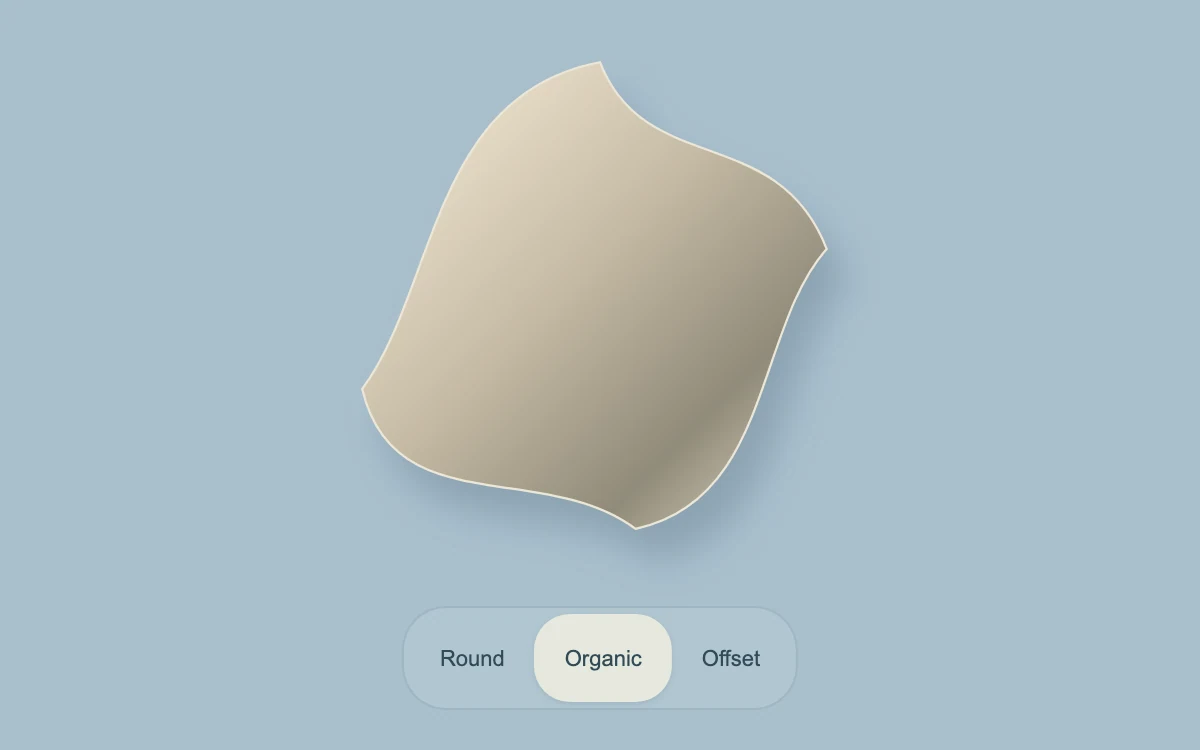
Choose a contour

Play or pause the material study.

Move the lens, use arrow keys, or reveal the full artwork
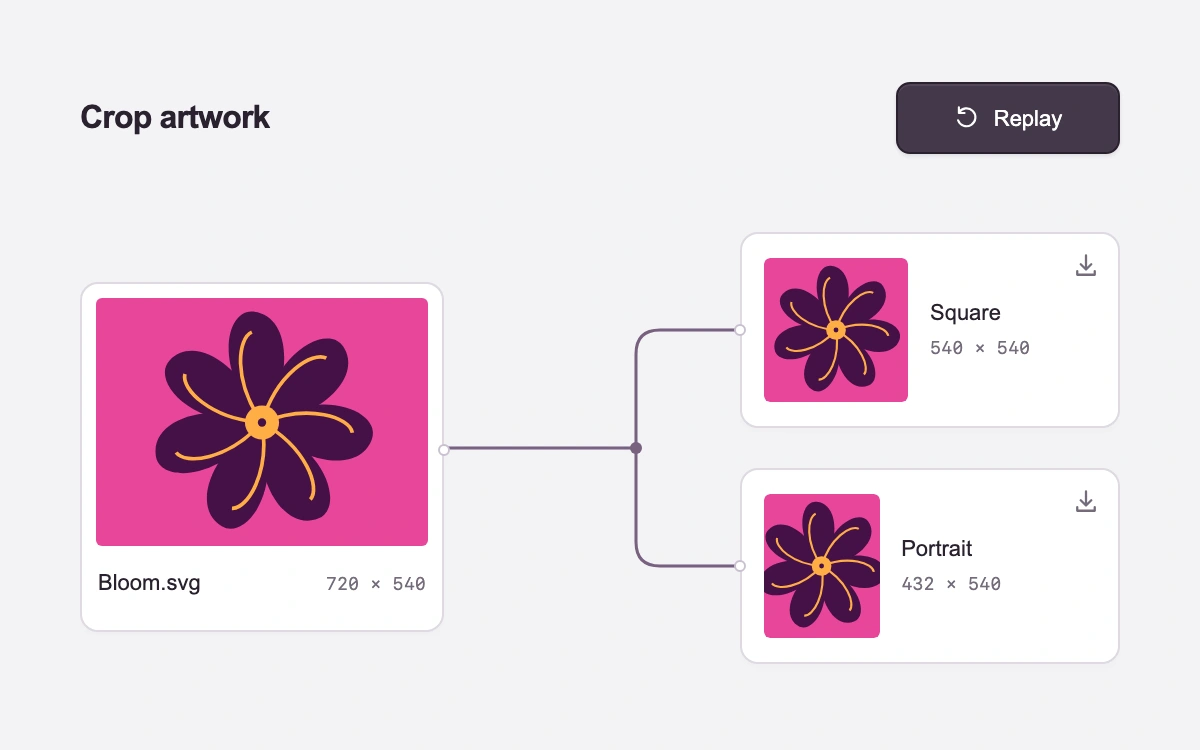
Create crops, cancel or replay, then download either SVG
Play or pause the material study.
Drag the wave field or hold arrow keys; adjust flow, spread and grain.
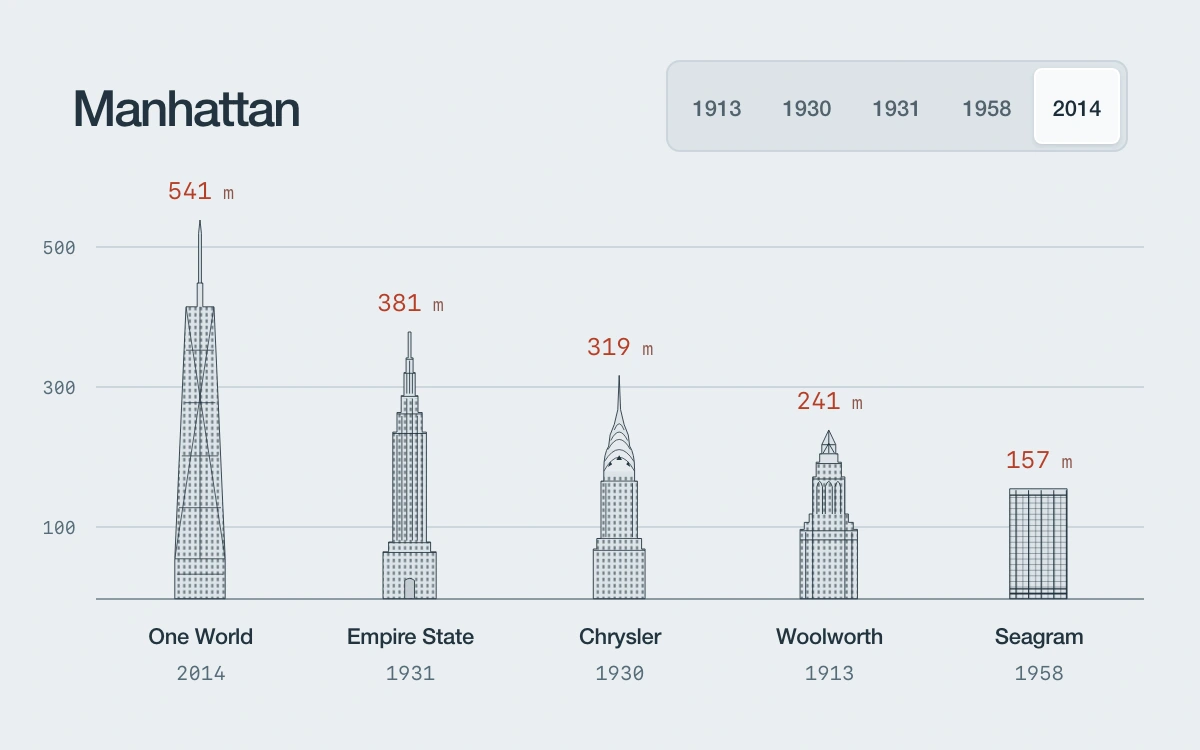
Choose a skyline year
Play or pause the material study.
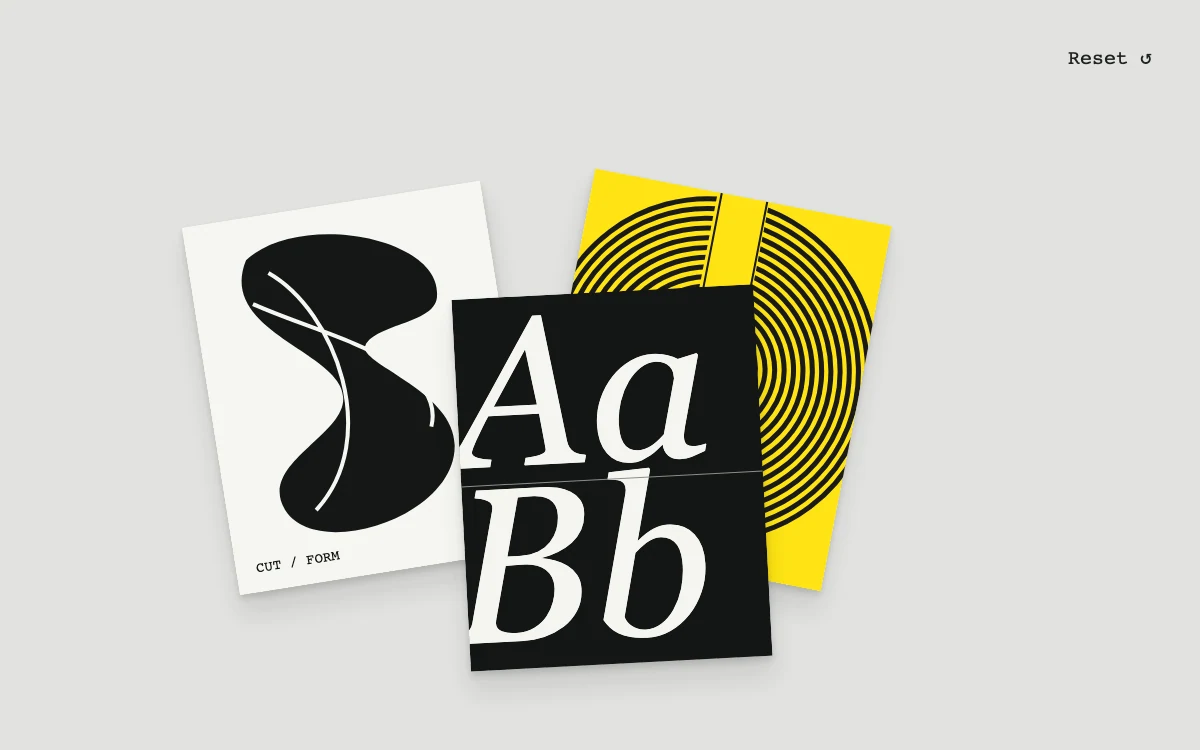
Drag a study, or focus it and use arrow keys.
Cut to the next scene
Play or pause the material study.
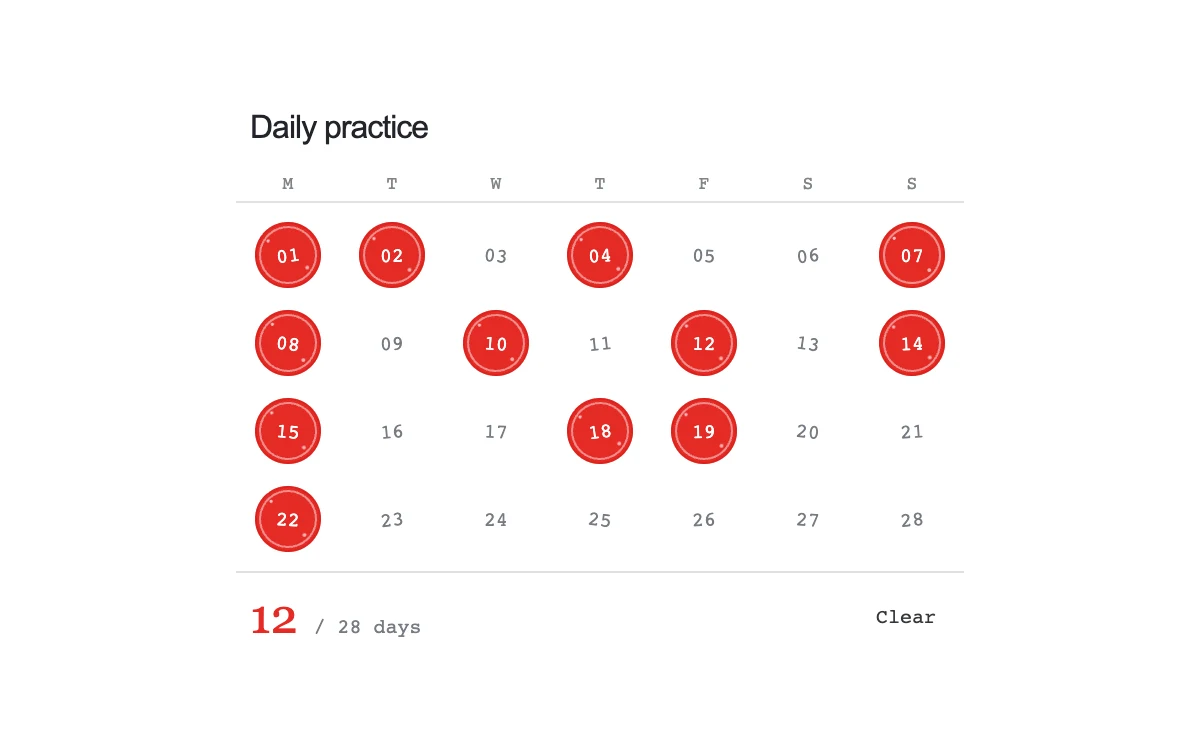
Mark days; use arrows to move through the grid.
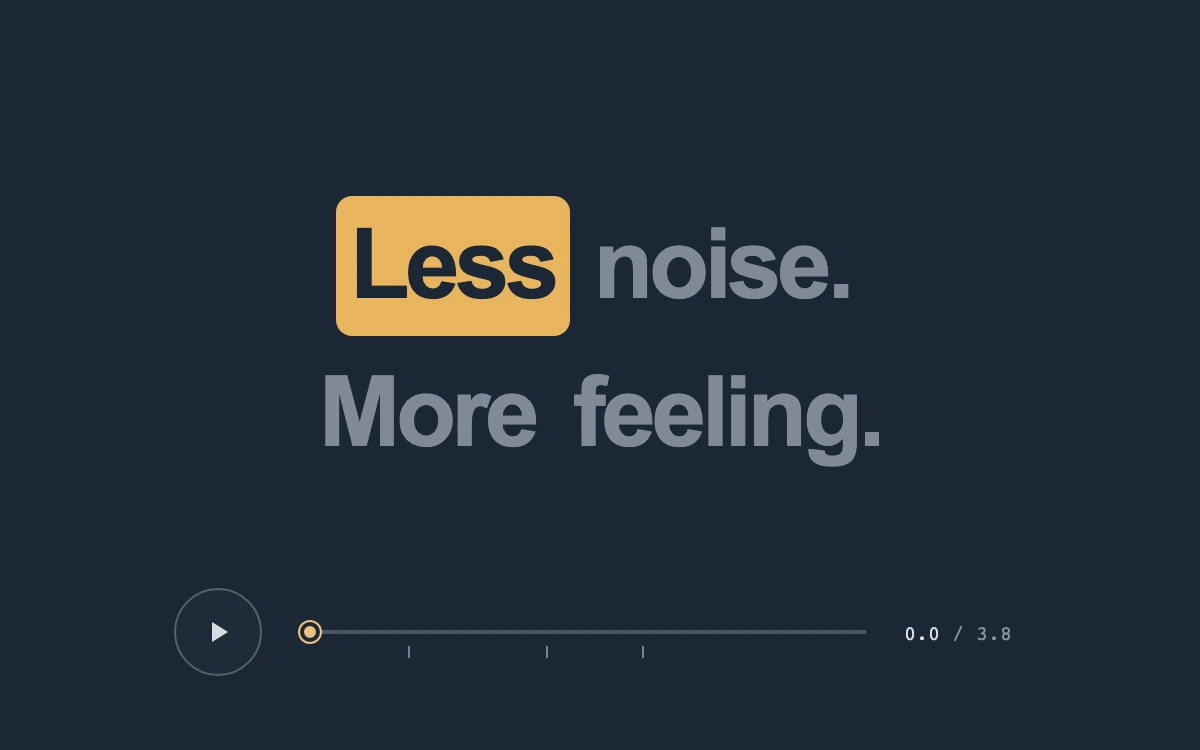
Play or pause the phrase, or scrub to an exact time.
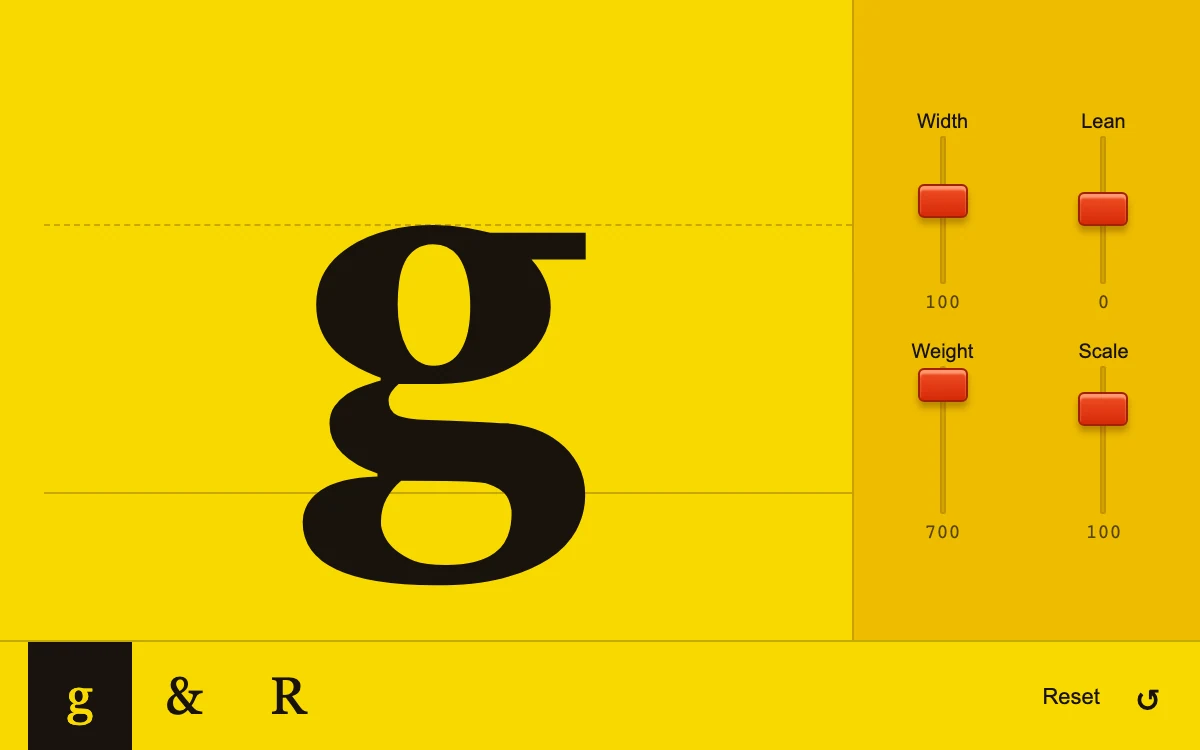
Move the faders, select a glyph, or reset the specimen
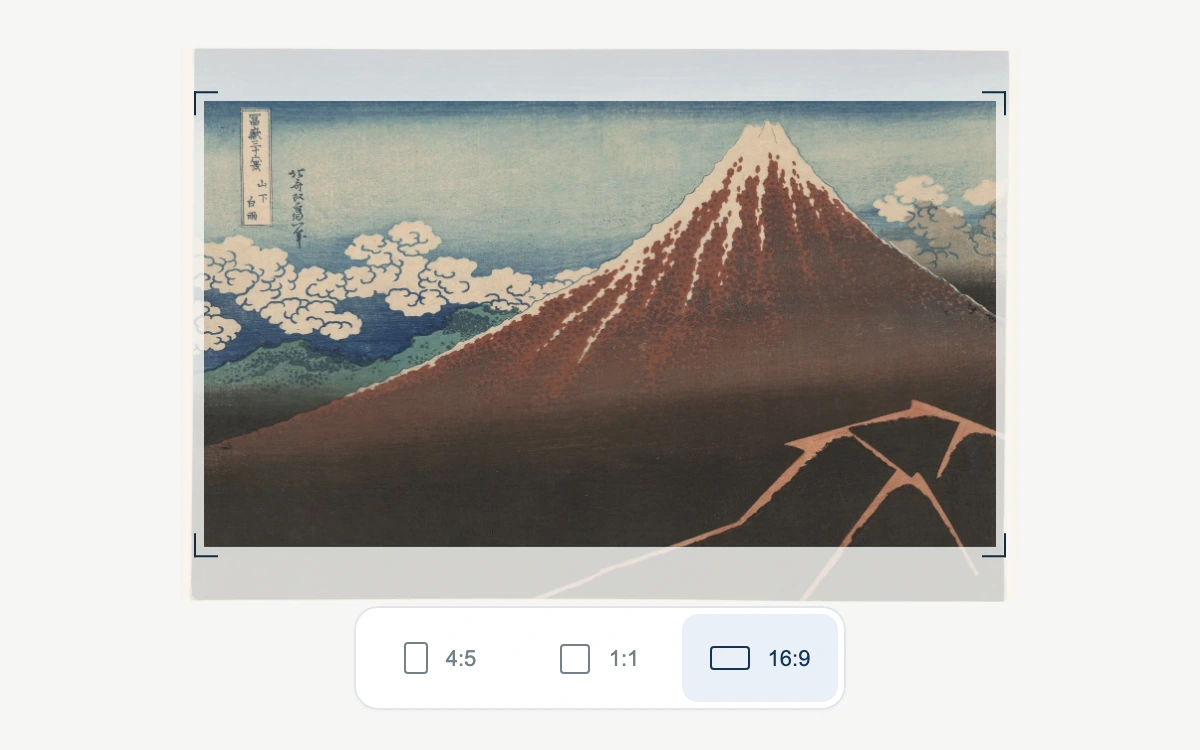
Select a print format
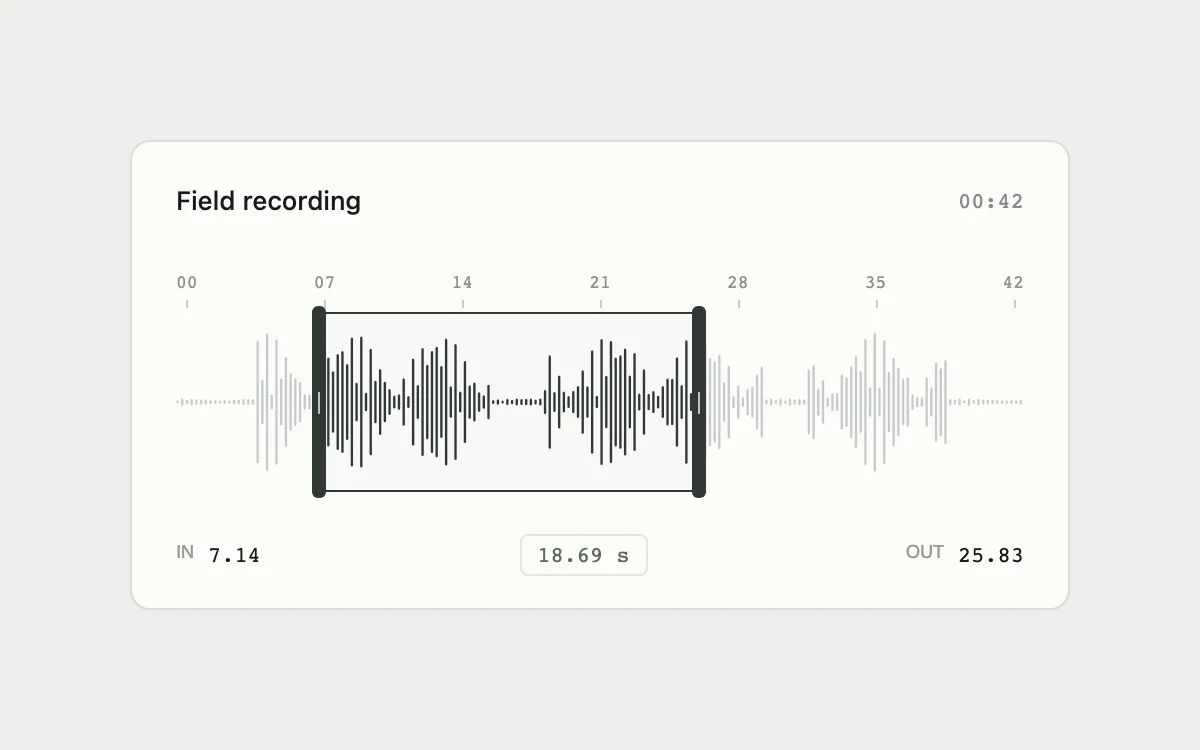
Drag trim handles or the selection; use arrows, Shift+arrows, Home or End
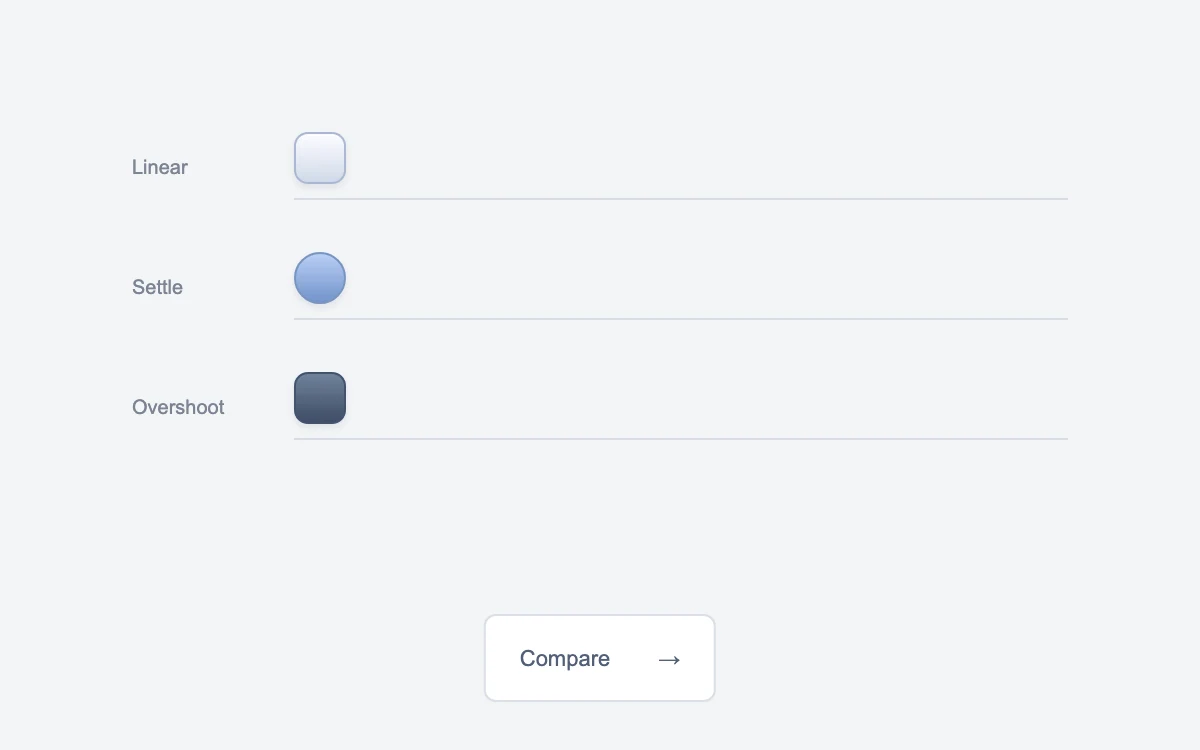
Send the objects across
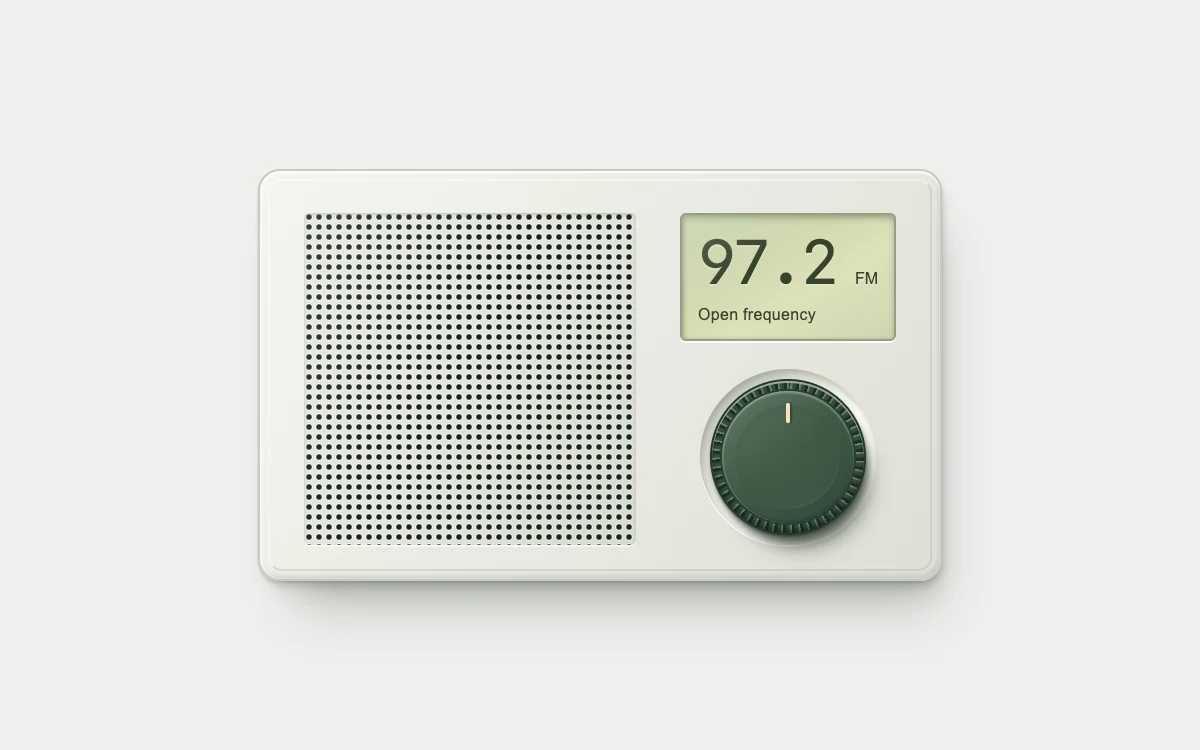
Rotate the rim, drag from the center, or use arrow keys
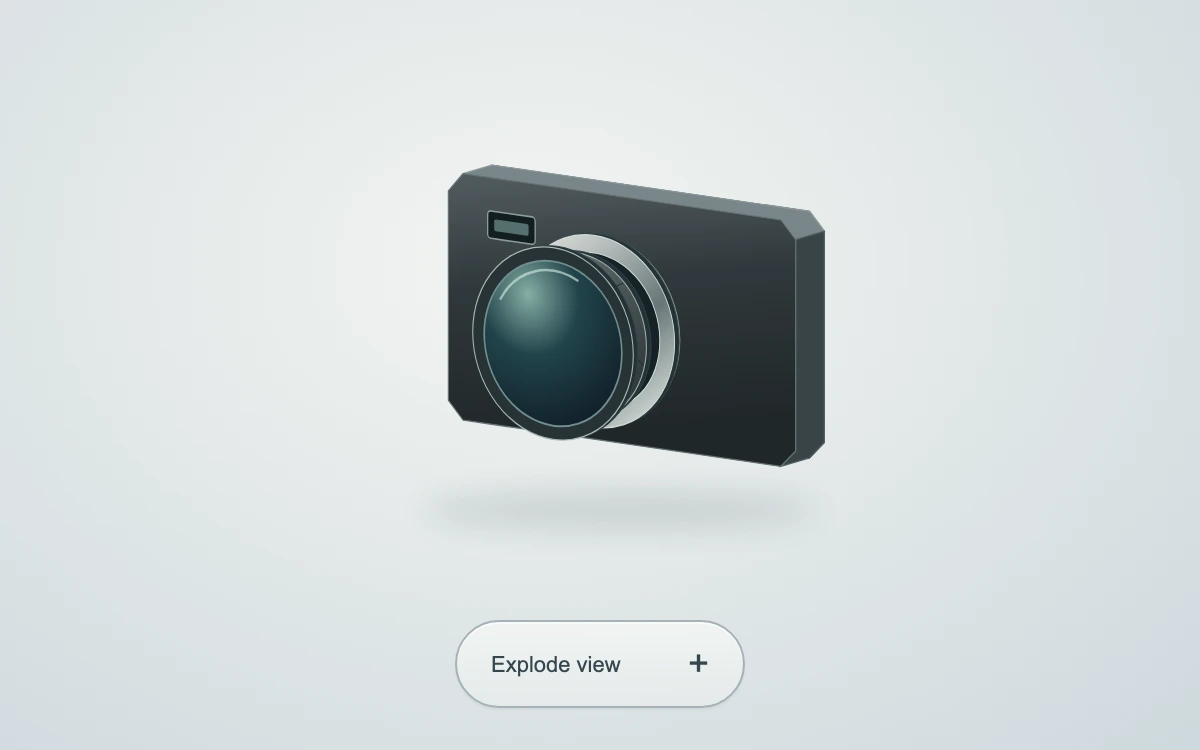
Click the camera or the Explode view control to separate or assemble the optics.
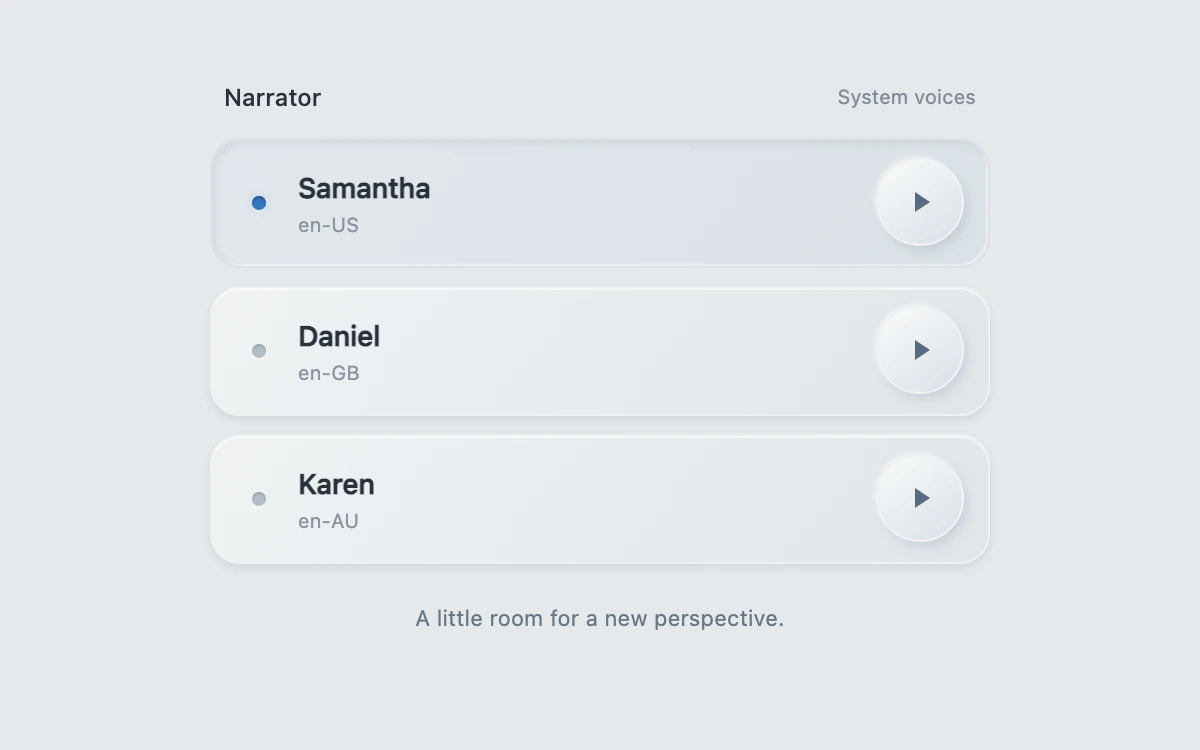
Select a narrator or press its play key to audition the shared phrase.
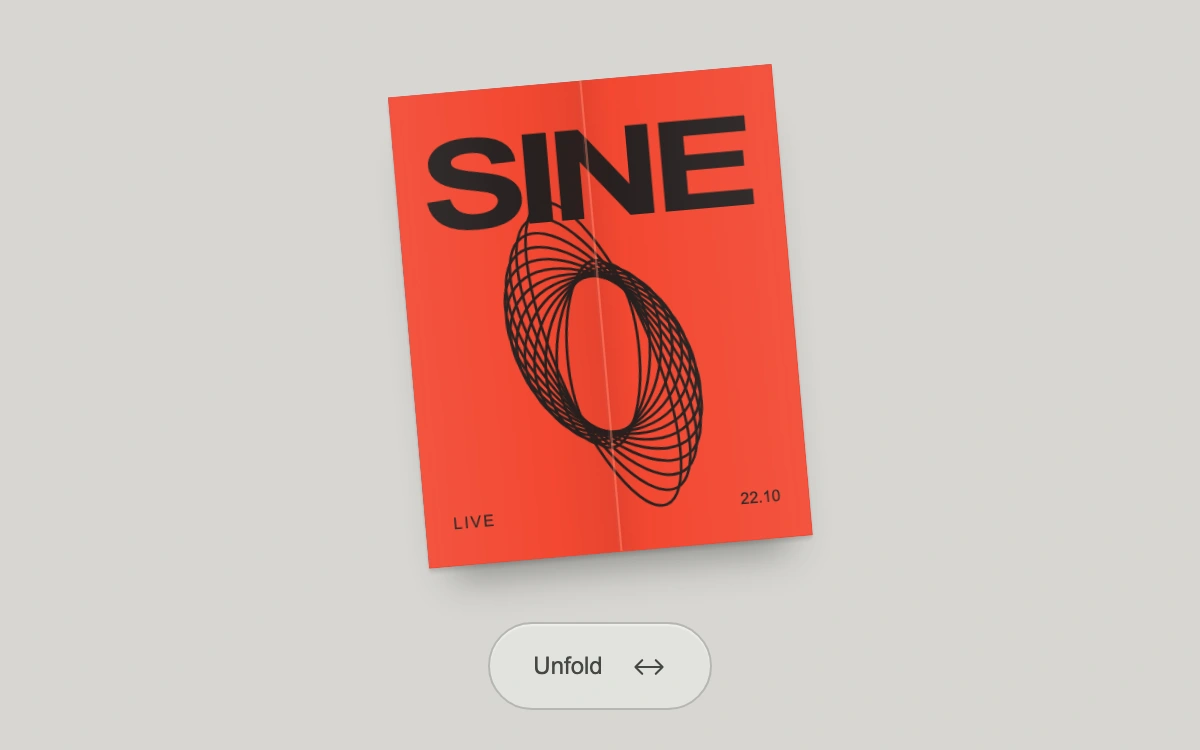
Unfold the invitation
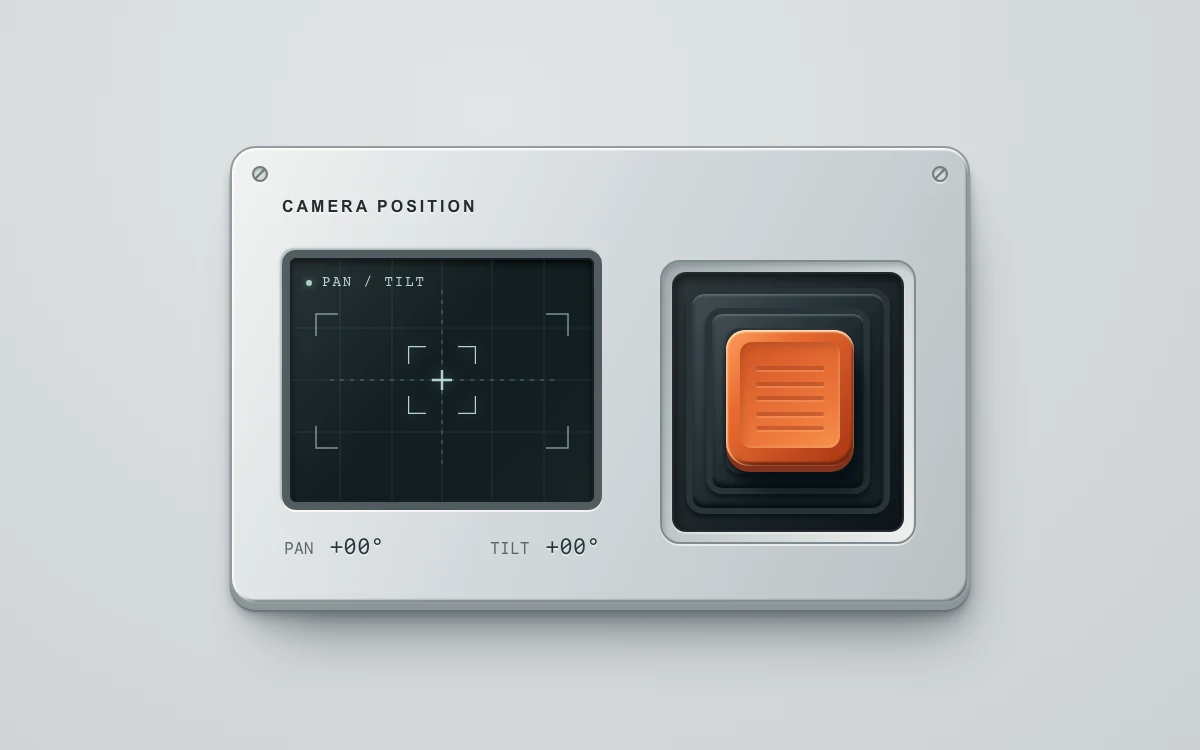
Drag or hold arrow keys; release to return to center.
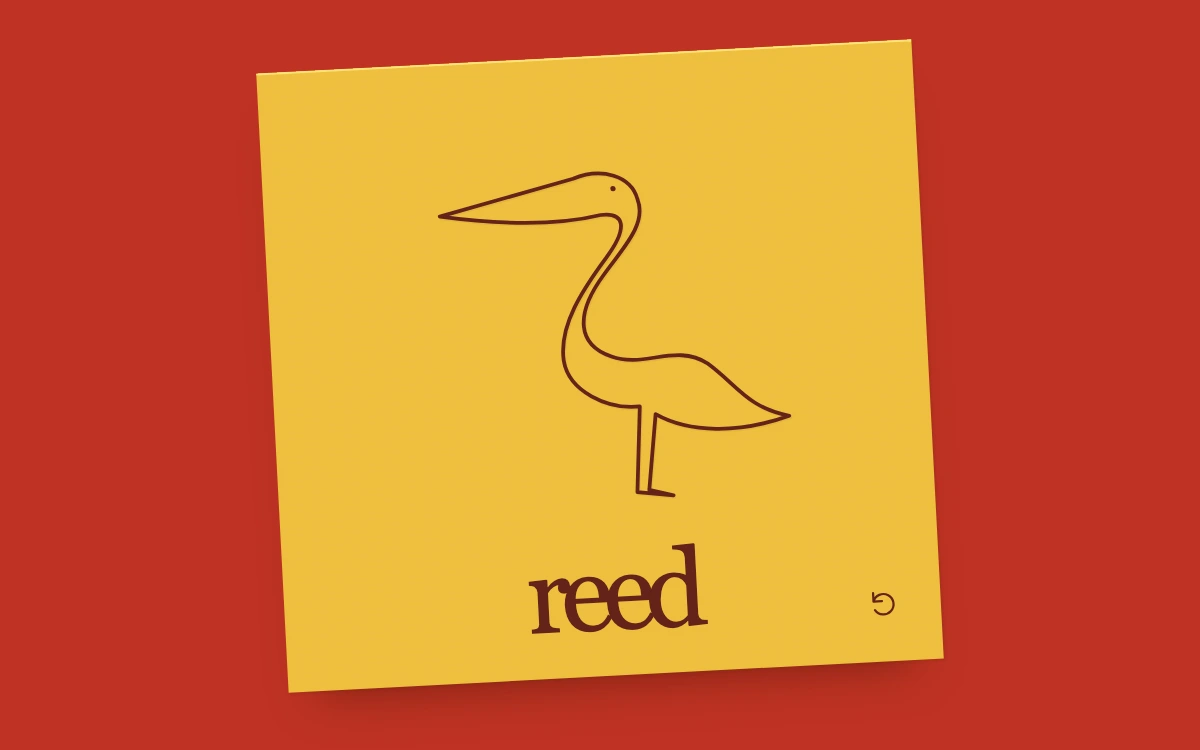
Replay the emblem
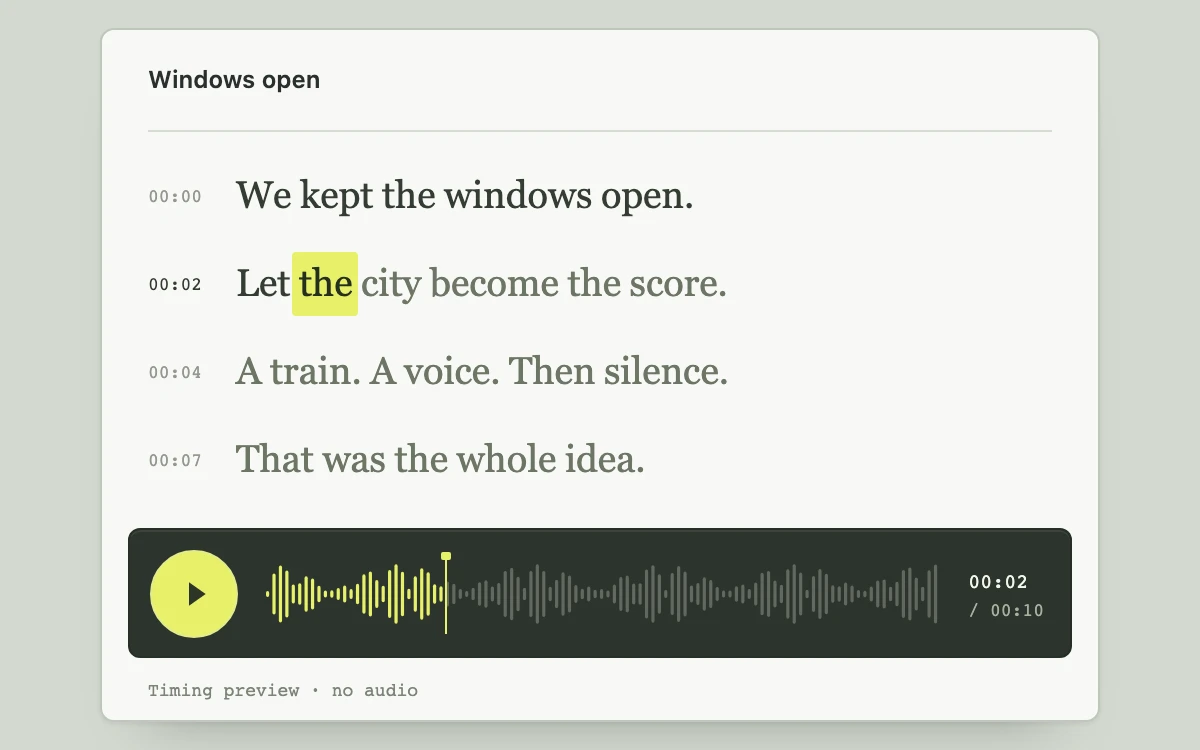
Play the silent timing preview, select a word or sentence timestamp, or scrub the waveform

Scroll the specimen
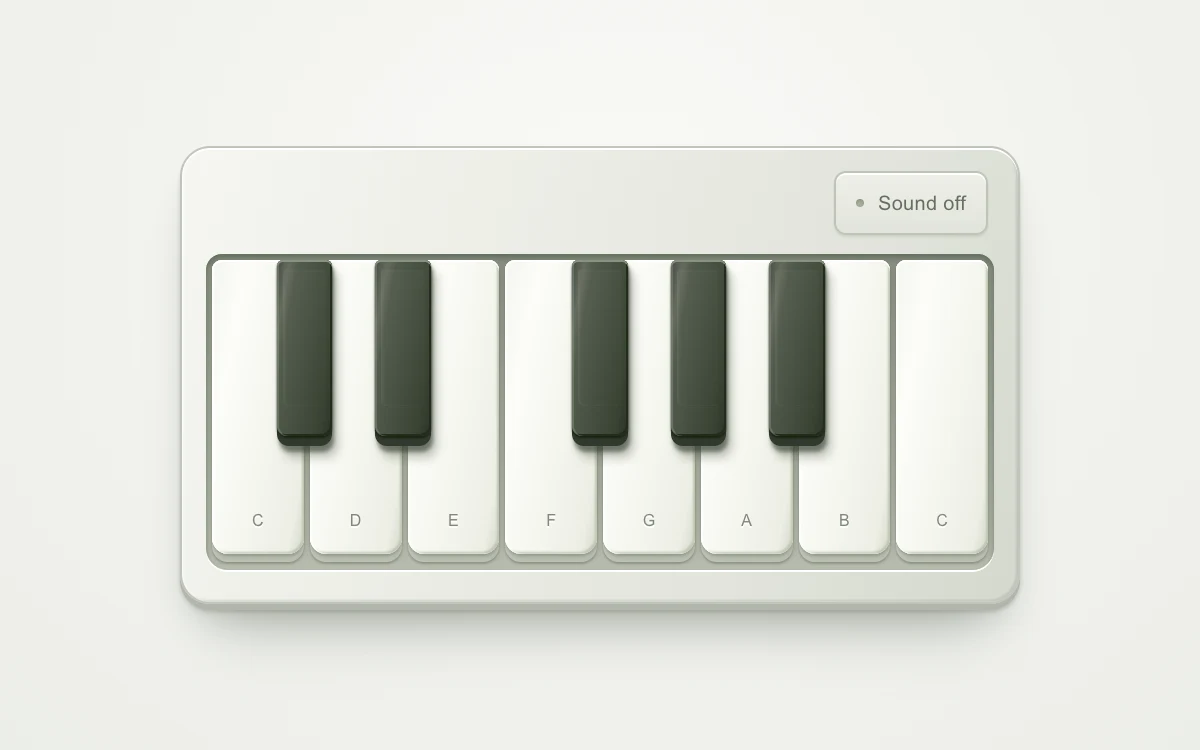
Enable sound, then press a key
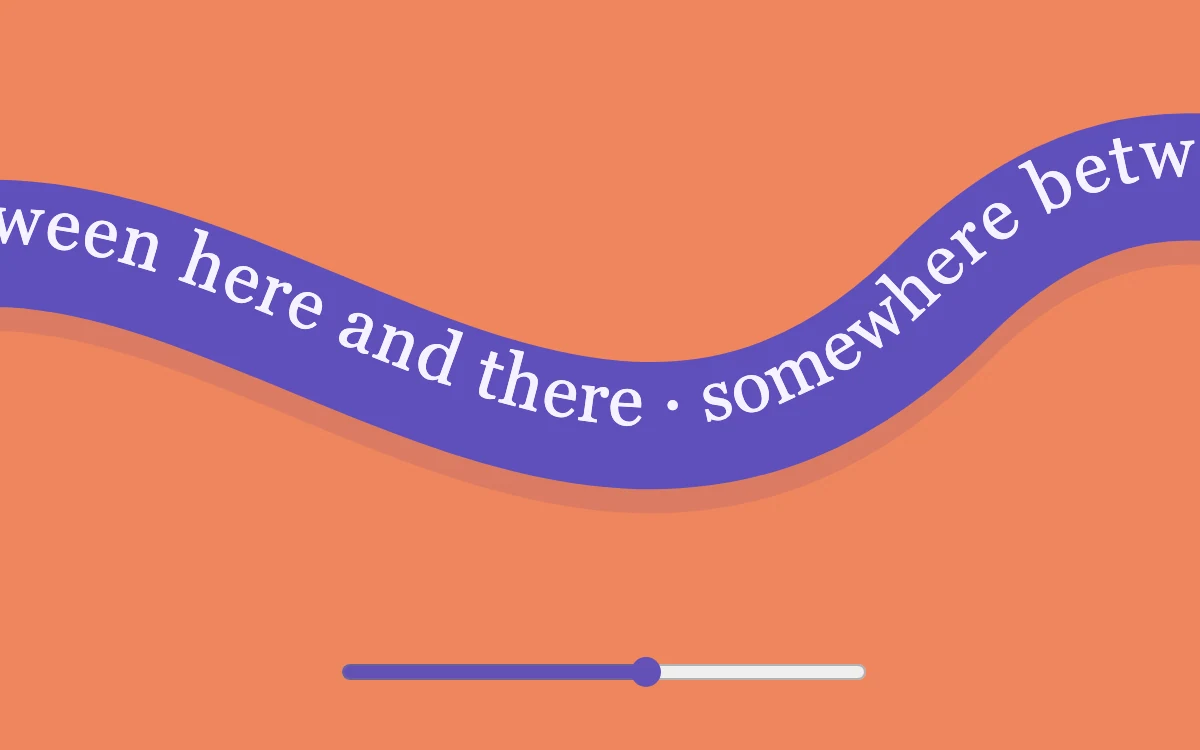
Drag or move the ribbon
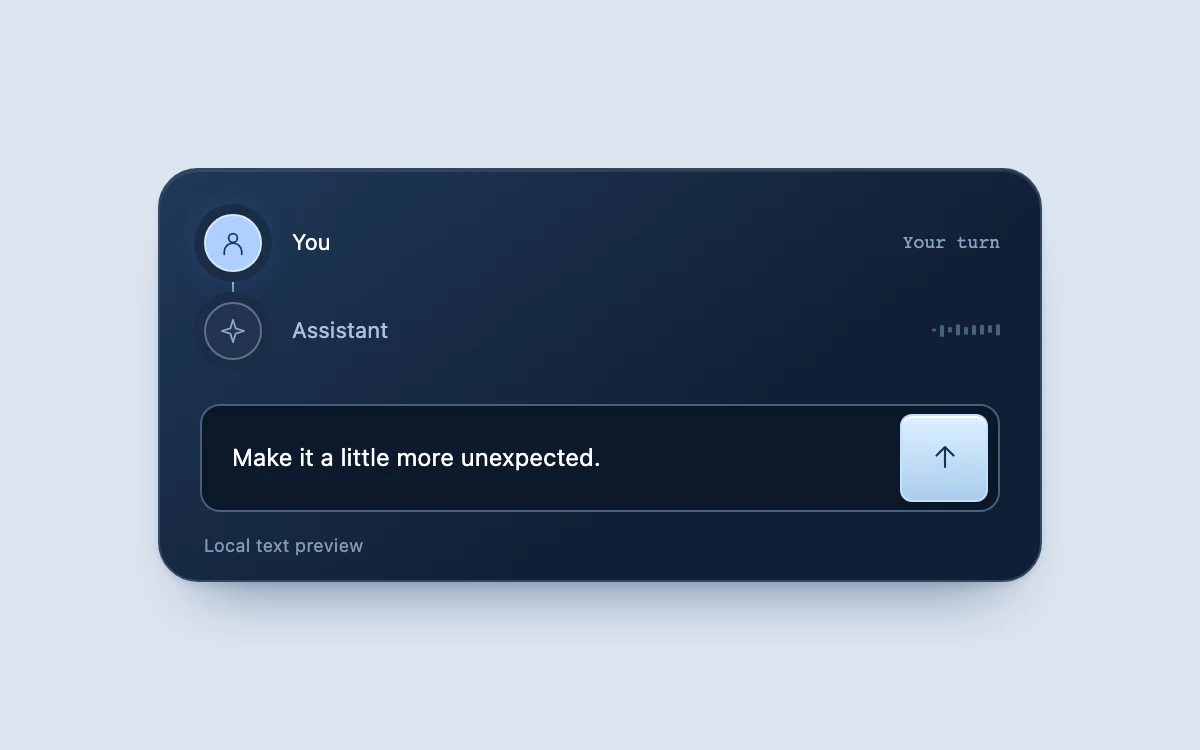
Send the prepared phrase or write your own, then interrupt a reply or send another message
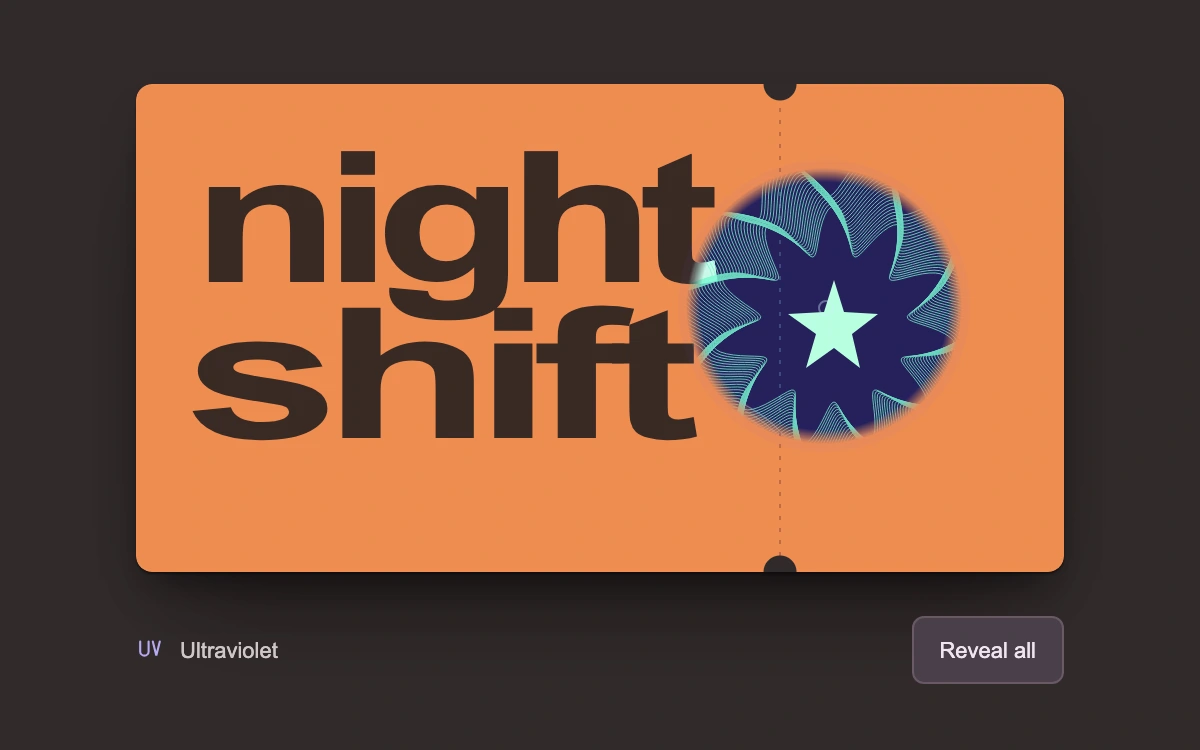
Move over the pass, drag the inspection lens, or reveal all the ink
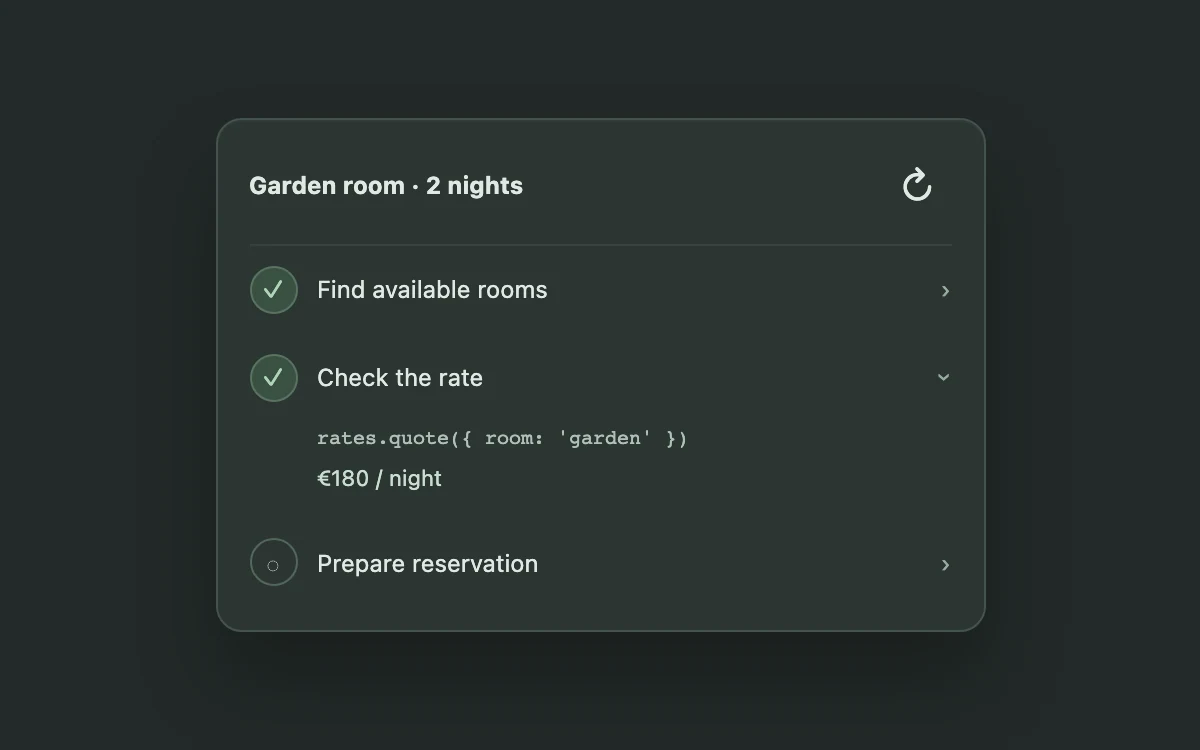
Run the sequence and inspect a step

Print the next poster
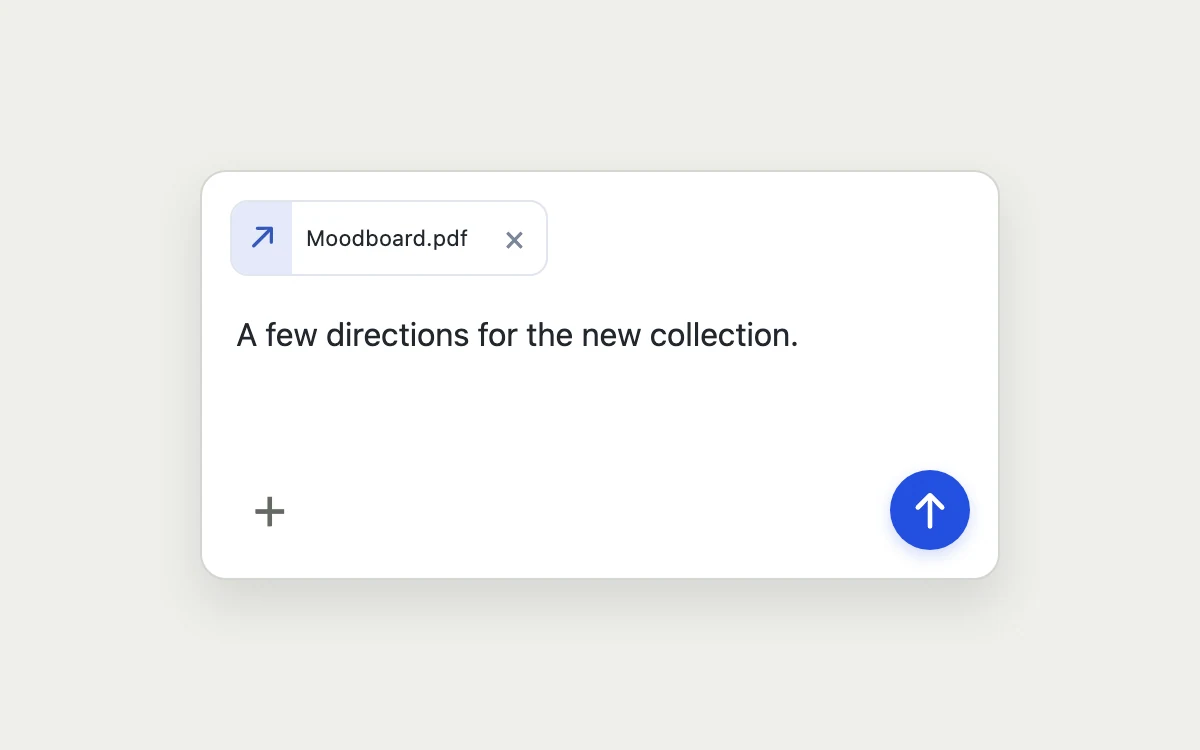
Attach a file and send a note
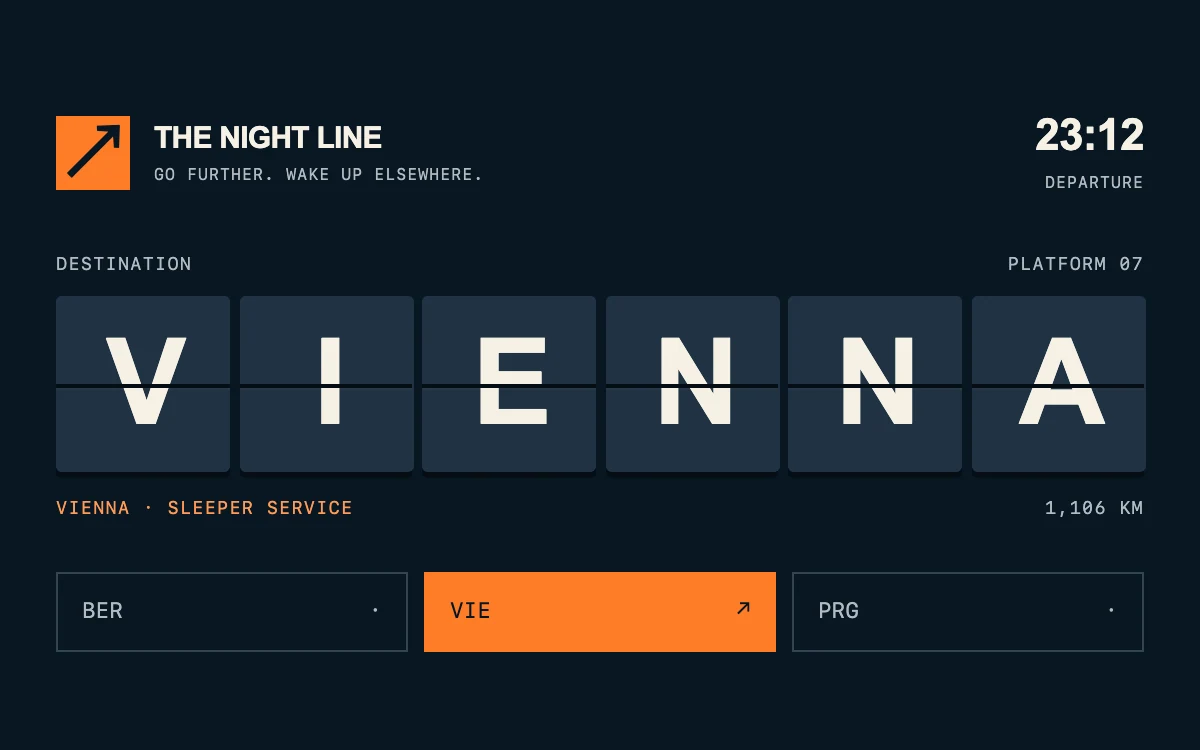
Choose a destination
Open search, filter documents and select a result.
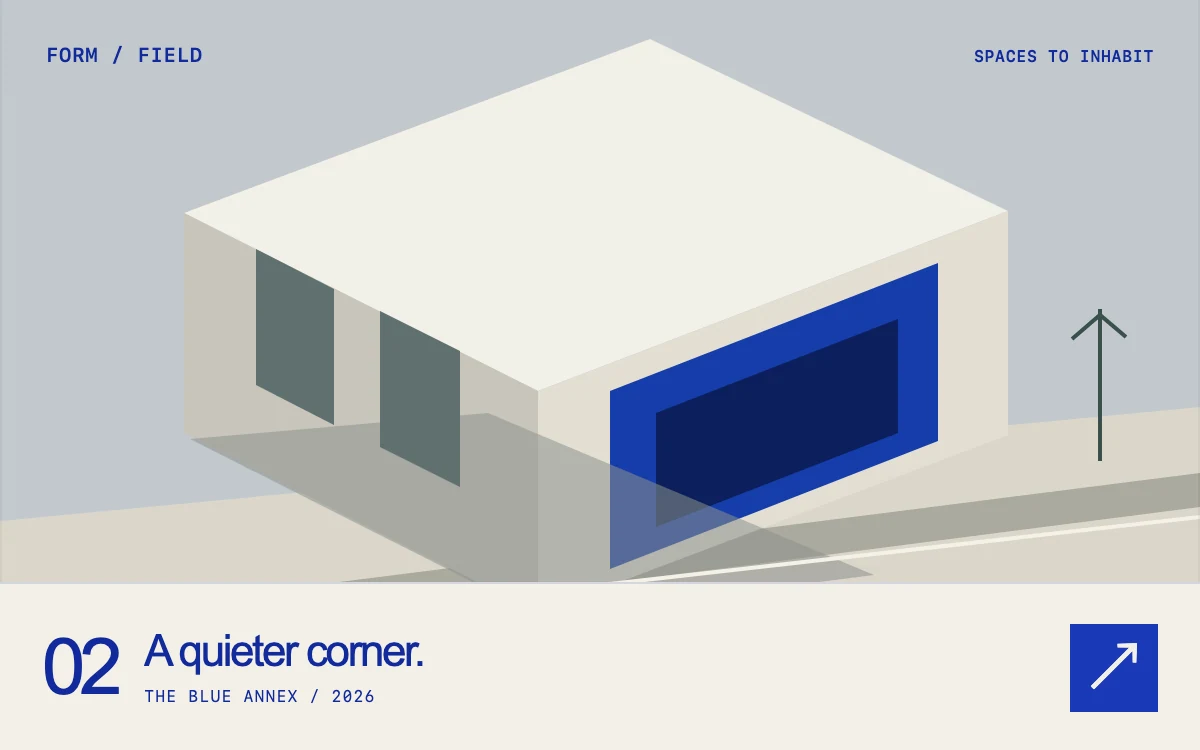
Reveal the next study
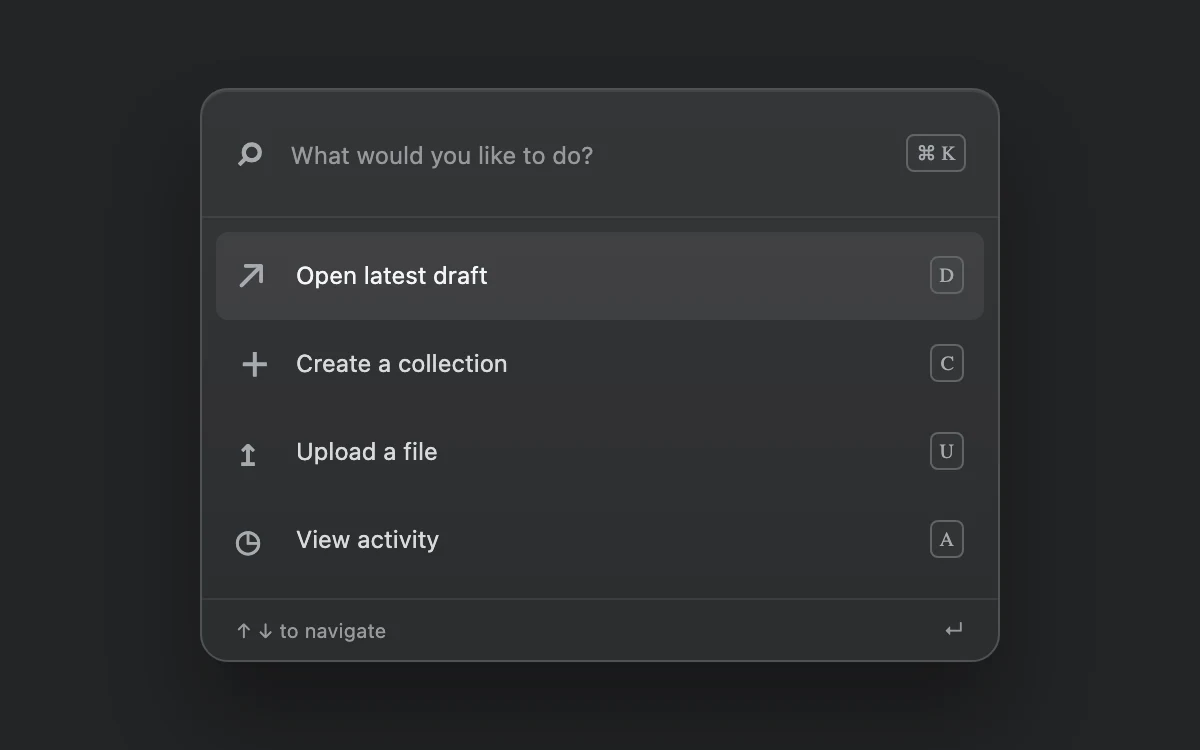
Search for a command
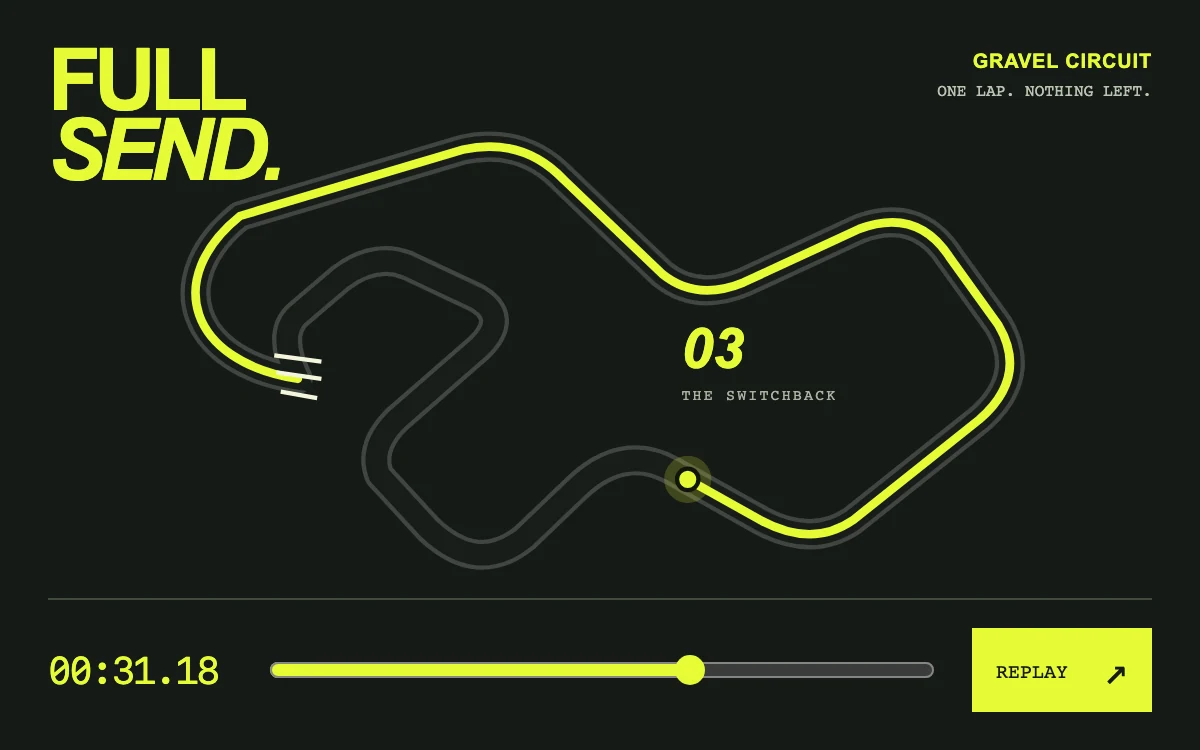
Replay or scrub the lap
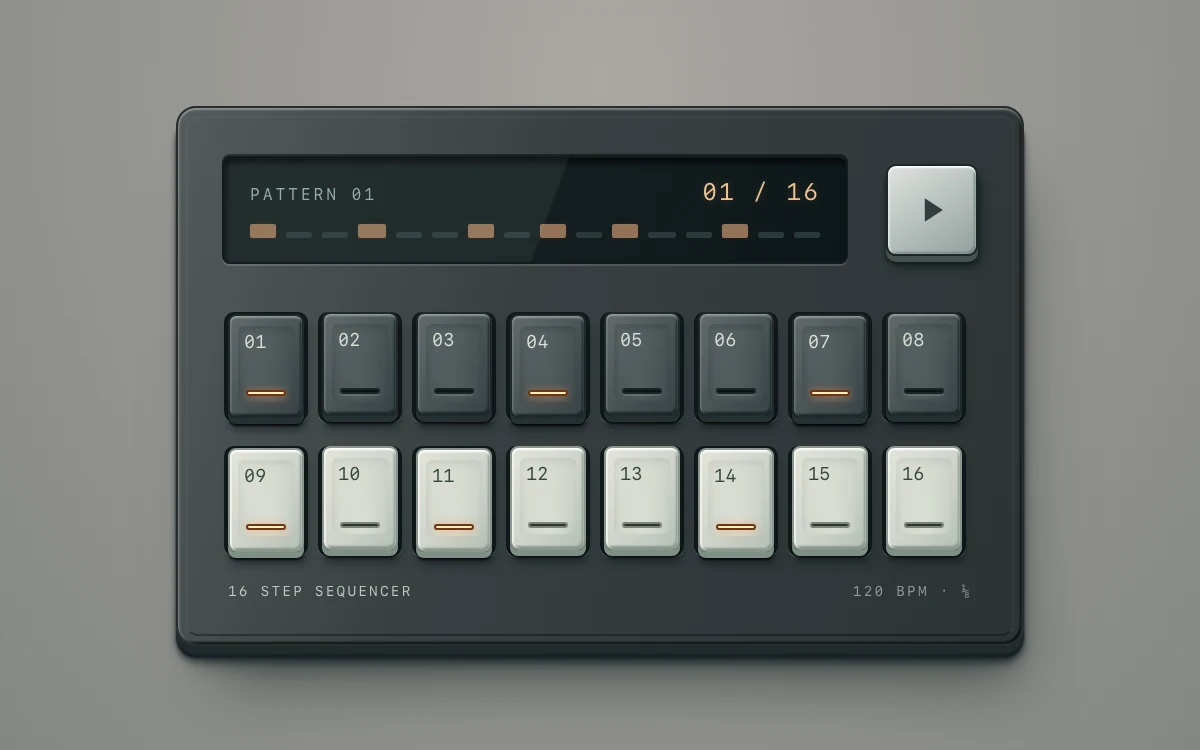
Toggle keys and start or pause playback; reduced-motion playback advances one step at a time.
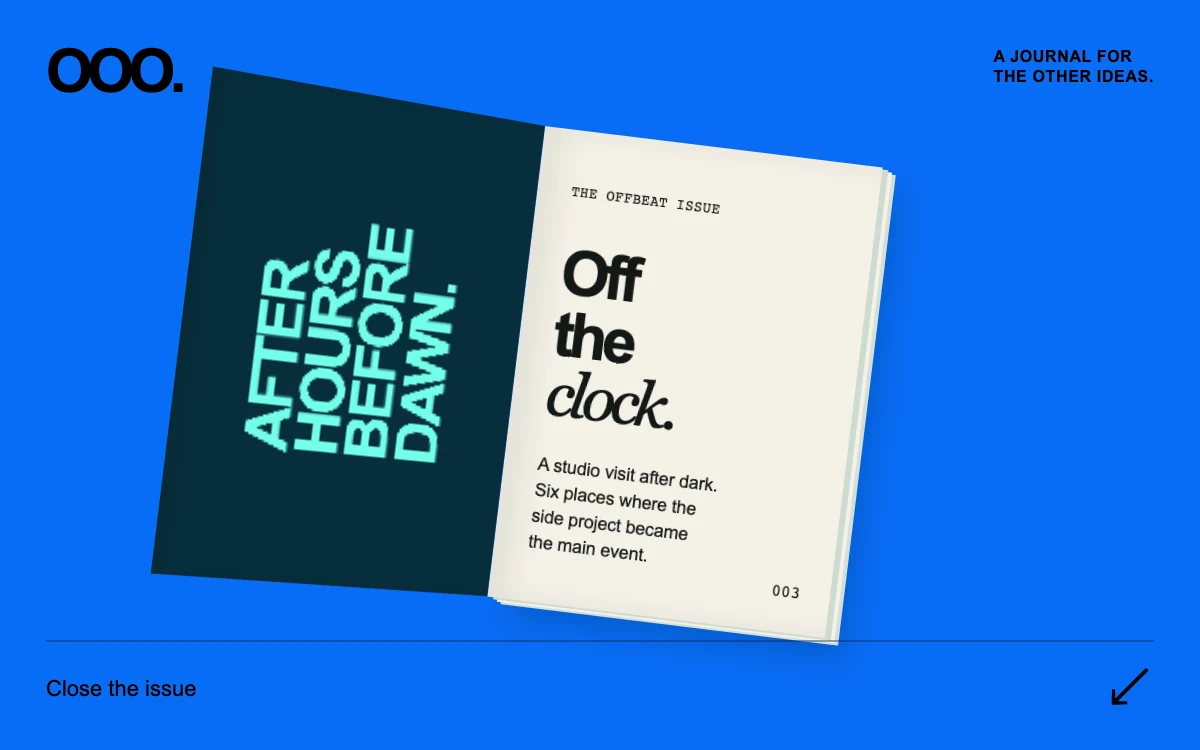
Open the issue
Rename the collection
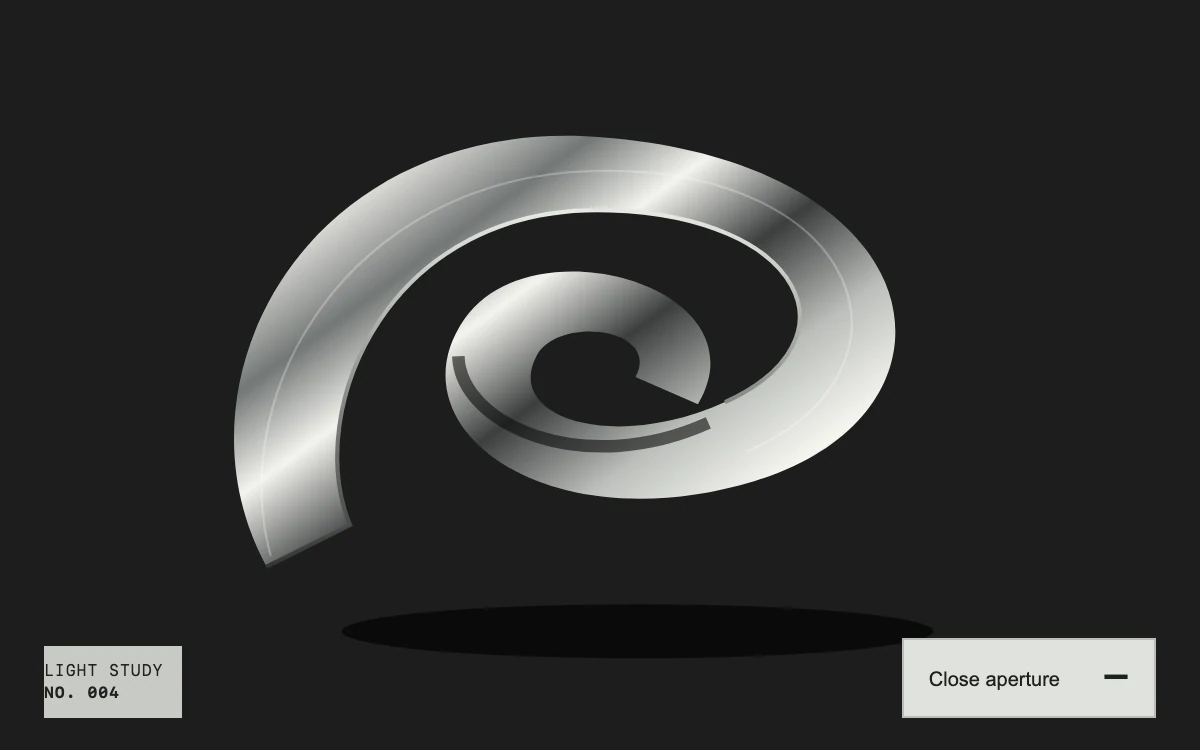
Open the aperture
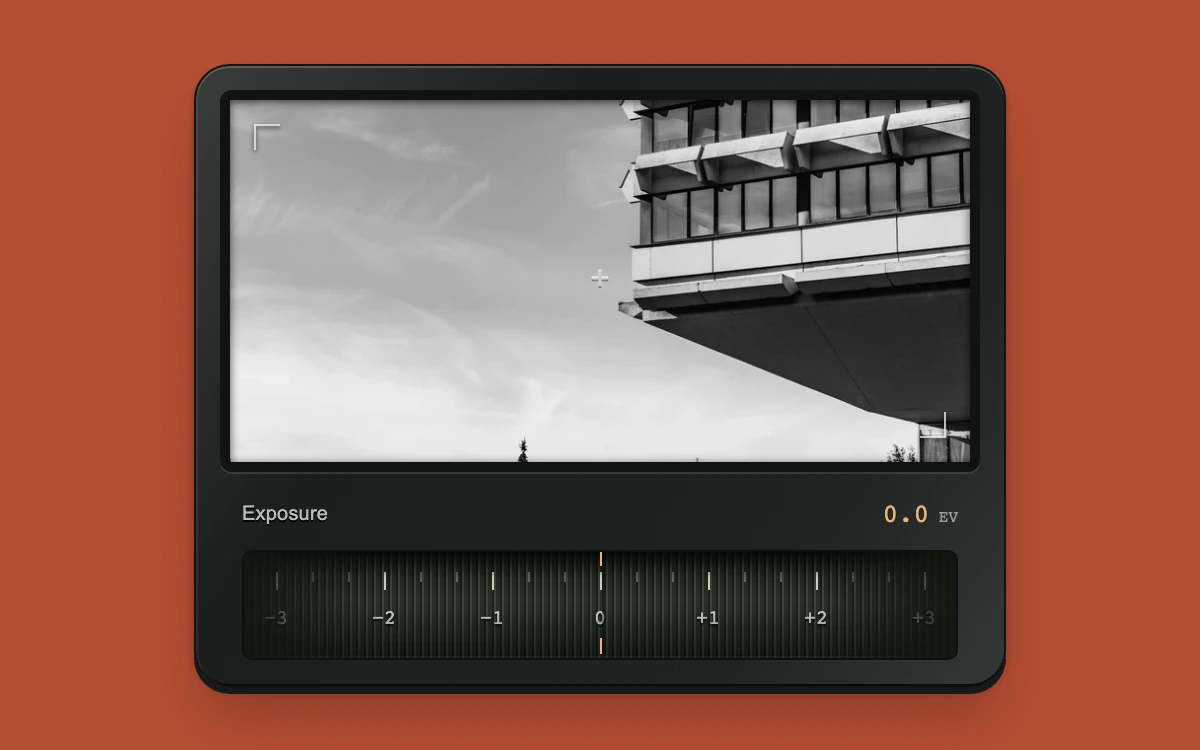
Drag the wheel or adjust exposure with arrow keys.
Replay the entrance
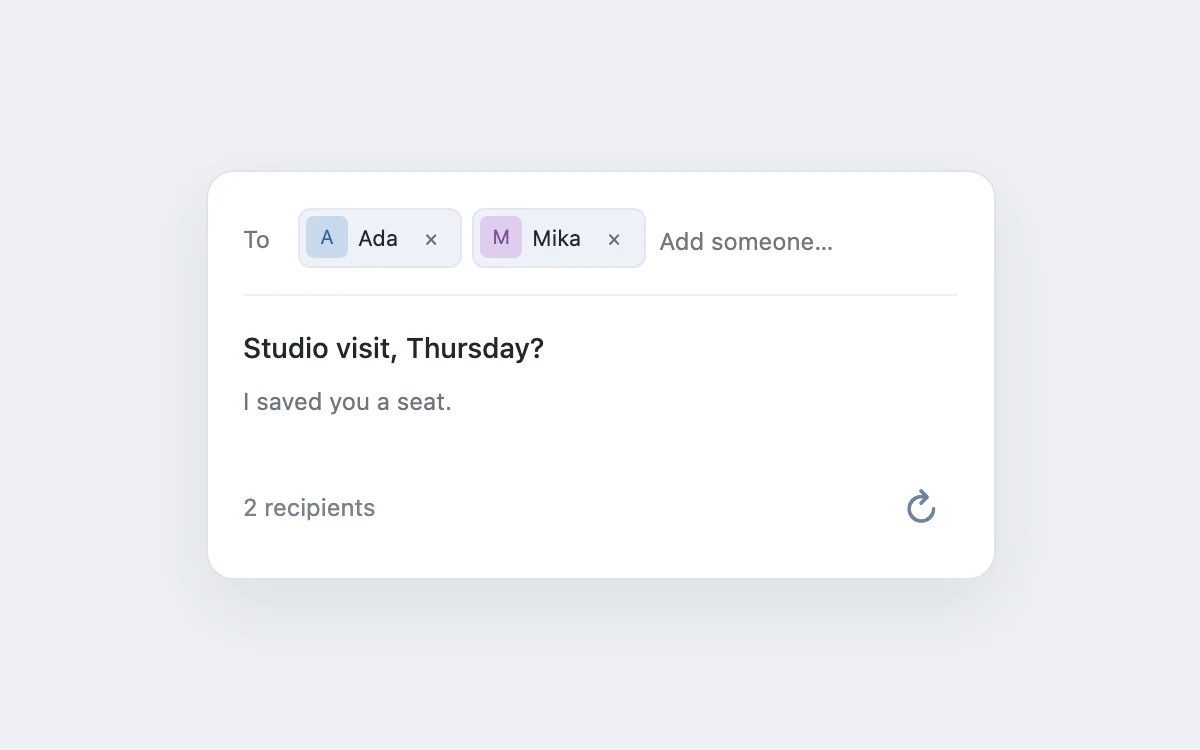
Add or remove a recipient
Play to follow the light
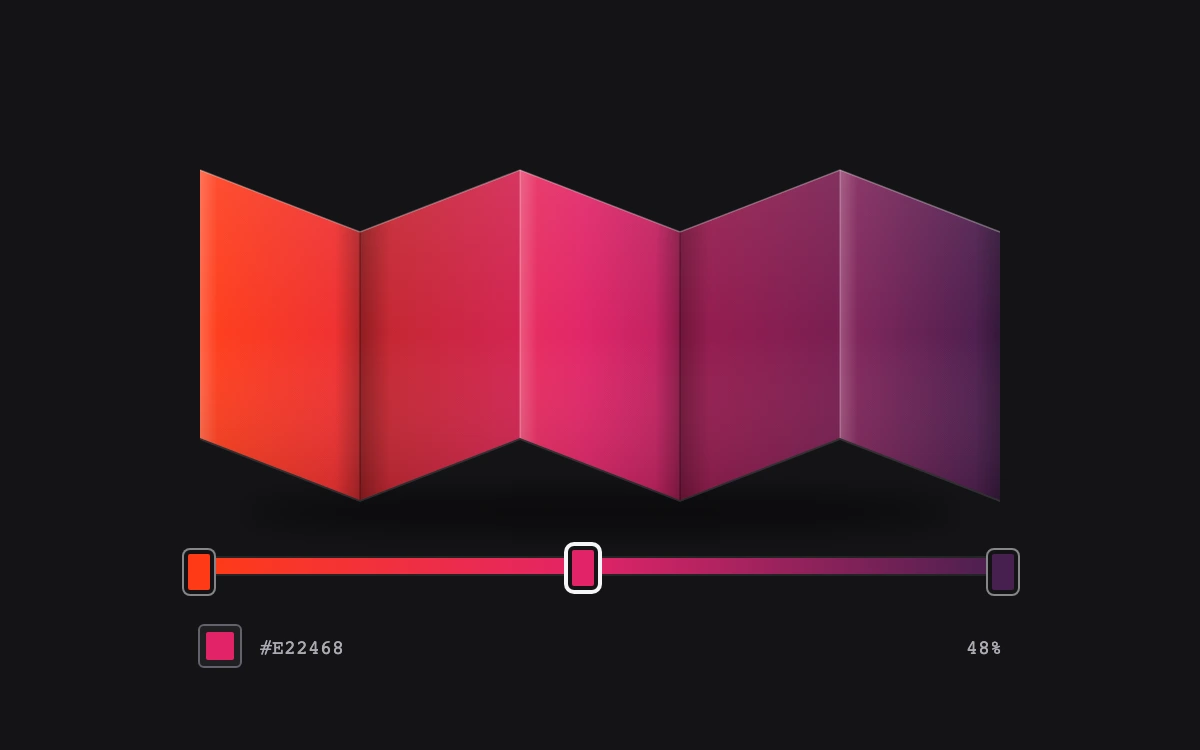
Drag a color stop or use its arrow keys, then edit the selected color
Play to watch the rings expand
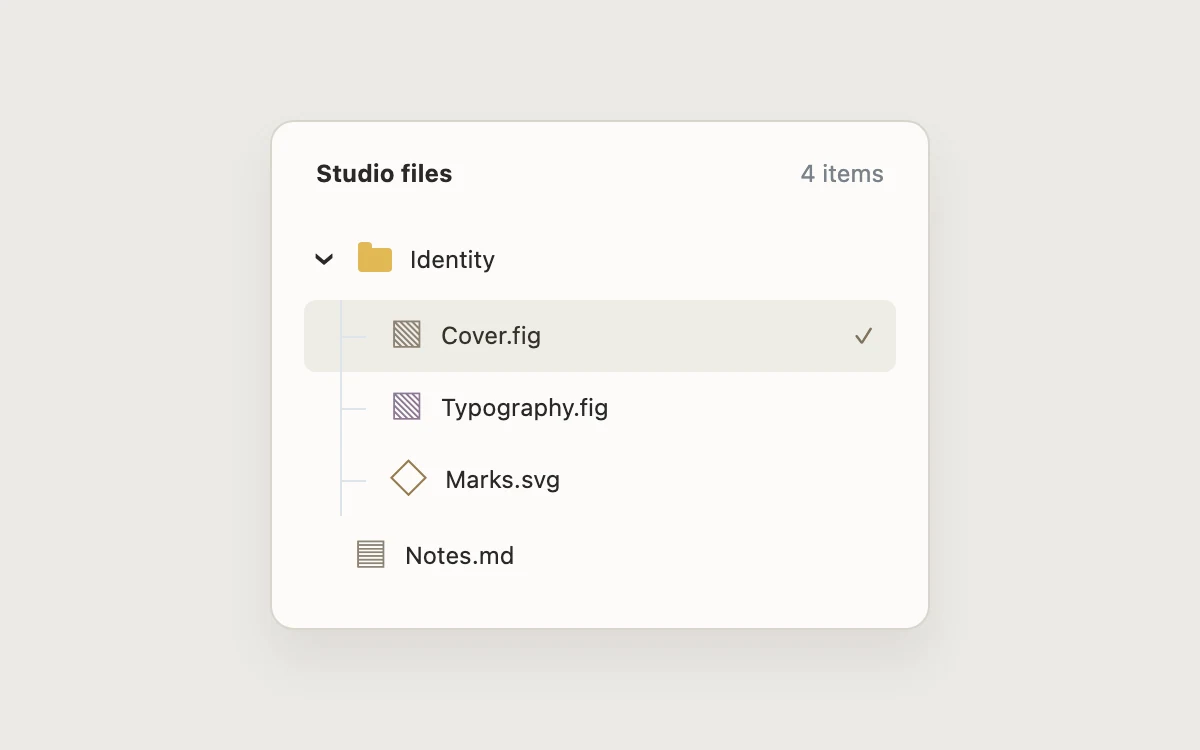
Explore the file tree
Play or pause the border
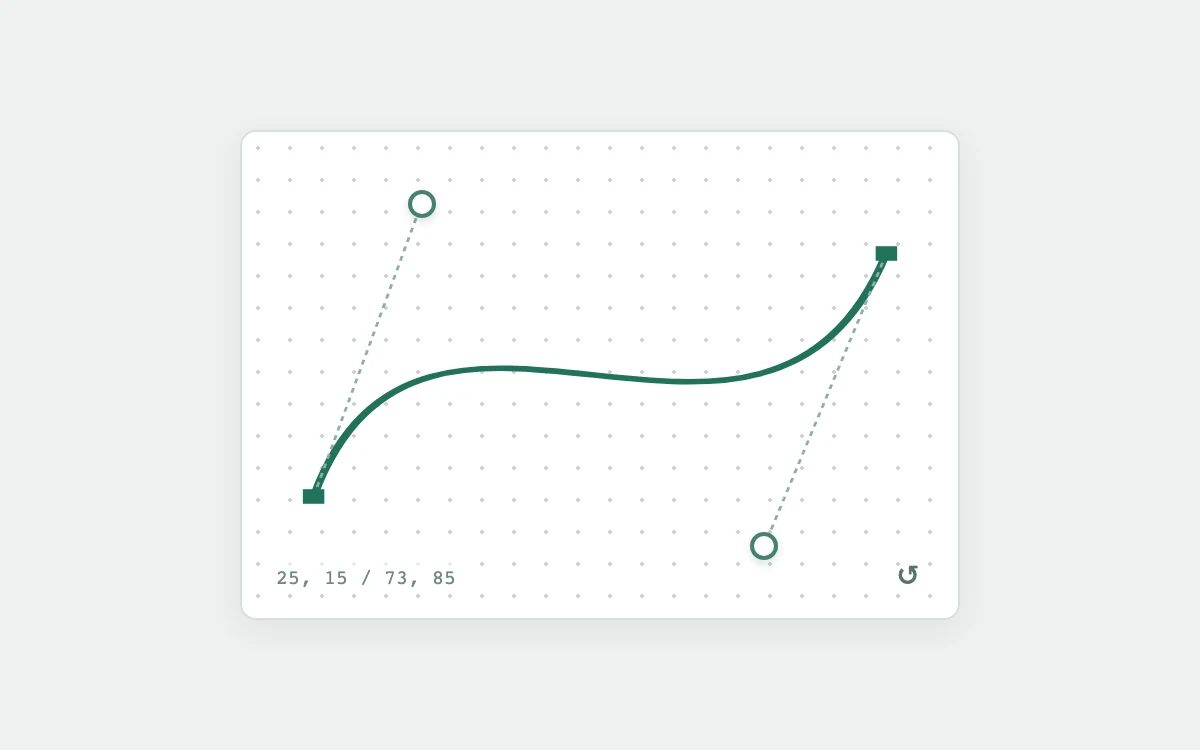
Drag a handle or move it with arrow keys
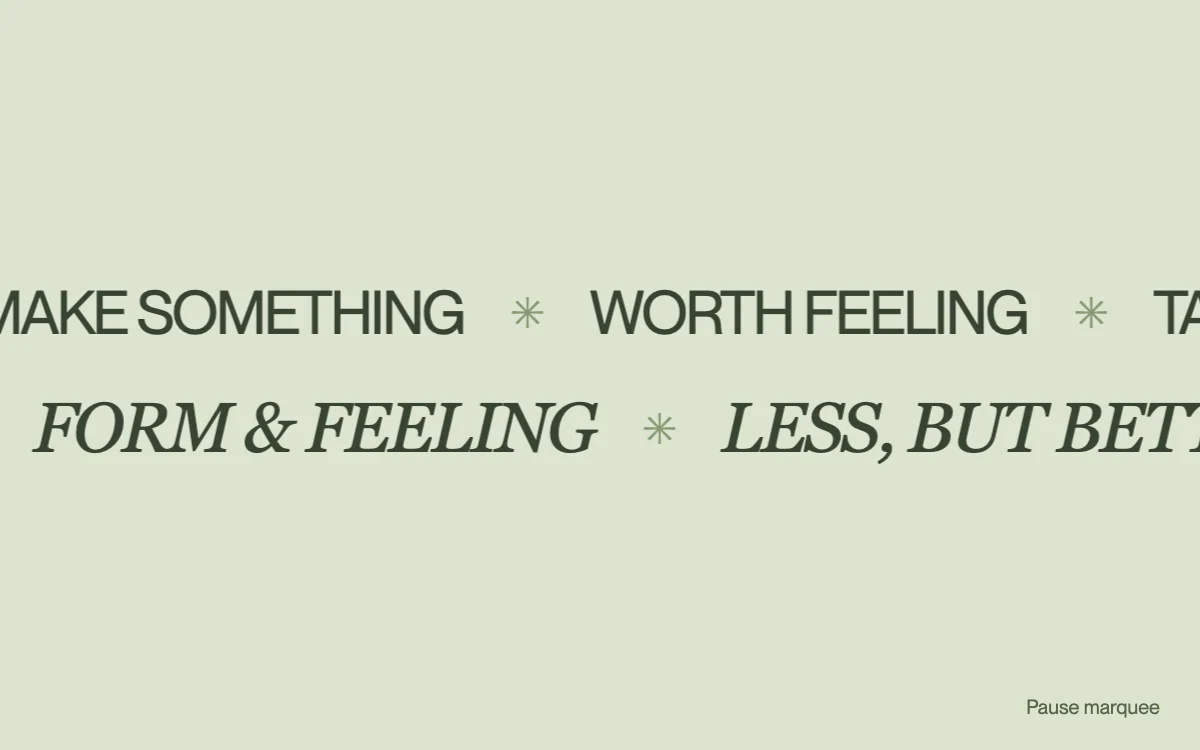
Pause the movement or hover the strips
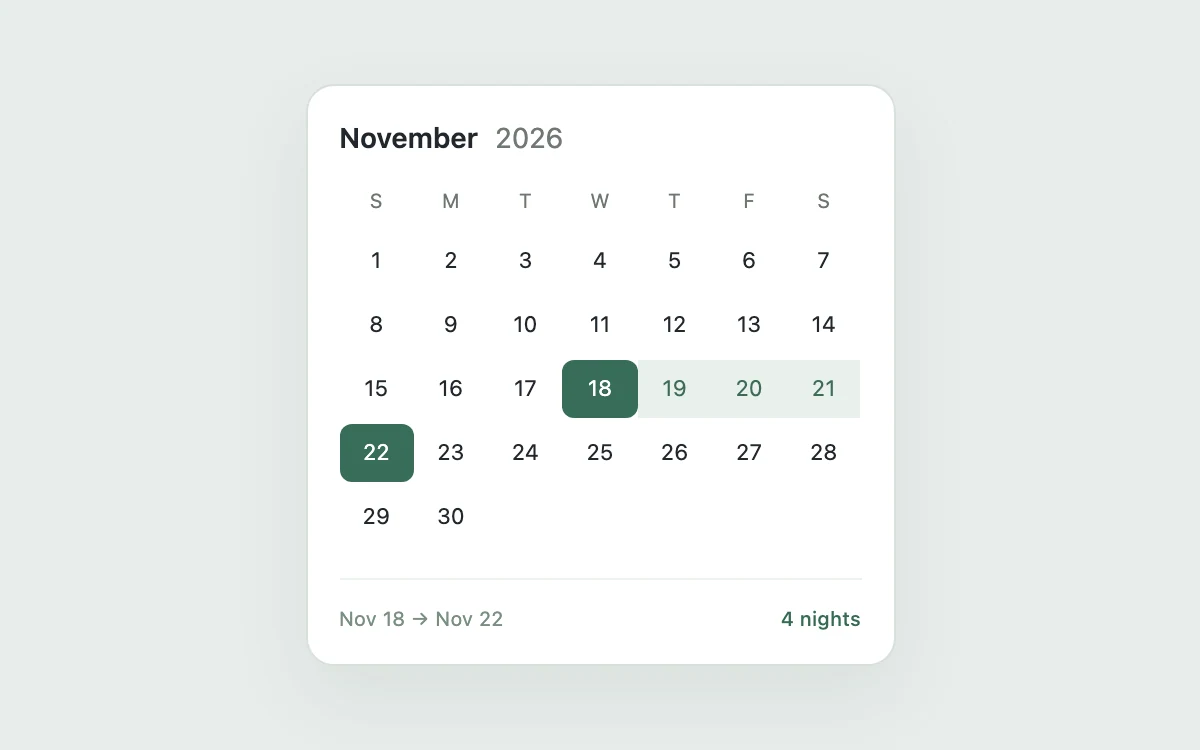
Choose arrival and departure dates
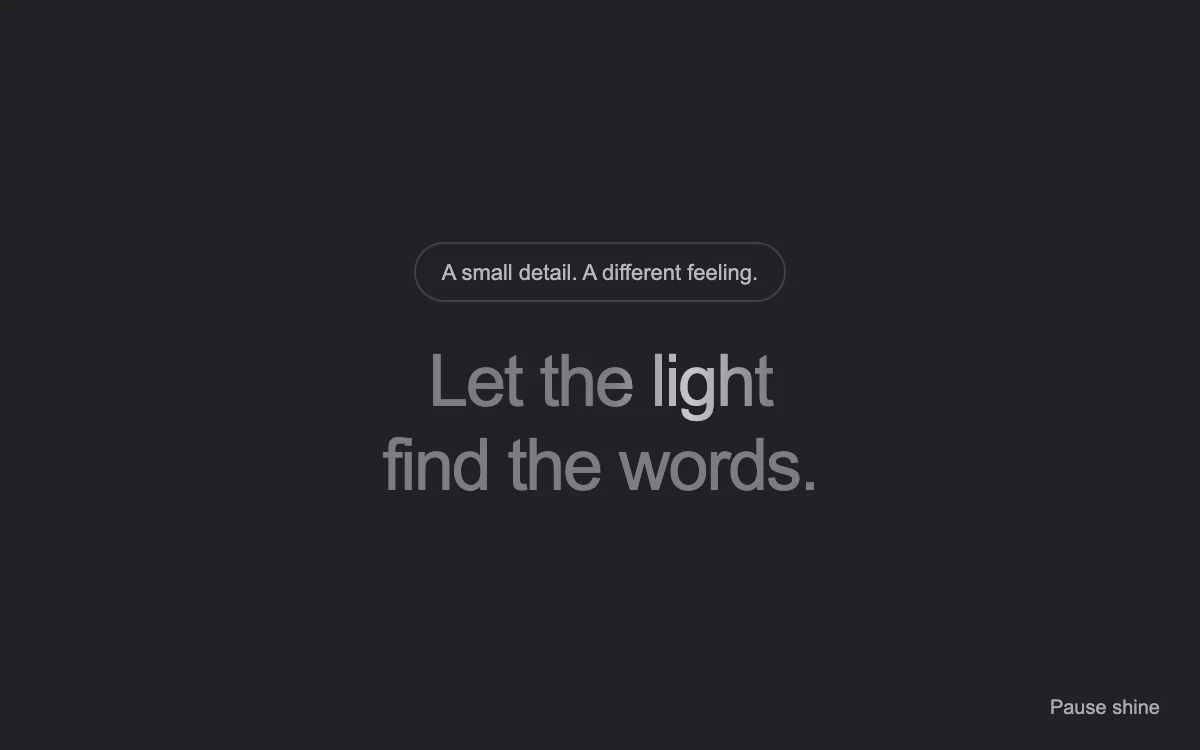
Play or pause the text highlight
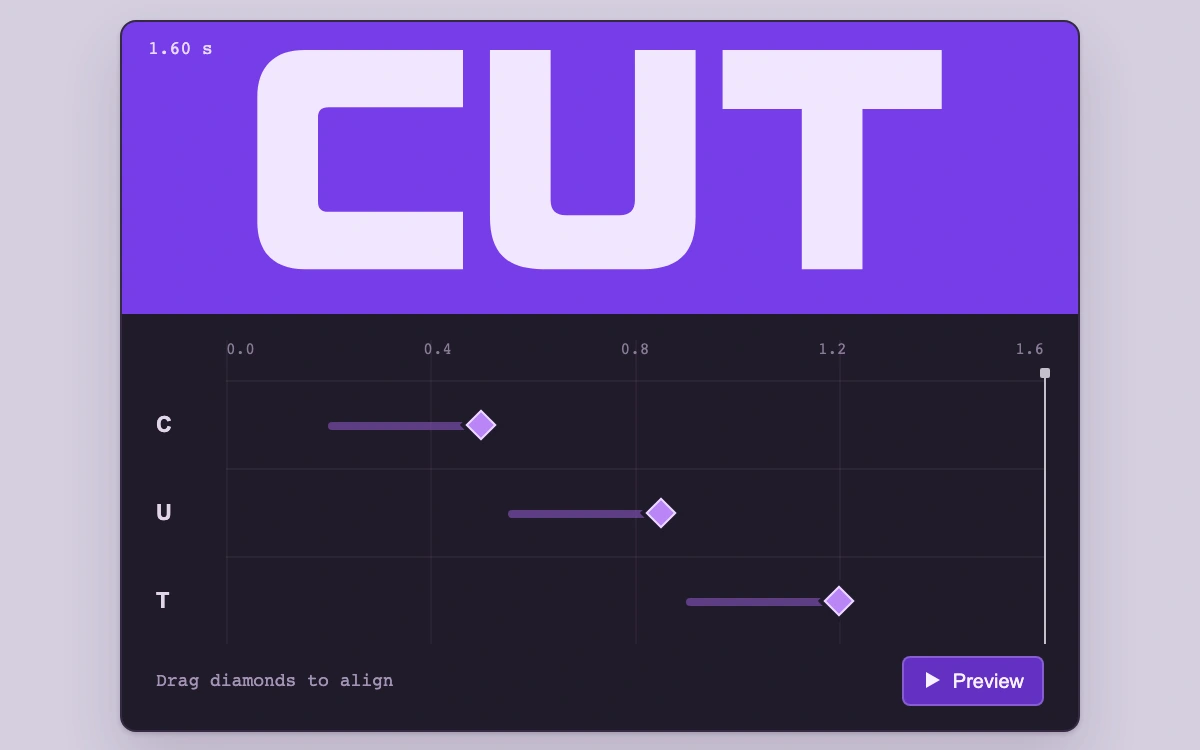
Align the arrival diamonds, scrub the ruler, then preview the animation
Play or pause the grid
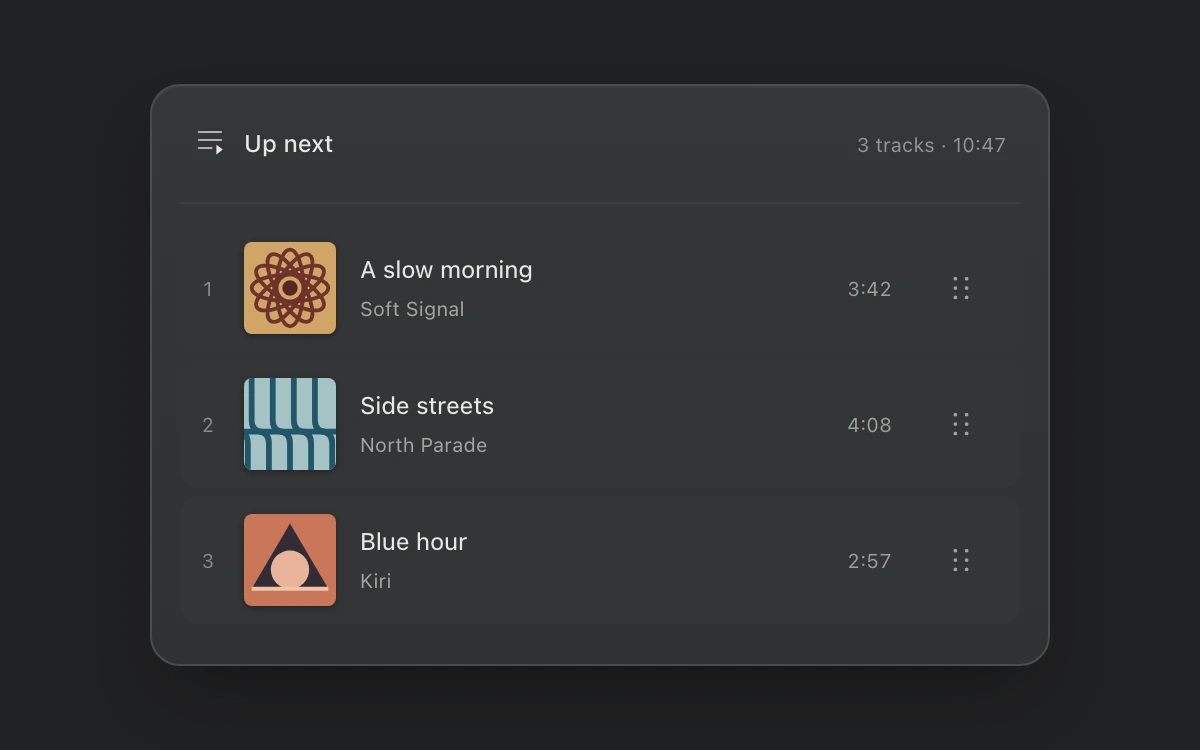
Drag a handle across rows or use Up/Down, Home and End. Escape cancels an in-progress drag.
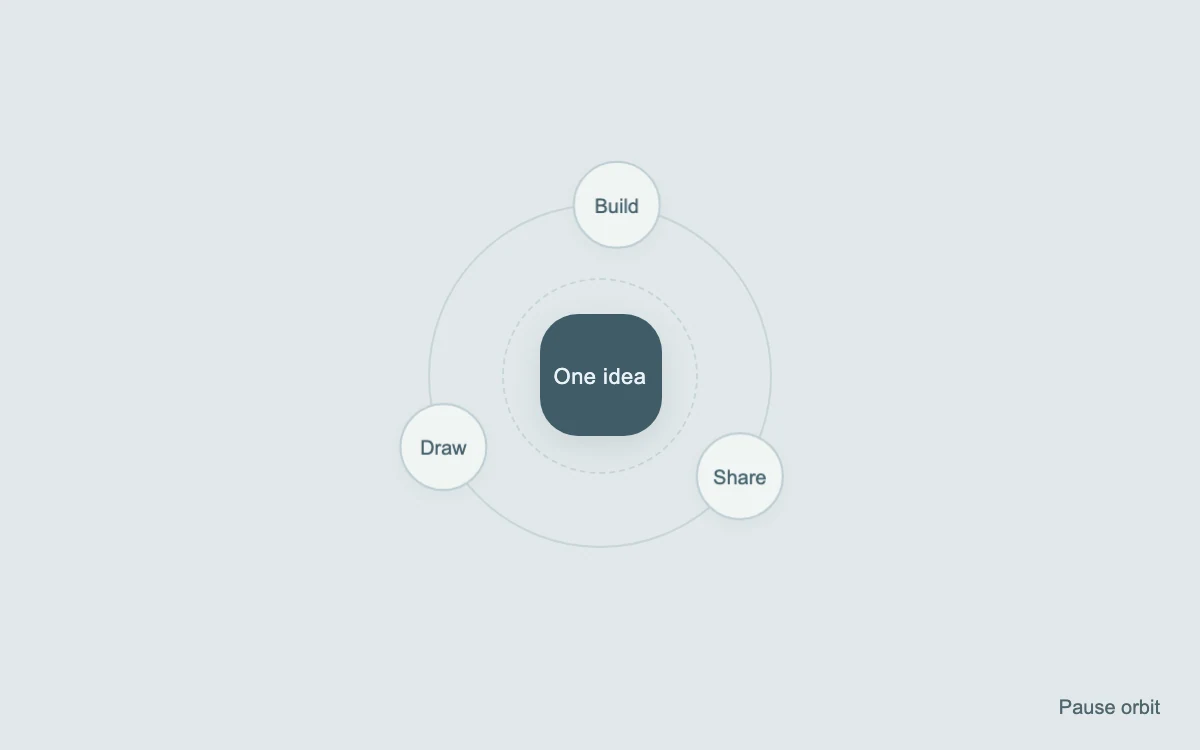
Play or pause the orbit
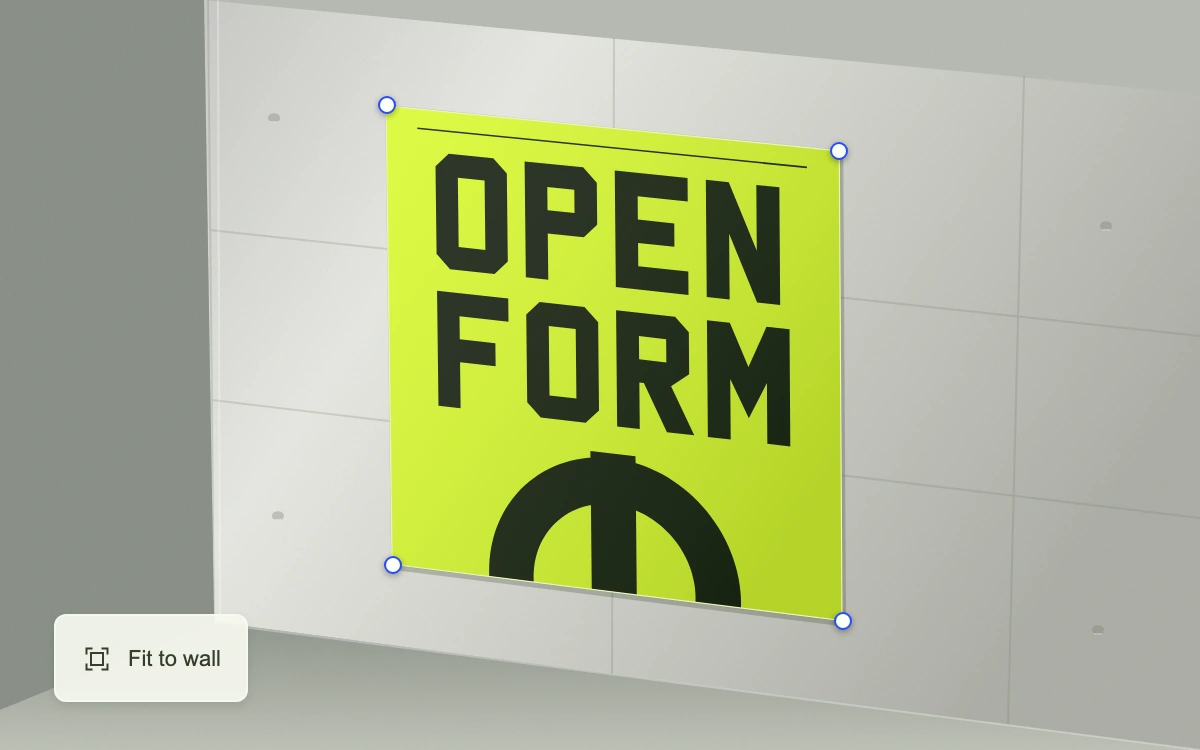
Drag a poster corner, nudge it with arrow keys, or choose Fit to wall.

Play or pause the passing lights
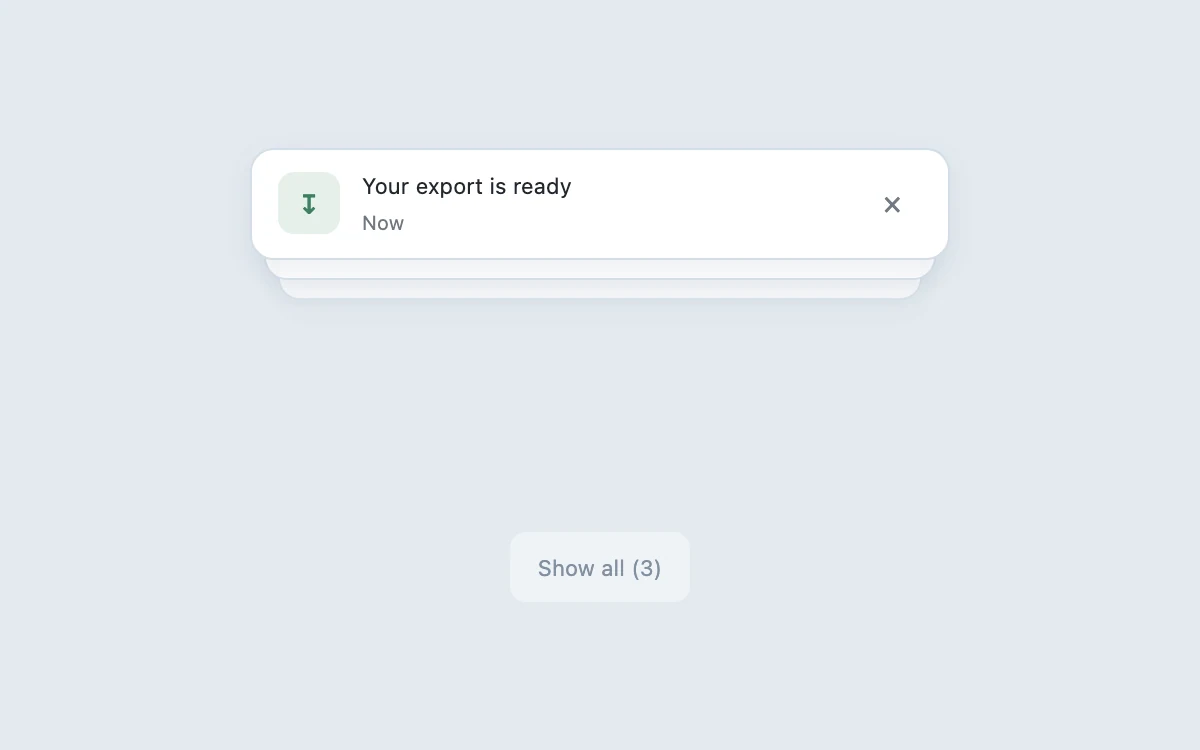
Expand the stack or dismiss a notice
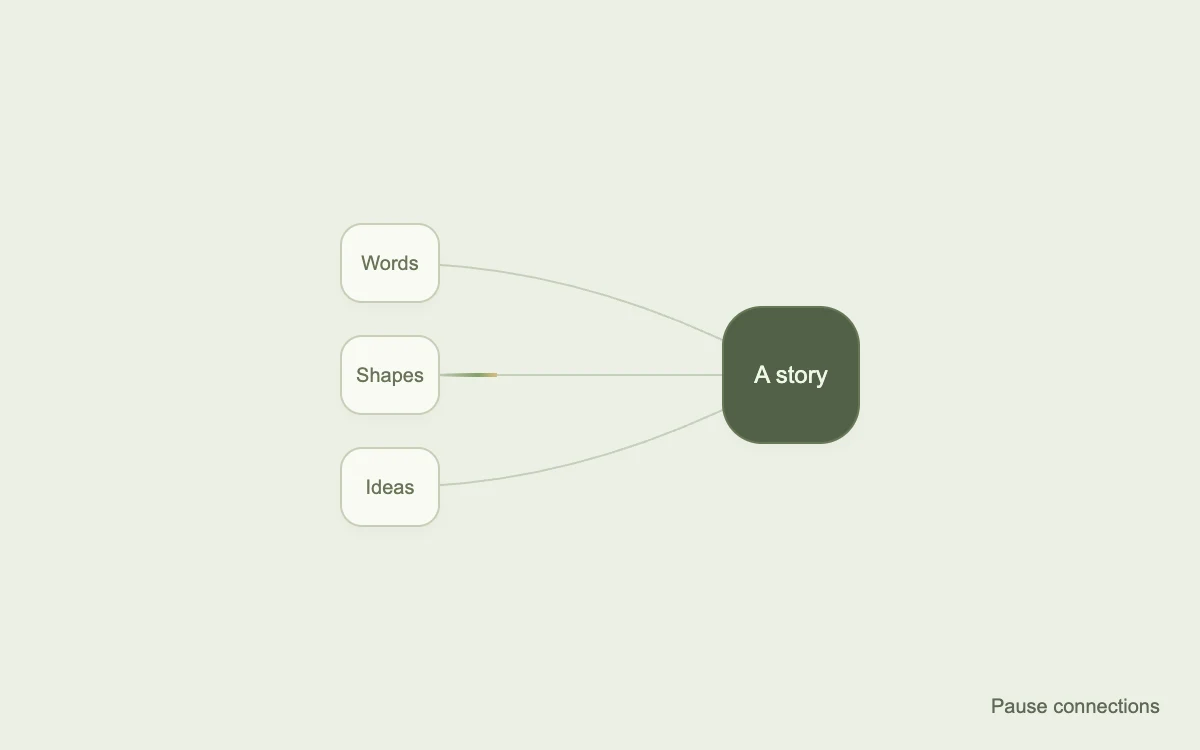
Play or pause the connections
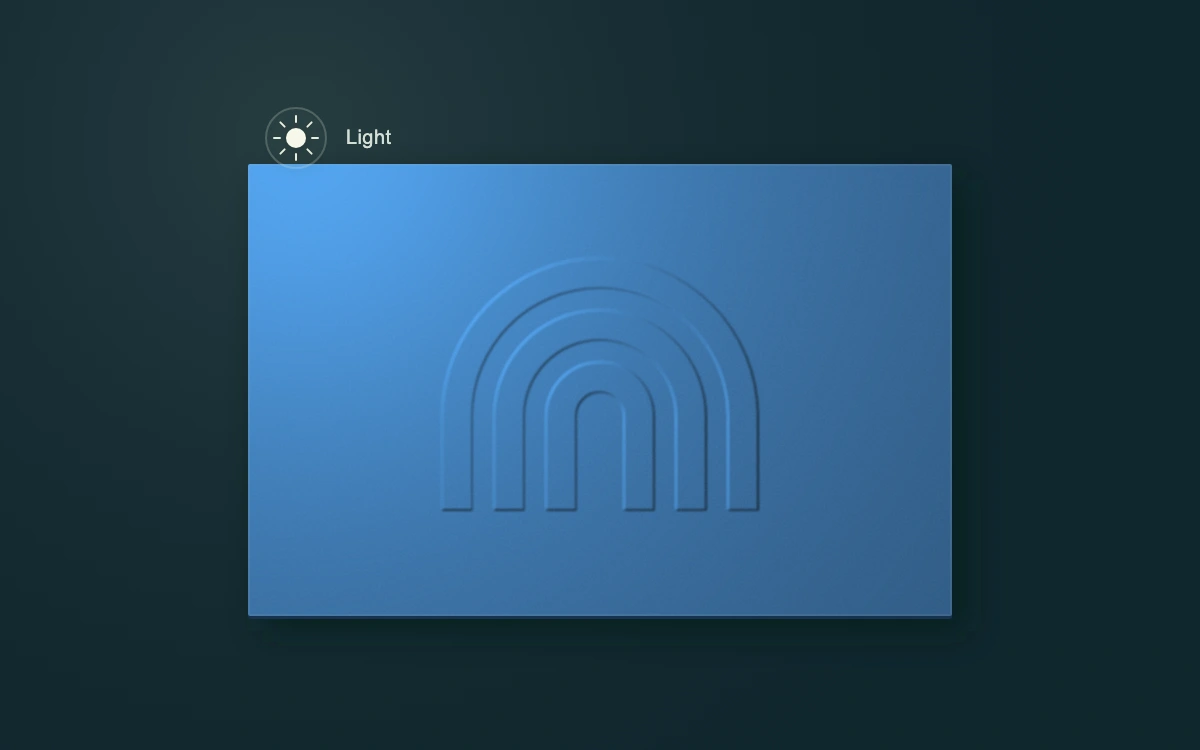
Drag the light or move it with arrow keys
Play or pause the changing grid
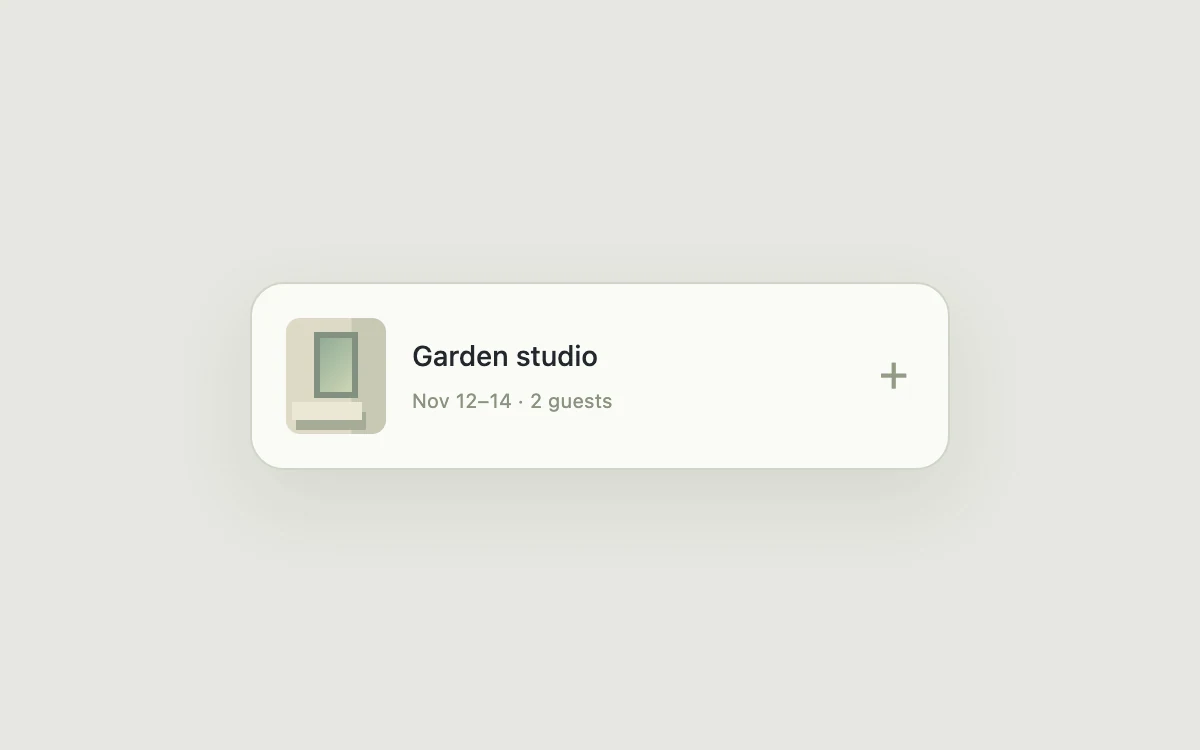
Open the reservation
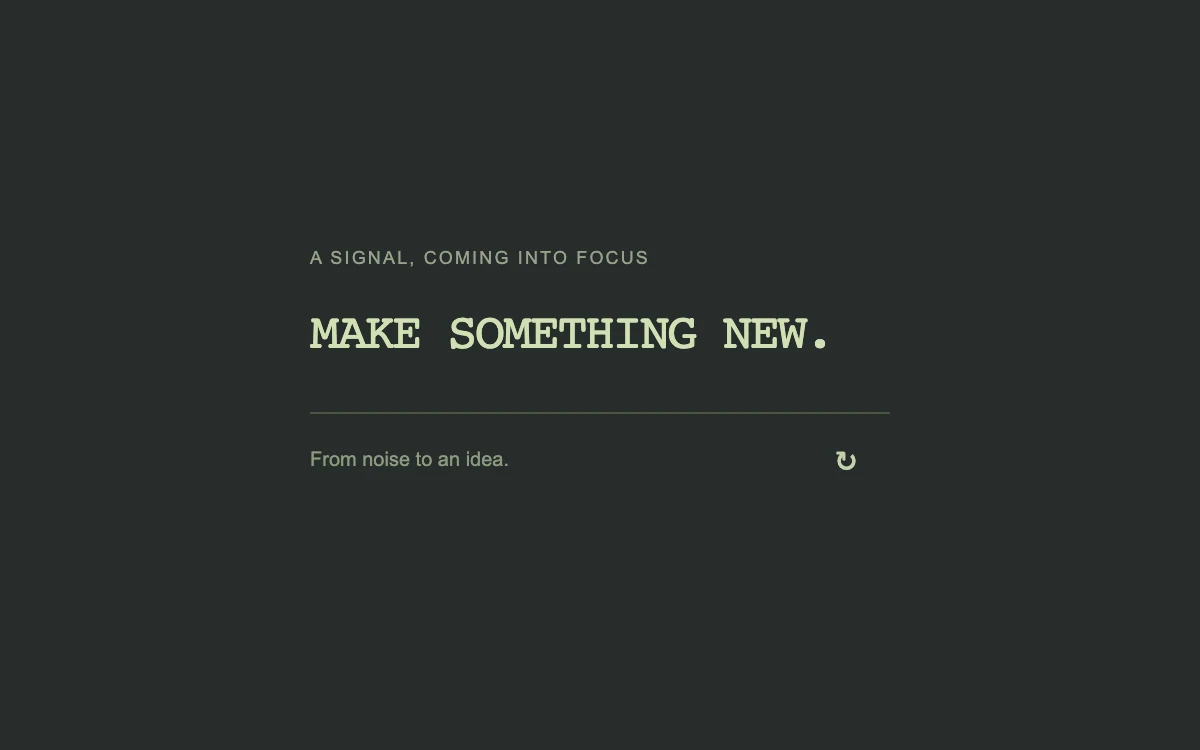
Replay the text scramble
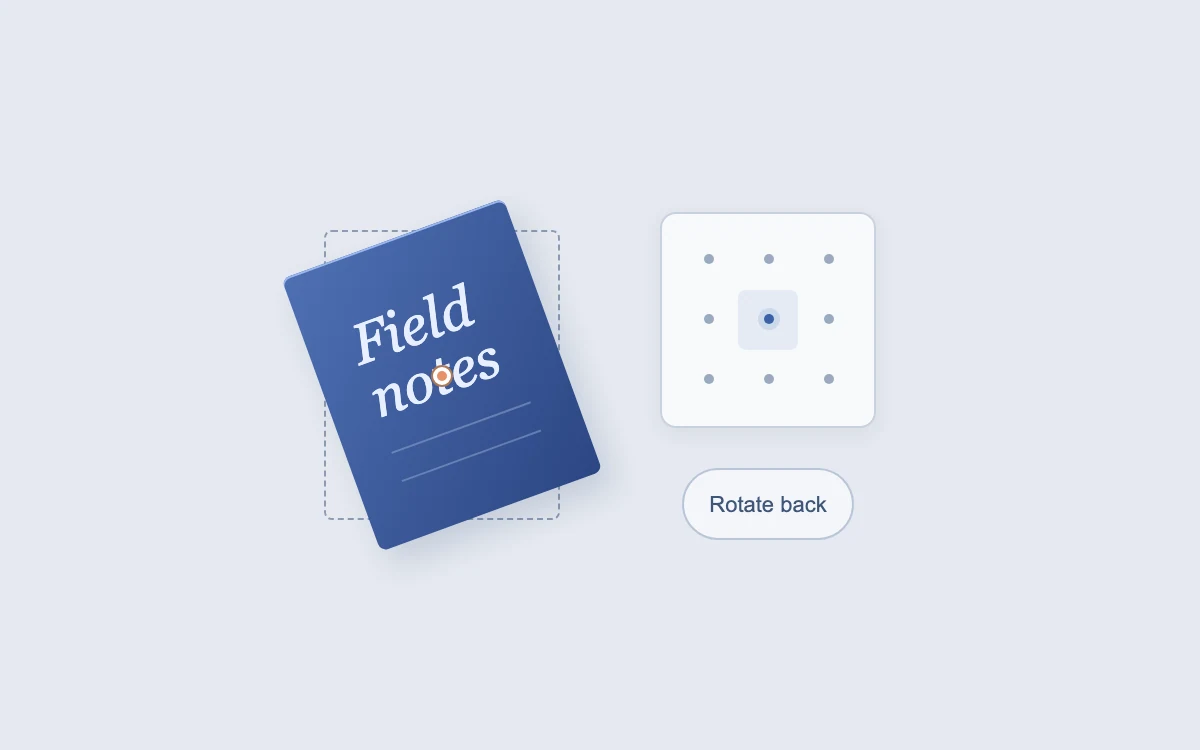
Choose a pivot and rotate the sheet
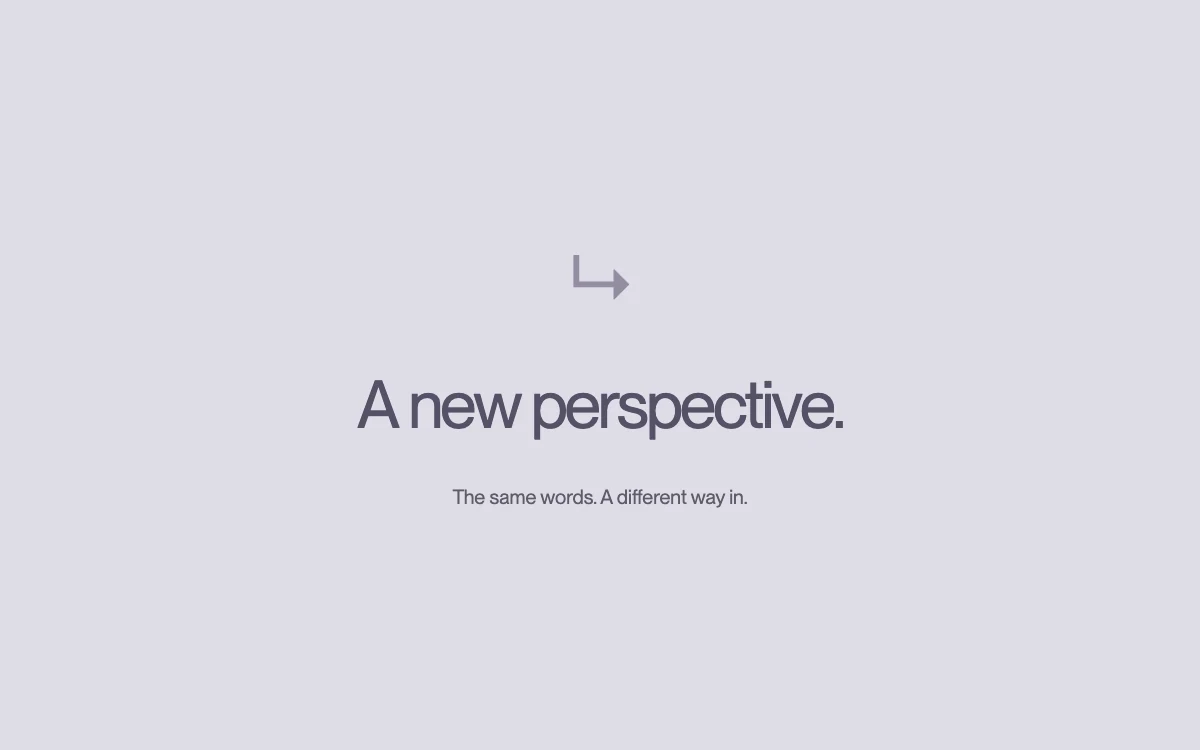
Replay the letter rotation
Reveal message actions

Play to turn the circular label
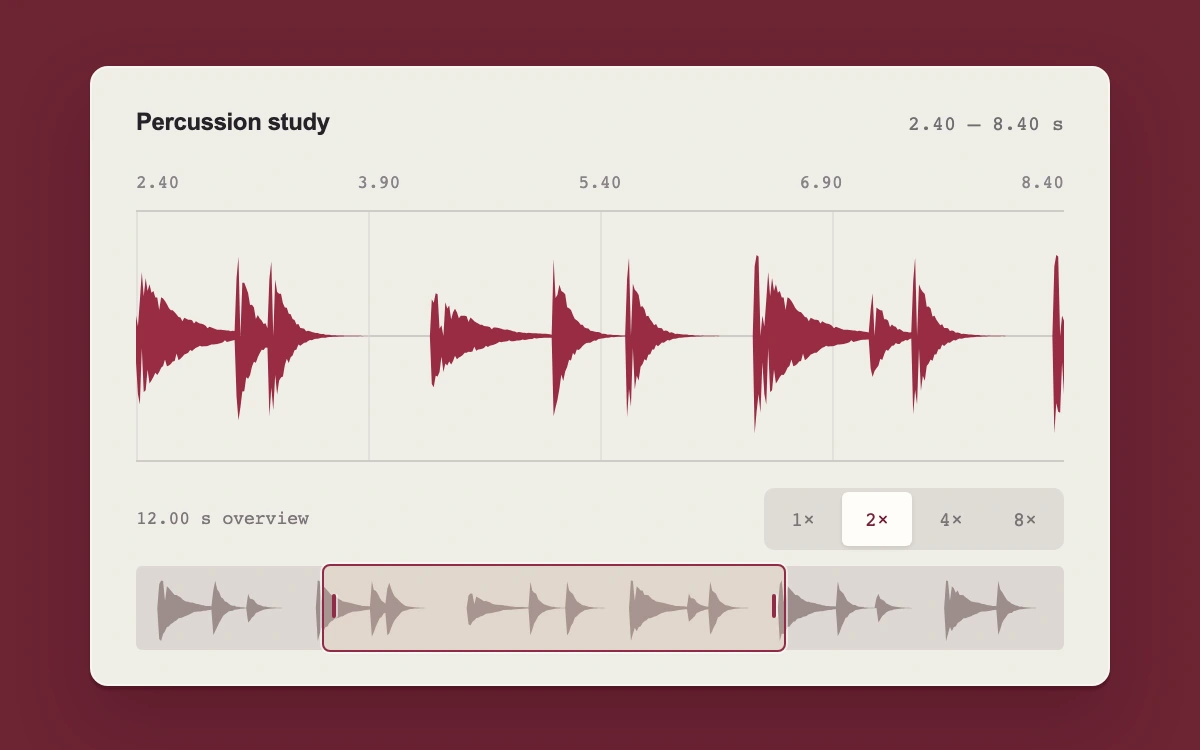
Drag the overview window or choose 1×, 2×, 4×, or 8× magnification
Adjust the blur intensity
Resize the inspector
Replay the group entrance
Drag empty space; Shift adds to the selection
Format the selected phrase
Inspect or add a collaborator
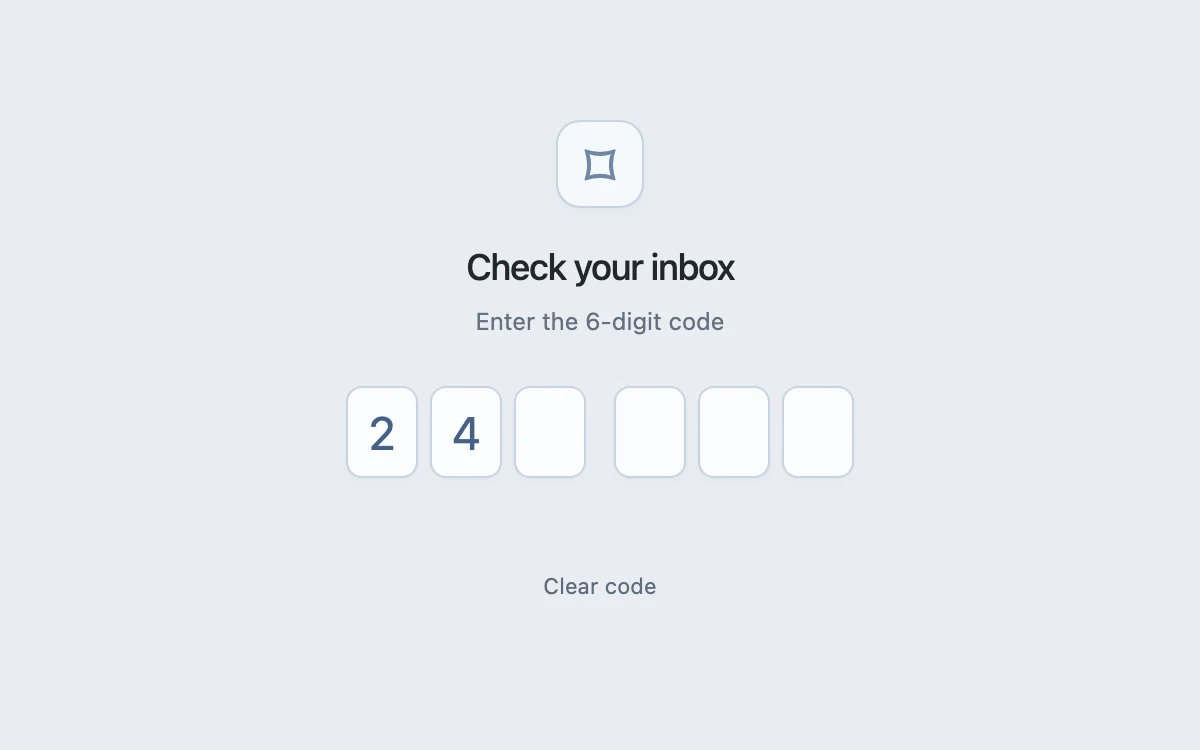
Type or paste a passcode
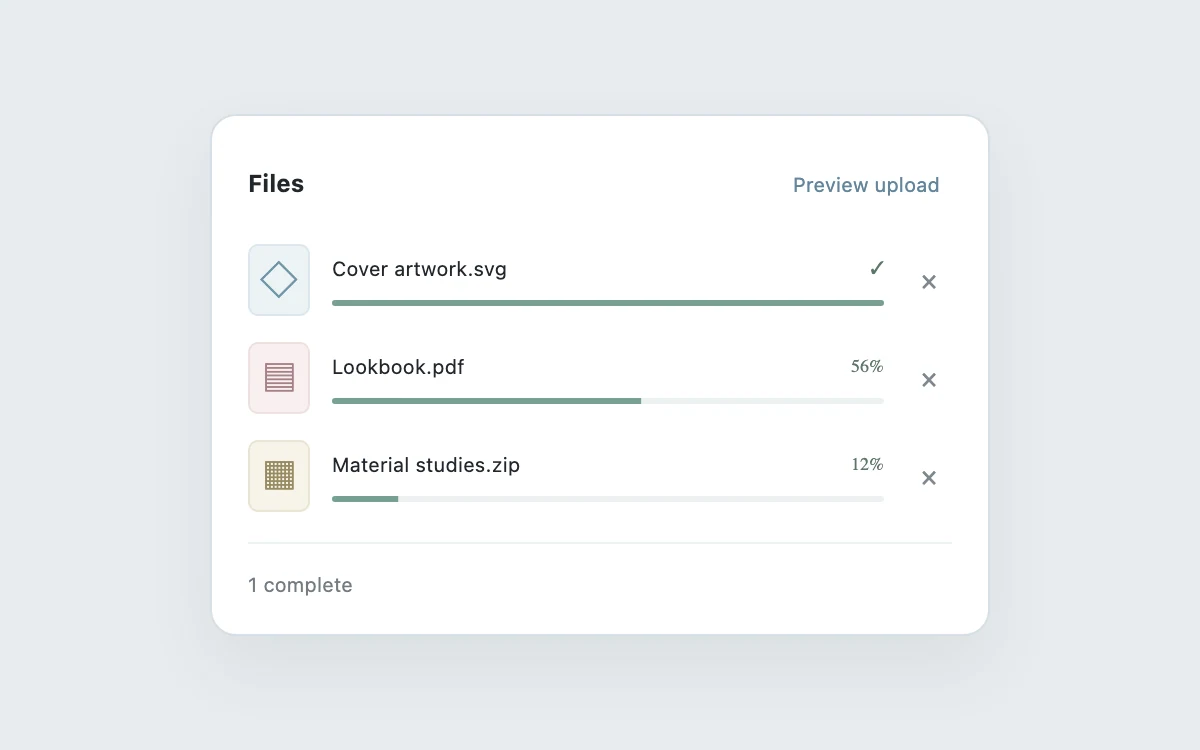
Start, cancel, or retry an upload
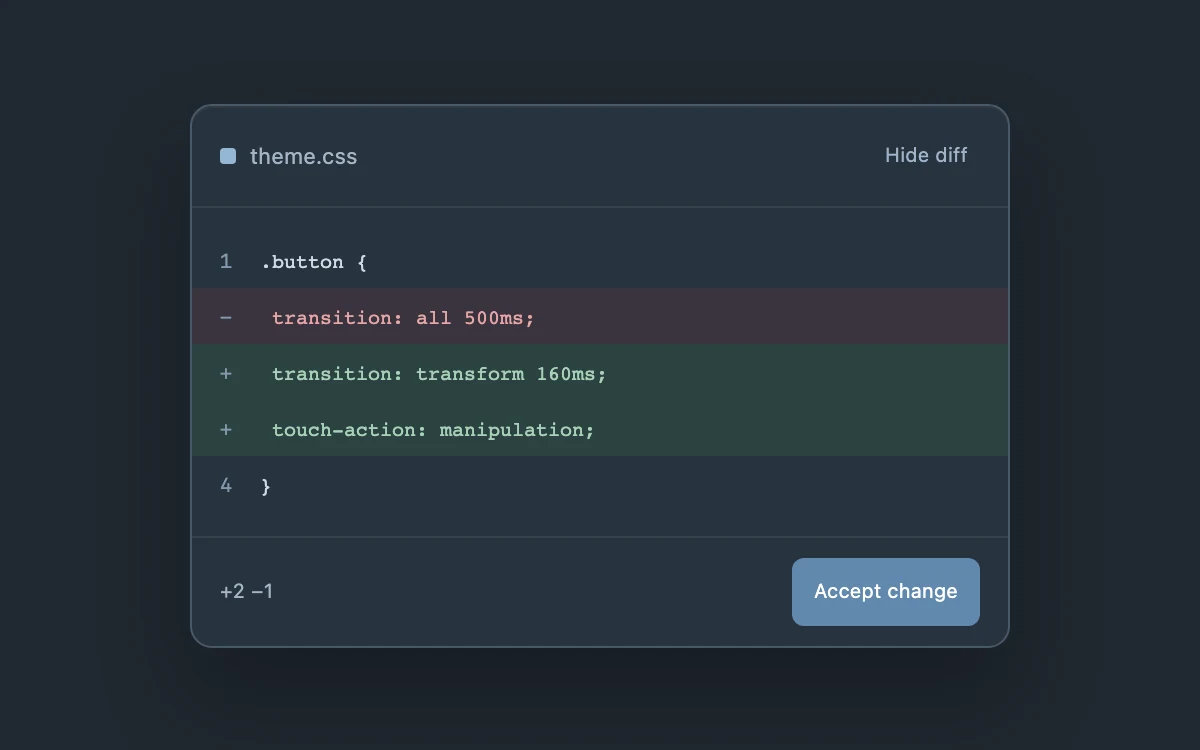
Review and accept the change
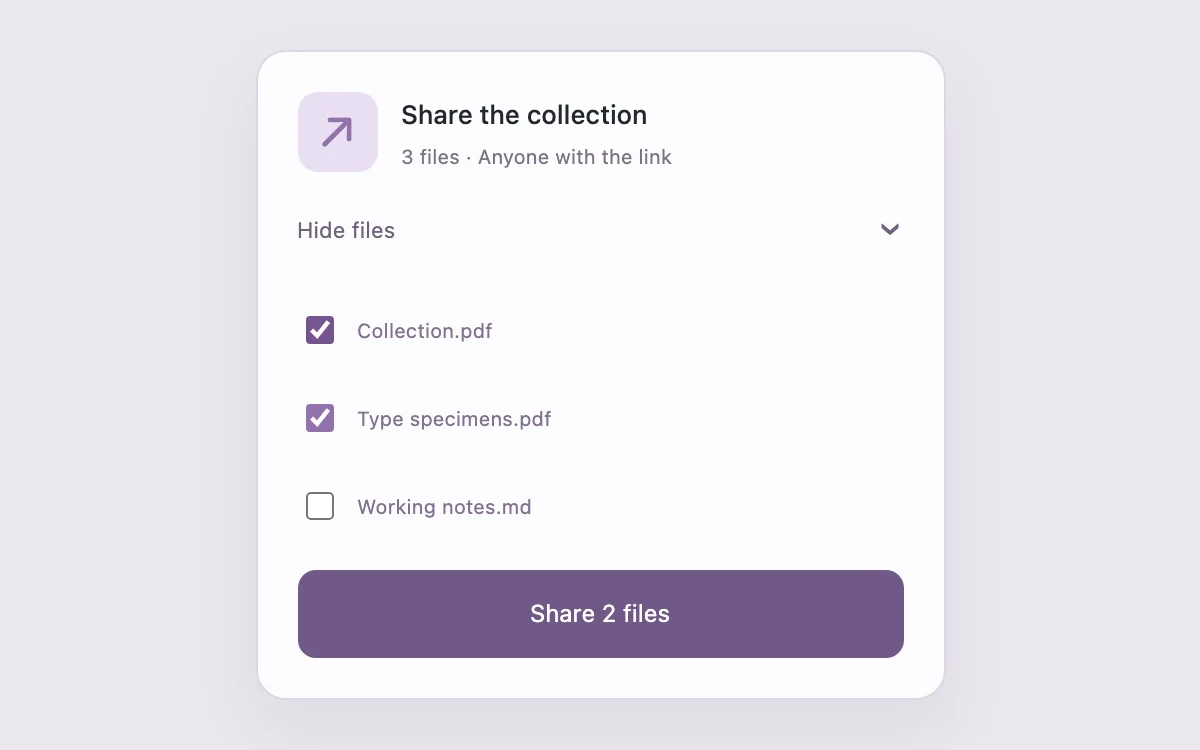
Choose which files to share
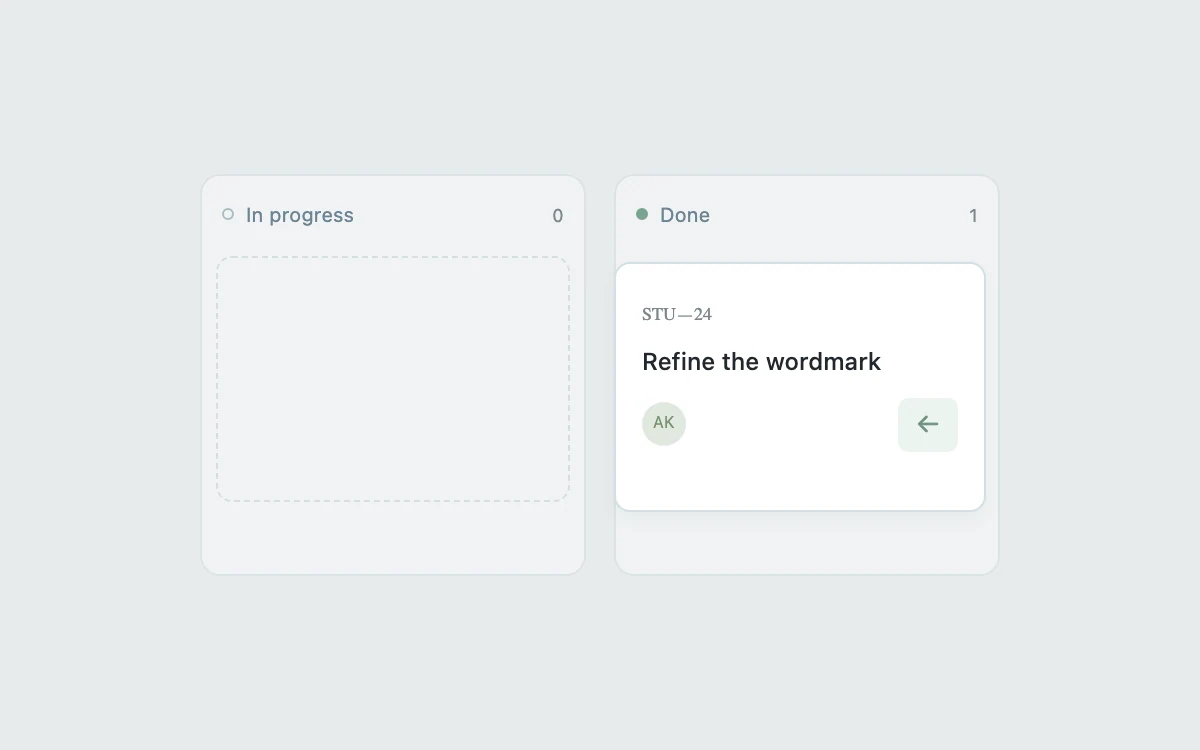
Move the task between columns
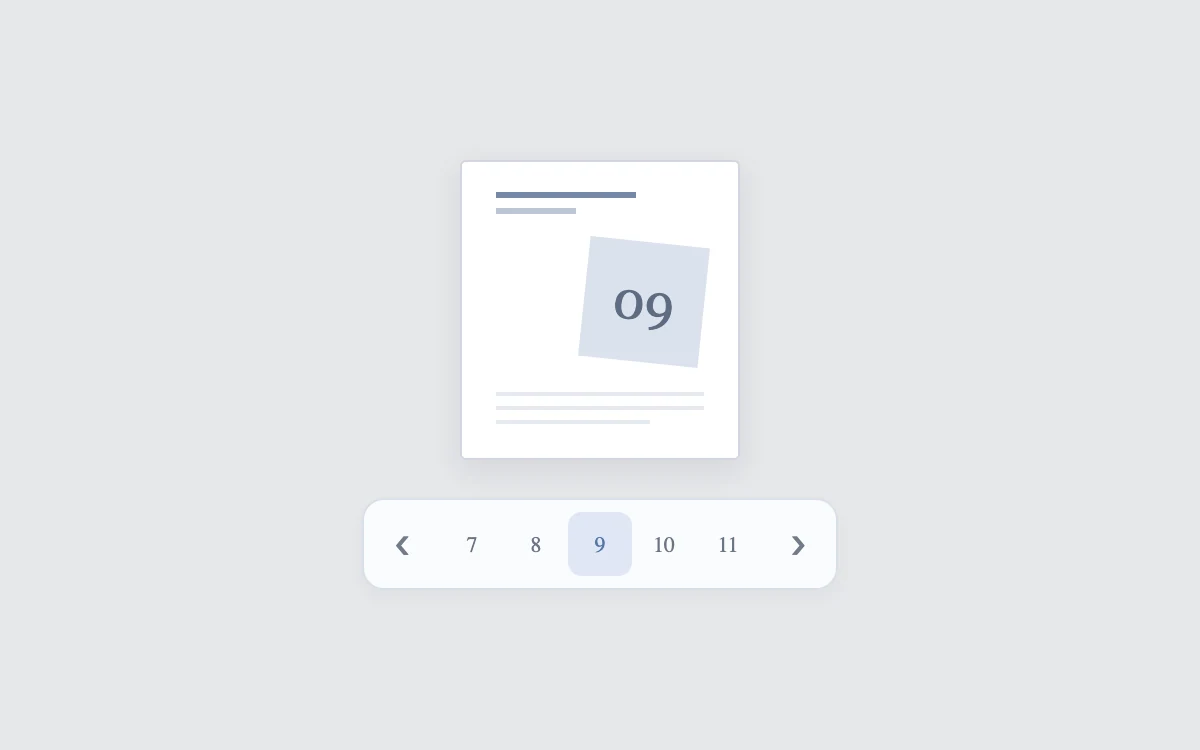
Change the page
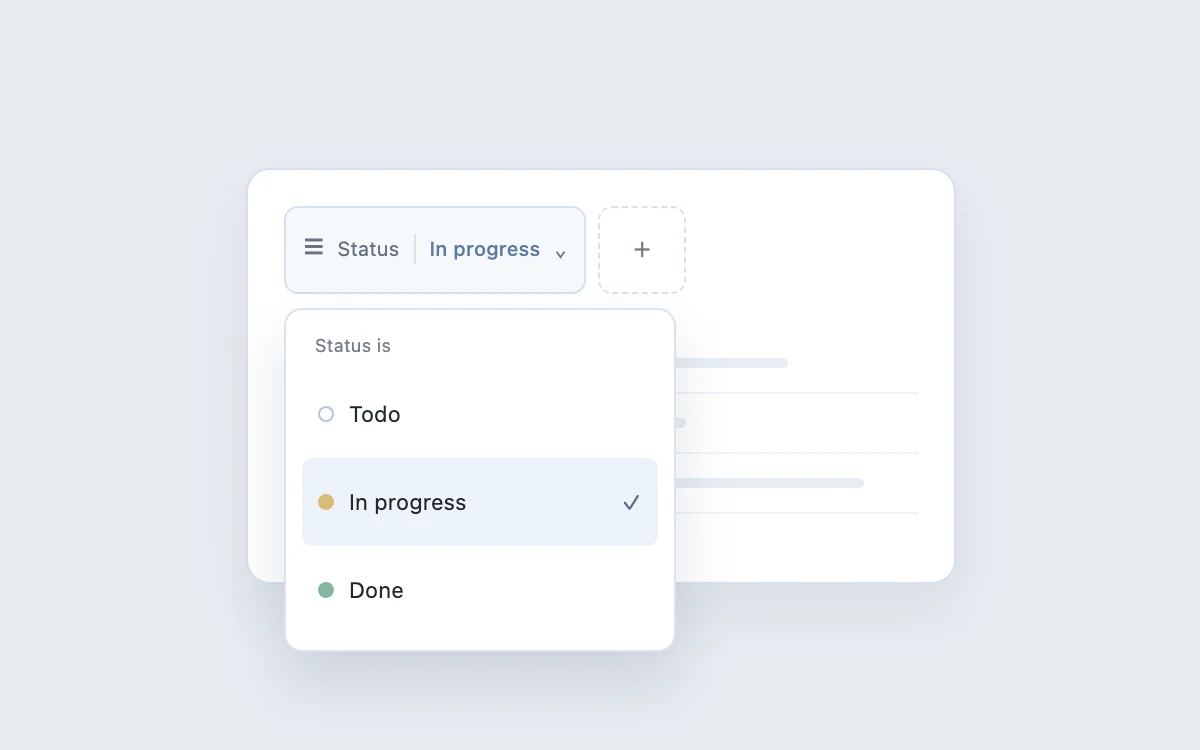
Build a filter
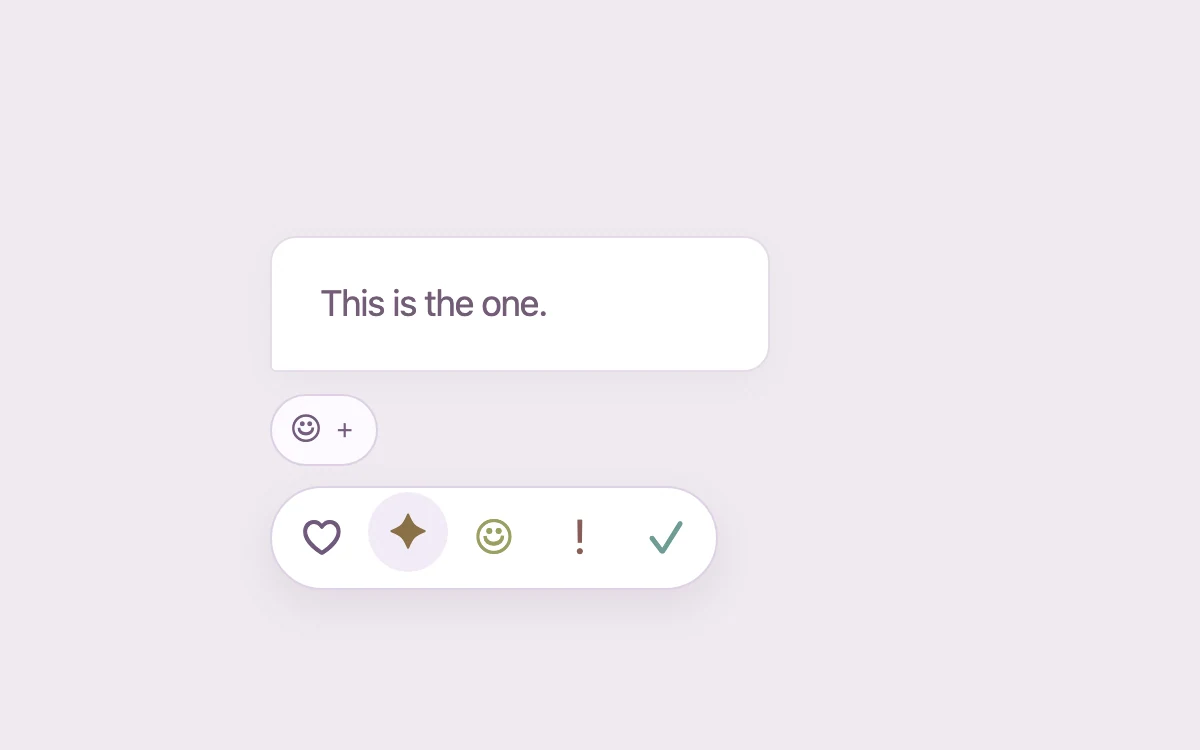
Choose a reaction
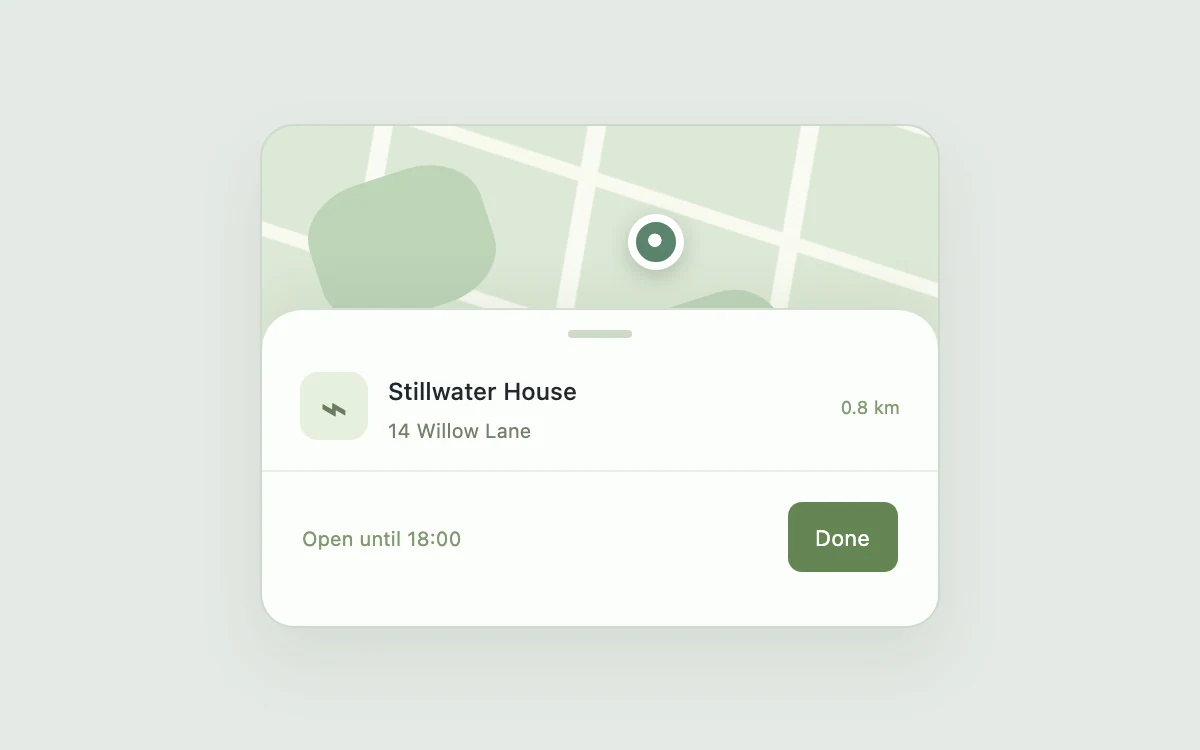
Expand the location details
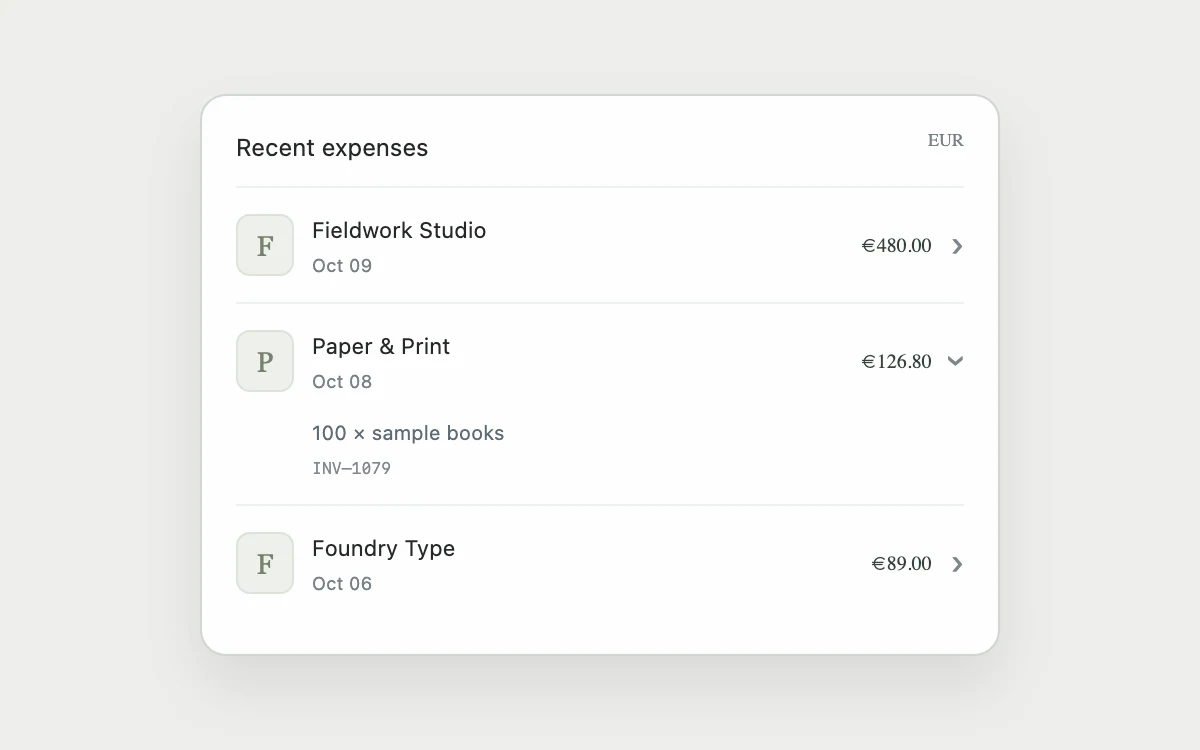
Open a line item
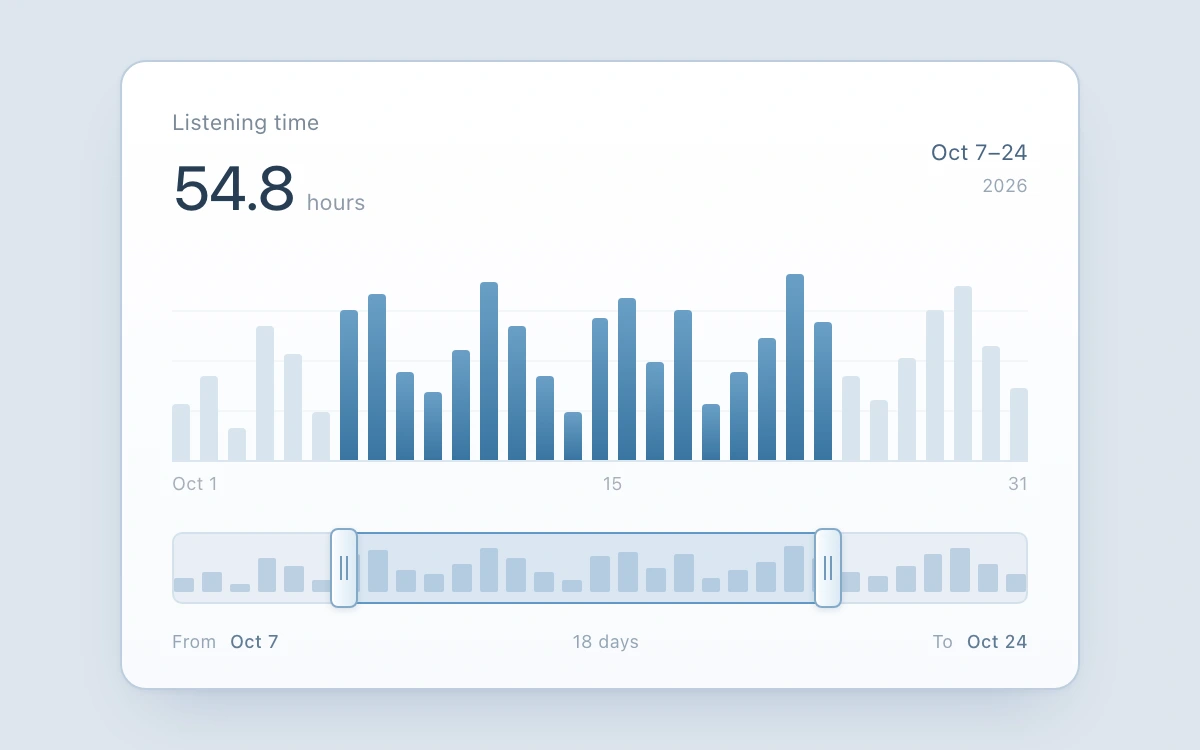
Drag either minimap handle, or use arrow keys, Home/End and PageUp/PageDown. Escape cancels the drag.
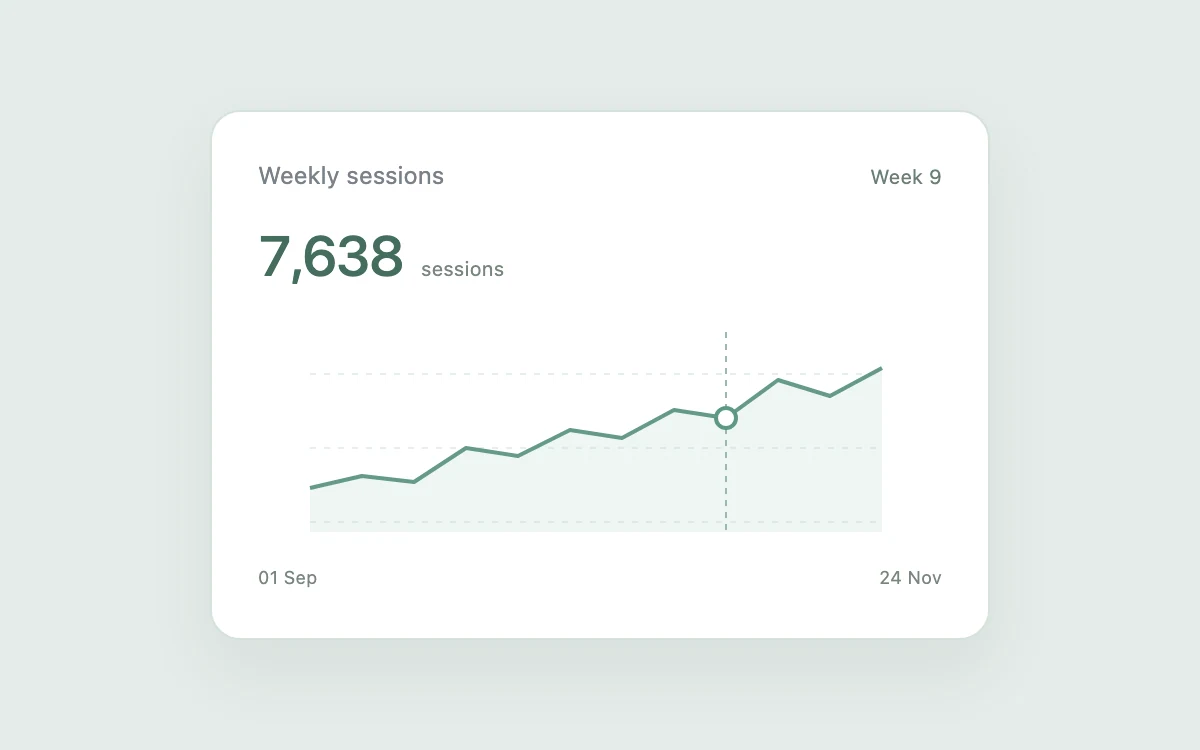
Inspect a data point
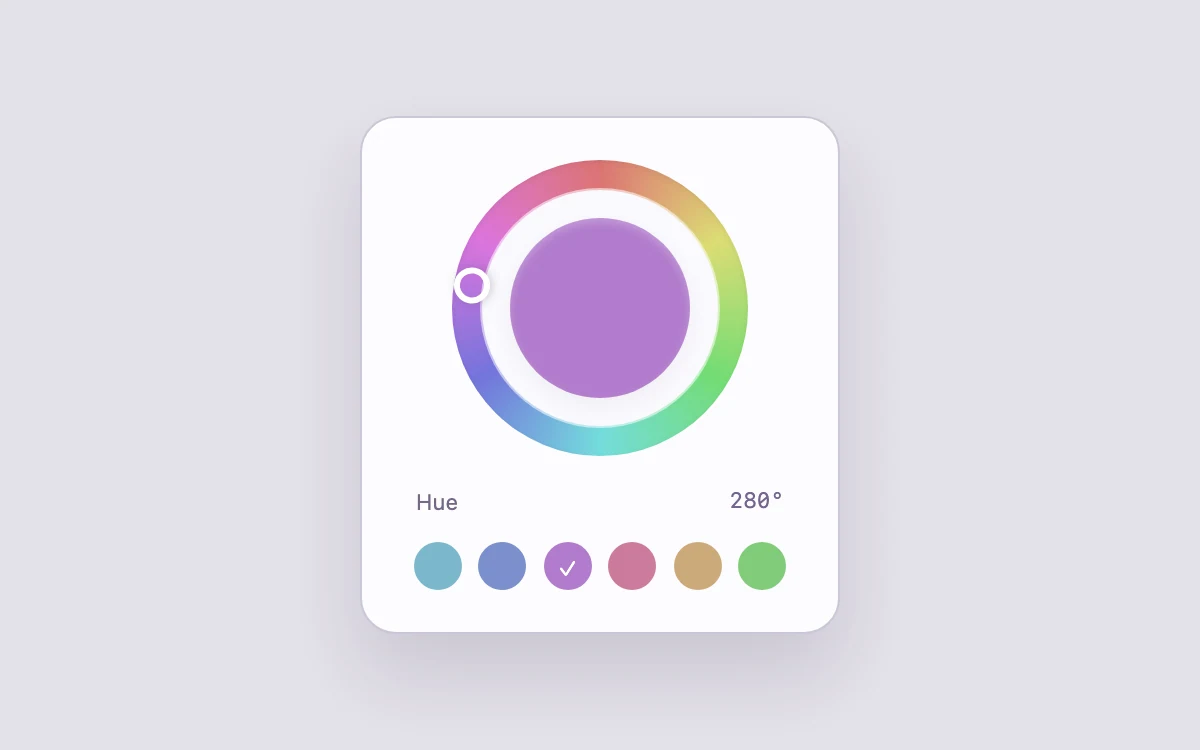
Choose a hue
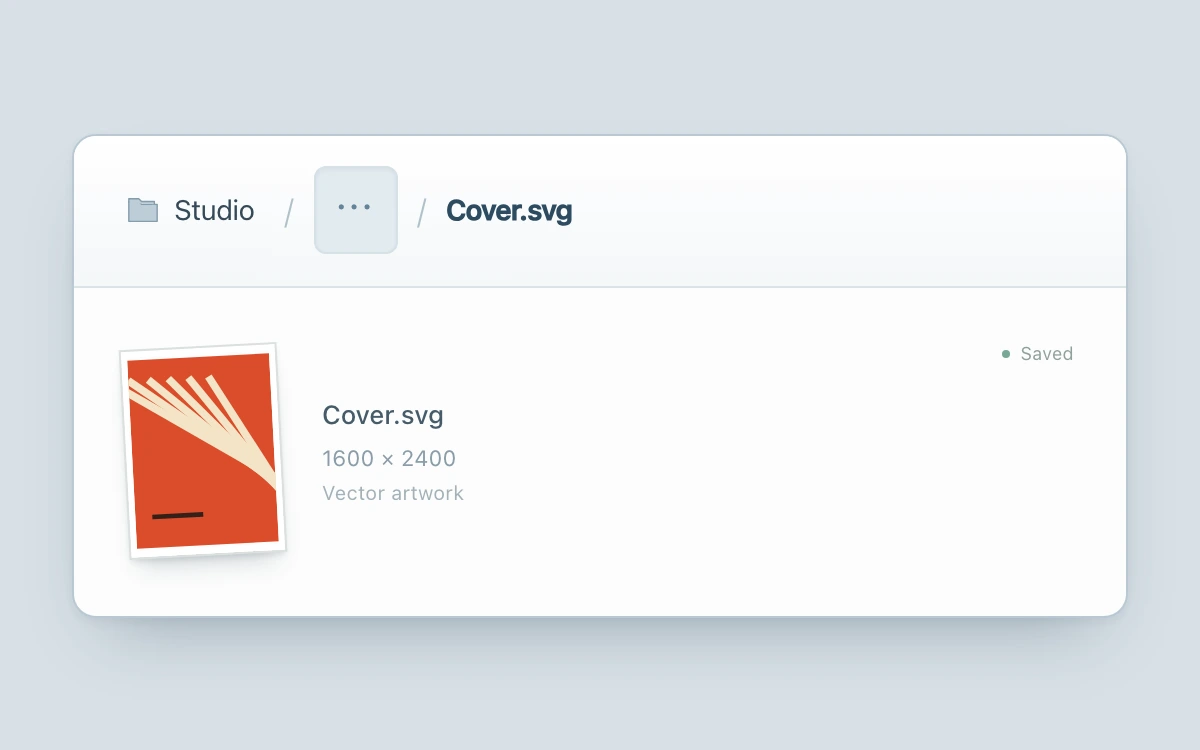
Expand the ellipsis, choose an ancestor, and open its child to return. Escape collapses the trail.
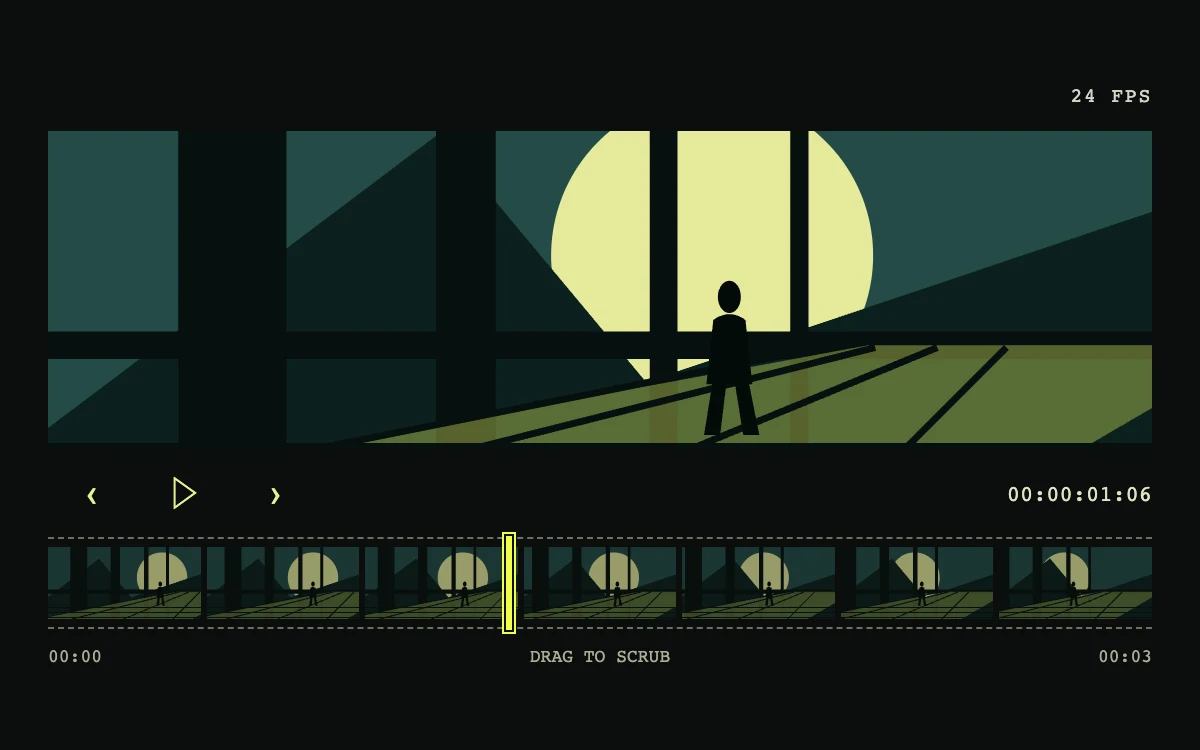
Drag the filmstrip, step frames, or play the sequence
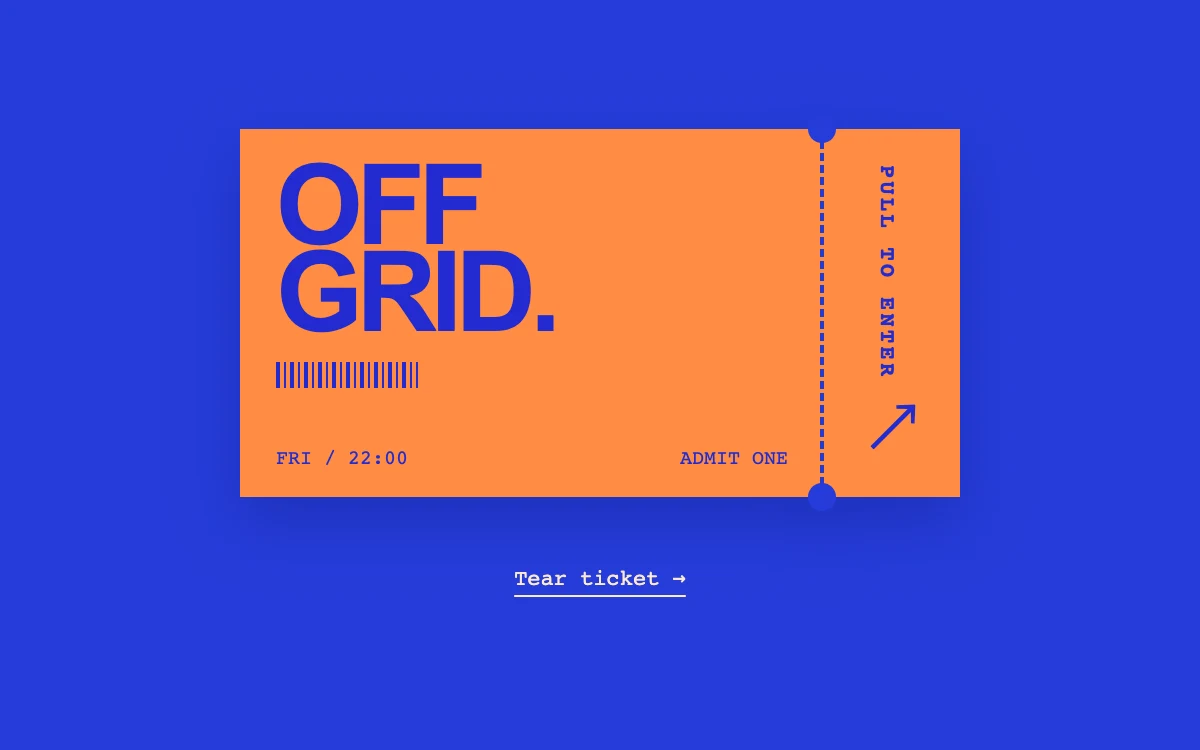
Pull the stub right, or select Tear ticket
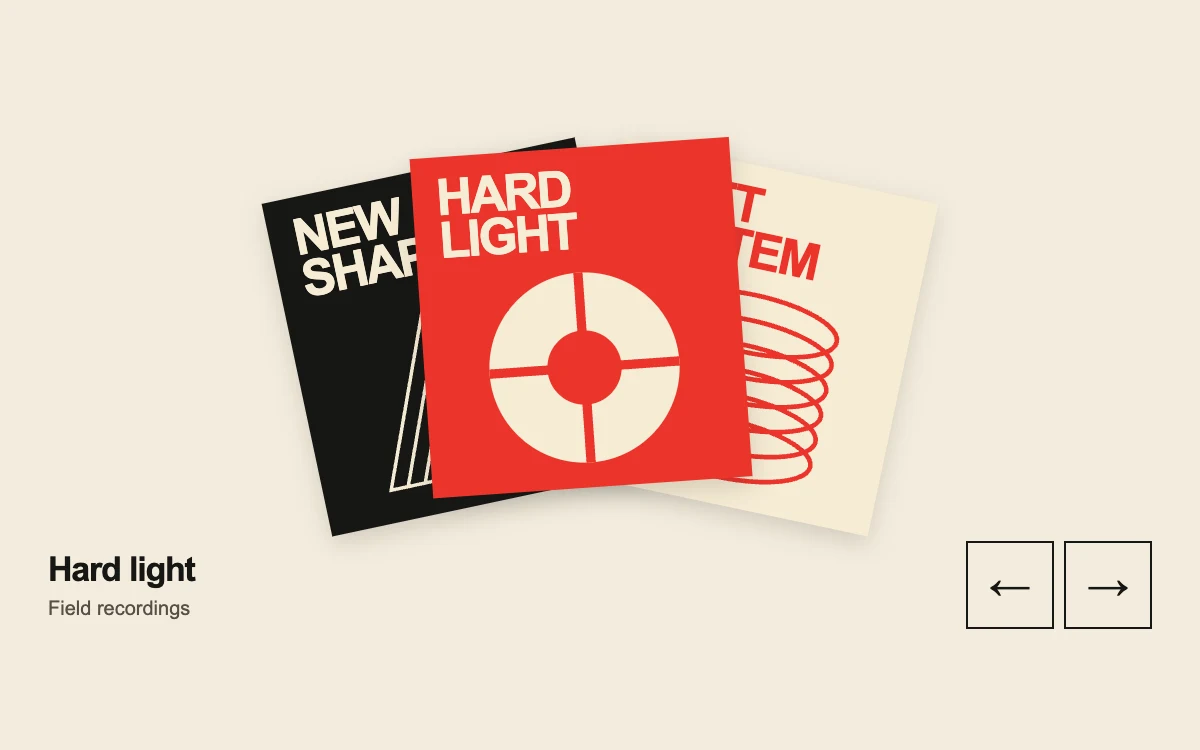
Select a sleeve or browse with the arrow buttons
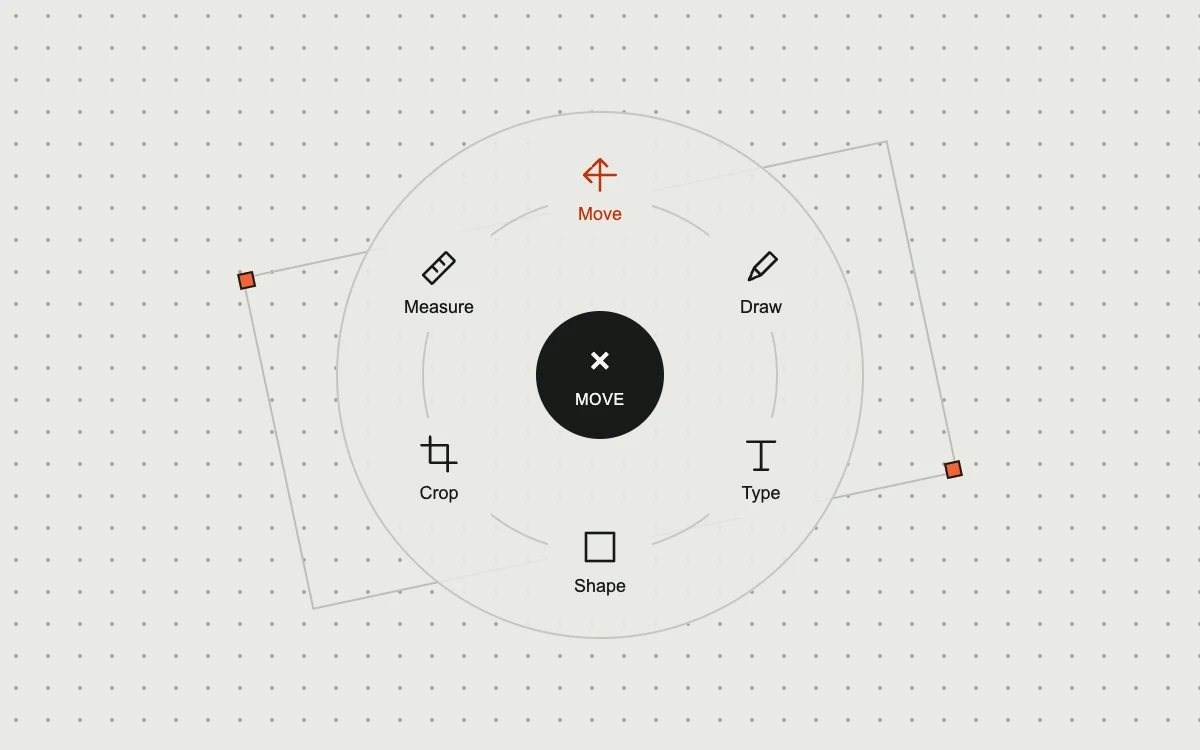
Choose a tool, reopen the dial, or use arrow keys and Escape
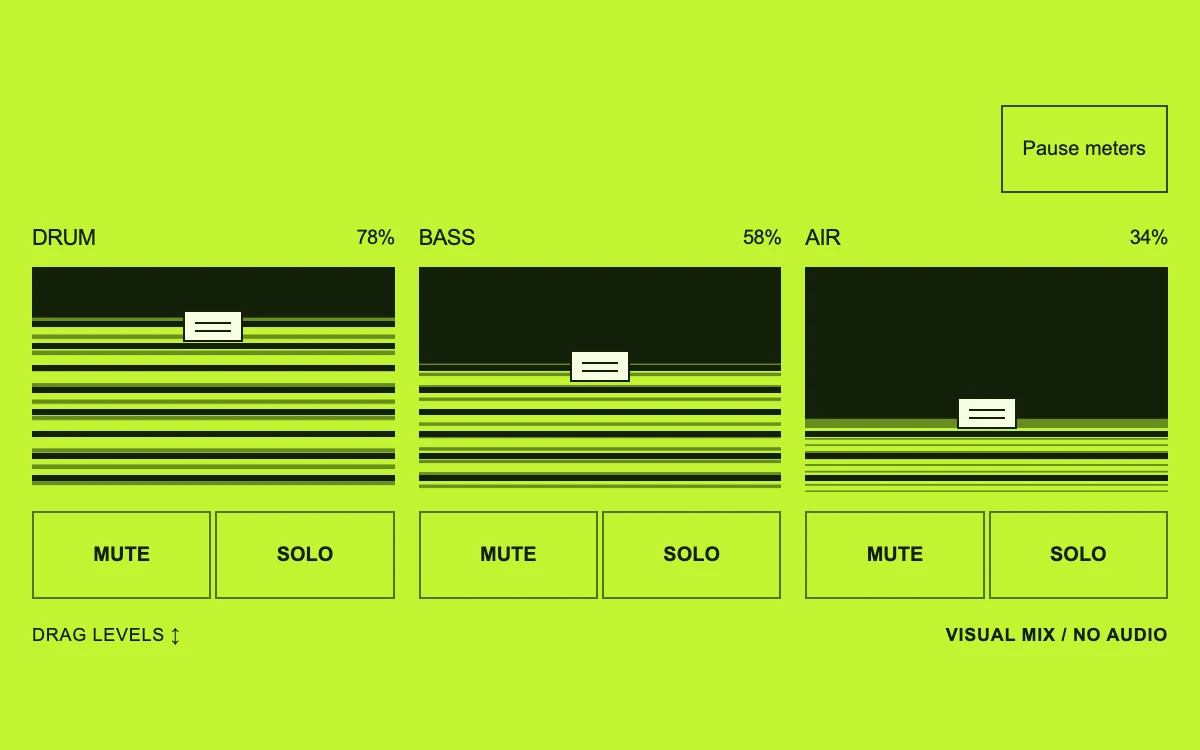
Drag levels, mute channels, or isolate a solo
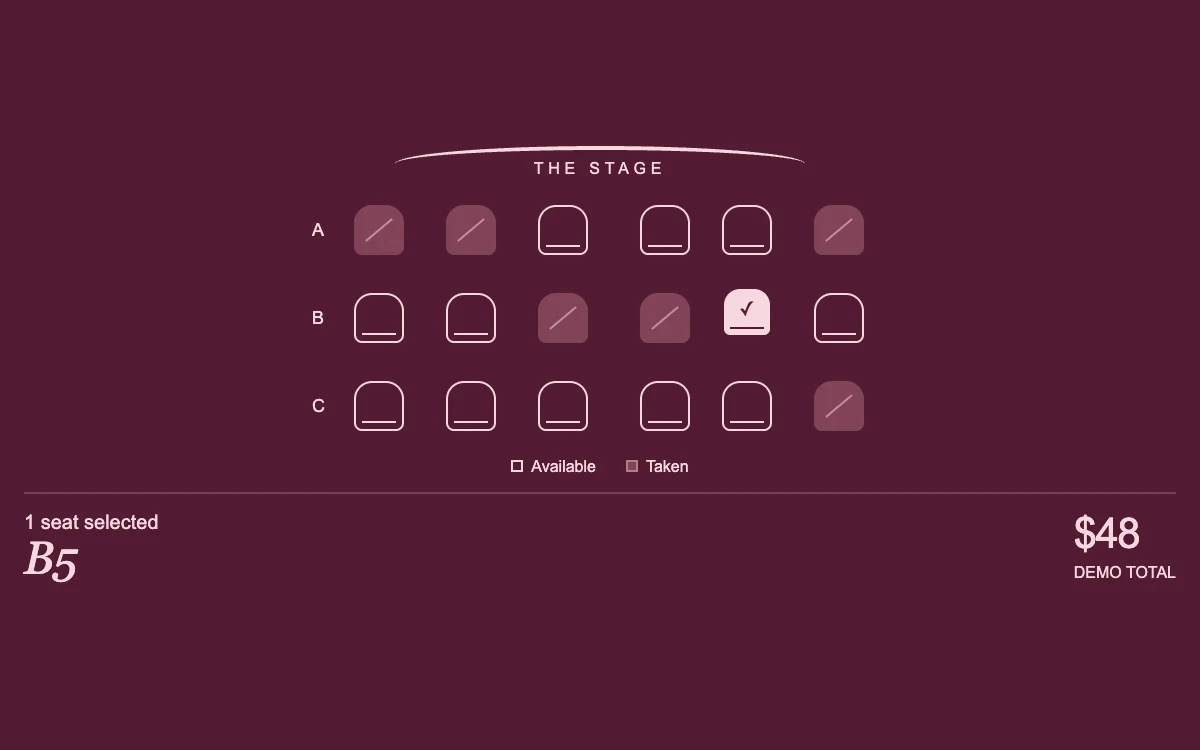
Choose up to two available seats
Move your pointer over the button
Choose a different view
Adjust the value
Save changes, then try the error state
Copy the example link
Hold the button, or hold Space or Enter
Like and unlike the example
Toggle each icon
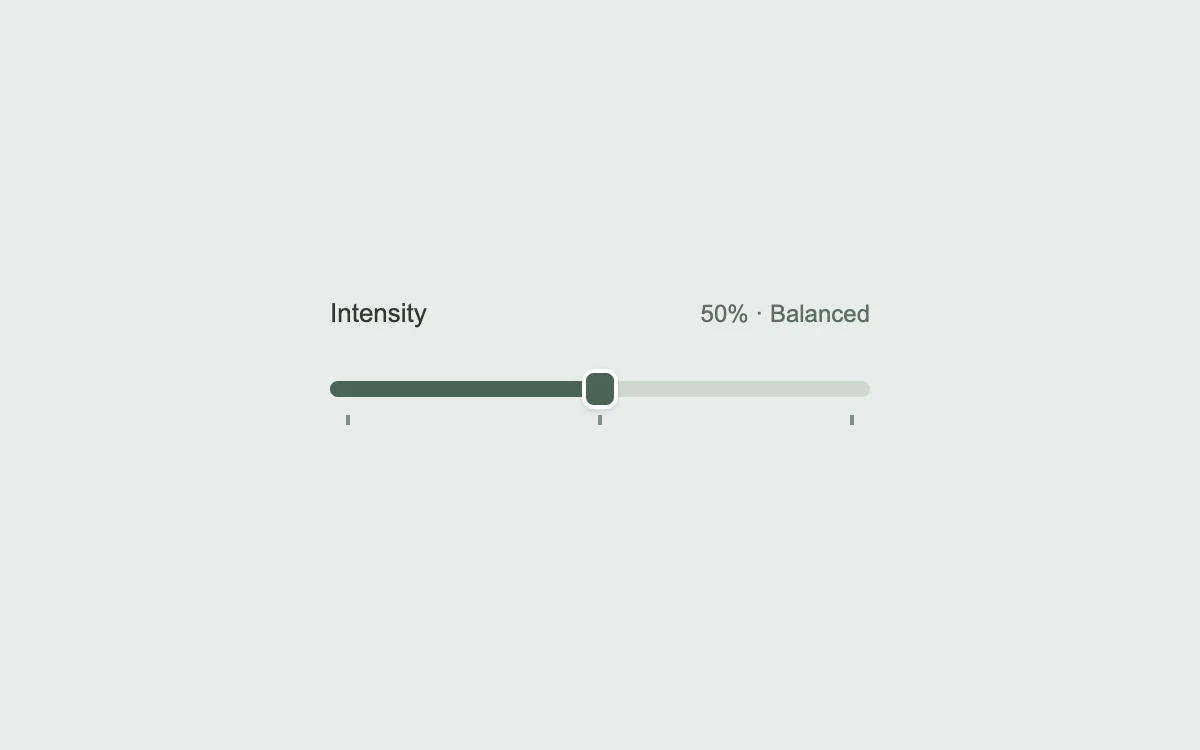
Drag the slider; use arrow keys or Shift + arrows
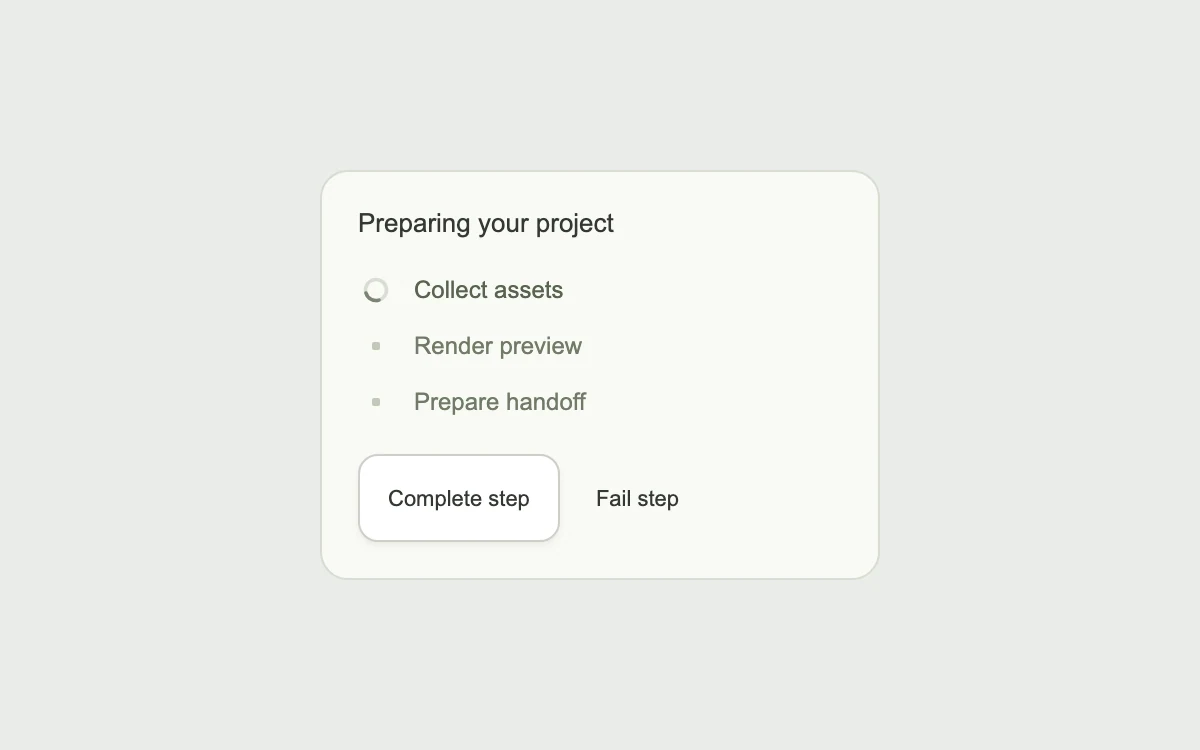
Complete a step, or try a failure
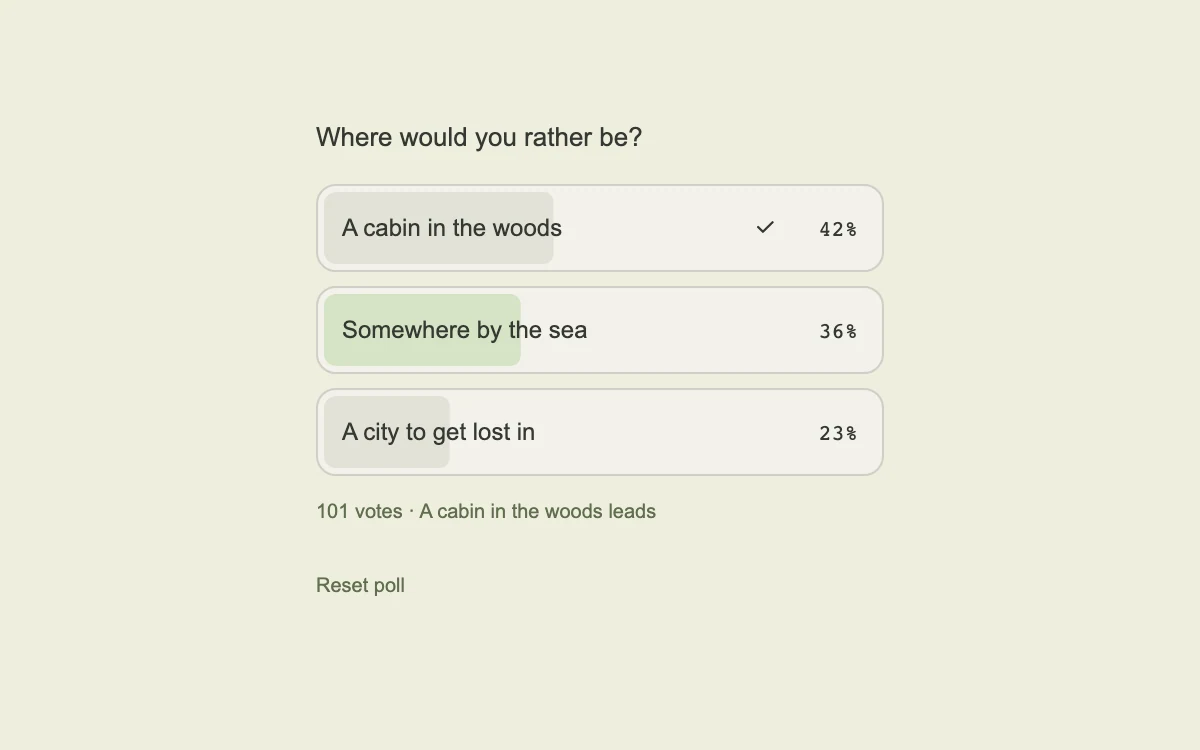
Choose a destination
Press near different edges of the button
Hover, then join the reading list
Toggle the example's appearance
Hover or tap the card; keyboard users can press Enter
Click the button or pause the shimmer
Click at different points on the button
Hover, then click the invitation
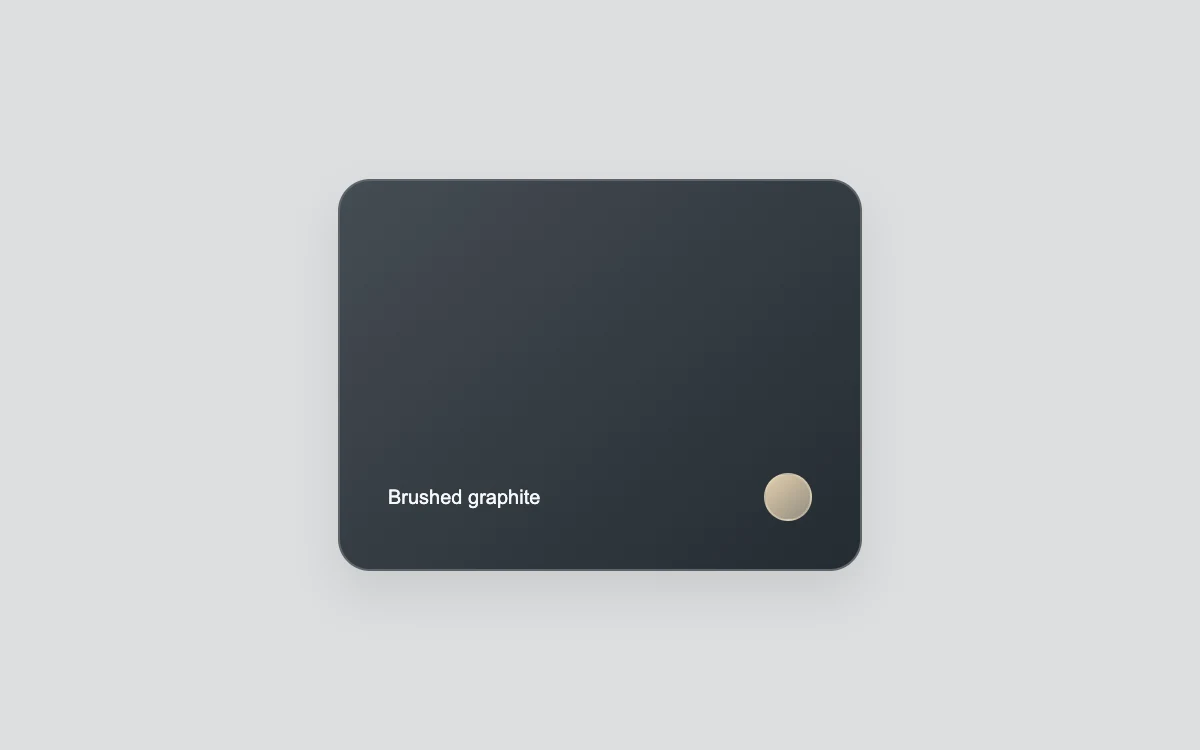
Hover the card, or click to save it
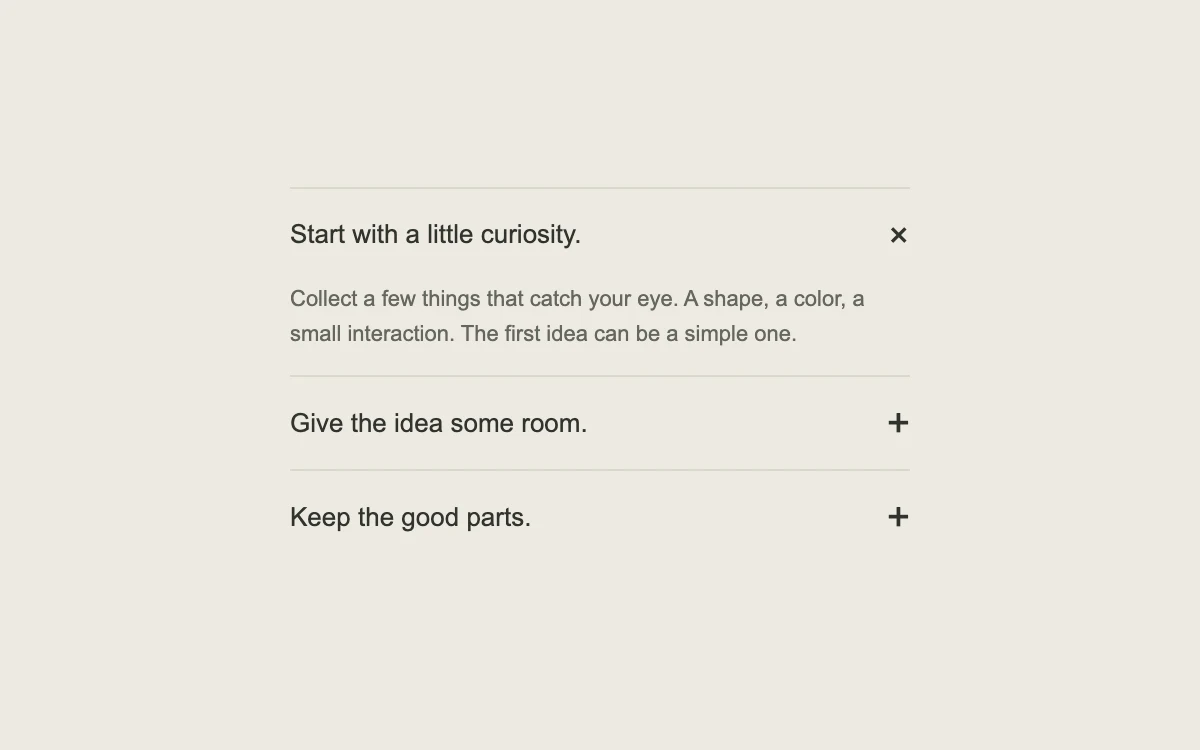
Open a different section
Move to the next chapter
Move across the tools, then select one
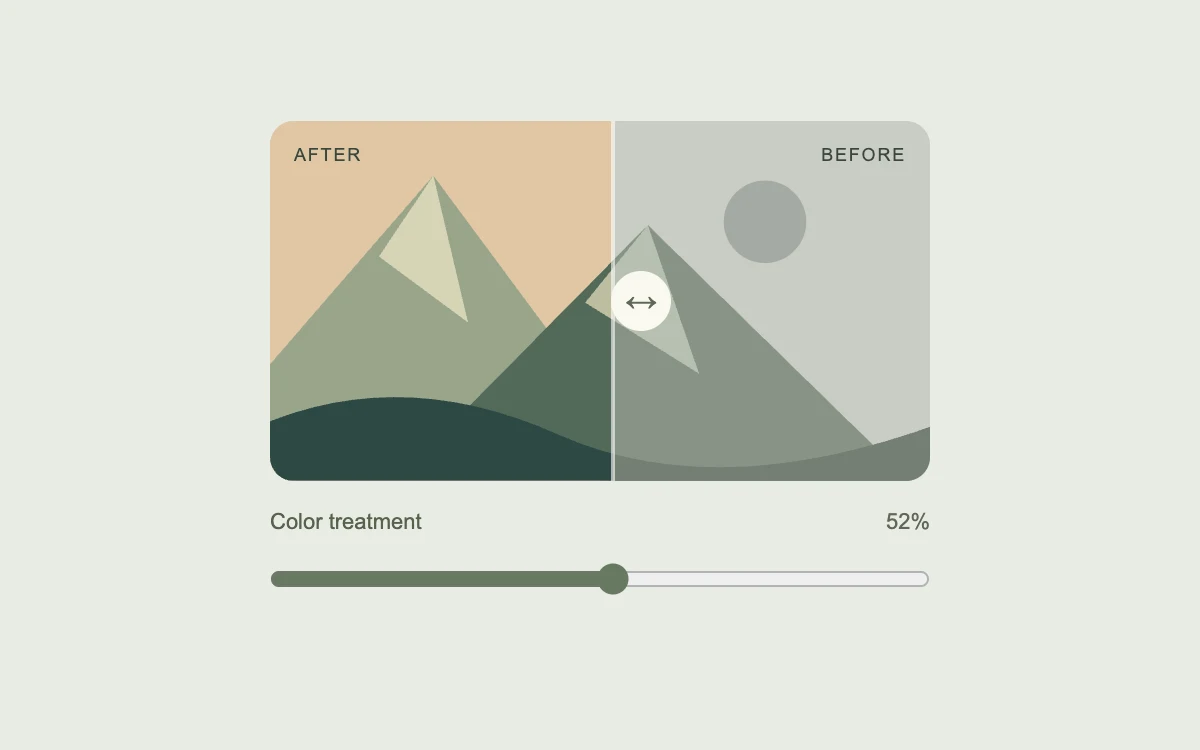
Drag the comparison slider
Update the idea count
Move your pointer across the card
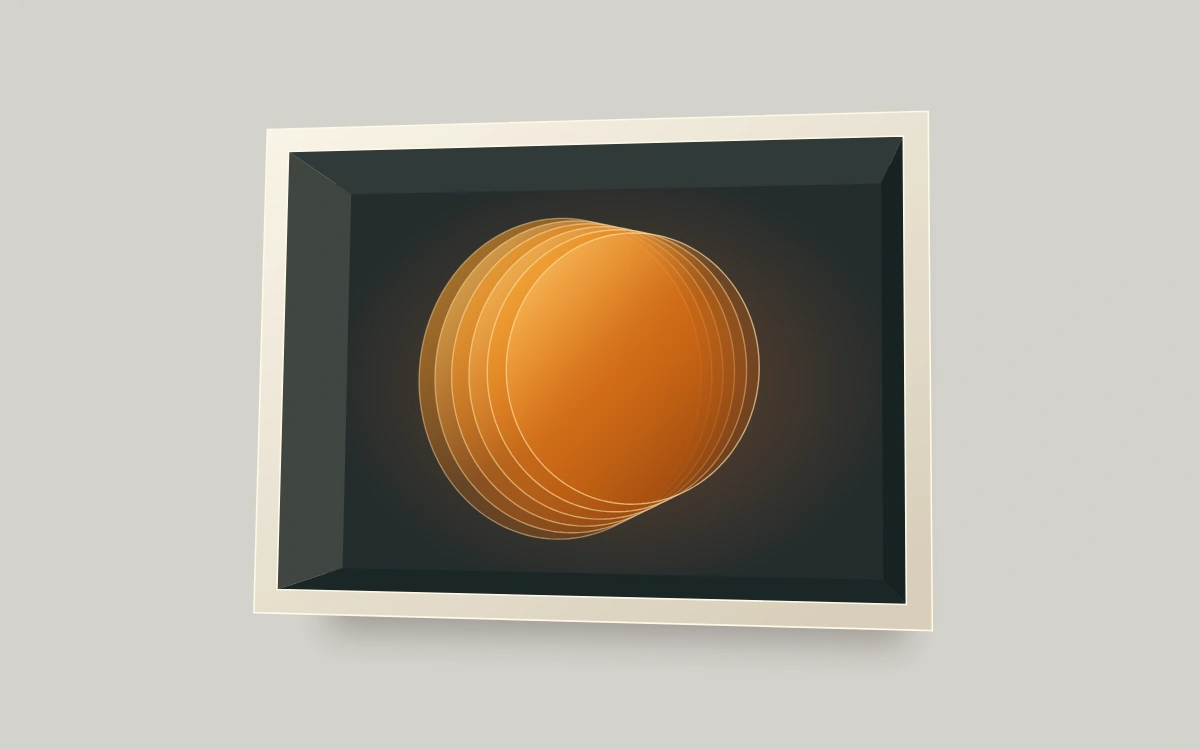
Move the pointer, drag, or use arrow keys to tilt