
Orbit atlas
An open image archive can be panned, fitted, zoomed and brought into focus one work at a time.
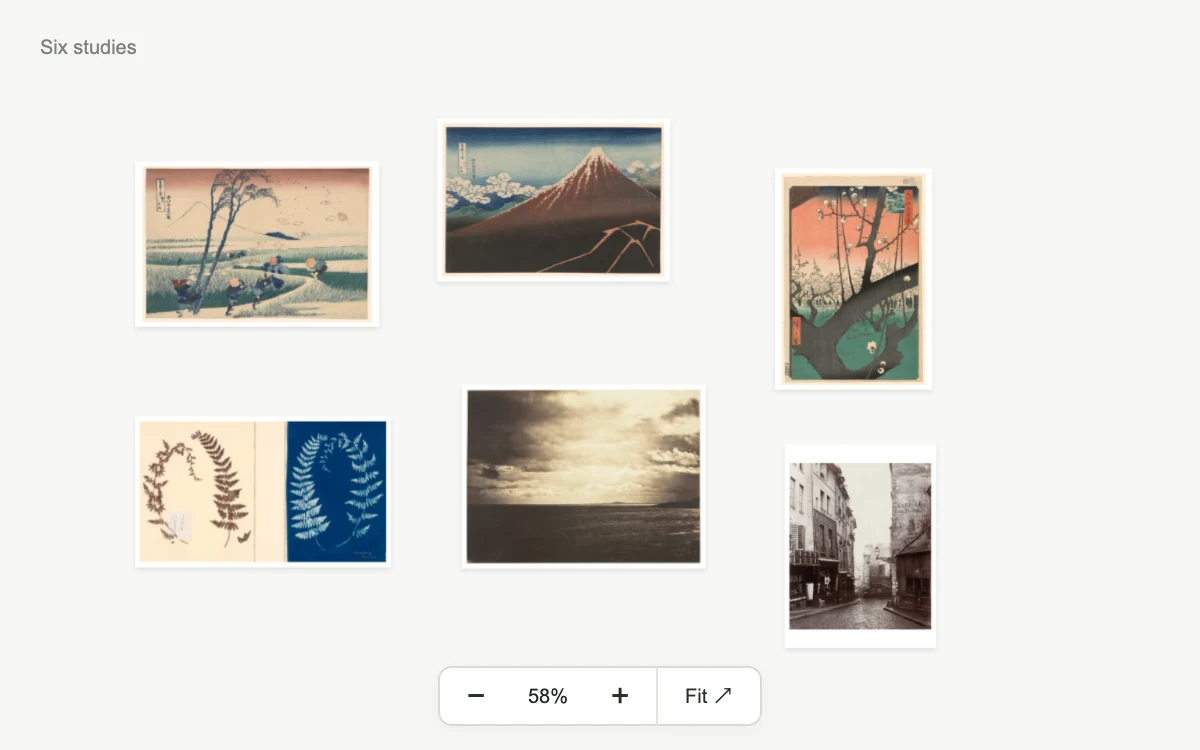
Drag the canvas, zoom or choose a work.
Subframe Original · MIT
Add to your project
Component source
Standalone React component. Styles are included.
React only. No additional packages.
Download images (6)
Save these files in your static assets folder at /motion/assets/, or update their paths in the component.
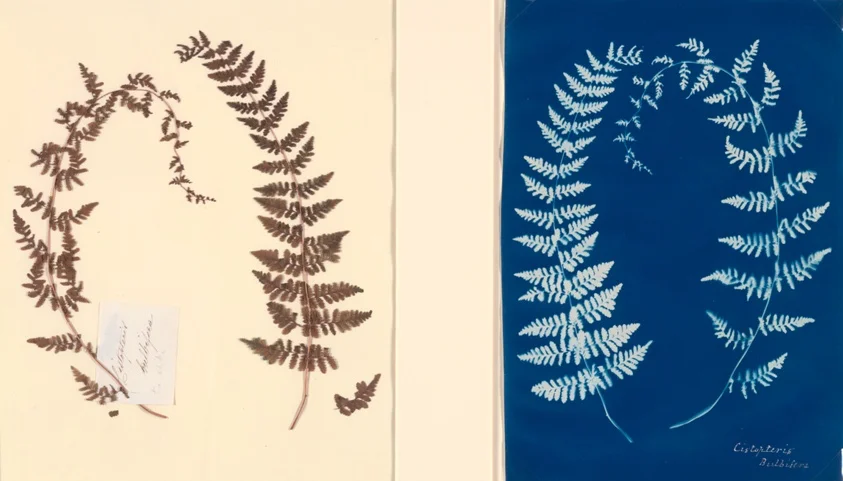
- Untitled (Fern Study), c. 1850, from the Hatton Fern Album · CC0-1.0
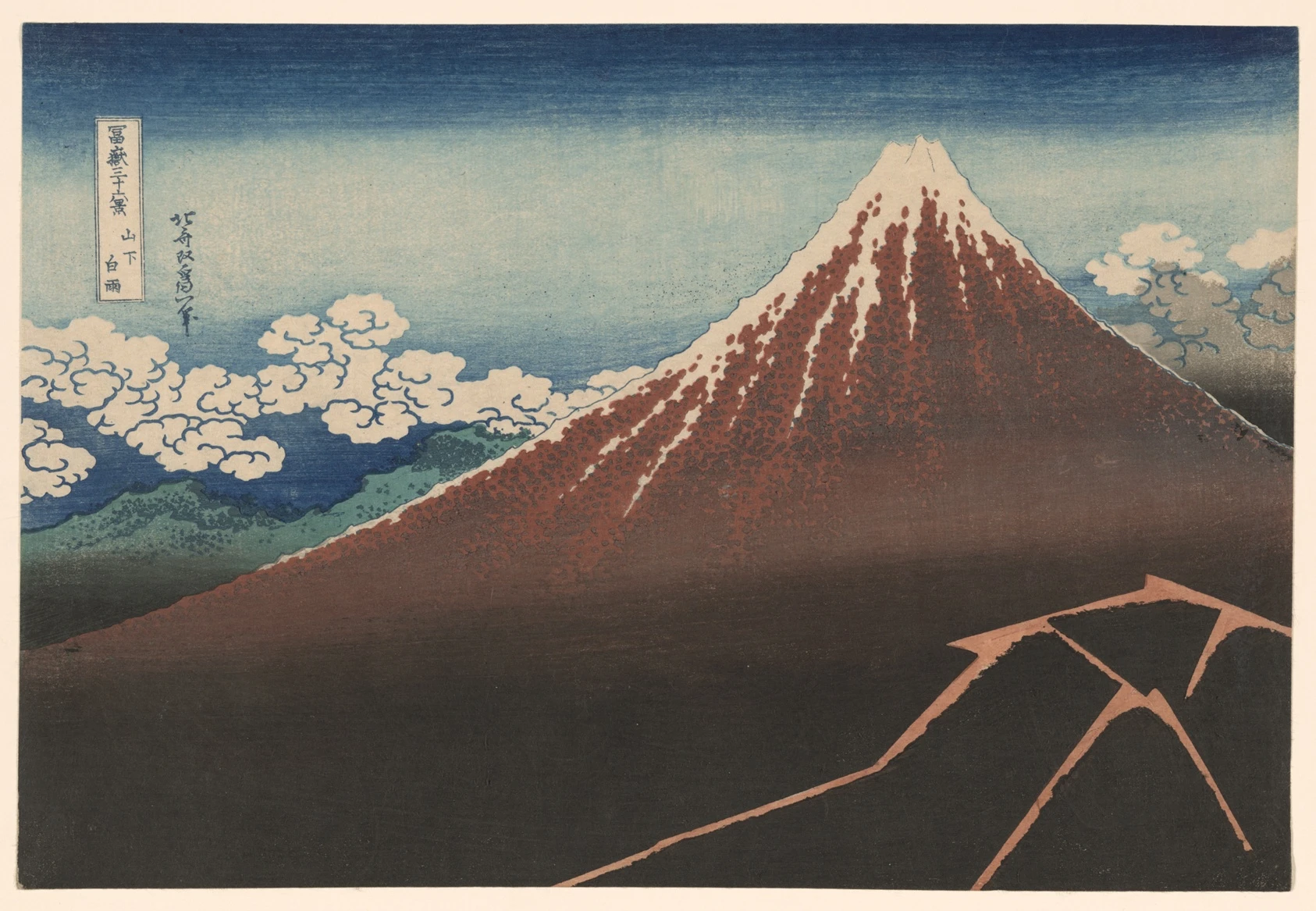
- Shower Below the Summit (Sanka hakuu), from the series "Thirty-Six Views of Mount Fuji (Fugaku sanjurokkei)" · CC0-1.0
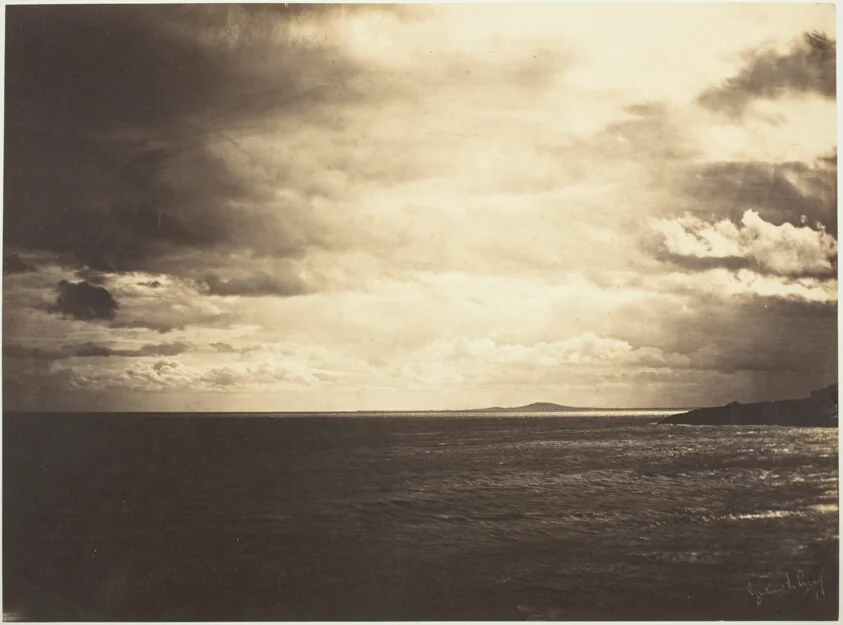
- Cloudy Sky, Mediterranean Sea · CC0-1.0
- Rue de la Montagne-Sainte-Geneviève near the Intersection of Rue LaPlace (Rue de la Montagne-Sainte-Geneviève prés de carrefour de la rue LaPlace) · CC0-1.0
- Plum Garden at Kameido (Kameido Umeyashiki), from the series "One Hundred Famous Views of Edo (Meisho Edo hyakkei)" · CC0-1.0
- Ejiri in Suruga Province (Sunshu Ejiri), from the series "Thirty-six Views of Mount Fuji (Fugaku sanjurokkei)" · CC0-1.0
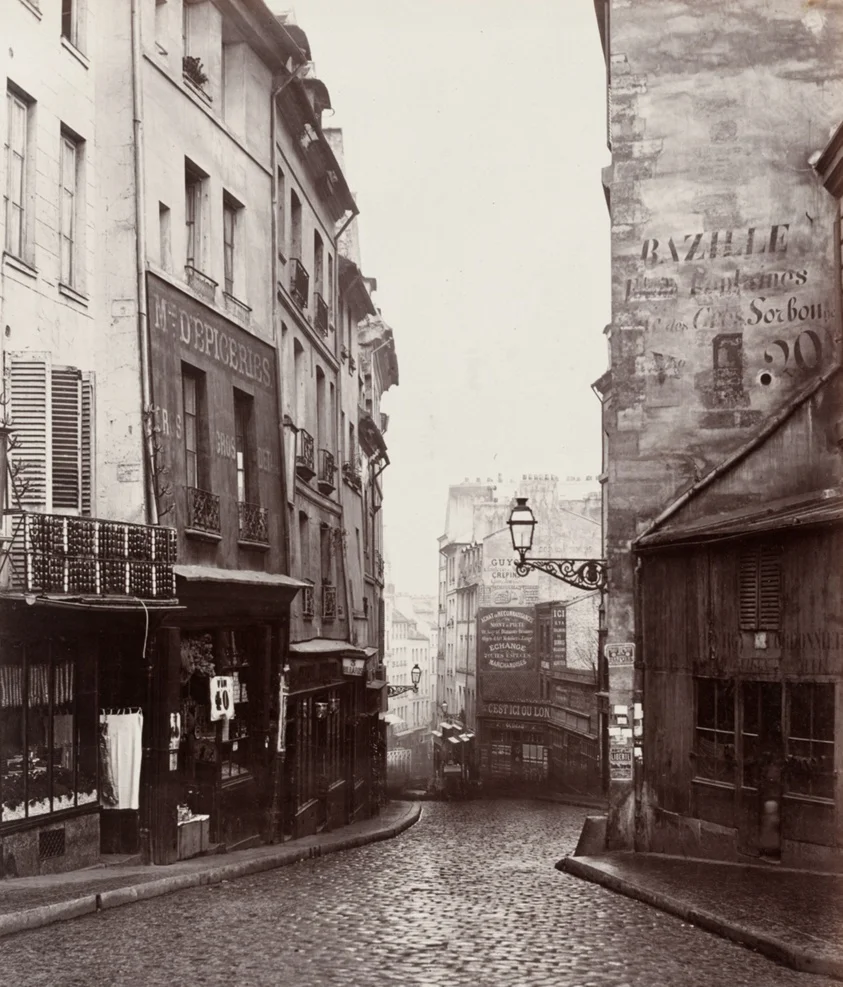
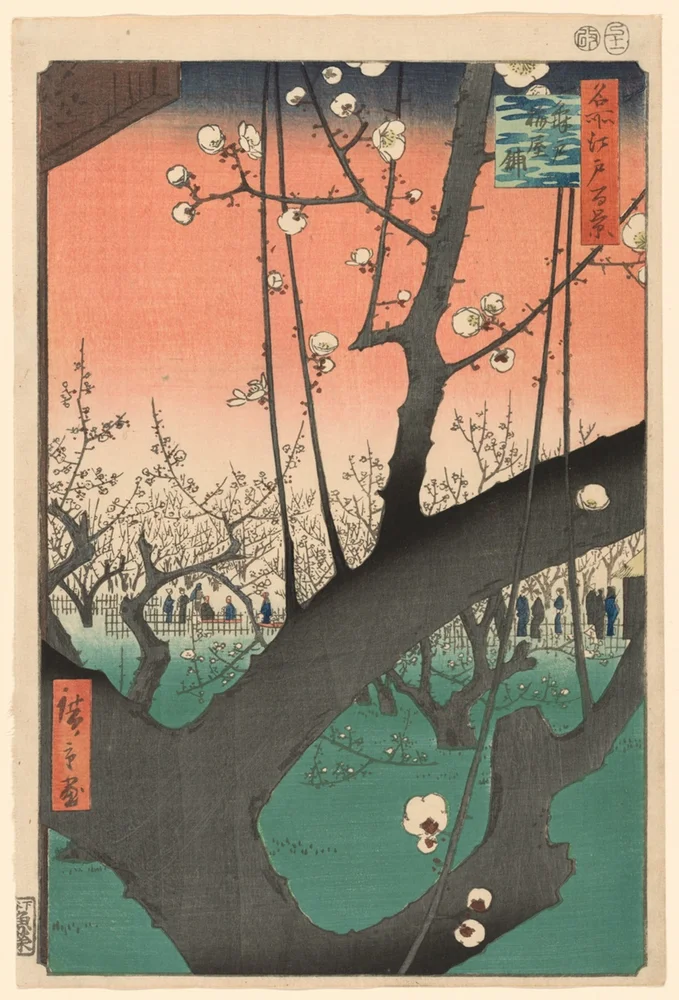
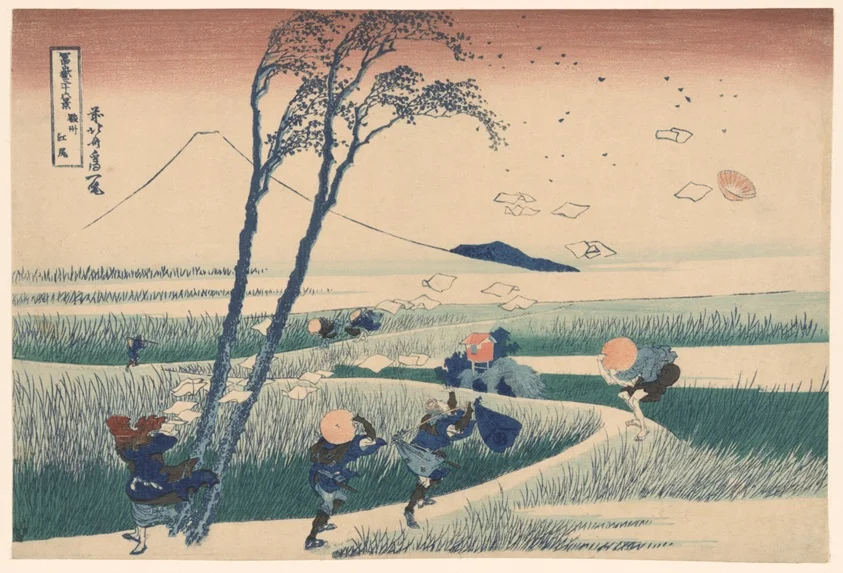
Render the default export inside a container with a defined height. Its optional active prop stops movement when false. This example works with React 19; Next.js projects can use it as a client component.
View source code
/**
 * MIT License
 *
 * Copyright (c) 2026 Subframe
 *
 * Permission is hereby granted, free of charge, to any person obtaining a copy
 * of this software and associated documentation files (the "Software"), to deal
 * in the Software without restriction, including without limitation the rights
 * to use, copy, modify, merge, publish, distribute, sublicense, and/or sell
 * copies of the Software, and to permit persons to whom the Software is
 * furnished to do so, subject to the following conditions:
 *
 * The above copyright notice and this permission notice shall be included in all
 * copies or substantial portions of the Software.
 *
 * THE SOFTWARE IS PROVIDED "AS IS", WITHOUT WARRANTY OF ANY KIND, EXPRESS OR
 * IMPLIED, INCLUDING BUT NOT LIMITED TO THE WARRANTIES OF MERCHANTABILITY,
 * FITNESS FOR A PARTICULAR PURPOSE AND NONINFRINGEMENT. IN NO EVENT SHALL THE
 * AUTHORS OR COPYRIGHT HOLDERS BE LIABLE FOR ANY CLAIM, DAMAGES OR OTHER
 * LIABILITY, WHETHER IN AN ACTION OF CONTRACT, TORT OR OTHERWISE, ARISING FROM,
 * OUT OF OR IN CONNECTION WITH THE SOFTWARE OR THE USE OR OTHER DEALINGS IN THE
 * SOFTWARE.
 */

"use client"

import { useEffect, useRef, useState } from "react"
const specimens = [
  { file: "/motion/assets/suruga-wind.webp", name: "Suruga wind", x: -295, y: -110, w: 210, h: 142 },
  { file: "/motion/assets/fuji-storm.webp", name: "Below the summit", x: -40, y: -148, w: 200, h: 140 },
  { file: "/motion/assets/plum-garden.webp", name: "Plum garden", x: 218, y: -80, w: 135, h: 190 },
  { file: "/motion/assets/fern-diptych.webp", name: "Fern study", x: -290, y: 103, w: 220, h: 130 },
  { file: "/motion/assets/mediterranean-clouds.webp", name: "Cloudy sky", x: -14, y: 90, w: 210, h: 158 },
  { file: "/motion/assets/paris-street.webp", name: "Paris", x: 224, y: 150, w: 130, h: 175 },
]
const atlasWidth = Math.max(...specimens.map((specimen) => Math.abs(specimen.x) + specimen.w / 2)) * 2
const atlasHeight = Math.max(...specimens.map((specimen) => Math.abs(specimen.y) + specimen.h / 2)) * 2

function fittedScale(width: number, height: number) {
  const scale = Math.min(0.8, (width - 16) / atlasWidth, (height - 16) / atlasHeight)
  return Math.max(0, scale)
}

export default function OrbitAtlas({ active = true }: { active?: boolean }) {
  const [view, setView] = useState({ x: 0, y: 0, z: 0.66 }),
    [selected, setSelected] = useState<number | null>(null),
    [size, setSize] = useState({ width: 600, height: 270 }),
    [instant, setInstant] = useState(false),
    stage = useRef<HTMLDivElement>(null),
    drag = useRef<{ id: number; x: number; y: number; view: typeof view; moved: boolean } | null>(null),
    suppress = useRef(false),
    autoFit = useRef(true)
  useEffect(() => {
    const el = stage.current!
    const ro = new ResizeObserver(() => {
      const width = el.clientWidth,
        height = el.clientHeight
      setSize({ width, height })
      if (autoFit.current) {
        setView({ x: 0, y: 0, z: fittedScale(width, height) })
      }
    })
    ro.observe(el)
    return () => ro.disconnect()
  }, [])
  const bounded = (v: typeof view) => ({
    x: Math.max(-520, Math.min(520, v.x)),
    y: Math.max(-350, Math.min(350, v.y)),
    z: Math.max(0.38, Math.min(1.65, v.z)),
  })
  const fit = () => {
    autoFit.current = true
    setSelected(null)
    const element = stage.current!
    setView({ x: 0, y: 0, z: fittedScale(element.clientWidth, element.clientHeight) })
  }
  const focus = (i: number, keyboard: boolean) => {
    if (!keyboard && suppress.current) {
      suppress.current = false
      return
    }
    setInstant(keyboard)
    if (selected === i) {
      fit()
      return
    }
    autoFit.current = false
    const s = specimens[i]
    setSelected(i)
    setView({ x: -s.x, y: -s.y, z: Math.min(1.3, (stage.current!.clientHeight - 30) / s.h) })
  }
  return (
    <section className="sf-orbit-atlas" inert={!active} data-still={!active || instant}>
      <header>
        <span>{selected === null ? "Six studies" : specimens[selected].name}</span>
      </header>
      <div
        className="oa-stage"
        tabIndex={0}
        aria-label="Image atlas. Drag to pan; arrow keys move; plus and minus zoom; Home fits all images."
        ref={stage}
        onKeyDown={(e) => {
          if (e.target !== e.currentTarget) return
          const key = e.key
          if (["ArrowLeft", "ArrowRight", "ArrowUp", "ArrowDown", "+", "=", "-", "Home"].includes(key)) {
            e.preventDefault()
            setInstant(true)
            if (key === "Home") fit()
            else {
              autoFit.current = false
              setView((v) =>
                bounded({
                  ...v,
                  x: v.x + (key === "ArrowLeft" ? 40 : key === "ArrowRight" ? -40 : 0),
                  y: v.y + (key === "ArrowUp" ? 40 : key === "ArrowDown" ? -40 : 0),
                  z: v.z * (key === "+" || key === "=" ? 1.2 : key === "-" ? 1 / 1.2 : 1),
                }),
              )
            }
          }
        }}
        onPointerDown={(e) => {
          if (e.button !== 0) return
          suppress.current = false
          drag.current = { id: e.pointerId, x: e.clientX, y: e.clientY, view, moved: false }
        }}
        onPointerMove={(e) => {
          const d = drag.current
          if (!d || d.id !== e.pointerId) return
          const bounds = e.currentTarget.getBoundingClientRect()
          const dx = ((e.clientX - d.x) * e.currentTarget.clientWidth) / bounds.width,
            dy = ((e.clientY - d.y) * e.currentTarget.clientHeight) / bounds.height
          if (Math.hypot(dx, dy) > 5 && !d.moved) {
            d.moved = true
            e.currentTarget.setPointerCapture(e.pointerId)
          }
          if (d.moved) {
            autoFit.current = false
            setInstant(true)
            setSelected(null)
            setView(bounded({ ...d.view, x: d.view.x + dx / d.view.z, y: d.view.y + dy / d.view.z }))
          }
        }}
        onPointerUp={() => {
          suppress.current = !!drag.current?.moved
          drag.current = null
        }}
        onPointerCancel={() => {
          if (drag.current) setView(drag.current.view)
          drag.current = null
          suppress.current = true
        }}
      >
        <div
          className="oa-world"
          style={{ transform: `translate(${view.x * view.z}px,${view.y * view.z}px) scale(${view.z})` }}
        >
          {specimens.map((s, i) => (
            <button
              type="button"
              style={{ left: s.x - s.w / 2, top: s.y - s.h / 2, width: s.w, height: s.h }}
              key={s.file}
              aria-label={"Focus " + s.name}
              aria-pressed={selected === i}
              tabIndex={
                Math.abs((s.x + view.x) * view.z) + (s.w * view.z) / 2 < size.width / 2 - 4 &&
                Math.abs((s.y + view.y) * view.z) + (s.h * view.z) / 2 < size.height / 2 - 4
                  ? 0
                  : -1
              }
              onClick={(e) => focus(i, e.detail === 0)}
            >
              <img src={s.file} alt={s.name} draggable={false} />
            </button>
          ))}
        </div>
      </div>
      <footer>
        <button
          type="button"
          aria-label="Zoom out"
          onClick={(e) => {
            setInstant(e.detail === 0)
            autoFit.current = false
            setView((v) => bounded({ ...v, z: v.z / 1.2 }))
          }}
        >
          −
        </button>
        <output>{Math.round(view.z * 100)}%</output>
        <button
          type="button"
          aria-label="Zoom in"
          onClick={(e) => {
            setInstant(e.detail === 0)
            autoFit.current = false
            setView((v) => bounded({ ...v, z: v.z * 1.2 }))
          }}
        >
          +
        </button>
        <button
          type="button"
          className="oa-fit"
          onClick={(e) => {
            setInstant(e.detail === 0)
            fit()
          }}
        >
          Fit ↗
        </button>
      </footer>
      <style>{`.sf-orbit-atlas{width:100%;height:100%;position:relative;background:#f6f7f4;color:#232826;overflow:hidden;font-family:Arial,sans-serif}.sf-orbit-atlas header{position:absolute;top:18px;left:20px;right:20px;z-index:2;display:flex;align-items:center;justify-content:space-between;gap:12px;pointer-events:none;font-size:10px}.sf-orbit-atlas header span{color:#7b827a}.oa-stage{position:absolute;inset:40px 0 43px;overflow:hidden;touch-action:none;cursor:grab;outline-offset:-3px}.oa-stage:active{cursor:grabbing}.oa-world{position:absolute;left:50%;top:50%;transition:transform .32s cubic-bezier(.22,1,.36,1);transform-origin:0 0}.oa-world button{position:absolute;border:4px solid white;padding:0;background:#fff;box-shadow:0 2px 4px #25362420;cursor:pointer;transition:box-shadow .15s}.oa-world button[aria-pressed=true]{box-shadow:0 0 0 2px #213b2b,0 4px 10px #0001}.oa-world img{display:block;height:100%;width:100%;object-fit:contain;pointer-events:none}.sf-orbit-atlas footer{position:absolute;bottom:12px;left:50%;transform:translateX(-50%);display:flex;align-items:center;background:#fff;border:1px solid #d8dcd6;box-shadow:0 2px 8px #00000008;border-radius:7px;height:30px;font:10px Arial}.sf-orbit-atlas footer button{border:0;background:none;font:16px Arial;color:#273129;height:30px;width:36px;cursor:pointer;position:relative}.sf-orbit-atlas footer button:before{content:'';position:absolute;inset:-7px 0}.sf-orbit-atlas footer .oa-fit{border-left:1px solid #e1e4df;font:10px Arial;width:52px}.sf-orbit-atlas output{width:36px;text-align:center;font-variant-numeric:tabular-nums}.sf-orbit-atlas button:focus-visible{outline:2px solid #b53c1d;outline-offset:3px}.sf-orbit-atlas[data-still=true] .oa-world{transition:none}@media(prefers-reduced-motion:reduce){.sf-orbit-atlas .oa-world{transition:none}}`}</style>
    </section>
  )
}
Where it works well
Explore a spatial collection and inspect an item without losing its surrounding arrangement.
Reduced motion
The camera moves immediately between views; all pan, zoom and selection controls remain.
Things to know
Six works in a bounded board. It intentionally does not create an infinite or automatically populated canvas.