
Filter mosaic
A tiled collection of textile patterns and places rearranges around the selected category.
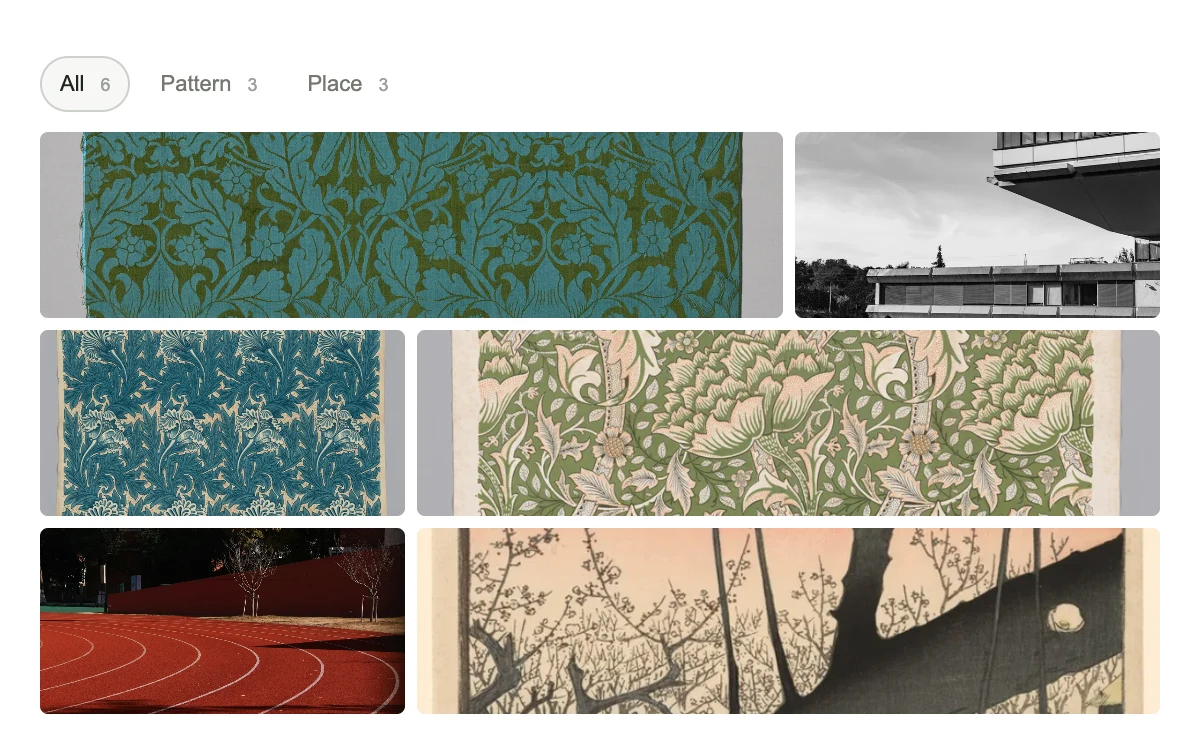
Choose a category and select a tile.
Subframe Original · MIT
Add to your project
Component source
Standalone React component. Styles are included.
React only. No additional packages.
Download images (6)
Save these files in your static assets folder at /motion/assets/, or update their paths in the component.
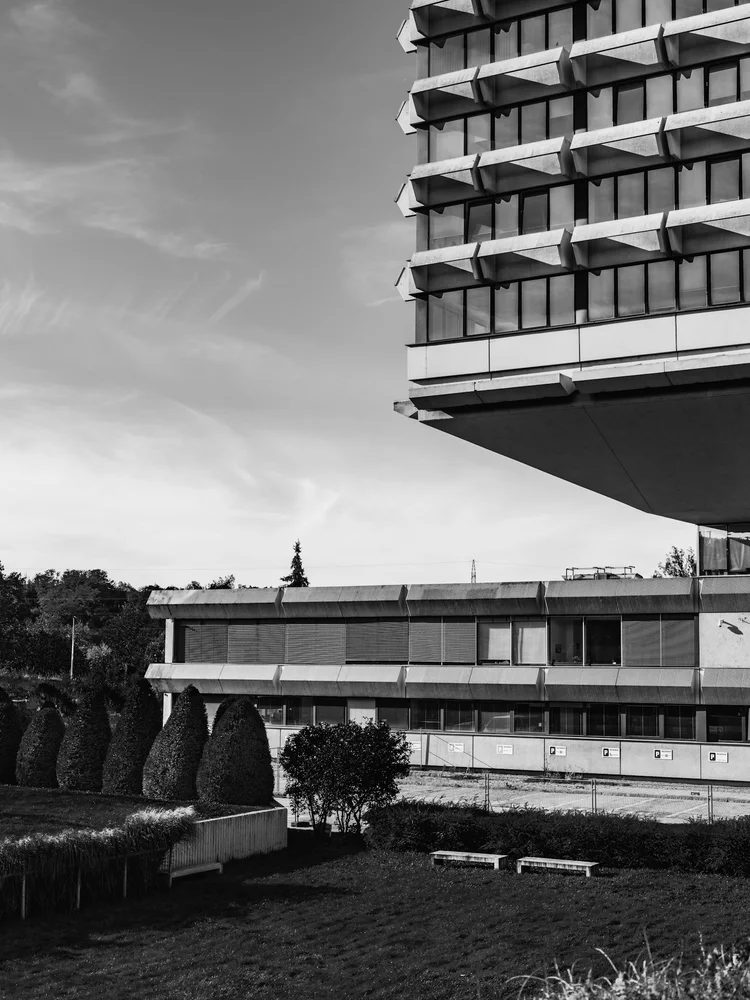
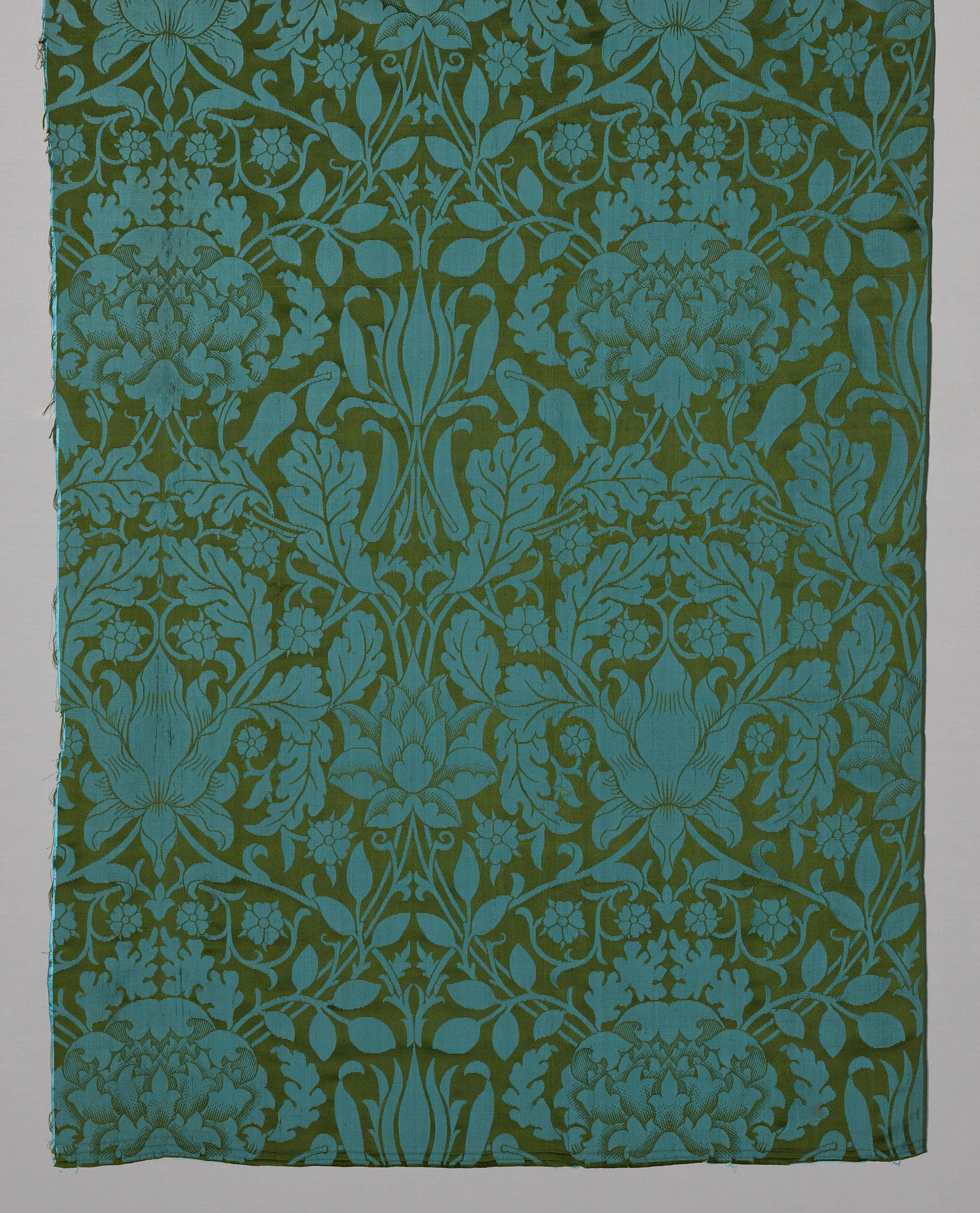
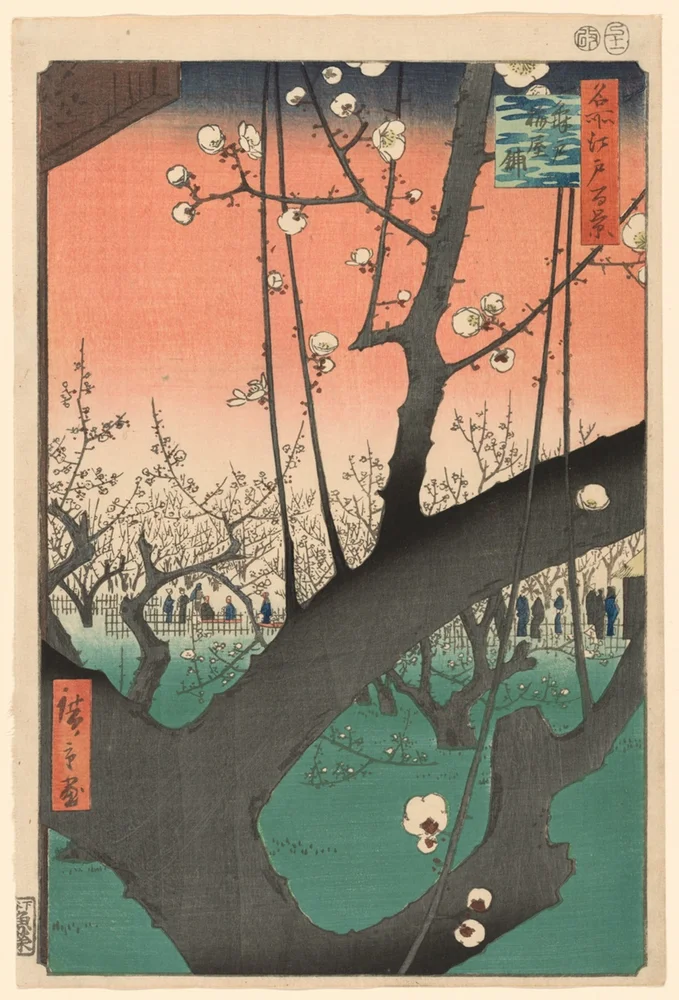

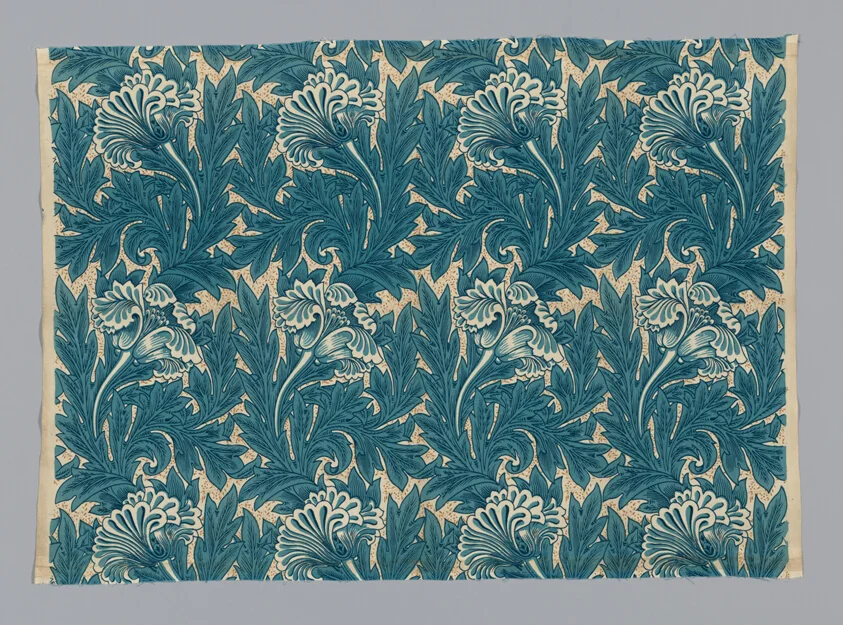
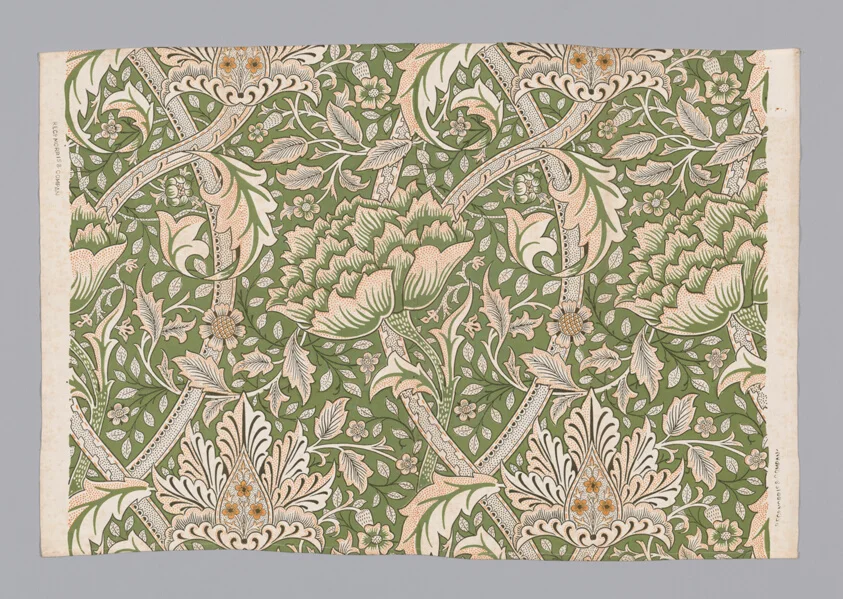
Render the default export inside a container with a defined height. Its optional active prop stops movement when false. This example works with React 19; Next.js projects can use it as a client component.
View source code
/**
 * MIT License
 *
 * Copyright (c) 2026 Subframe
 *
 * Permission is hereby granted, free of charge, to any person obtaining a copy
 * of this software and associated documentation files (the "Software"), to deal
 * in the Software without restriction, including without limitation the rights
 * to use, copy, modify, merge, publish, distribute, sublicense, and/or sell
 * copies of the Software, and to permit persons to whom the Software is
 * furnished to do so, subject to the following conditions:
 *
 * The above copyright notice and this permission notice shall be included in all
 * copies or substantial portions of the Software.
 *
 * THE SOFTWARE IS PROVIDED "AS IS", WITHOUT WARRANTY OF ANY KIND, EXPRESS OR
 * IMPLIED, INCLUDING BUT NOT LIMITED TO THE WARRANTIES OF MERCHANTABILITY,
 * FITNESS FOR A PARTICULAR PURPOSE AND NONINFRINGEMENT. IN NO EVENT SHALL THE
 * AUTHORS OR COPYRIGHT HOLDERS BE LIABLE FOR ANY CLAIM, DAMAGES OR OTHER
 * LIABILITY, WHETHER IN AN ACTION OF CONTRACT, TORT OR OTHERWISE, ARISING FROM,
 * OUT OF OR IN CONNECTION WITH THE SOFTWARE OR THE USE OR OTHER DEALINGS IN THE
 * SOFTWARE.
 */

"use client"

import { useLayoutEffect, useRef, useState } from "react"
const tiles = [
  { file: "/motion/assets/oak-damask.webp", name: "Oak", kind: "Pattern" },
  { file: "/motion/assets/concrete-projections.webp", name: "Cantilever", kind: "Place" },
  { file: "/motion/assets/tulip-print.webp", name: "Tulip", kind: "Pattern" },
  { file: "/motion/assets/windrush-print.webp", name: "Windrush", kind: "Pattern" },
  { file: "/motion/assets/running-track.webp", name: "Track", kind: "Place" },
  { file: "/motion/assets/plum-garden.webp", name: "Plum garden", kind: "Place" },
]
export default function FilterMosaic({ active = true }: { active?: boolean }) {
  const [filter, setFilter] = useState("All"),
    [selected, setSelected] = useState<string | null>(null),
    grid = useRef<HTMLDivElement>(null),
    old = useRef(new Map<string, DOMRect>()),
    motions = useRef<Animation[]>([]),
    instant = useRef(false)
  const select = (value: string, keyboard: boolean) => {
    if (value === filter) return
    instant.current = keyboard
    old.current.clear()
    grid.current
      ?.querySelectorAll<HTMLElement>("[data-tile]")
      .forEach((el) => old.current.set(el.dataset.tile!, el.getBoundingClientRect()))
    motions.current.forEach((a) => a.cancel())
    setFilter(value)
  }
  useLayoutEffect(() => {
    if (!active || instant.current || matchMedia("(prefers-reduced-motion: reduce)").matches) {
      old.current.clear()
      return
    }
    const animations: Animation[] = []
    grid.current?.querySelectorAll<HTMLElement>("[data-tile]").forEach((el) => {
      const before = old.current.get(el.dataset.tile!),
        after = el.getBoundingClientRect()
      if (before && after.width) {
        const scaleX = el.offsetWidth / after.width,
          scaleY = el.offsetHeight / after.height
        animations.push(
          el.animate(
            [
              {
                transform: `translate(${(before.left - after.left) * scaleX}px,${
                  (before.top - after.top) * scaleY
                }px) scale(${before.width / after.width},${before.height / after.height})`,
              },
              { transform: "none" },
            ],
            { duration: 280, easing: "cubic-bezier(.22,1,.36,1)" },
          ),
        )
      } else if (old.current.size) animations.push(el.animate([{ opacity: 0 }, { opacity: 1 }], { duration: 180 }))
    })
    motions.current = animations
    old.current.clear()
    return () => animations.forEach((a) => a.cancel())
  }, [filter, active])
  const visible = tiles.filter((t) => filter === "All" || t.kind === filter)
  return (
    <section className="sf-filter-mosaic" inert={!active}>
      <nav aria-label="Filter studies">
        {["All", "Pattern", "Place"].map((value) => (
          <button
            type="button"
            aria-pressed={filter === value}
            aria-label={`${value}, ${value === "All" ? 6 : 3} studies`}
            key={value}
            onClick={(e) => select(value, e.detail === 0)}
          >
            {value}
            <small>{value === "All" ? 6 : 3}</small>
          </button>
        ))}
      </nav>
      <div className="fm-grid" data-filter={filter} ref={grid}>
        {visible.map((tile, i) => (
          <button
            type="button"
            className={i === 0 || (filter === "All" && (i === 3 || i === 5)) ? "fm-wide" : ""}
            data-tile={tile.file}
            key={tile.file}
            aria-pressed={selected === tile.name}
            onClick={() => setSelected(selected === tile.name ? null : tile.name)}
          >
            <img src={tile.file} alt={tile.name} draggable={false} />
            <span>
              {tile.name}
              <b>{selected === tile.name ? "✓" : "+"}</b>
            </span>
          </button>
        ))}
      </div>
      <style>{`.sf-filter-mosaic{width:100%;height:100%;box-sizing:border-box;background:#fff;color:#222723;padding:18px 20px;display:flex;flex-direction:column;overflow:hidden;font-family:Arial,sans-serif;container-type:size}.sf-filter-mosaic nav{display:flex;gap:5px;padding:10px 0}.sf-filter-mosaic nav button{border:1px solid transparent;border-radius:16px;padding:5px 9px;background:transparent;color:#74776f;font:11px Arial;min-height:28px;position:relative;cursor:pointer}.sf-filter-mosaic nav button:before{content:'';position:absolute;inset:-8px 0}.sf-filter-mosaic nav button[aria-pressed=true]{border-color:#ccd1c9;color:#20241e;background:#f6f7f4}.sf-filter-mosaic nav small{margin-left:8px;font:9px Arial;color:#9a9e96}.fm-grid{flex:1;min-height:0;overflow:auto;display:grid;grid-template-columns:repeat(3,minmax(0,1fr));grid-auto-rows:minmax(62px,1fr);gap:6px;align-content:stretch;scrollbar-width:thin}.fm-grid button{position:relative;min-height:0;min-width:0;overflow:hidden;border:0;background:#eaeee8;border-radius:4px;padding:0;transform-origin:0 0;cursor:pointer}.fm-grid .fm-wide{grid-column:span 2}.fm-grid:not([data-filter="All"]){grid-template-columns:repeat(2,minmax(0,1fr))}.fm-grid img{height:100%;width:100%;position:absolute;inset:0;object-fit:cover}.fm-grid button>span{position:absolute;bottom:0;left:0;right:0;display:flex;justify-content:space-between;padding:14px 8px 7px;color:white;font:10px Arial;background:linear-gradient(transparent,#0008);opacity:0;transition:opacity .14s ease}.fm-grid button:hover>span,.fm-grid button:focus-visible>span,.fm-grid button[aria-pressed=true]>span{opacity:1}.fm-grid b{font:12px Arial}.sf-filter-mosaic button:focus-visible{outline:2px solid #df6814;outline-offset:-2px}@container(max-width:380px){.sf-filter-mosaic{padding:16px}.fm-grid{grid-template-columns:repeat(2,minmax(0,1fr));grid-auto-rows:minmax(48px,1fr)}.fm-grid[data-filter="All"] button:nth-child(4){grid-column:span 1}}@media(prefers-reduced-motion:reduce){.fm-grid button>span{transition:none}}`}</style>
    </section>
  )
}
Where it works well
Filter a visual collection without losing the identity of items that remain.
Reduced motion
The layout and selection change immediately; categories and image labels remain available.
Things to know
Six local works in three preset categories. The layout uses measured FLIP transforms rather than a general masonry engine.