
Animation & motionPulse ripple animation
Quiet ripples
Concentric pulses give a simple focal point a sense of presence.
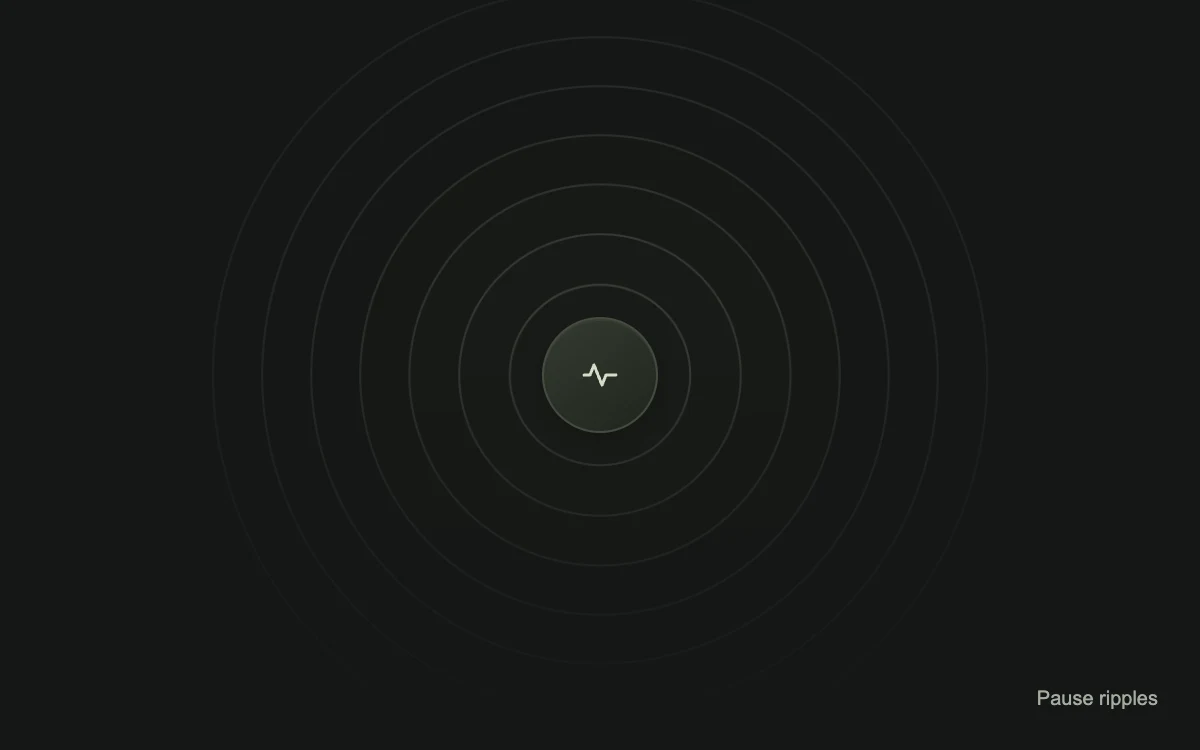
Play to watch the rings expand
Add to your project
Component source
Standalone React component. Styles are included.
React only. No additional packages.
Render the default export inside a container with a defined height. Its optional active prop stops movement when false. This example works with React 19; Next.js projects can use it as a client component.
View source code
/**
 * Adapted from https://github.com/magicuidesign/magicui/blob/85f97fd27b053339af74ba9dd4ca428ee25989fb/apps/www/registry/magicui/ripple.tsx
 * Converted Tailwind keyframes to native scoped CSS; seven restrained concentric rings; pause control; reduced-motion static frame; self-contained inline styles.
 *
 * MIT License
 *
 * Copyright (c) Magic UI
 *
 * Permission is hereby granted, free of charge, to any person obtaining a copy
 * of this software and associated documentation files (the "Software"), to deal
 * in the Software without restriction, including without limitation the rights
 * to use, copy, modify, merge, publish, distribute, sublicense, and/or sell
 * copies of the Software, and to permit persons to whom the Software is
 * furnished to do so, subject to the following conditions:
 *
 * The above copyright notice and this permission notice shall be included in all
 * copies or substantial portions of the Software.
 *
 * THE SOFTWARE IS PROVIDED "AS IS", WITHOUT WARRANTY OF ANY KIND, EXPRESS OR
 * IMPLIED, INCLUDING BUT NOT LIMITED TO THE WARRANTIES OF MERCHANTABILITY,
 * FITNESS FOR A PARTICULAR PURPOSE AND NONINFRINGEMENT. IN NO EVENT SHALL THE
 * AUTHORS OR COPYRIGHT HOLDERS BE LIABLE FOR ANY CLAIM, DAMAGES OR OTHER
 * LIABILITY, WHETHER IN AN ACTION OF CONTRACT, TORT OR OTHERWISE, ARISING FROM,
 * OUT OF OR IN CONNECTION WITH THE SOFTWARE OR THE USE OR OTHER DEALINGS IN THE
 * SOFTWARE.
 */

"use client"

import { useState } from "react"

export default function Ripple({ active = true }: { active?: boolean }) {
  const [paused, setPaused] = useState(false)
  const canAnimate = active && !paused

  return (
    <div
      data-motion-example="ripple"
      data-running={canAnimate}
      style={{
        width: "100%",
        height: "100%",
        minHeight: 240,
        display: "grid",
        placeItems: "center",
        position: "relative",
        overflow: "hidden",
        background: "#151716",
        color: "#e7e9e5",
        fontFamily: "inherit",
      }}
    >
      <style>{`
        [data-motion-example="ripple"] .mg-quiet-ring { animation: mg-quiet-ripple 3.5s ease-in-out infinite; }
        [data-motion-example="ripple"][data-running="false"] .mg-quiet-ring { animation-play-state: paused; }
        @keyframes mg-quiet-ripple { 0%, 100% { transform: scale(1); } 50% { transform: scale(1.075); } }
        @media (prefers-reduced-motion: reduce) { [data-motion-example="ripple"] .mg-quiet-ring { animation: none; transform: scale(1); } }
      `}</style>
      <div
        aria-hidden="true"
        style={{
          position: "absolute",
          inset: 0,
          pointerEvents: "none",
          maskImage: "linear-gradient(to bottom, #000 40%, transparent 100%)",
        }}
      >
        {Array.from({ length: 7 }, (_, index) => {
          const size = 88 + index * 50
          return (
            <div
              key={index}
              className="mg-quiet-ring"
              style={{
                animationDelay: `${index * 0.13}s`,
                position: "absolute",
                top: "50%",
                left: "50%",
                marginLeft: -size / 2,
                marginTop: -size / 2,
                width: size,
                height: size,
                borderRadius: "50%",
                border: "1px solid #eef3e6",
                opacity: 0.16 - index * 0.018,
                background: "#e9f0df05",
                boxShadow: "0 0 18px #0a0d0924",
              }}
            />
          )
        })}
      </div>
      <div
        style={{
          position: "relative",
          width: 58,
          height: 58,
          display: "grid",
          placeItems: "center",
          borderRadius: "50%",
          border: "1px solid #454b40",
          background: "linear-gradient(145deg, #343a30, #20251d)",
          boxShadow: "0 2px 12px #080b0750, inset 0 1px 0 #e6f0da0d",
        }}
      >
        <svg aria-hidden="true" width="24" height="24" viewBox="0 0 24 24" fill="none">
          <path
            d="M4 12h3l2-5 4 10 2-5h5"
            stroke="#d4ddc9"
            strokeWidth="1.5"
            strokeLinecap="round"
            strokeLinejoin="round"
          />
        </svg>
      </div>
      <button
        type="button"
        aria-pressed={paused}
        onClick={() => setPaused((value) => !value)}
        style={{
          position: "absolute",
          bottom: 4,
          right: 12,
          padding: "0 9px",
          minHeight: 44,
          border: 0,
          borderRadius: 5,
          background: "transparent",
          color: "#a5ac9f",
          font: "inherit",
          fontSize: 10,
          cursor: "pointer",
          outlineOffset: 2,
          touchAction: "manipulation",
        }}
      >
        {paused ? "Play ripples" : "Pause ripples"}
      </button>
    </div>
  )
}
Where it works well
Suggest discovery or connection in an illustration. Pair actual loading or connection status with text.
Reduced motion
The rings remain on a representative static frame.
Things to know
This is a decorative ambient pulse, not a click-position ripple or progress indicator.