
Animation & motionAnimated gradient border
Shifting border
A softly colored gradient shifts around the edge of a quiet card.
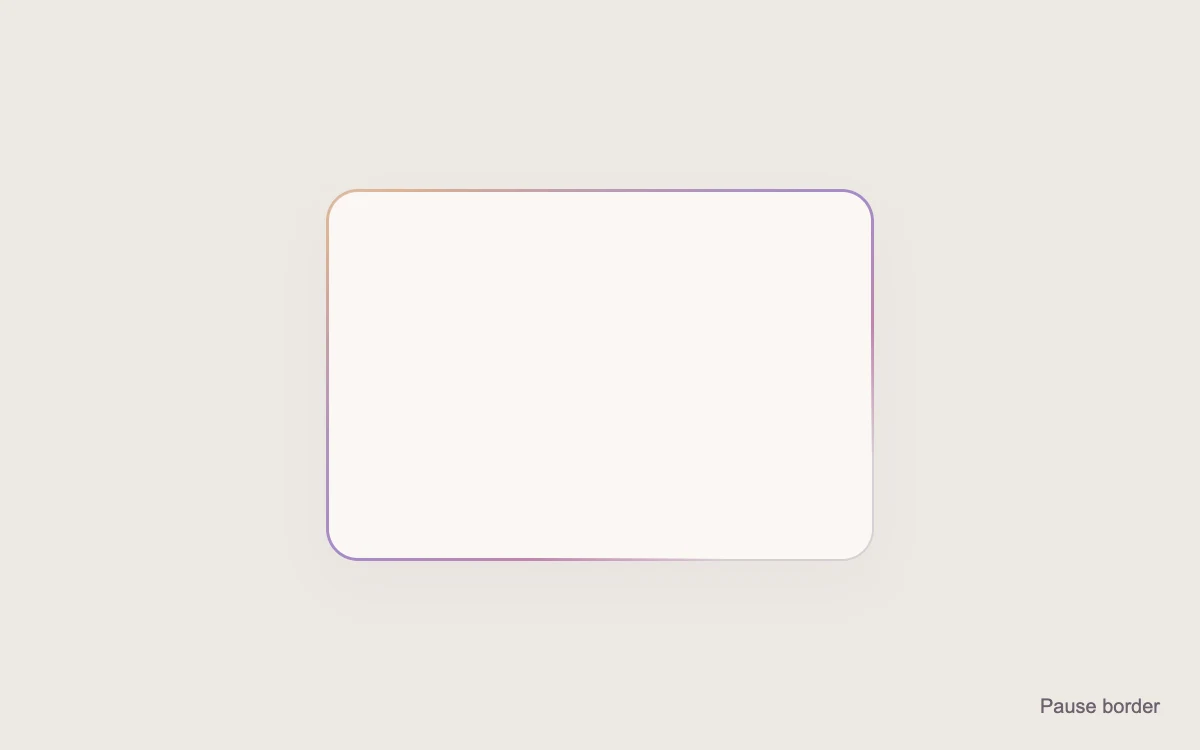
Play or pause the border
Add to your project
Component source
Standalone React component. Styles are included.
React only. No additional packages.
Render the default export inside a container with a defined height. Its optional active prop stops movement when false. This example works with React 19; Next.js projects can use it as a client component.
View source code
/**
 * Adapted from https://github.com/magicuidesign/magicui/blob/85f97fd27b053339af74ba9dd4ca428ee25989fb/apps/www/registry/magicui/shine-border.tsx
 * Retains the upstream radial gradient, 300% background, exclude mask and moving background-position keyframes. Scoped CSS, pause and static reduced-motion border.
 *
 * MIT License
 *
 * Copyright (c) Magic UI
 *
 * Permission is hereby granted, free of charge, to any person obtaining a copy
 * of this software and associated documentation files (the "Software"), to deal
 * in the Software without restriction, including without limitation the rights
 * to use, copy, modify, merge, publish, distribute, sublicense, and/or sell
 * copies of the Software, and to permit persons to whom the Software is
 * furnished to do so, subject to the following conditions:
 *
 * The above copyright notice and this permission notice shall be included in all
 * copies or substantial portions of the Software.
 *
 * THE SOFTWARE IS PROVIDED "AS IS", WITHOUT WARRANTY OF ANY KIND, EXPRESS OR
 * IMPLIED, INCLUDING BUT NOT LIMITED TO THE WARRANTIES OF MERCHANTABILITY,
 * FITNESS FOR A PARTICULAR PURPOSE AND NONINFRINGEMENT. IN NO EVENT SHALL THE
 * AUTHORS OR COPYRIGHT HOLDERS BE LIABLE FOR ANY CLAIM, DAMAGES OR OTHER
 * LIABILITY, WHETHER IN AN ACTION OF CONTRACT, TORT OR OTHERWISE, ARISING FROM,
 * OUT OF OR IN CONNECTION WITH THE SOFTWARE OR THE USE OR OTHER DEALINGS IN THE
 * SOFTWARE.
 */

"use client"

import { useState } from "react"

export default function ShineBorder({ active = true }: { active?: boolean }) {
  const [paused, setPaused] = useState(false)
  return (
    <div className="mg-shine" data-running={active && !paused}>
      <style>{`
        .mg-shine{height:100%;width:100%;min-height:240px;display:grid;place-items:center;position:relative;background:#eee9e4;font-family:inherit;color:#494148}
        .mg-shine .mg-shine-card{position:relative;width:min(274px,calc(100% - 48px));box-sizing:border-box;height:186px;border:1px solid #d8cfd5;border-radius:16px;background:#fbf7f5;box-shadow:0 12px 30px #5140520a}
        .mg-shine .mg-shine-border{position:absolute;inset:-1px;border-radius:inherit;padding:1.5px;pointer-events:none;background:radial-gradient(transparent,transparent,#bf85ad,#a58bc8,#dcb292,transparent,transparent);background-size:300% 300%;mask:linear-gradient(#fff 0 0) content-box,linear-gradient(#fff 0 0);mask-composite:exclude;-webkit-mask-composite:xor;animation:mg-shine-position 8s linear infinite}
        .mg-shine .mg-shine-pause{position:absolute;bottom:0;right:12px;min-height:44px;padding:0 8px;font:inherit;font-size:10px;color:#6d616e;border:0;background:none;cursor:pointer}
        .mg-shine[data-running="false"] .mg-shine-border{animation-play-state:paused}
        @keyframes mg-shine-position{0%,100%{background-position:0% 0%}50%{background-position:100% 100%}}
        @media(prefers-reduced-motion:reduce){.mg-shine .mg-shine-pause{display:none}.mg-shine .mg-shine-border{animation:none;background-position:50% 50%}}
      `}</style>
      <div className="mg-shine-card" role="img" aria-label="Animated gradient border">
        <div className="mg-shine-border" aria-hidden="true" />
      </div>
      <button className="mg-shine-pause" type="button" aria-pressed={paused} onClick={() => setPaused(!paused)}>
        {paused ? "Play border" : "Pause border"}
      </button>
    </div>
  )
}
Where it works well
Accent a featured card, release note or short editorial message.
Reduced motion
The border becomes a stationary gradient.
Things to know
CSS mask-composite support is required for the border effect. Background-position animation repaints; keep the accent small.