
Animation & motionRadial audio waveform
Vector monitor
A circular signal grows into fine radial strokes around a live elapsed-time readout.
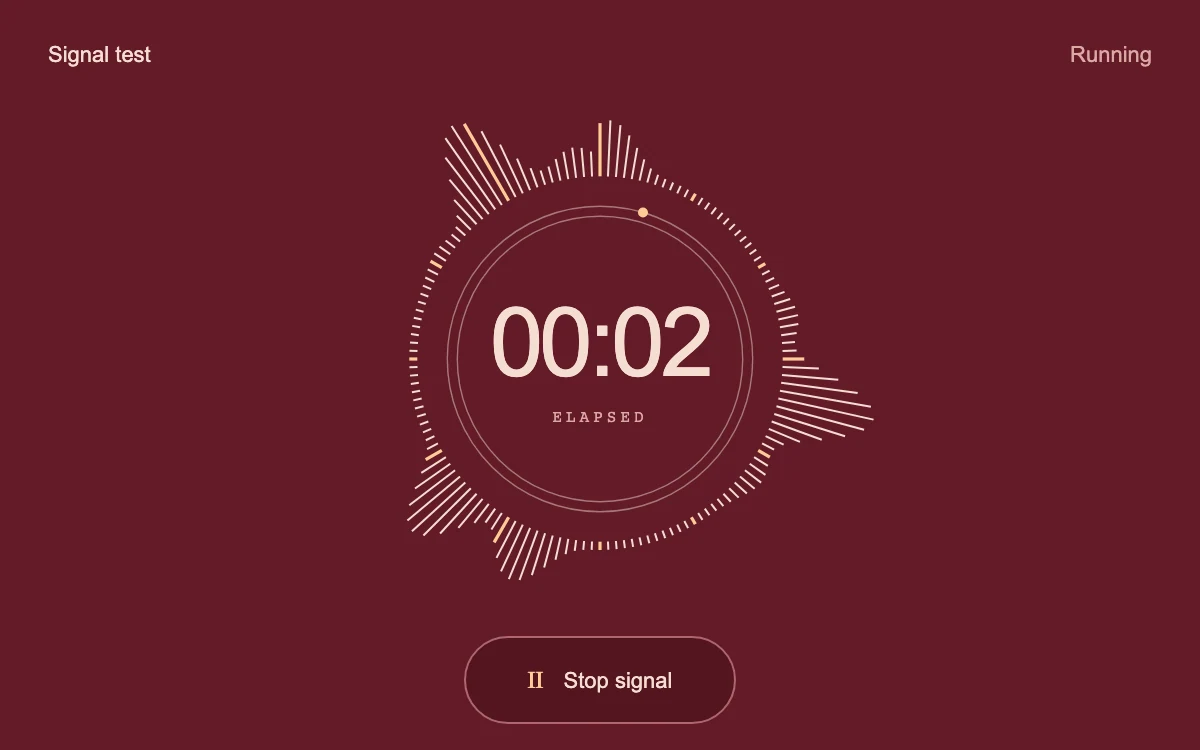
Start and stop the simulated signal
Subframe Original · MIT
Add to your project
Component source
Standalone React component. Styles are included.
React only. No additional packages.
Render the default export inside a container with a defined height. Its optional active prop stops movement when false. This example works with React 19; Next.js projects can use it as a client component.
View source code
"use client"

/**
 * MIT License
 *
 * Copyright (c) 2026 Subframe
 *
 * Permission is hereby granted, free of charge, to any person obtaining a copy
 * of this software and associated documentation files (the "Software"), to deal
 * in the Software without restriction, including without limitation the rights
 * to use, copy, modify, merge, publish, distribute, sublicense, and/or sell
 * copies of the Software, and to permit persons to whom the Software is
 * furnished to do so, subject to the following conditions:
 *
 * The above copyright notice and this permission notice shall be included in all
 * copies or substantial portions of the Software.
 *
 * THE SOFTWARE IS PROVIDED "AS IS", WITHOUT WARRANTY OF ANY KIND, EXPRESS OR
 * IMPLIED, INCLUDING BUT NOT LIMITED TO THE WARRANTIES OF MERCHANTABILITY,
 * FITNESS FOR A PARTICULAR PURPOSE AND NONINFRINGEMENT. IN NO EVENT SHALL THE
 * AUTHORS OR COPYRIGHT HOLDERS BE LIABLE FOR ANY CLAIM, DAMAGES OR OTHER
 * LIABILITY, WHETHER IN AN ACTION OF CONTRACT, TORT OR OTHERWISE, ARISING FROM,
 * OUT OF OR IN CONNECTION WITH THE SOFTWARE OR THE USE OR OTHER DEALINGS IN THE
 * SOFTWARE.
 */
import { useEffect, useRef, useState } from "react"

export default function VectorMonitor({ active = true }: { active?: boolean }) {
  const canvas = useRef<HTMLCanvasElement>(null)
  const clock = useRef<HTMLOutputElement>(null)
  const elapsed = useRef(0)
  const [running, setRunning] = useState(true)
  const [reduced, setReduced] = useState(true)
  useEffect(() => {
    const q = matchMedia("(prefers-reduced-motion: reduce)")
    const update = () => setReduced(q.matches)
    update()
    q.addEventListener("change", update)
    return () => q.removeEventListener("change", update)
  }, [])
  useEffect(() => {
    const el = canvas.current
    const ctx = el?.getContext("2d")
    if (!el || !ctx) return
    let frame = 0,
      previous = 0,
      width = 0,
      height = 0
    const draw = (now: number) => {
      const dt = previous ? Math.min(50, now - previous) : 0
      previous = now
      if (active && running && !reduced) elapsed.current += dt
      ctx.clearRect(0, 0, width, height)
      const radius = Math.min(width, height) * 0.29
      const cx = width * 0.5,
        cy = height * 0.5
      const time = elapsed.current / 1000
      ctx.strokeStyle = "#e9d6c980"
      ctx.lineWidth = 0.7
      for (const r of [radius - 15, radius - 20]) {
        ctx.beginPath()
        ctx.arc(cx, cy, r, 0, Math.PI * 2)
        ctx.stroke()
      }
      for (let i = 0; i < 144; i++) {
        const angle = (i * Math.PI * 2) / 144 - Math.PI / 2
        const envelope = Math.pow(0.5 + 0.5 * Math.sin(i * 0.137 - time * 1.7), 3)
        const signal = (0.55 + 0.45 * Math.sin(i * 0.49 + time * 2.8)) * envelope
        const length = running ? 4 + signal * radius * 0.49 : 4
        ctx.strokeStyle = i % 12 === 0 ? "#ffcb96" : "#f4ddd1"
        ctx.lineWidth = i % 12 === 0 ? 1.6 : 1
        ctx.beginPath()
        ctx.moveTo(cx + Math.cos(angle) * radius, cy + Math.sin(angle) * radius)
        ctx.lineTo(cx + Math.cos(angle) * (radius + length), cy + Math.sin(angle) * (radius + length))
        ctx.stroke()
      }
      const sweep = time * 0.12 - Math.PI / 2
      ctx.fillStyle = "#ffcb96"
      ctx.beginPath()
      ctx.arc(cx + Math.cos(sweep) * (radius - 15), cy + Math.sin(sweep) * (radius - 15), 2.5, 0, Math.PI * 2)
      ctx.fill()
      if (clock.current) {
        const seconds = Math.floor(elapsed.current / 1000)
        clock.current.textContent = `${String(Math.floor(seconds / 60)).padStart(2, "0")}:${String(
          seconds % 60,
        ).padStart(2, "0")}`
      }
      if (active && running && !reduced) frame = requestAnimationFrame(draw)
    }
    const resize = () => {
      width = el.clientWidth
      height = el.clientHeight
      const dpr = Math.min(devicePixelRatio || 1, 2)
      const display = el.getBoundingClientRect()
      el.width = Math.max(1, Math.round(display.width * dpr))
      el.height = Math.max(1, Math.round(display.height * dpr))
      ctx.setTransform(el.width / Math.max(1, width), 0, 0, el.height / Math.max(1, height), 0, 0)
      cancelAnimationFrame(frame)
      previous = 0
      draw(performance.now())
    }
    let resizeFrame = 0
    const scheduleResize = () => {
      cancelAnimationFrame(resizeFrame)
      // Ancestor transforms can settle after layout observers have run.
      resizeFrame = requestAnimationFrame(() => {
        resizeFrame = requestAnimationFrame(resize)
      })
    }
    const transforms = new MutationObserver(scheduleResize)
    for (let ancestor = el.parentElement; ancestor; ancestor = ancestor.parentElement) {
      transforms.observe(ancestor, { attributes: true, attributeFilter: ["style", "class"] })
    }
    window.addEventListener("resize", scheduleResize)
    const observer = new ResizeObserver(resize)
    observer.observe(el)
    resize()
    return () => {
      cancelAnimationFrame(frame)
      observer.disconnect()
      transforms.disconnect()
      window.removeEventListener("resize", scheduleResize)
      cancelAnimationFrame(resizeFrame)
    }
  }, [active, running, reduced])
  return (
    <section className="sf-vector-monitor">
      <div className="sf-vm-heading">
        <span>Signal test</span>
        <span aria-live="polite">{reduced ? "Still" : running ? "Running" : "Stopped"}</span>
      </div>
      <canvas ref={canvas} aria-label="Simulated circular signal level" role="img" />
      <div className="sf-vm-core">
        <output ref={clock} aria-label="Elapsed signal time">
          00:00
        </output>
        <span>ELAPSED</span>
      </div>
      <button type="button" hidden={reduced} onClick={() => setRunning((v) => !v)} aria-pressed={running}>
        <i aria-hidden="true">{running ? "Ⅱ" : "▶"}</i>
        {running ? "Stop signal" : "Start signal"}
      </button>
      <style>{`.sf-vector-monitor{position:relative;width:100%;height:100%;min-height:280px;overflow:hidden;container-type:inline-size;background:#631b28;color:#f4ddd1;font-family:Arial,sans-serif;isolation:isolate}.sf-vector-monitor *{box-sizing:border-box}.sf-vector-monitor canvas{position:absolute;inset:22px 0 38px;width:100%;height:calc(100% - 60px)}.sf-vm-heading{position:absolute;top:21px;left:24px;right:24px;display:flex;justify-content:space-between;font-size:11px}.sf-vm-heading span:last-child{color:#dca8a4}.sf-vm-core{position:absolute;inset:0;display:flex;align-items:center;justify-content:center;flex-direction:column;pointer-events:none;padding-bottom:15px}.sf-vm-core output{font:400 clamp(32px,8cqw,48px)/1 Arial,sans-serif;font-variant-numeric:tabular-nums;letter-spacing:-2px}.sf-vm-core span{margin-top:8px;font:8px monospace;letter-spacing:2px;color:#dca8a4}.sf-vector-monitor button{position:absolute;bottom:13px;left:50%;transform:translateX(-50%);height:44px;min-width:136px;border:1px solid #ae6570;border-radius:30px;background:#531520;color:#f4ddd1;display:flex;align-items:center;justify-content:center;gap:10px;font:11px Arial;cursor:pointer}.sf-vector-monitor button[hidden]{display:none}.sf-vector-monitor button i{font-style:normal;font-size:12px;color:#ffcb96}.sf-vector-monitor button:focus-visible{outline:2px solid #ffcb96;outline-offset:3px}.sf-vector-monitor button:active{background:#41111a}`}</style>
    </section>
  )
}
Where it works well
Visual feedback for signal tests, audio audition, or capture interfaces.
Reduced motion
The radial signal and elapsed clock freeze; the signal state remains operable.
Things to know
Procedural signal only. No microphone capture, audio analysis, or stored recording.