
Components & interactionsMagnetic hover button
Magnetic button
A gentle pull toward the pointer, followed by a spring back to rest.
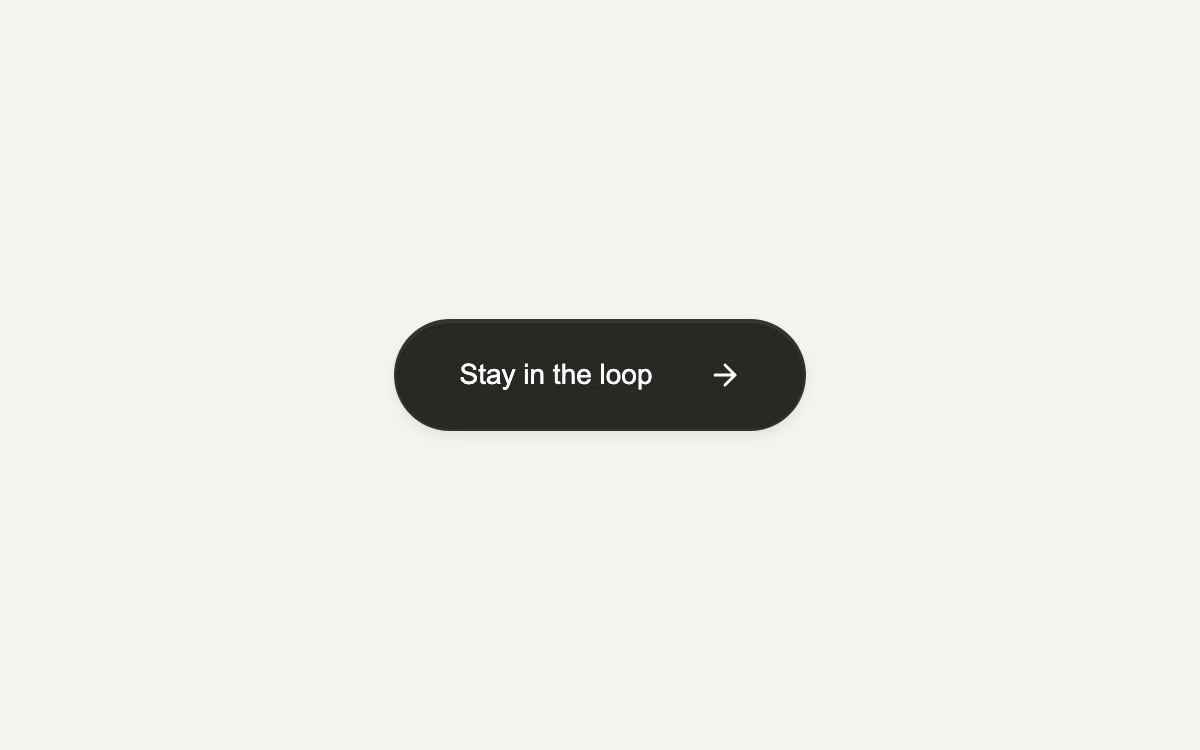
Move your pointer over the button
Add to your project
Component source
Standalone React component. Styles are included.
npm install [email protected]Render the default export inside a container with a defined height. Its optional active prop stops movement when false. This example works with React 19; Next.js projects can use it as a client component.
View source code
/**
 * Adapted from https://github.com/ibelick/motion-primitives/blob/120f64f6ca60348e251f929e9c81f11ccbe45eda/components/core/magnetic.tsx
 * Stable pointer hit area; local pointer tracking; fine-pointer-only magnetism; reduced-motion resets; meaningful toggle button and inline styles.
 *
 * MIT License
 *
 * Copyright (c) 2024 ibelick
 *
 * Permission is hereby granted, free of charge, to any person obtaining a copy
 * of this software and associated documentation files (the "Software"), to deal
 * in the Software without restriction, including without limitation the rights
 * to use, copy, modify, merge, publish, distribute, sublicense, and/or sell
 * copies of the Software, and to permit persons to whom the Software is
 * furnished to do so, subject to the following conditions:
 *
 * The above copyright notice and this permission notice shall be included in all
 * copies or substantial portions of the Software.
 *
 * THE SOFTWARE IS PROVIDED "AS IS", WITHOUT WARRANTY OF ANY KIND, EXPRESS OR
 * IMPLIED, INCLUDING BUT NOT LIMITED TO THE WARRANTIES OF MERCHANTABILITY,
 * FITNESS FOR A PARTICULAR PURPOSE AND NONINFRINGEMENT. IN NO EVENT SHALL THE
 * AUTHORS OR COPYRIGHT HOLDERS BE LIABLE FOR ANY CLAIM, DAMAGES OR OTHER
 * LIABILITY, WHETHER IN AN ACTION OF CONTRACT, TORT OR OTHERWISE, ARISING FROM,
 * OUT OF OR IN CONNECTION WITH THE SOFTWARE OR THE USE OR OTHER DEALINGS IN THE
 * SOFTWARE.
 */

"use client"

import { motion, useMotionValue, useSpring } from "motion/react"
import { type PointerEvent, useEffect, useRef, useState } from "react"

// Read after hydration; subscribe so an OS preference change updates this instance.
function useReducedMotion() {
  const [reduced, setReduced] = useState<boolean | null>(null)
  useEffect(() => {
    const media = window.matchMedia("(prefers-reduced-motion: reduce)")
    const update = () => setReduced(media.matches)
    update()
    media.addEventListener("change", update)
    return () => media.removeEventListener("change", update)
  }, [])
  return reduced
}

/** A stable hit area keeps the button under the pointer as its contents move. */
export default function MagneticButton({ active = true }: { active?: boolean }) {
  const reduceMotion = useReducedMotion()
  const canAnimate = active && reduceMotion === false
  const area = useRef<HTMLDivElement>(null)
  const [joined, setJoined] = useState(false)
  const x = useMotionValue(0)
  const y = useMotionValue(0)
  const springX = useSpring(x, { stiffness: 180, damping: 18, mass: 0.3 })
  const springY = useSpring(y, { stiffness: 180, damping: 18, mass: 0.3 })

  useEffect(() => {
    if (!canAnimate) {
      x.set(0)
      y.set(0)
      springX.jump(0)
      springY.jump(0)
    }
  }, [canAnimate, x, y, springX, springY])

  function move(event: PointerEvent<HTMLDivElement>) {
    if (!canAnimate || event.pointerType !== "mouse" || !area.current) return
    const rect = area.current.getBoundingClientRect()
    const distanceX = ((event.clientX - rect.left - rect.width / 2) * area.current.offsetWidth) / rect.width
    const distanceY = ((event.clientY - rect.top - rect.height / 2) * area.current.offsetHeight) / rect.height
    const distance = Math.hypot(distanceX, distanceY)
    const strength = Math.max(0, 1 - distance / 160) * 0.28
    x.set(distanceX * strength)
    y.set(distanceY * strength)
  }

  return (
    <div
      style={{
        width: "100%",
        height: "100%",
        minHeight: 240,
        display: "grid",
        placeItems: "center",
        background: "#f4f3ef",
        color: "#252623",
        fontFamily: "inherit",
      }}
    >
      <div style={{ textAlign: "center" }}>
        <div
          ref={area}
          onPointerMove={move}
          onPointerLeave={() => {
            x.set(0)
            y.set(0)
          }}
          style={{ padding: 28 }}
        >
          <motion.button
            type="button"
            onClick={() => setJoined((value) => !value)}
            aria-pressed={joined}
            whileTap={canAnimate ? { scale: 0.97 } : undefined}
            style={{
              x: springX,
              y: springY,
              display: "flex",
              alignItems: "center",
              justifyContent: "center",
              gap: 28,
              minWidth: 206,
              minHeight: 56,
              padding: "0 22px",
              border: "1px solid #33342f",
              borderRadius: 100,
              background: "#272924",
              color: "#fff",
              font: "inherit",
              fontSize: 14,
              fontWeight: 500,
              cursor: "pointer",
              outlineOffset: 5,
              boxShadow: "0 3px 5px #15161012, inset 0 1px 0 #ffffff12",
              touchAction: "manipulation",
            }}
          >
            <span>{joined ? "You're on the list" : "Stay in the loop"}</span>
            <svg aria-hidden="true" width="16" height="16" viewBox="0 0 16 16" fill="none">
              {joined ? (
                <path
                  d="m3 8 3 3 7-7"
                  stroke="currentColor"
                  strokeWidth="1.5"
                  strokeLinecap="round"
                  strokeLinejoin="round"
                />
              ) : (
                <path
                  d="M3 8h10M8 3l5 5-5 5"
                  stroke="currentColor"
                  strokeWidth="1.5"
                  strokeLinecap="round"
                  strokeLinejoin="round"
                />
              )}
            </svg>
          </motion.button>
        </div>
      </div>
    </div>
  )
}
Where it works well
Add a tactile response to an occasional, prominent action. Keep everyday navigation stationary.
Reduced motion
The button remains stationary; its ordinary interaction still works.
Things to know
Pointer attraction is an enhancement for a mouse or trackpad. Touch and keyboard use the standard button.