
Components & interactionsRipple effect button
A ripple on touch
A soft circle expands from the exact point where the button is pressed.
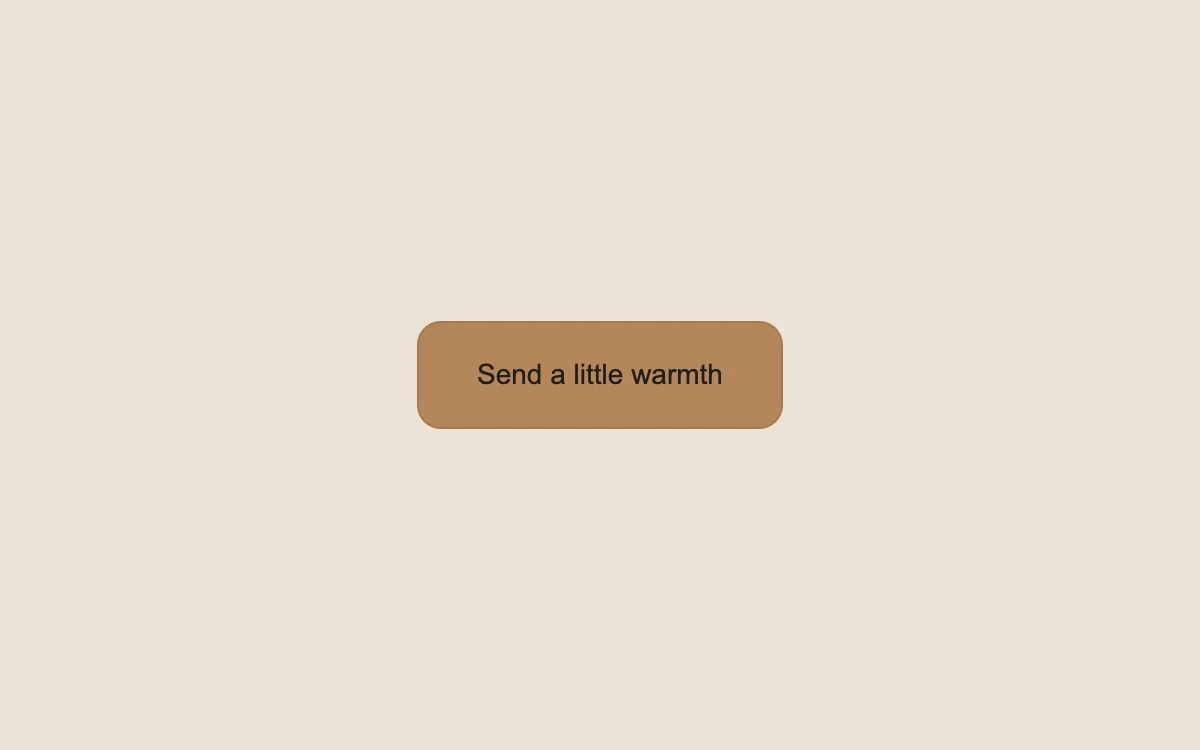
Click at different points on the button
Add to your project
Component source
Standalone React component. Styles are included.
React only. No additional packages.
Render the default export inside a container with a defined height. Its optional active prop stops movement when false. This example works with React 19; Next.js projects can use it as a client component.
View source code
/**
 * Adapted from https://github.com/magicuidesign/magicui/blob/85f97fd27b053339af74ba9dd4ca428ee25989fb/apps/www/registry/magicui/ripple-button.tsx
 * Retains upstream pointer-relative ripple sizing and expanding/fading circle. Corrects rapid-click cleanup via animationend and keeps immediate state feedback for keyboard activation and reduced motion.
 *
 * MIT License
 *
 * Copyright (c) Magic UI
 *
 * Permission is hereby granted, free of charge, to any person obtaining a copy
 * of this software and associated documentation files (the "Software"), to deal
 * in the Software without restriction, including without limitation the rights
 * to use, copy, modify, merge, publish, distribute, sublicense, and/or sell
 * copies of the Software, and to permit persons to whom the Software is
 * furnished to do so, subject to the following conditions:
 *
 * The above copyright notice and this permission notice shall be included in all
 * copies or substantial portions of the Software.
 *
 * THE SOFTWARE IS PROVIDED "AS IS", WITHOUT WARRANTY OF ANY KIND, EXPRESS OR
 * IMPLIED, INCLUDING BUT NOT LIMITED TO THE WARRANTIES OF MERCHANTABILITY,
 * FITNESS FOR A PARTICULAR PURPOSE AND NONINFRINGEMENT. IN NO EVENT SHALL THE
 * AUTHORS OR COPYRIGHT HOLDERS BE LIABLE FOR ANY CLAIM, DAMAGES OR OTHER
 * LIABILITY, WHETHER IN AN ACTION OF CONTRACT, TORT OR OTHERWISE, ARISING FROM,
 * OUT OF OR IN CONNECTION WITH THE SOFTWARE OR THE USE OR OTHER DEALINGS IN THE
 * SOFTWARE.
 */

"use client"

import { type MouseEvent, useEffect, useRef, useState } from "react"

type Ripple = { id: number; x: number; y: number; size: number }

export default function RippleButton({ active = true }: { active?: boolean }) {
  const [ripples, setRipples] = useState<Ripple[]>([])
  const [count, setCount] = useState(0)
  const nextId = useRef(0)
  useEffect(() => {
    if (!active) setRipples([])
  }, [active])
  function handleClick(event: MouseEvent<HTMLButtonElement>) {
    setCount((value) => value + 1)
    if (!active || event.detail === 0 || window.matchMedia("(prefers-reduced-motion: reduce)").matches) return
    const rect = event.currentTarget.getBoundingClientRect()
    const button = event.currentTarget
    const size = Math.max(button.offsetWidth, button.offsetHeight)
    const x = ((event.clientX - rect.left) / rect.width) * button.offsetWidth - button.clientLeft - size / 2
    const y = ((event.clientY - rect.top) / rect.height) * button.offsetHeight - button.clientTop - size / 2
    setRipples((current) => [...current.slice(-7), { id: nextId.current++, x, y, size }])
  }
  return (
    <div className="mg-ripplebutton">
      <style>{`
        .mg-ripplebutton{height:100%;width:100%;min-height:240px;display:grid;place-content:center;justify-items:center;position:relative;background:#ece2d6;color:#69523e;font-family:inherit}
        .mg-ripplebutton .mg-ripplebutton-action{position:relative;isolation:isolate;overflow:hidden;min-height:54px;padding:0 29px;border:1px solid #a77a4d;background:#b4865b;border-radius:12px;color:#241d17;font:inherit;font-size:14px;cursor:pointer;outline-offset:5px;touch-action:manipulation}
        .mg-ripplebutton .mg-ripplebutton-label{position:relative;z-index:1}.mg-ripplebutton .mg-ripplebutton-ripple{pointer-events:none;position:absolute;border-radius:50%;background:#fff5de;opacity:.38;transform:scale(0);animation:mg-button-ripple 650ms ease-out forwards}
        .mg-ripplebutton p{position:absolute;top:calc(50% + 45px);margin:0;font-size:11px;color:#69523e;min-height:16px}
        @keyframes mg-button-ripple{0%{opacity:.38}100%{transform:scale(2);opacity:0}}
        @media(prefers-reduced-motion:reduce){.mg-ripplebutton .mg-ripplebutton-ripple{display:none}}
      `}</style>
      <button type="button" className="mg-ripplebutton-action" onClick={handleClick}>
        <span className="mg-ripplebutton-label">Send a little warmth</span>
        {ripples.map((ripple) => (
          <span
            aria-hidden="true"
            key={ripple.id}
            className="mg-ripplebutton-ripple"
            style={{ left: ripple.x, top: ripple.y, width: ripple.size, height: ripple.size }}
            onAnimationEnd={() => setRipples((current) => current.filter((item) => item.id !== ripple.id))}
          />
        ))}
      </button>
      <p role="status">{count ? `${count} ${count === 1 ? "hello" : "hellos"} sent in this preview` : ""}</p>
    </div>
  )
}
Where it works well
Provide visible confirmation on an occasional touch-friendly action.
Reduced motion
The click updates its text feedback without the expanding ripple.
Things to know
The action only increments a local preview count. Ripples are bounded to eight and remove themselves when their animation ends.