
Components & interactionsGlare hover card
A glancing reflection
A diagonal light glides across a dark material card on hover.
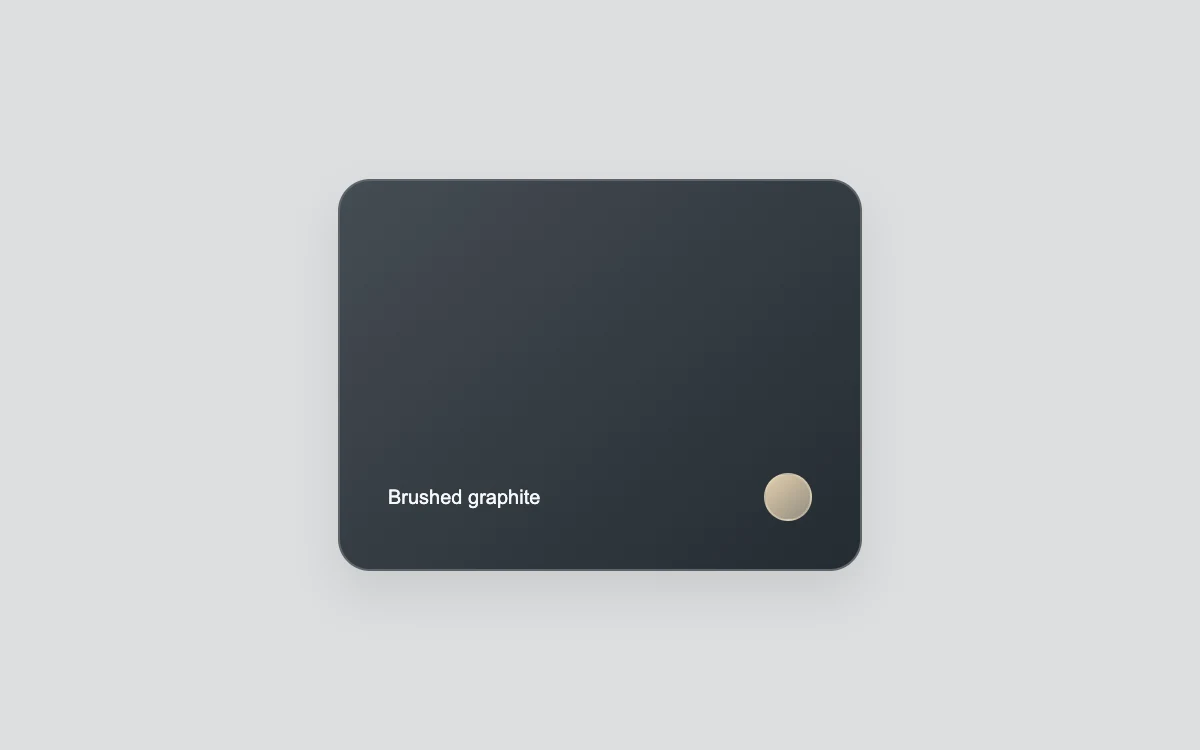
Hover the card, or click to save it
Add to your project
Component source
Standalone React component. Styles are included.
React only. No additional packages.
Render the default export inside a container with a defined height. Its optional active prop stops movement when false. This example works with React 19; Next.js projects can use it as a client component.
View source code
/**
 * Adapted from https://github.com/magicuidesign/magicui/blob/85f97fd27b053339af74ba9dd4ca428ee25989fb/apps/www/registry/magicui/glare-hover.tsx
 * Retains upstream diagonal gradient, oversized background tile and negative-to-positive background-position sweep. Scoped CSS, native button semantics and reduced-motion stationary highlight.
 *
 * MIT License
 *
 * Copyright (c) Magic UI
 *
 * Permission is hereby granted, free of charge, to any person obtaining a copy
 * of this software and associated documentation files (the "Software"), to deal
 * in the Software without restriction, including without limitation the rights
 * to use, copy, modify, merge, publish, distribute, sublicense, and/or sell
 * copies of the Software, and to permit persons to whom the Software is
 * furnished to do so, subject to the following conditions:
 *
 * The above copyright notice and this permission notice shall be included in all
 * copies or substantial portions of the Software.
 *
 * THE SOFTWARE IS PROVIDED "AS IS", WITHOUT WARRANTY OF ANY KIND, EXPRESS OR
 * IMPLIED, INCLUDING BUT NOT LIMITED TO THE WARRANTIES OF MERCHANTABILITY,
 * FITNESS FOR A PARTICULAR PURPOSE AND NONINFRINGEMENT. IN NO EVENT SHALL THE
 * AUTHORS OR COPYRIGHT HOLDERS BE LIABLE FOR ANY CLAIM, DAMAGES OR OTHER
 * LIABILITY, WHETHER IN AN ACTION OF CONTRACT, TORT OR OTHERWISE, ARISING FROM,
 * OUT OF OR IN CONNECTION WITH THE SOFTWARE OR THE USE OR OTHER DEALINGS IN THE
 * SOFTWARE.
 */

"use client"

import { useState } from "react"

export default function GlareHover({ active = true }: { active?: boolean }) {
  const [selected, setSelected] = useState(false)
  return (
    <div className="mg-glare" data-running={active}>
      <style>{`
        .mg-glare{height:100%;width:100%;min-height:260px;display:grid;place-content:center;justify-items:center;background:#dddedf;color:#424447;font-family:inherit}
        .mg-glare .mg-glare-card{position:relative;overflow:hidden;width:min(262px,calc(100vw - 72px));text-align:left;box-sizing:border-box;padding:24px;height:196px;display:flex;flex-direction:column;justify-content:flex-end;border:1px solid #5e646a;border-radius:16px;background:linear-gradient(140deg,#454c53,#242b32);color:#f0f2ef;font:inherit;cursor:pointer;outline-offset:5px;touch-action:manipulation;box-shadow:0 12px 23px #3139431c}
        .mg-glare .mg-glare-card::before{content:"";pointer-events:none;position:absolute;inset:0;background-image:linear-gradient(-35deg,transparent 60%,#ffffff45 70%,transparent,transparent 100%);background-size:250% 250%;background-position:-100% -100%;background-repeat:no-repeat;transition:background-position 650ms ease-in-out}
        .mg-glare .mg-glare-foot{display:flex;width:100%;justify-content:space-between;align-items:center;font-size:10px;color:#f6f8fa}.mg-glare .mg-glare-swatch{width:24px;height:24px;border-radius:50%;background:linear-gradient(140deg,#e2cfad,#938c80);border:1px solid #e3dcc16b}
        @media(hover:hover) and (pointer:fine){.mg-glare[data-running="true"] .mg-glare-card:hover::before{background-position:100% 100%}}
        .mg-glare .mg-glare-card:focus-visible{border-color:#9cba97}.mg-glare .mg-glare-card:focus-visible::before{transition:none;background-position:20% 20%}
        @media(prefers-reduced-motion:reduce){.mg-glare .mg-glare-card::before{transition:none}.mg-glare .mg-glare-card:hover::before{background-position:20% 20%!important}}
      `}</style>
      <button
        className="mg-glare-card"
        type="button"
        aria-label="Save brushed graphite sample"
        aria-pressed={selected}
        onClick={() => setSelected(!selected)}
      >
        <span className="mg-glare-foot">
          <span>{selected ? "Saved to collection ✓" : "Brushed graphite"}</span>
          <span className="mg-glare-swatch" aria-hidden="true" />
        </span>
      </button>
    </div>
  )
}
Where it works well
Give a collectible, swatch or featured card a reflective surface.
Reduced motion
A stationary highlight replaces the traveling reflection.
Things to know
Background-position animation repaints the card. Touch and keyboard preserve selection; this example saves only in local state.