
Components & interactionsTheme toggle button
Change the light
A turning sun, a crossfade and a passing highlight make a theme change feel considered.
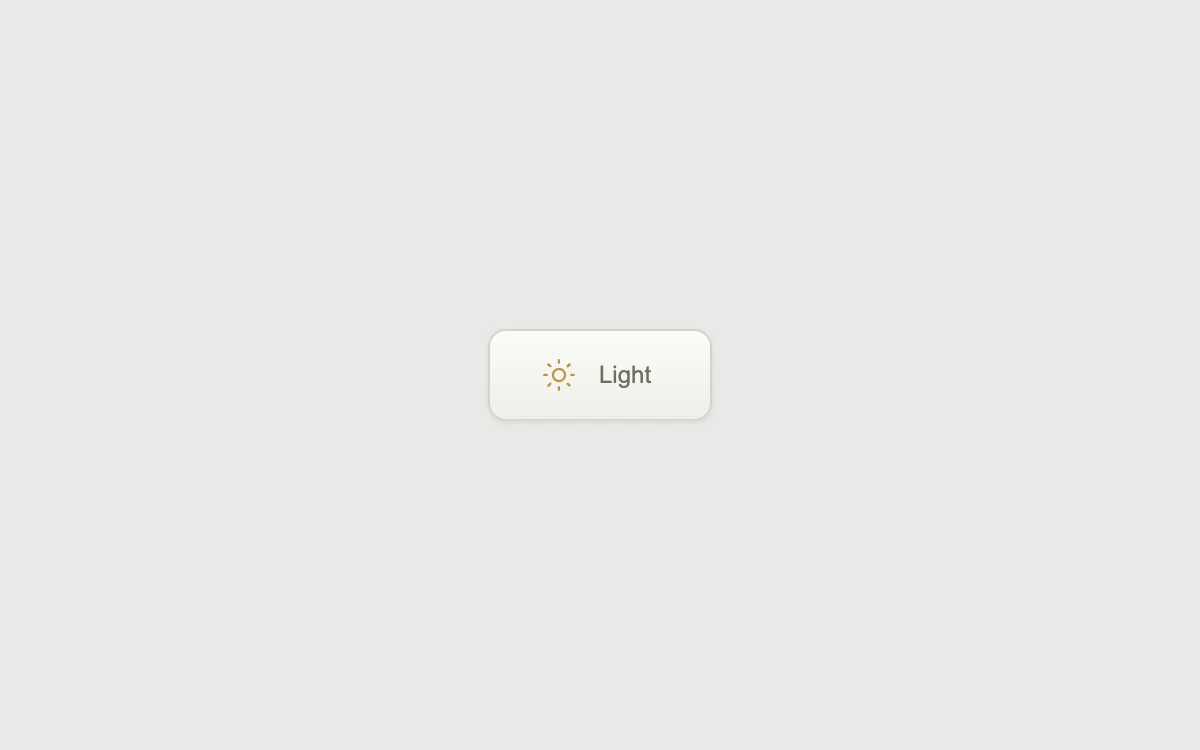
Toggle the example's appearance
Add to your project
Component source
Standalone React component. Styles are included.
React only. No additional packages.
Render the default export inside a container with a defined height. Its optional active prop stops movement when false. This example works with React 19; Next.js projects can use it as a client component.
View source code
/**
 * Adapted from https://github.com/kokonut-labs/kokonutui/blob/83eec6d982d400a18438001a8efdbac1f159dd43/components/kokonutui/switch-button.tsx
 * Retains the rotating sun, overlaid theme labels and traveling highlight; substitutes local preview state for next-themes.
 * Standalone styles and original demo content; reduced-motion and preview controls.
 *
 * MIT License
 *
 * Copyright (c) 2025 kokonutUI
 *
 * Permission is hereby granted, free of charge, to any person obtaining a copy
 * of this software and associated documentation files (the "Software"), to deal
 * in the Software without restriction, including without limitation the rights
 * to use, copy, modify, merge, publish, distribute, sublicense, and/or sell
 * copies of the Software, and to permit persons to whom the Software is
 * furnished to do so, subject to the following conditions:
 *
 * The above copyright notice and this permission notice shall be included in all
 * copies or substantial portions of the Software.
 *
 * THE SOFTWARE IS PROVIDED "AS IS", WITHOUT WARRANTY OF ANY KIND, EXPRESS OR
 * IMPLIED, INCLUDING BUT NOT LIMITED TO THE WARRANTIES OF MERCHANTABILITY,
 * FITNESS FOR A PARTICULAR PURPOSE AND NONINFRINGEMENT. IN NO EVENT SHALL THE
 * AUTHORS OR COPYRIGHT HOLDERS BE LIABLE FOR ANY CLAIM, DAMAGES OR OTHER
 * LIABILITY, WHETHER IN AN ACTION OF CONTRACT, TORT OR OTHERWISE, ARISING FROM,
 * OUT OF OR IN CONNECTION WITH THE SOFTWARE OR THE USE OR OTHER DEALINGS IN THE
 * SOFTWARE.
 */

"use client"

import { useState } from "react"

export default function SwitchButtonExample({ active = true }: { active?: boolean }) {
  const [dark, setDark] = useState(false)
  return (
    <div className="sf-theme-stage" data-dark={dark} data-active={active}>
      <div>
        <button
          type="button"
          className="sf-theme-button"
          aria-label="Dark appearance"
          aria-pressed={dark}
          onClick={() => setDark((value) => !value)}
        >
          <svg
            className="sf-theme-sun"
            aria-hidden
            width="18"
            height="18"
            viewBox="0 0 24 24"
            fill="none"
            stroke="currentColor"
            strokeWidth="1.5"
            strokeLinecap="round"
          >
            <circle cx="12" cy="12" r="4" />
            <path d="M12 2v2m0 16v2M2 12h2m16 0h2M4.9 4.9l1.4 1.4m11.4 11.4 1.4 1.4M4.9 19.1l1.4-1.4M17.7 6.3l1.4-1.4" />
          </svg>
          <span aria-hidden className="sf-theme-label">
            <span className="sf-theme-light">Light</span>
            <span className="sf-theme-dark">Dark</span>
          </span>
          <span aria-hidden className="sf-theme-shine" />
        </button>
      </div>
      <style>{`
      .sf-theme-stage { width:100%; height:100%; min-height:260px; display:grid; place-items:center; padding:24px; box-sizing:border-box; background:#e9e9e7; color:#353633; font-family:inherit; text-align:center; transition:background-color 250ms,color 250ms }
      .sf-theme-stage[data-dark="true"] { background:#272a29; color:#d9ded7 }
      .sf-theme-button { position:relative; display:inline-flex; align-items:center; justify-content:center; gap:11px; min-width:112px; height:46px; padding:0 18px; border:1px solid #d1d4cc; border-radius:9px; background:linear-gradient(#fafbf8,#edefe9); color:#687160; box-shadow:0 1px 3px #00000012,inset 0 1px #ffffffb0; font:inherit; font-size:12px; font-weight:500; cursor:pointer; overflow:hidden; outline-offset:4px; touch-action:manipulation }
      .sf-theme-stage[data-dark="true"] .sf-theme-button { background:linear-gradient(#383d37,#2e332d); border-color:#4c5448; color:#d8dece; box-shadow:0 1px 3px #00000025,inset 0 1px #ffffff0f }
      .sf-theme-sun { color:#bc9543; transition:transform 700ms cubic-bezier(.645,.045,.355,1),color 300ms; transform:rotate(0) }
      .sf-theme-stage[data-dark="true"] .sf-theme-sun { transform:rotate(180deg); color:#bec8aa }
      .sf-theme-label { display:grid; min-width:30px; text-align:left }
      .sf-theme-label > span { grid-area:1 / 1; transition:opacity 250ms }
      .sf-theme-dark,.sf-theme-stage[data-dark="true"] .sf-theme-light { opacity:0 }
      .sf-theme-stage[data-dark="true"] .sf-theme-dark { opacity:1 }
      .sf-theme-shine { position:absolute; inset:0; pointer-events:none; background:linear-gradient(90deg,transparent,#b1bd9a26,transparent); transform:translateX(-100%); transition:transform 500ms cubic-bezier(.645,.045,.355,1) }
      @media (hover:hover) and (pointer:fine) { .sf-theme-stage[data-active="true"] .sf-theme-button:hover .sf-theme-sun { transform:rotate(360deg) } .sf-theme-stage[data-active="true"] .sf-theme-button:hover .sf-theme-shine { transform:translateX(100%) } }
      .sf-theme-stage[data-active="false"] .sf-theme-sun { transition:none; transform:none }
      @media (prefers-reduced-motion:reduce) { .sf-theme-stage .sf-theme-sun,.sf-theme-stage .sf-theme-button:hover .sf-theme-sun { transition:none; transform:none } .sf-theme-shine { display:none } }
    `}</style>
    </div>
  )
}
Where it works well
Connect the light and dark states of an appearance control.
Reduced motion
The labels and colors still change; icon rotation and the moving highlight are removed.
Things to know
The theme change is scoped to this preview. Connect its local state to your application's appearance setting.