
Photo lightbox
An austere photographic index opens a dark, contained viewer with thumbnails, bounded zoom and pan.
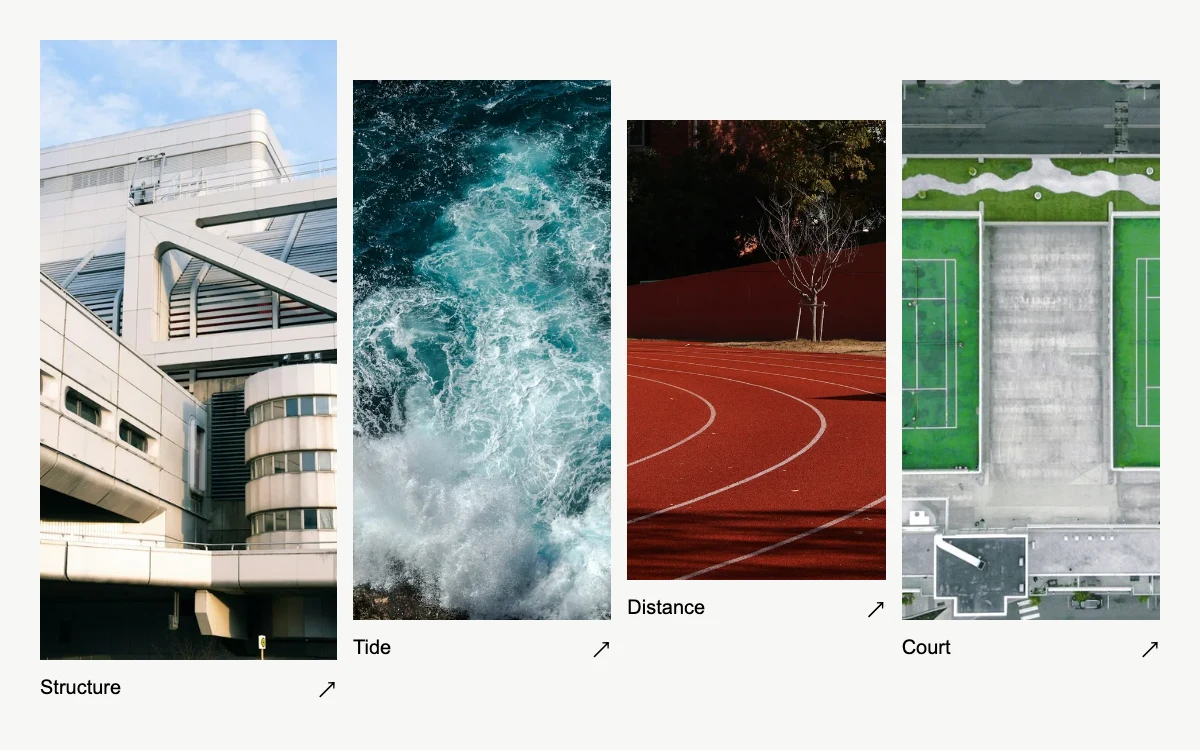
Open a photograph; browse, enlarge and drag. Arrow keys browse or pan the enlarged image.
Subframe Original · MIT
Add to your project
Component source
Standalone React component. Styles are included.
React only. No additional packages.
Download images (4)
Save these files in your static assets folder at /motion/assets/, or update their paths in the component.
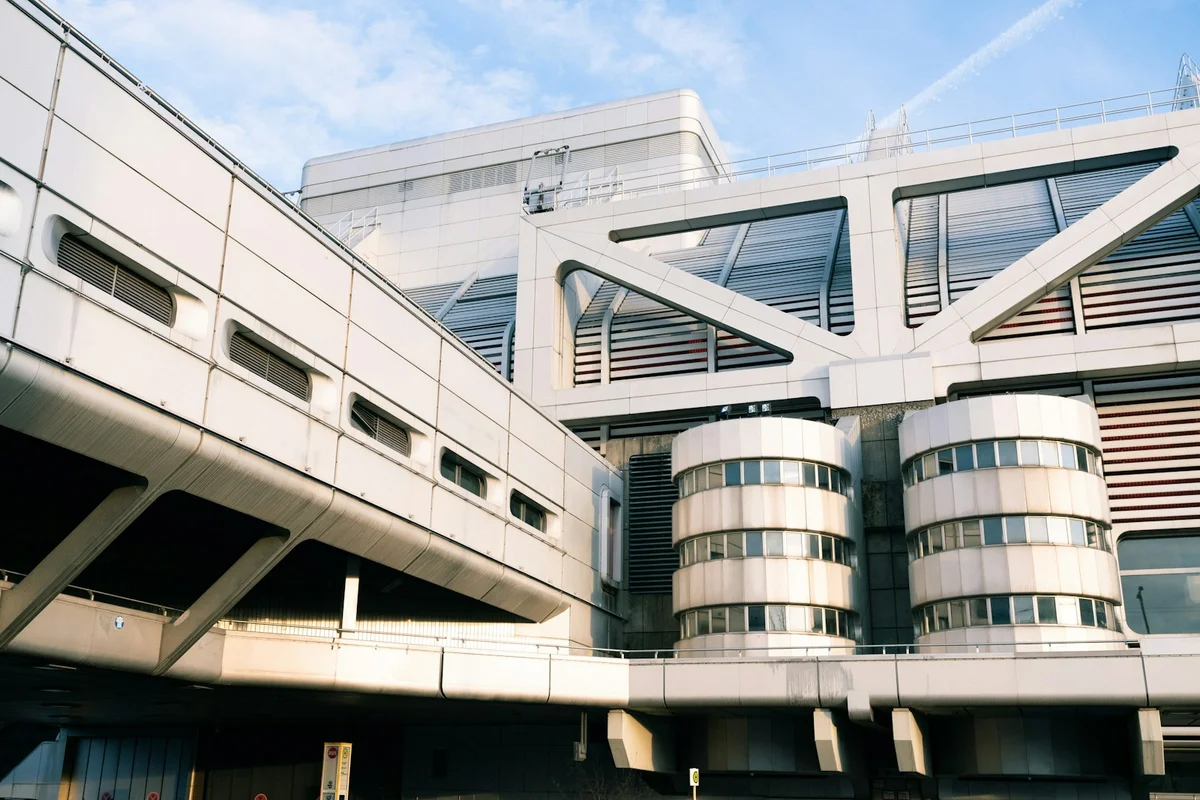
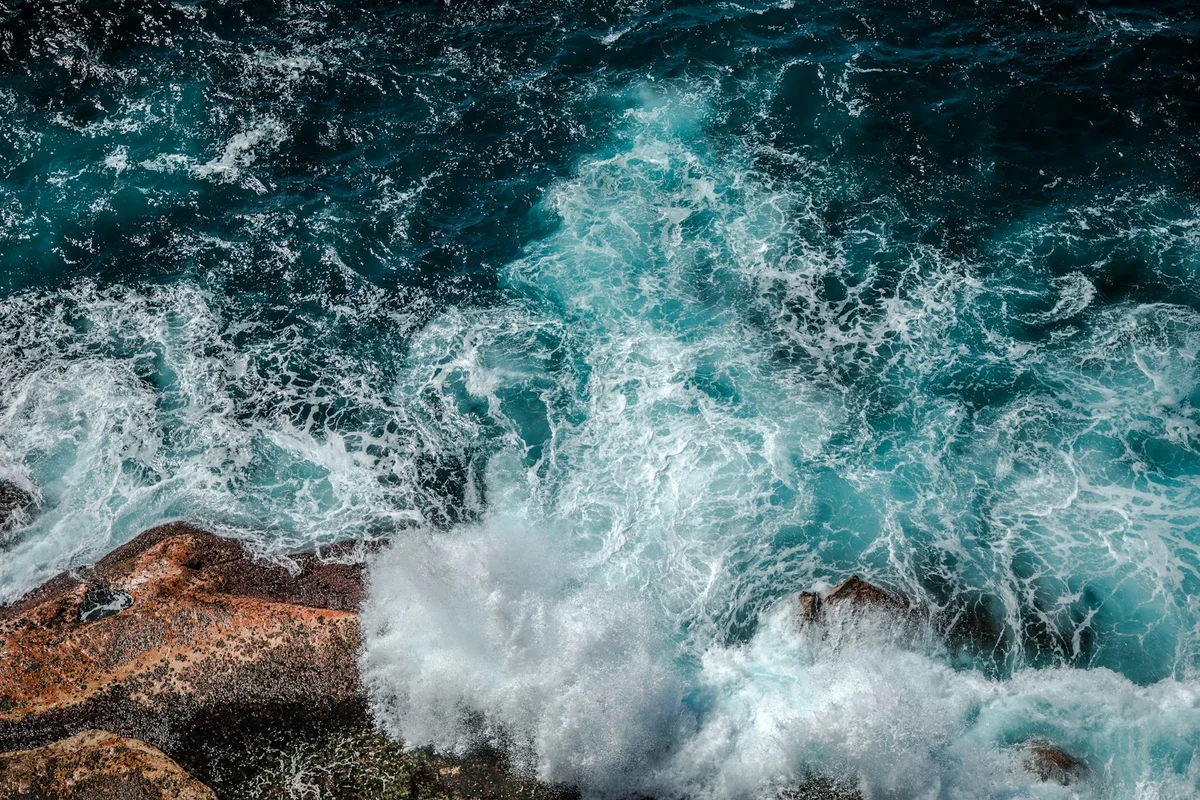
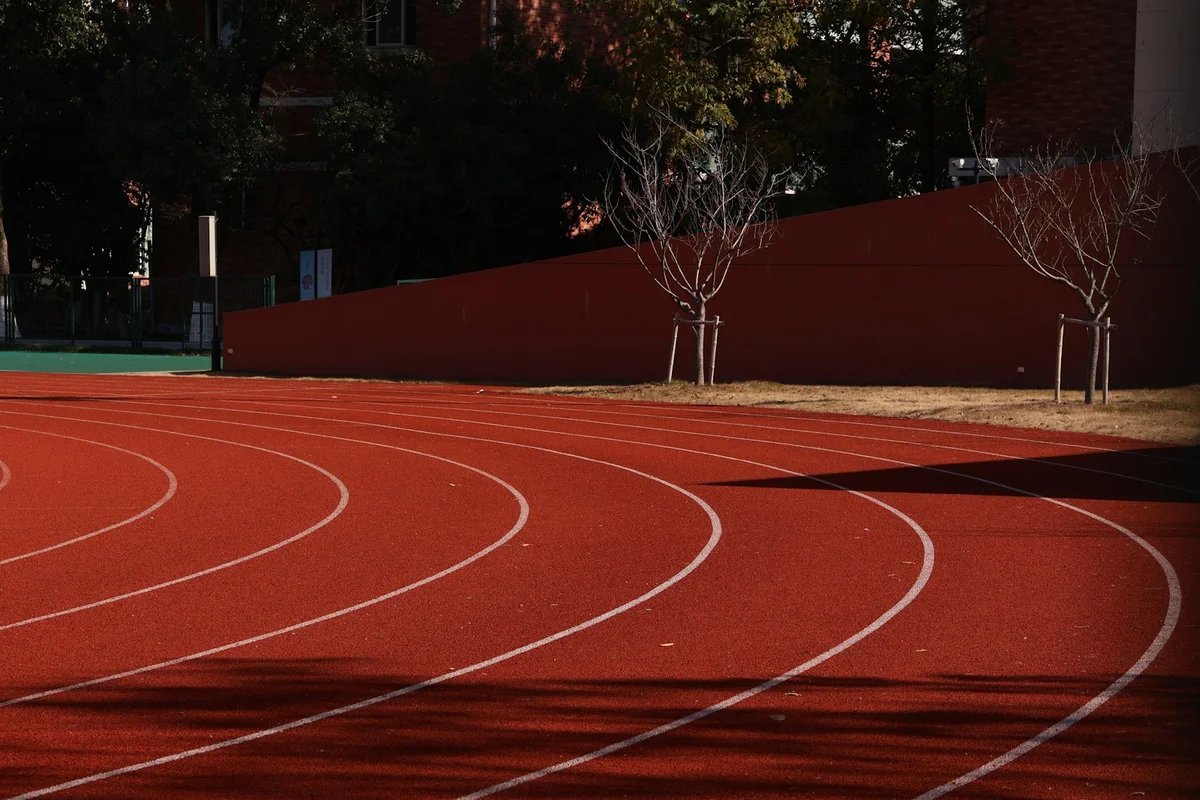
Render the default export inside a container with a defined height. Its optional active prop stops movement when false. This example works with React 19; Next.js projects can use it as a client component.
View source code
/**
 * MIT License
 * Copyright (c) 2026 Subframe
 *
 * Permission is hereby granted, free of charge, to any person obtaining a copy
 * of this software and associated documentation files (the "Software"), to deal
 * in the Software without restriction, including without limitation the rights
 * to use, copy, modify, merge, publish, distribute, sublicense, and/or sell
 * copies of the Software, and to permit persons to whom the Software is
 * furnished to do so, subject to the following conditions:
 *
 * The above copyright notice and this permission notice shall be included in all
 * copies or substantial portions of the Software.
 *
 * THE SOFTWARE IS PROVIDED "AS IS", WITHOUT WARRANTY OF ANY KIND, EXPRESS OR
 * IMPLIED, INCLUDING BUT NOT LIMITED TO THE WARRANTIES OF MERCHANTABILITY,
 * FITNESS FOR A PARTICULAR PURPOSE AND NONINFRINGEMENT. IN NO EVENT SHALL THE
 * AUTHORS OR COPYRIGHT HOLDERS BE LIABLE FOR ANY CLAIM, DAMAGES OR OTHER
 * LIABILITY, WHETHER IN AN ACTION OF CONTRACT, TORT OR OTHERWISE, ARISING FROM,
 * OUT OF OR IN CONNECTION WITH THE SOFTWARE OR THE USE OR OTHER DEALINGS IN THE
 * SOFTWARE.
 */
"use client"
import * as React from "react"

const PHOTOS = [
  {
    src: "/motion/assets/concrete-geometries.webp",
    title: "Structure",
    alt: "Circular concrete towers and angular white architecture",
  },
  { src: "/motion/assets/coastal-break.webp", title: "Tide", alt: "Turquoise surf breaking over ochre coastal rocks" },
  { src: "/motion/assets/running-track.webp", title: "Distance", alt: "Curved red running lanes with white markings" },
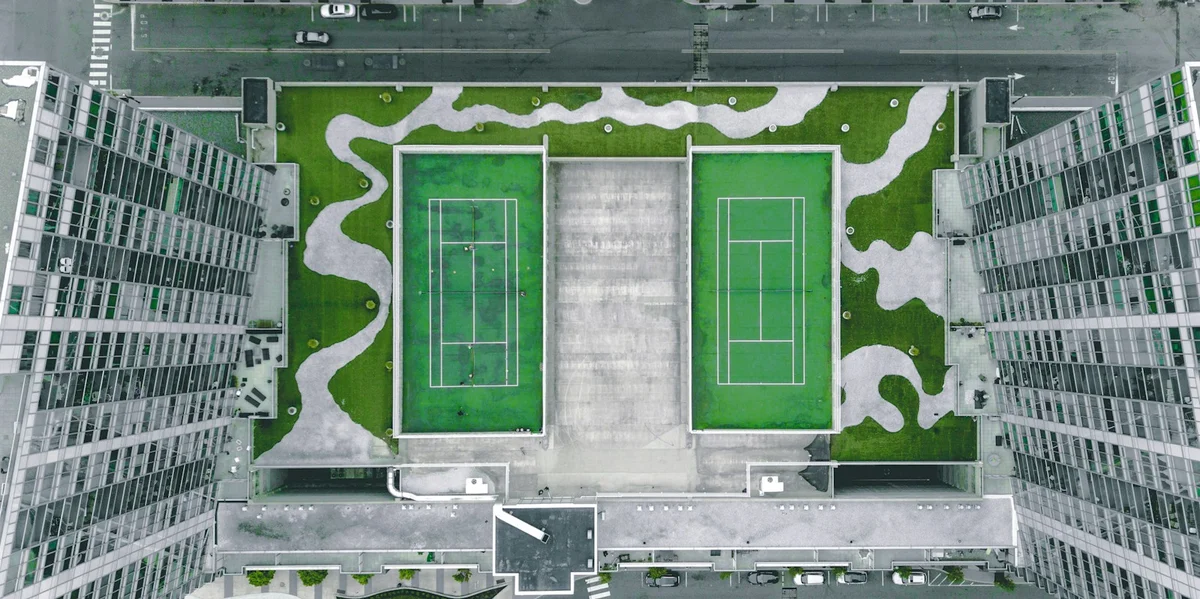
  { src: "/motion/assets/tennis-court.webp", title: "Court", alt: "Two green tennis courts seen from directly above" },
]
export default function Example({ active = true }: { active?: boolean }) {
  const [selected, setSelected] = React.useState<number | null>(null),
    [zoom, setZoom] = React.useState(false)
  const [pan, setPan] = React.useState({ x: 0, y: 0 }),
    [keyboard, setKeyboard] = React.useState(false)
  const tiles = React.useRef<(HTMLButtonElement | null)[]>([]),
    close = React.useRef<HTMLButtonElement>(null)
  const drag = React.useRef<{ id: number; x: number; y: number; px: number; py: number } | null>(null)
  const frame = React.useRef<HTMLDivElement>(null),
    previous = React.useRef(0)
  function choose(i: number) {
    setSelected((i + PHOTOS.length) % PHOTOS.length)
    setZoom(false)
    setPan({ x: 0, y: 0 })
  }
  function dismiss() {
    setSelected(null)
    setZoom(false)
    setPan({ x: 0, y: 0 })
    requestAnimationFrame(() => tiles.current[previous.current]?.focus())
  }
  const open = selected !== null
  React.useEffect(() => {
    if (open) close.current?.focus()
  }, [open])
  React.useEffect(() => {
    if (!active) drag.current = null
  }, [active])
  function clampPan(x: number, y: number) {
    const box = frame.current,
      img = box?.querySelector("img")
    if (!box || !img?.naturalWidth) return { x: 0, y: 0 }
    const scale = Math.min(box.clientWidth / img.naturalWidth, box.clientHeight / img.naturalHeight)
    const maxX = Math.max(0, (img.naturalWidth * scale * 1.7 - box.clientWidth) / 2),
      maxY = Math.max(0, (img.naturalHeight * scale * 1.7 - box.clientHeight) / 2)
    return { x: Math.max(-maxX, Math.min(maxX, x)), y: Math.max(-maxY, Math.min(maxY, y)) }
  }
  React.useEffect(() => {
    const el = frame.current
    if (!el || !zoom) return
    const ro = new ResizeObserver(() => setPan((p) => clampPan(p.x, p.y)))
    ro.observe(el)
    return () => ro.disconnect()
  }, [open, zoom])
  function move(e: React.PointerEvent) {
    const d = drag.current
    if (!d) return
    const element = frame.current!
    const bounds = element.getBoundingClientRect()
    const dx = ((e.clientX - d.x) * element.clientWidth) / bounds.width
    const dy = ((e.clientY - d.y) * element.clientHeight) / bounds.height
    setPan(clampPan(d.px + dx, d.py + dy))
  }
  return (
    <div
      className="sf-photo-lightbox"
      data-quiet={!active || keyboard}
      onPointerDownCapture={() => setKeyboard(false)}
      onKeyDownCapture={() => setKeyboard(true)}
    >
      <div className="pl-contact" inert={selected !== null ? true : undefined}>
        <div className="pl-grid">
          {PHOTOS.map((p, i) => (
            <button
              ref={(el) => {
                tiles.current[i] = el
              }}
              key={p.src}
              className="pl-tile"
              onClick={() => {
                previous.current = i
                choose(i)
              }}
              aria-label={`Open ${p.title}`}
            >
              <img src={p.src} alt={p.alt} draggable={false} />
              <span>
                {p.title}
                <i>↗</i>
              </span>
            </button>
          ))}
        </div>
      </div>
      {selected !== null && (
        <div
          role="dialog"
          aria-label={`${PHOTOS[selected].title} photo viewer`}
          className="pl-dialog"
          onKeyDown={(e) => {
            if (e.key === "Escape") {
              e.preventDefault()
              dismiss()
            }
            if (zoom && ["ArrowRight", "ArrowLeft", "ArrowUp", "ArrowDown"].includes(e.key)) {
              e.preventDefault()
              setPan(
                clampPan(
                  pan.x + (e.key === "ArrowLeft" ? 30 : e.key === "ArrowRight" ? -30 : 0),
                  pan.y + (e.key === "ArrowUp" ? 30 : e.key === "ArrowDown" ? -30 : 0),
                ),
              )
            } else if (e.key === "ArrowRight") {
              e.preventDefault()
              choose(selected + 1)
            } else if (e.key === "ArrowLeft") {
              e.preventDefault()
              choose(selected - 1)
            }
            if (e.key === "Tab") {
              const b = Array.from(e.currentTarget.querySelectorAll<HTMLButtonElement>("button")).filter(
                (button) => button.offsetParent !== null,
              )
              const first = b[0],
                last = b[b.length - 1]
              if (e.shiftKey && document.activeElement === first) {
                e.preventDefault()
                last.focus()
              }
              if (!e.shiftKey && document.activeElement === last) {
                e.preventDefault()
                first.focus()
              }
            }
          }}
        >
          <header>
            <span>
              {PHOTOS[selected].title} <small>{selected + 1} / 4</small>
            </span>
            <button ref={close} onClick={dismiss} aria-label="Close photo">
              ×
            </button>
          </header>
          <div
            ref={frame}
            className="pl-view"
            tabIndex={0}
            aria-label="Photo canvas"
            data-zoom={zoom}
            onPointerDown={(e) => {
              if (!zoom || !active || e.button !== 0) return
              e.currentTarget.focus({ preventScroll: true })
              e.currentTarget.setPointerCapture(e.pointerId)
              drag.current = { id: e.pointerId, x: e.clientX, y: e.clientY, px: pan.x, py: pan.y }
            }}
            onPointerMove={move}
            onPointerUp={() => {
              drag.current = null
            }}
            onPointerCancel={() => {
              drag.current = null
            }}
            onLostPointerCapture={() => {
              drag.current = null
            }}
          >
            <img
              src={PHOTOS[selected].src}
              alt={PHOTOS[selected].alt}
              draggable={false}
              style={{ transform: `translate(${pan.x}px,${pan.y}px) scale(${zoom ? 1.7 : 1})` }}
            />
          </div>
          <footer>
            <button onClick={() => choose(selected - 1)} aria-label="Previous photo">
              ←
            </button>
            <div className="pl-thumbs">
              {PHOTOS.map((p, i) => (
                <button
                  key={p.src}
                  aria-label={`View ${p.title}`}
                  aria-pressed={selected === i}
                  onClick={() => choose(i)}
                >
                  <img src={p.src} alt="" draggable={false} />
                </button>
              ))}
            </div>
            <button
              aria-label={zoom ? "Fit photo" : "Enlarge photo"}
              aria-pressed={zoom}
              onClick={() => {
                setZoom(!zoom)
                setPan({ x: 0, y: 0 })
              }}
            >
              {zoom ? "−" : "+"}
            </button>
            <button onClick={() => choose(selected + 1)} aria-label="Next photo">
              →
            </button>
          </footer>
        </div>
      )}
      <style>{`.sf-photo-lightbox{position:relative;width:100%;height:100%;min-height:280px;overflow:hidden;background:#f7f7f4;color:#17241c;font-family:Arial,sans-serif;container-type:size}.sf-photo-lightbox *{box-sizing:border-box}.sf-photo-lightbox button{font:inherit;cursor:pointer;touch-action:manipulation}.sf-photo-lightbox button:focus-visible{outline:2px solid #d04620;outline-offset:3px}.sf-photo-lightbox .pl-contact{padding:20px;height:100%}.sf-photo-lightbox header{display:flex;justify-content:space-between;align-items:center;height:30px;font-size:10px;letter-spacing:.06em}.sf-photo-lightbox header>span:last-child{color:#596259}.sf-photo-lightbox .pl-grid{height:100%;display:grid;grid-template-columns:1.15fr 1fr 1fr 1fr;gap:8px;align-items:center}.sf-photo-lightbox .pl-tile{display:flex;flex-direction:column;padding:0;border:0;background:none;min-width:0;height:88%;text-align:left}.sf-photo-lightbox .pl-tile:first-child{height:100%}.sf-photo-lightbox .pl-tile:nth-child(3){height:76%}.sf-photo-lightbox .pl-tile img{width:100%;height:calc(100% - 25px);object-fit:cover;transition:filter .2s}.sf-photo-lightbox .pl-tile:hover img{filter:brightness(.94)}.sf-photo-lightbox .pl-tile span{display:flex;justify-content:space-between;padding-top:8px;font-size:10px}.sf-photo-lightbox .pl-tile i{font-style:normal}.sf-photo-lightbox .pl-dialog{position:absolute;inset:0;background:#102419;color:#fff;padding:8px 14px 10px;display:flex;flex-direction:column;z-index:3}.sf-photo-lightbox .pl-dialog header{height:44px;flex-shrink:0;font-size:12px;letter-spacing:0}.sf-photo-lightbox .pl-dialog header small{font:10px monospace;color:#9daf9f;margin-left:12px}.sf-photo-lightbox .pl-dialog button{border:0;min-width:44px;height:44px;background:transparent;color:#fff;font-size:22px}.sf-photo-lightbox .pl-dialog header>button{margin-right:-10px}.sf-photo-lightbox .pl-view{flex:1;min-height:0;position:relative;overflow:hidden;display:flex;align-items:center;justify-content:center;touch-action:pan-y}.sf-photo-lightbox .pl-view[data-zoom=true]{touch-action:none;cursor:grab}.sf-photo-lightbox .pl-view img{height:100%;width:100%;object-fit:contain;user-select:none;transition:transform .24s cubic-bezier(.2,.8,.2,1)}.sf-photo-lightbox .pl-view[data-zoom=true] img{transition:none}.sf-photo-lightbox footer{display:flex;align-items:center;justify-content:center;gap:3px;flex-shrink:0;padding-top:8px}.sf-photo-lightbox .pl-thumbs{display:flex;gap:4px;margin:0 auto}.sf-photo-lightbox .pl-thumbs button{min-width:44px;width:44px;height:44px;padding:3px;border:1px solid transparent;opacity:.55}.sf-photo-lightbox .pl-thumbs button[aria-pressed=true]{opacity:1;border-color:#ddd}.sf-photo-lightbox .pl-thumbs img{width:100%;height:100%;object-fit:cover}.sf-photo-lightbox[data-quiet=true] *{transition:none!important}@container(max-width:400px){.sf-photo-lightbox .pl-contact{padding:14px}.sf-photo-lightbox .pl-grid{grid-template-columns:1fr 1fr;grid-template-rows:1fr 1fr;gap:12px 8px}.sf-photo-lightbox .pl-tile,.sf-photo-lightbox .pl-tile:first-child,.sf-photo-lightbox .pl-tile:nth-child(3){height:100%}.sf-photo-lightbox .pl-tile span{font-size:9px;padding-top:5px}.sf-photo-lightbox .pl-tile img{height:calc(100% - 19px)}.sf-photo-lightbox .pl-dialog{padding-inline:8px}.sf-photo-lightbox .pl-thumbs{gap:1px}.sf-photo-lightbox .pl-thumbs button{min-width:44px;width:44px}.sf-photo-lightbox footer>button:first-child,.sf-photo-lightbox footer>button:last-child{display:none}}@media(prefers-reduced-motion:reduce){.sf-photo-lightbox *{transition:none!important}}`}</style>
    </div>
  )
}
Where it works well
Inspect a photograph closely without losing its collection context.
Reduced motion
The viewer opens immediately and fit-to-image changes skip interpolation.
Things to know
The viewer is scoped to its component bounds, not a page-level modal. Photographs have separate Unsplash terms.