
Light matter
A circular crop opens into a silver still life, trading graphic tension for the full image.
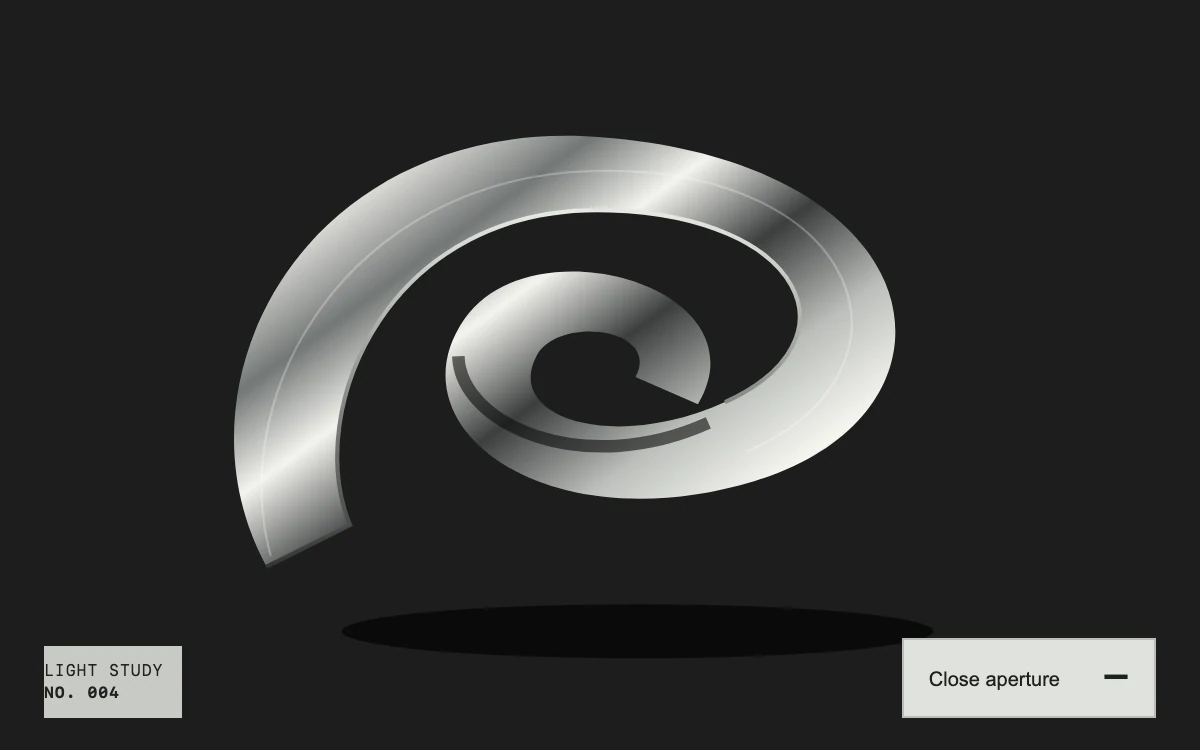
Open the aperture
Subframe Original · MIT
Add to your project
Component source
Standalone React component. Styles are included.
React only. No additional packages.
Render the default export inside a container with a defined height. Its optional active prop stops movement when false. This example works with React 19; Next.js projects can use it as a client component.
View source code
/**
 * MIT License
 *
 * Copyright (c) 2026 Subframe
 *
 * Permission is hereby granted, free of charge, to any person obtaining a copy
 * of this software and associated documentation files (the "Software"), to deal
 * in the Software without restriction, including without limitation the rights
 * to use, copy, modify, merge, publish, distribute, sublicense, and/or sell
 * copies of the Software, and to permit persons to whom the Software is
 * furnished to do so, subject to the following conditions:
 *
 * The above copyright notice and this permission notice shall be included in all
 * copies or substantial portions of the Software.
 *
 * THE SOFTWARE IS PROVIDED "AS IS", WITHOUT WARRANTY OF ANY KIND, EXPRESS OR
 * IMPLIED, INCLUDING BUT NOT LIMITED TO THE WARRANTIES OF MERCHANTABILITY,
 * FITNESS FOR A PARTICULAR PURPOSE AND NONINFRINGEMENT. IN NO EVENT SHALL THE
 * AUTHORS OR COPYRIGHT HOLDERS BE LIABLE FOR ANY CLAIM, DAMAGES OR OTHER
 * LIABILITY, WHETHER IN AN ACTION OF CONTRACT, TORT OR OTHERWISE, ARISING FROM,
 * OUT OF OR IN CONNECTION WITH THE SOFTWARE OR THE USE OR OTHER DEALINGS IN THE
 * SOFTWARE.
 */

"use client"

import { useEffect, useId, useRef, useState } from "react"

function useReducedMotion() {
  const [reduced, setReduced] = useState(true)
  useEffect(() => {
    const query = window.matchMedia("(prefers-reduced-motion: reduce)")
    const update = () => setReduced(query.matches)
    update()
    query.addEventListener("change", update)
    return () => query.removeEventListener("change", update)
  }, [])
  return reduced
}

export default function ApertureReveal({ active = true }: { active?: boolean }) {
  const reduced = useReducedMotion()
  const identity = useId().replace(/:/g, "")
  const artwork = useRef<HTMLDivElement>(null)
  const animation = useRef<Animation | null>(null)
  const openRef = useRef(false)
  const [open, setOpen] = useState(false)
  useEffect(() => {
    if (!animation.current) return
    if (reduced) {
      animation.current.finish()
      return
    }
    if (active && animation.current.playState === "paused") animation.current.play()
    else if (!active && animation.current.playState === "running") animation.current.pause()
  }, [active, reduced])
  useEffect(() => () => animation.current?.cancel(), [])
  function reveal(animate: boolean) {
    const next = !openRef.current
    openRef.current = next
    const element = artwork.current
    if (!element) return
    const from = getComputedStyle(element).clipPath
    animation.current?.cancel()
    const to = next ? "circle(80% at 50% 46%)" : "circle(25% at 50% 46%)"
    element.style.clipPath = to
    if (animate && active && !reduced)
      animation.current = element.animate([{ clipPath: from }, { clipPath: to }], {
        duration: next ? 850 : 560,
        easing: "cubic-bezier(.22,1,.36,1)",
      })
    else animation.current = null
    setOpen(next)
  }
  return (
    <section className="sf-aperture" data-open={open}>
      <div className="sf-aperture-ghost" aria-hidden="true">
        LIGHT
        <br />
        <em>MATTER</em>
      </div>
      <div
        ref={artwork}
        className="sf-aperture-art"
        role="img"
        aria-label="A sculptural silver ribbon curling across a black photographic ground"
      >
        <svg viewBox="0 0 600 360" preserveAspectRatio="xMidYMid slice" aria-hidden="true">
          <defs>
            <linearGradient id={`${identity}-metal`} x1="0" y1="0" x2="1" y2=".9">
              <stop offset="0" stopColor="#27292a" />
              <stop offset=".18" stopColor="#d9d9d5" />
              <stop offset=".3" stopColor="#737776" />
              <stop offset=".42" stopColor="#f4f4ef" />
              <stop offset=".56" stopColor="#3b3e3e" />
              <stop offset=".71" stopColor="#bcbfbb" />
              <stop offset=".85" stopColor="#f6f6f0" />
              <stop offset="1" stopColor="#303432" />
            </linearGradient>
            <linearGradient id={`${identity}-edge`} x1="0" y1="0" x2="0" y2="1">
              <stop stopColor="#e7e9e3" />
              <stop offset="1" stopColor="#333634" />
            </linearGradient>
          </defs>
          <rect width="600" height="360" fill="#1c1d1d" />
          <ellipse cx="318" cy="303" rx="142" ry="13" fill="#070808" opacity=".8" />
          <path
            d="M140 272C91 183 160 54 302 66C463 79 482 198 374 231C274 261 199 205 235 153C268 106 380 138 347 194L317 181C330 157 278 151 269 172C255 201 307 217 360 193C426 163 397 104 305 101C199 97 157 196 180 252Z"
            fill={`url(#${identity}-metal)`}
          />
          <path
            d="M140 272 180 252C157 196 199 97 305 101C397 104 426 163 360 193"
            fill="none"
            stroke={`url(#${identity}-edge)`}
            strokeWidth="2"
          />
          <path
            d="M142 267C120 187 181 84 299 82C427 80 460 178 370 217"
            fill="none"
            stroke="#ffffff"
            opacity=".28"
            strokeWidth="1"
          />
          <path d="M232 171C233 204 292 230 352 203" fill="none" stroke="#0b0c0c" strokeWidth="6" opacity=".6" />
        </svg>
      </div>
      <div className="sf-aperture-caption">
        <span>
          LIGHT STUDY
          <br />
          <b>NO. 004</b>
        </span>
        <button type="button" aria-expanded={open} onClick={(event) => reveal(event.detail > 0)}>
          {open ? "Close aperture" : "Open aperture"}
          <span aria-hidden="true">{open ? "−" : "+"}</span>
        </button>
      </div>
      <style>{`
        .sf-aperture{position:relative;width:100%;height:100%;min-height:300px;overflow:hidden;background:#c8cac5;color:#202321;font-family:Arial,Helvetica,sans-serif;container-type:inline-size}.sf-aperture *{box-sizing:border-box}.sf-aperture-ghost{position:absolute;inset:72px 16px auto;font-size:clamp(52px,16cqw,100px);line-height:.81;font-weight:750;letter-spacing:-.085em;text-align:center}.sf-aperture-ghost em{font-family:Georgia,serif;font-weight:400;font-size:.94em;letter-spacing:-.075em}.sf-aperture-art{position:absolute;inset:0;clip-path:circle(25% at 50% 46%);background:#1c1d1d}.sf-aperture-art svg{display:block;width:100%;height:100%}
        .sf-aperture-caption{position:absolute;bottom:16px;left:22px;right:22px;display:flex;justify-content:space-between;align-items:end;font:8px/1.4 ui-monospace,SFMono-Regular,monospace;letter-spacing:.06em}.sf-aperture-caption>b{font-weight:500}.sf-aperture-caption>span{background:#c8cac5;padding:7px 9px 7px 0}.sf-aperture button{display:flex;align-items:center;gap:21px;background:#e0e2dd;color:#1d211d;border:1px solid #282f2933;border-radius:0;padding:0 12px;min-height:40px;font-size:10px;cursor:pointer}.sf-aperture button span{font-size:24px;font-weight:300}.sf-aperture button:focus-visible{outline:2px solid #1d211d;outline-offset:4px}.sf-aperture button:active{opacity:.8}
        @container(max-width:350px){.sf-aperture-caption{left:16px;right:16px}.sf-aperture-ghost{top:87px;font-size:18cqw}.sf-aperture button{gap:12px}}
      `}</style>
    </section>
  )
}
Where it works well
Let an art, photography or product story move from an intriguing detail to a full composition without changing context.
Reduced motion
The crop changes immediately; keyboard activation also skips the aperture animation.
Things to know
Uses original vector artwork, not a photograph. Clip-path animation can require painting; keep the artwork bounded and profile larger adaptations.