
Behind the shutter
A near-black shutter snaps horizontally across a still photograph, concealing a scene change during a brief fully covered interval.
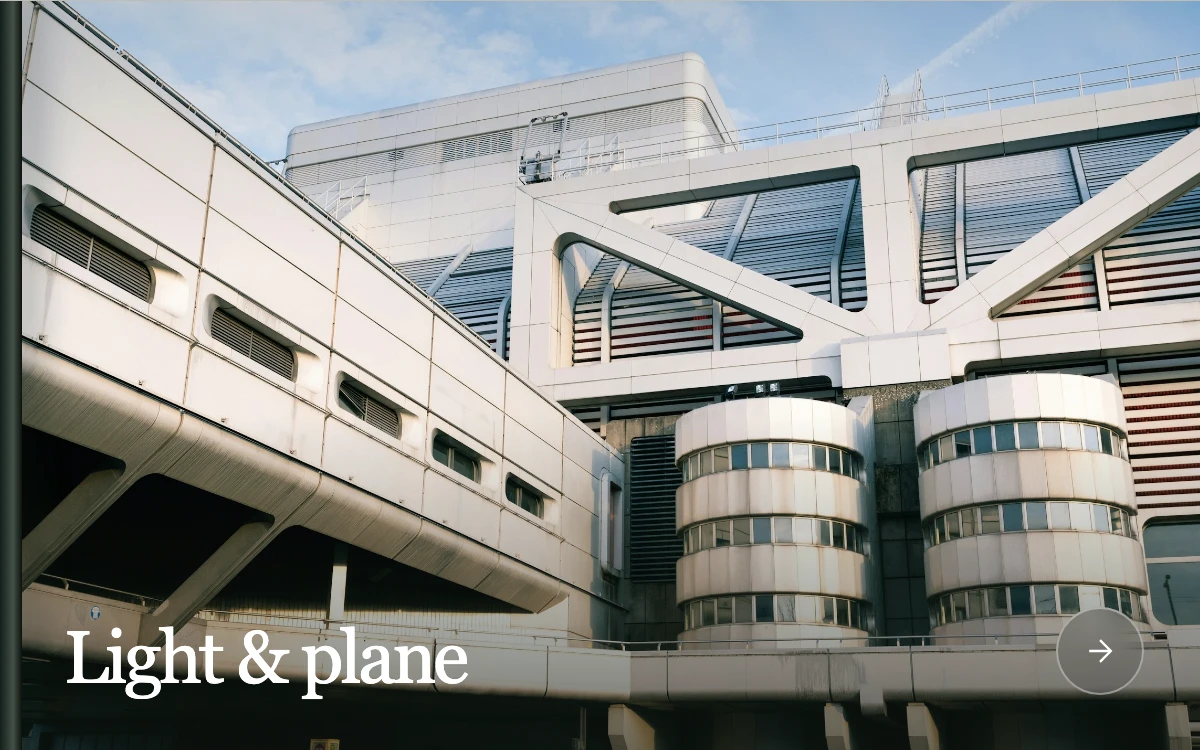
Advance the architectural study. Another press queues one extra crossing; pause freezes the current frame.
Subframe Original · MIT
Add to your project
Component source
Standalone React component. Styles are included.
React only. No additional packages.
Download images (2)
Save these files in your static assets folder at /motion/assets/, or update their paths in the component.
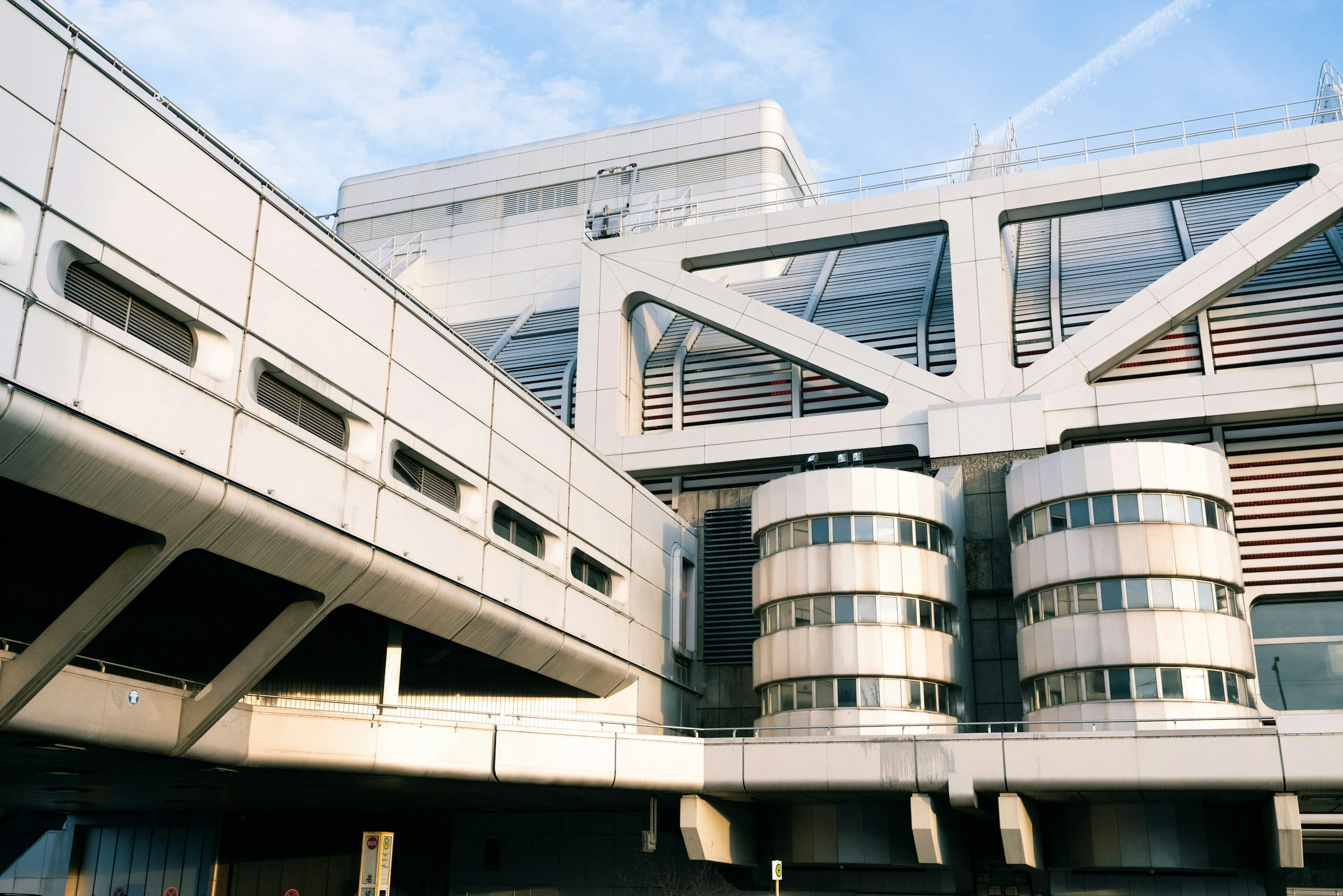
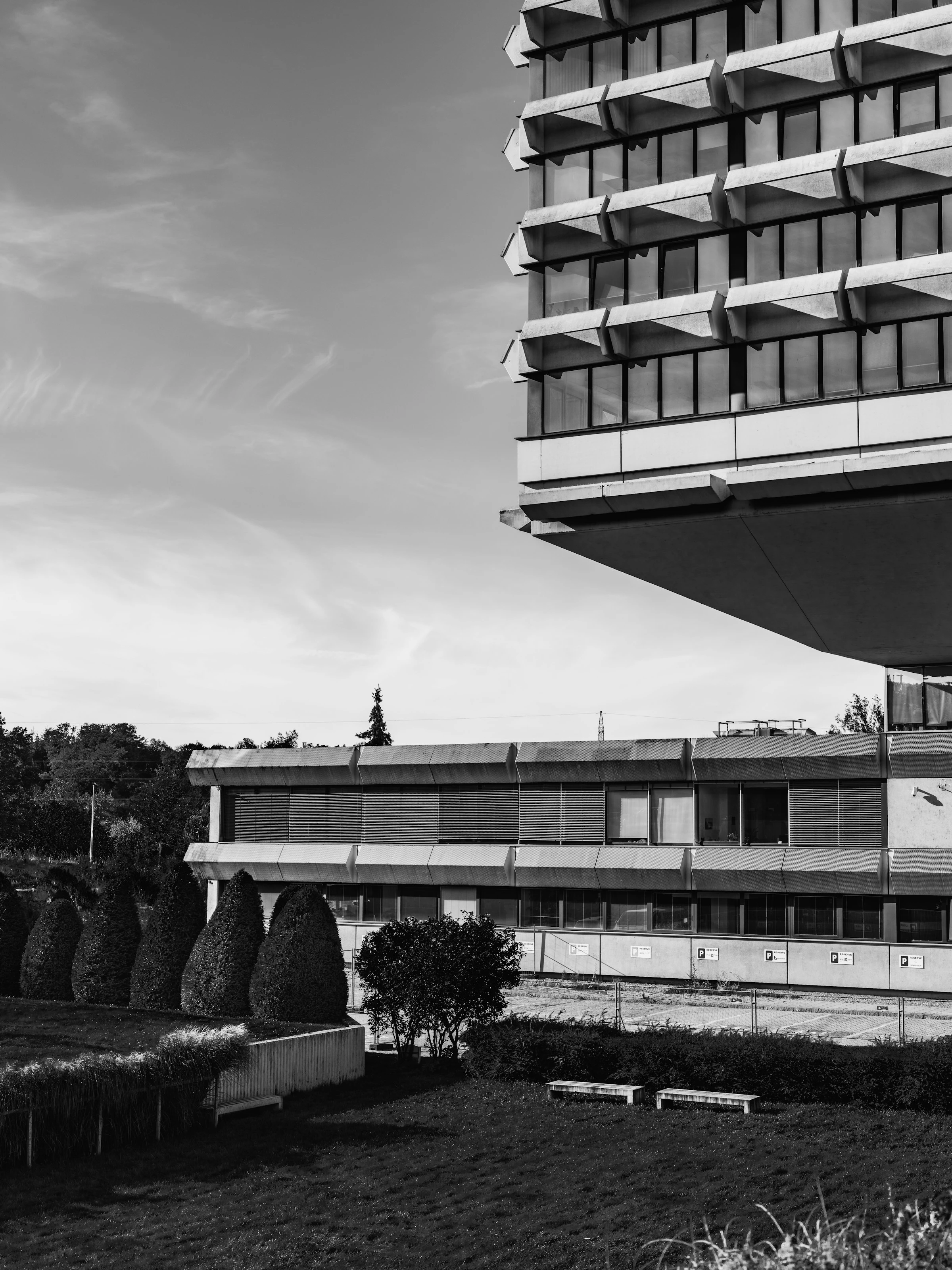
Render the default export inside a container with a defined height. Its optional active prop stops movement when false. This example works with React 19; Next.js projects can use it as a client component.
View source code
/**
 * MIT License
 *
 * Copyright (c) 2026 Subframe
 *
 * Permission is hereby granted, free of charge, to any person obtaining a copy
 * of this software and associated documentation files (the "Software"), to deal
 * in the Software without restriction, including without limitation the rights
 * to use, copy, modify, merge, publish, distribute, sublicense, and/or sell
 * copies of the Software, and to permit persons to whom the Software is
 * furnished to do so, subject to the following conditions:
 *
 * The above copyright notice and this permission notice shall be included in all
 * copies or substantial portions of the Software.
 *
 * THE SOFTWARE IS PROVIDED "AS IS", WITHOUT WARRANTY OF ANY KIND, EXPRESS OR
 * IMPLIED, INCLUDING BUT NOT LIMITED TO THE WARRANTIES OF MERCHANTABILITY,
 * FITNESS FOR A PARTICULAR PURPOSE AND NONINFRINGEMENT. IN NO EVENT SHALL THE
 * AUTHORS OR COPYRIGHT HOLDERS BE LIABLE FOR ANY CLAIM, DAMAGES OR OTHER
 * LIABILITY, WHETHER IN AN ACTION OF CONTRACT, TORT OR OTHERWISE, ARISING FROM,
 * OUT OF OR IN CONNECTION WITH THE SOFTWARE OR THE USE OR OTHER DEALINGS IN THE
 * SOFTWARE.
 */

"use client"

import { useEffect, useLayoutEffect, useRef, useState } from "react"

type Config = { crossingMs: number; occluderWidth: number; coveredHoldMs: number; direction: "left" | "right" }
export const DEFAULT_CONFIG: Config = { crossingMs: 220, occluderWidth: 1.15, coveredHoldMs: 40, direction: "left" }
const SCENES = [
  { src: "/motion/assets/shutter-concrete-geometries.webp", title: "Light & plane", position: "50% 45%", number: "01" },
  {
    src: "/motion/assets/shutter-concrete-projections.webp",
    title: "Weight & rhythm",
    position: "50% 57%",
    number: "02",
  },
]
const clamp = (v: number, a: number, b: number) => Math.max(a, Math.min(b, v))
const ease = (t: number) => t * t * (3 - 2 * t)
type Take = { elapsed: number; duration: number; hold: number; width: number; direction: number; swapped: boolean }
function useStageScale(host: { current: HTMLDivElement | null }) {
  const [scale, setScale] = useState(1)
  useLayoutEffect(() => {
    const node = host.current
    if (!node) {
      return
    }
    const update = () => setScale(Math.min(node.clientWidth / 600, node.clientHeight / 375))
    update()
    const observer = new ResizeObserver(update)
    observer.observe(node)
    return () => observer.disconnect()
  }, [host])
  return scale
}

export default function ForegroundOcclusionWipe({
  active = true,
  config,
}: {
  active?: boolean
  config?: Partial<Config>
}) {
  const host = useRef<HTMLDivElement>(null)
  const scale = useStageScale(host)
  const c = { ...DEFAULT_CONFIG, ...config }
  const [scene, setScene] = useState(0)
  const [busy, setBusy] = useState(false)
  const [reduced, setReduced] = useState(false)
  const [visible, setVisible] = useState(true)
  const panel = useRef<HTMLDivElement>(null)
  const stage = useRef<HTMLDivElement>(null)
  const take = useRef<Take | null>(null)
  const queued = useRef(false)
  const advanceRef = useRef<() => void>(() => {})
  useEffect(() => {
    const media = matchMedia("(prefers-reduced-motion: reduce)")
    const update = () => setReduced(media.matches)
    update()
    const visibility = () => setVisible(!document.hidden)
    visibility()
    media.addEventListener("change", update)
    document.addEventListener("visibilitychange", visibility)
    return () => {
      media.removeEventListener("change", update)
      document.removeEventListener("visibilitychange", visibility)
    }
  }, [])
  function advance(instant = false) {
    if (!active) {
      return
    }
    if (instant || reduced) {
      take.current = null
      queued.current = false
      if (panel.current) {
        panel.current.style.visibility = "hidden"
      }
      stage.current?.querySelectorAll<HTMLElement>("[data-architecture]").forEach((image) => {
        image.style.transform = "scale(1.05)"
      })
      setBusy(false)
      setScene((s) => 1 - s)
      return
    }
    if (take.current) {
      queued.current = true
      return
    }
    const next = {
      elapsed: 0,
      duration: clamp(c.crossingMs, 80, 600),
      hold: clamp(c.coveredHoldMs, 0, 160),
      width: 600 * clamp(c.occluderWidth, 1.05, 1.5),
      direction: c.direction === "left" ? -1 : 1,
      swapped: false,
    }
    take.current = next
    if (panel.current) {
      panel.current.style.width = `${next.width}px`
      panel.current.style.visibility = "visible"
      panel.current.style.transform = `translateX(${next.direction === -1 ? 600 : -next.width}px)`
    }
    setBusy(true)
  }
  useEffect(() => {
    advanceRef.current = () => advance()
  })
  useEffect(() => {
    if (!active || !busy || !visible) {
      return
    }
    if (reduced) {
      const swapped = take.current?.swapped
      take.current = null
      queued.current = false
      setBusy(false)
      if (!swapped) {
        setScene((s) => 1 - s)
      }
      if (panel.current) {
        panel.current.style.visibility = "hidden"
      }
      stage.current?.querySelectorAll<HTMLElement>("[data-architecture]").forEach((image) => {
        image.style.transform = "scale(1.05)"
      })
      return
    }
    let frame = 0,
      previous = 0
    function tick(time: number) {
      const t = take.current
      if (!t) {
        return
      }
      if (previous) {
        t.elapsed += Math.min(40, time - previous)
      }
      previous = time
      const travel = t.duration / 2,
        center = (600 - t.width) / 2
      const start = t.direction === -1 ? 600 : -t.width,
        end = t.direction === -1 ? -t.width : 600
      let x: number
      if (t.elapsed < travel) {
        x = start + (center - start) * ease(t.elapsed / travel)
      } else if (t.elapsed < travel + t.hold) {
        x = center
      } else {
        x = center + (end - center) * ease(clamp((t.elapsed - travel - t.hold) / travel, 0, 1))
      }
      if (!t.swapped && t.elapsed >= travel) {
        x = center
        t.elapsed = travel
        t.swapped = true
        setScene((s) => 1 - s)
      }
      if (panel.current) {
        panel.current.style.transform = `translateX(${x}px)`
      }
      stage.current?.setAttribute("data-covered", String(x <= 0 && x + t.width >= 600))
      if (t.elapsed >= t.duration + t.hold) {
        take.current = null
        setBusy(false)
        if (panel.current) {
          panel.current.style.visibility = "hidden"
        }
        if (queued.current) {
          queued.current = false
          advanceRef.current()
          previous = 0
          frame = requestAnimationFrame(tick)
        }
        return
      }
      frame = requestAnimationFrame(tick)
    }
    frame = requestAnimationFrame(tick)
    return () => cancelAnimationFrame(frame)
  }, [busy, active, reduced, visible])
  return (
    <div
      ref={host}
      style={{
        width: "100%",
        height: "100%",
        aspectRatio: "8 / 5",
        position: "relative",
        overflow: "hidden",
        background: "#bdbdb5",
      }}
    >
      <div
        ref={stage}
        className="sf-occlusion"
        data-scene={scene}
        style={{
          width: 600,
          height: 375,

          overflow: "hidden",
          background: "#bdbdb5",
          fontFamily: "Arial, sans-serif",
          color: "white",
          position: "absolute",
          left: "50%",
          top: "50%",
          transform: `translate(-50%, -50%) scale(${scale})`,
          boxSizing: "border-box",
        }}
      >
        <style>{`.sf-occlusion button{width:44px;height:44px;border-radius:50%;border:1px solid #ffffff60;background:#191e1c26;color:white;display:grid;place-items:center;cursor:pointer;backdrop-filter:blur(8px)}.sf-occlusion button:active{background:#ffffff30}.sf-occlusion button:focus-visible{outline:2px solid white;outline-offset:4px}.sf-occlusion button:disabled{opacity:.5;cursor:default}@media(hover:hover){.sf-occlusion button:hover{background:#ffffff30}}`}</style>
        {SCENES.map((s, i) => (
          <img
            key={s.src}
            data-architecture=""
            src={s.src}
            alt={i === scene ? s.title + ", concrete architecture" : ""}
            aria-hidden={i !== scene}
            draggable={false}
            style={{
              position: "absolute",
              inset: 0,
              width: "100%",
              height: "100%",
              objectFit: "cover",
              objectPosition: s.position,
              transform: "scale(1.05)",
              opacity: i === scene ? 1 : 0,
            }}
          />
        ))}
        <div
          aria-hidden="true"
          style={{
            position: "absolute",
            inset: 0,
            background: "linear-gradient(180deg,#15201c2e,transparent 35%,#11181300 55%,#1118139c)",
          }}
        />
        <div
          aria-hidden="true"
          style={{
            position: "absolute",
            left: 0,
            top: 0,
            bottom: 0,
            width: 11,
            background: "linear-gradient(90deg,#151e19,#435147 60%,#0c110e)",
            boxShadow: "9px 0 15px #10211640",
          }}
        />
        <div
          style={{
            position: "absolute",
            bottom: 28,
            left: 32,
            right: 28,
            display: "flex",
            justifyContent: "space-between",
            alignItems: "end",
          }}
        >
          <div>
            <div
              style={{ fontFamily: "Georgia, serif", fontSize: 37, lineHeight: 1, letterSpacing: "-1.5px" }}
              aria-live="polite"
            >
              {SCENES[scene].title}
            </div>
          </div>
          <button disabled={!active} aria-label="Next architectural study" onClick={(e) => advance(e.detail === 0)}>
            <svg width="18" height="18" viewBox="0 0 20 20" fill="none" aria-hidden="true">
              <path d="M4 10h12M10 4l6 6-6 6" stroke="currentColor" strokeWidth="1.3" />
            </svg>
          </button>
        </div>
        <div
          ref={panel}
          data-occluder=""
          aria-hidden="true"
          style={{
            position: "absolute",
            zIndex: 1,
            left: 0,
            top: 0,
            bottom: 0,
            width: 690,
            visibility: "hidden",
            pointerEvents: "none",
            background: "linear-gradient(90deg,#080909,#191a1b 1%,#0d0e0f 18%,#111213 80%,#252628 99%,#080909)",
            boxShadow: "-3px 0 8px #0006,3px 0 8px #0006",
            willChange: "transform",
          }}
        >
          <div
            style={{
              position: "absolute",
              inset: "0 7px",
              background:
                "repeating-linear-gradient(90deg,transparent 0px,transparent 118px,#0009 119px,#ffffff09 120px,transparent 121px)",
            }}
          />
          <div
            style={{
              position: "absolute",
              inset: 0,
              background: "linear-gradient(180deg,#ffffff05,transparent 32%,#00000020 100%)",
            }}
          />
          <div style={{ position: "absolute", left: 10, top: 0, bottom: 0, width: 1, background: "#ffffff12" }} />
        </div>
      </div>
    </div>
  )
}
Where it works well
Give a photographic scene change spatial continuity through an opaque foreground object.
Reduced motion
Pressing the next control switches scenes immediately. Keyboard actions also skip the traversal. Host pause freezes elapsed time and resumes from that point.
Things to know
Two local photographs and an independently authored CSS shutter. This is a directed photographic transition, not extracted depth geometry or a physically simulated camera.