Subframe

Changelog

The latest product updates in Subframe, including new features, improvements, and bug fixes.

In the desktop app, your agent can open pages in a Browser tab, click, fill in forms and scroll, and you can watch or take control at any time. Ask it to capture a flow and each step comes back as a design.
Learn how

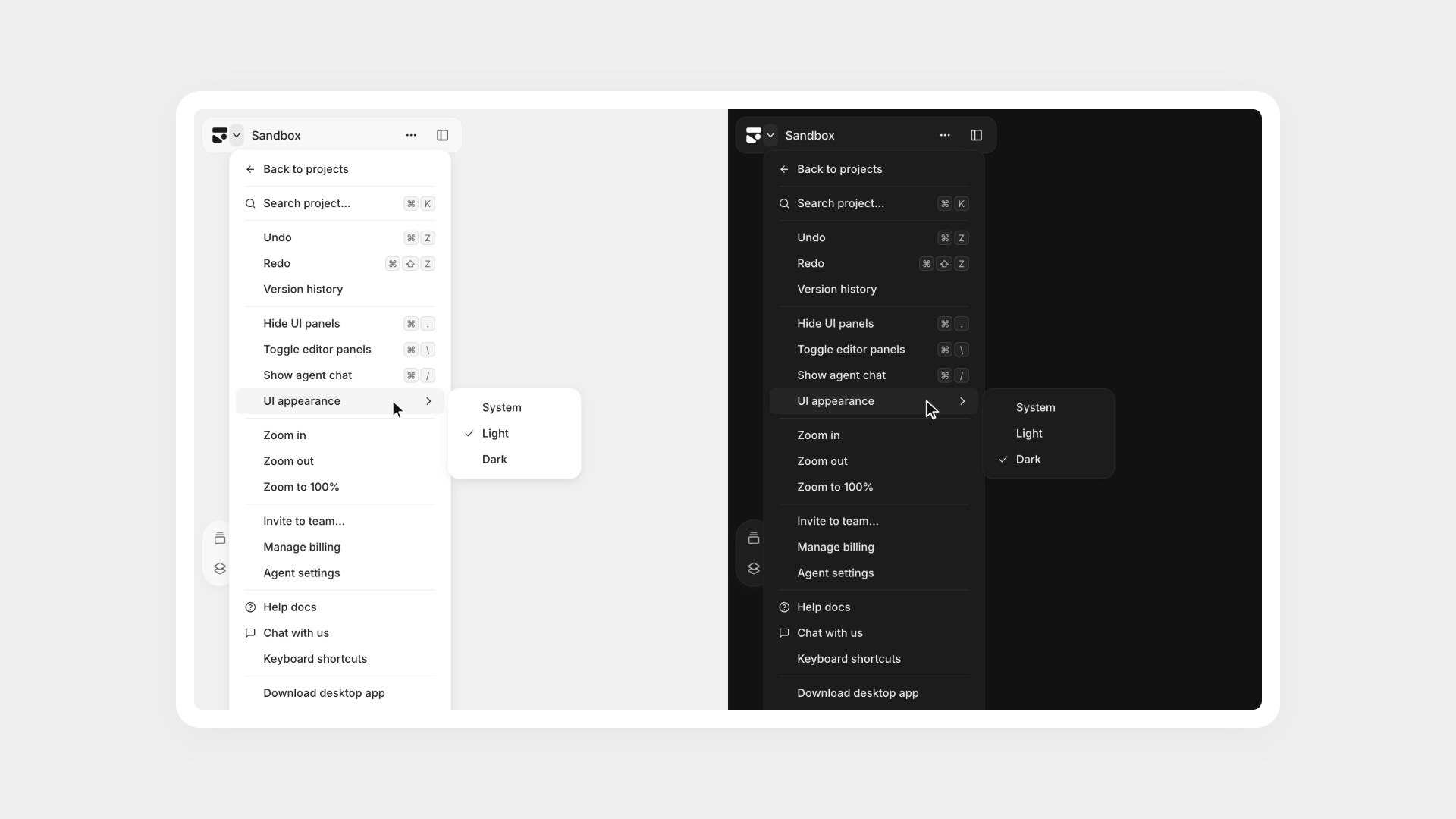
Light and dark UI appearance

Set the Subframe interface appearance to light, dark, or match your system settings, independently of your project's design theme.
Subframe Desktop app, now on Windows

The Subframe desktop app is now available for Windows users.

Go to downloads

Variable fonts now support any weight from 1 to 1000. Works with Subframe MCP.

Bug fixes & performance

Browser capture fixes

  • Lists, tables, images, charts and icons match the original page more closely.
  • Text, dropdowns and input placeholders keep their fonts, colors, sizes and spacing.
  • Sticky headers, centered content, linked cards and collapsed sections look as they do on the page.
  • Apps built with component frameworks, full-screen web apps and pages with very large images capture fully.
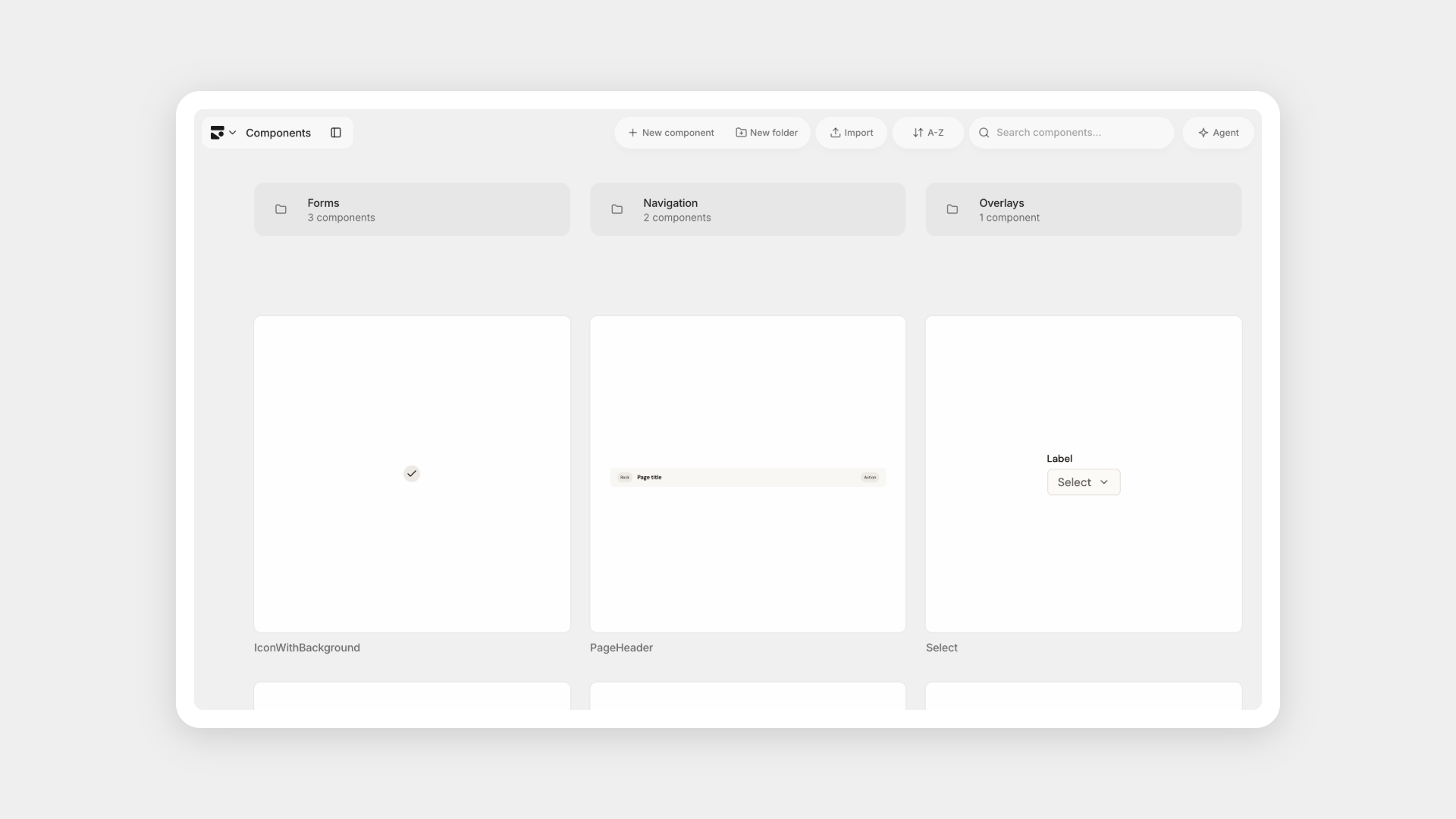
Component folders

Keep your components organized in folders: create a folder in Components, then drag components in or choose Move to folder. Works with Subframe MCP.

Project groups

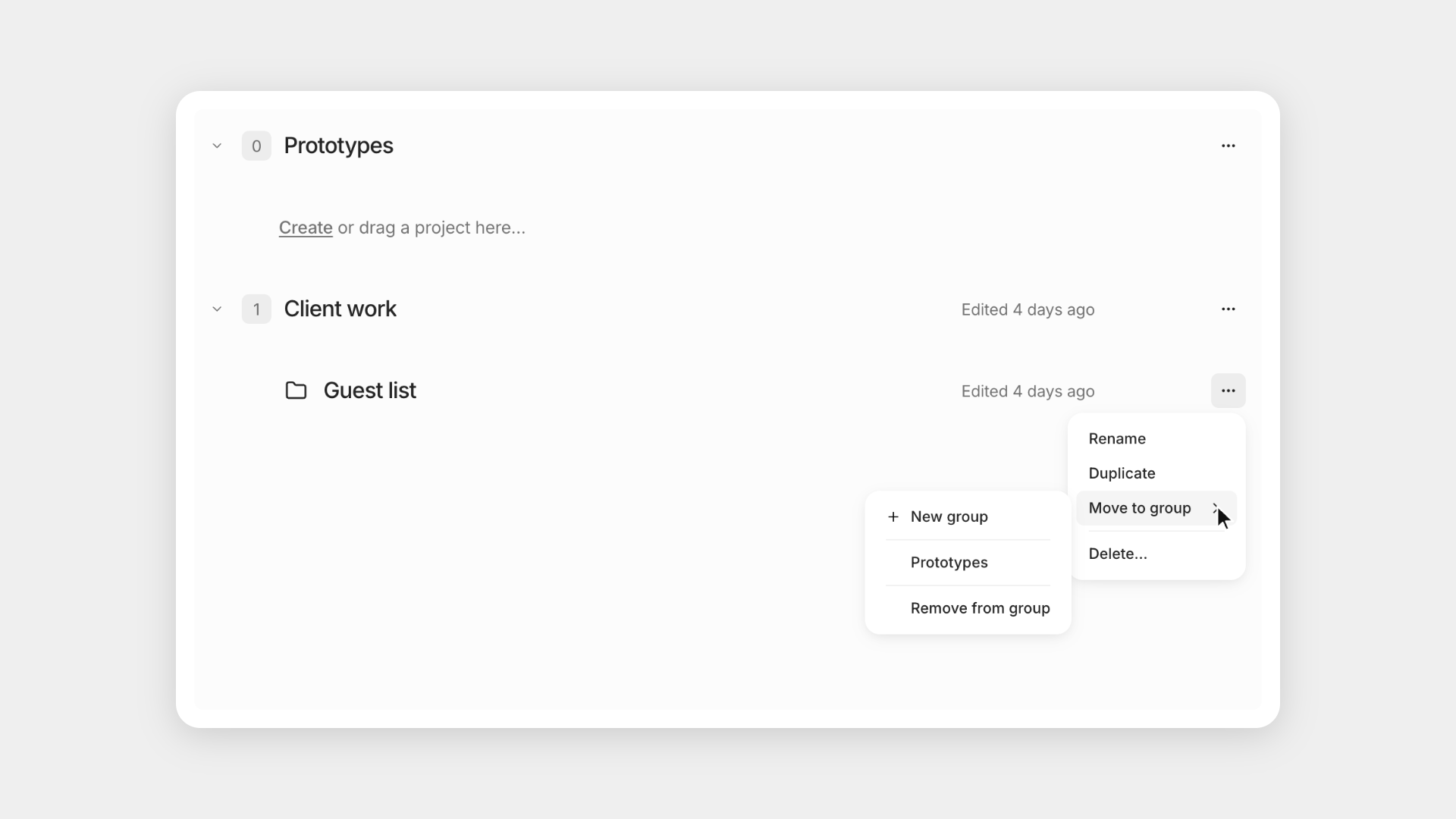
Group your projects on the Projects page: create a group, then drag projects in or choose Move to group from a project's menu.

Bug fixes & performance

Subframe MCP updates

Agents connected to Subframe MCP continue working when Subframe updates its tools without reconnecting.

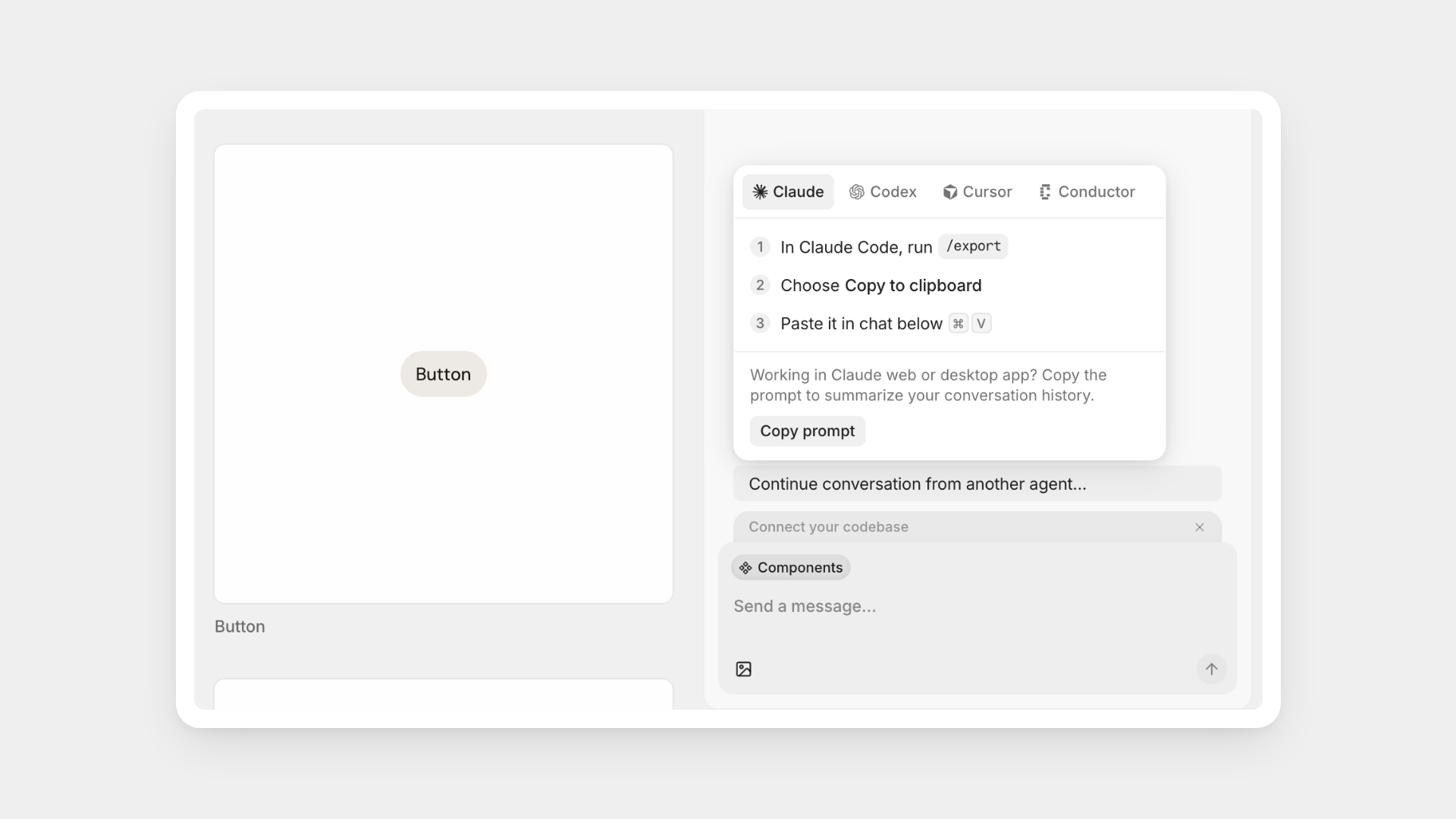
Continue a conversation from another agent

Pick up work you started in Claude, Codex, Cursor or Conductor: a new agent chat shows how to copy the conversation out and paste it in.

Learn how

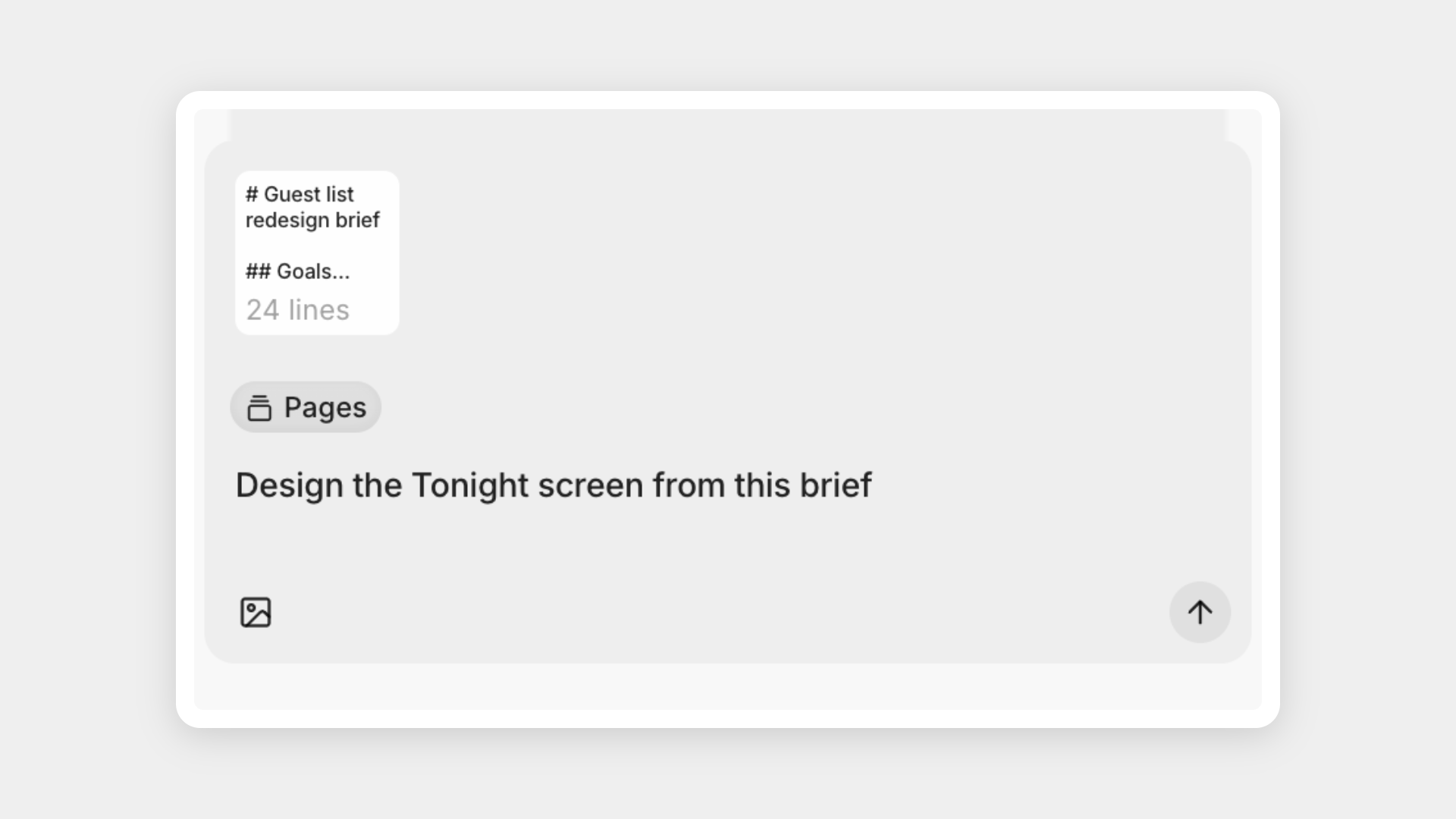
Paste long clipboard text as attachments

Paste a long document or transcript into the agent chat and it attaches as an attachment instead of filling the message box.

Bug fixes & performance

Agent chat fixes

  • Replies stay on screen while they stream and after you press Stop.
  • Desktop agent chats survive network drops, sleep and corporate proxies, and say what to fix when they can't connect.
  • The model picker shows the Claude and Codex models your plan includes.
  • Agent screenshots of the Browser tab come out at full width.
Bug fixes & performance

Agent chat fixes

  • Stopping a chat now works every time, keeps what the agent already did, and puts your message back in the composer if the agent hadn't started.
  • Agents remember the images and tool results from earlier in a conversation.
  • Conversations idle for more than 7 days pick up where you left off.
  • Agent and MCP screenshots render Chinese, Japanese, Korean, Arabic, Hebrew, Thai, emoji and symbols correctly.
Bug fixes & performance

Browser capture fixes

  • Pages with several line breaks in a row capture successfully.
  • Headings keep their font size after a line break.
  • Centered content stays centered.
Export designs as images

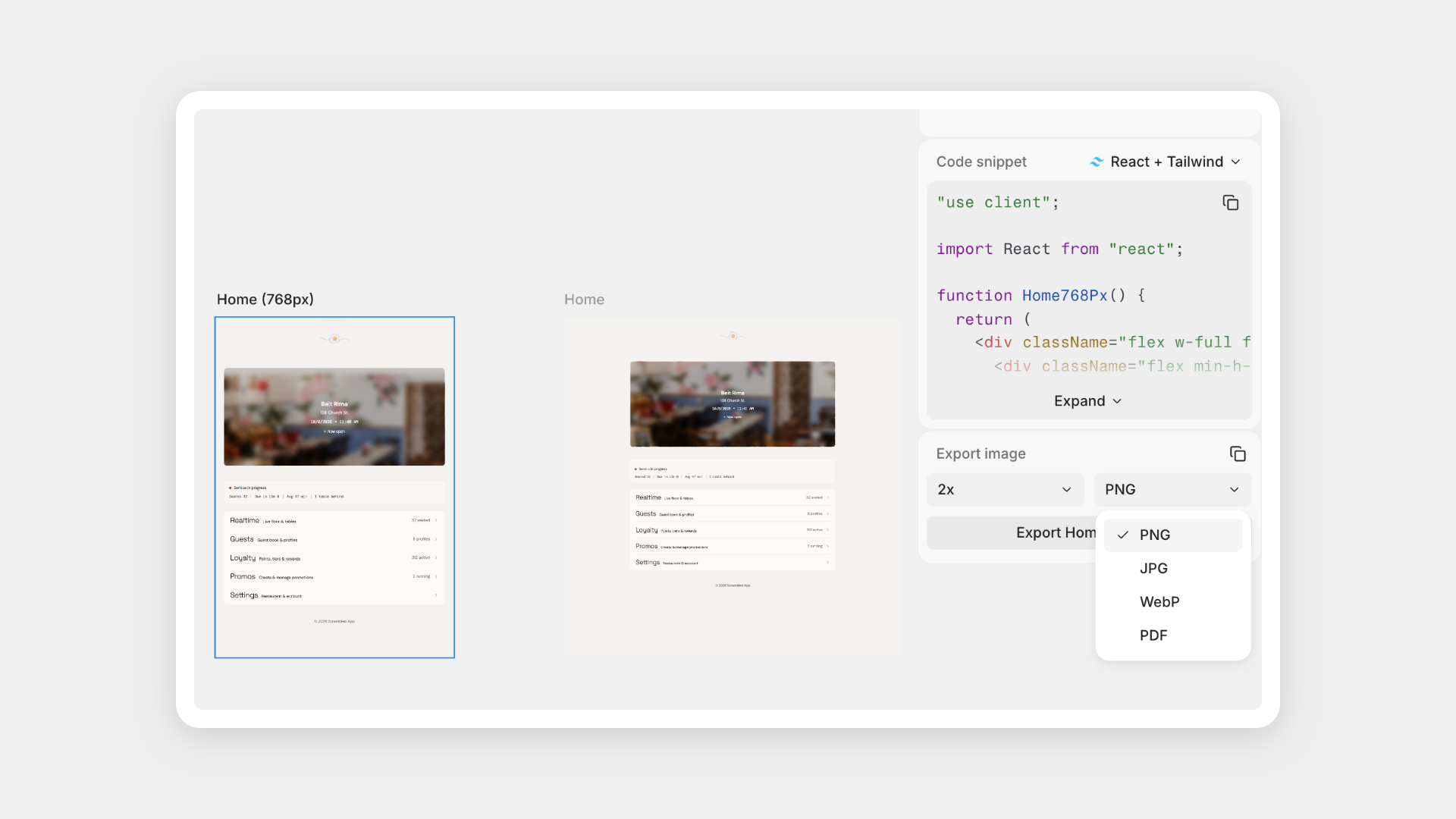
Export any page, component, snippet or element as PNG, JPG or WebP from the Export tab, or pages, components and snippets as PDF. Copy as PNG is in the right-click menu too. Works with Subframe MCP.

Learn how

New models now available in the desktop app: Haiku 5.5 via Subframe AI credits or your Claude subscription, or GPT-6.1 Sol using your Codex subscription.

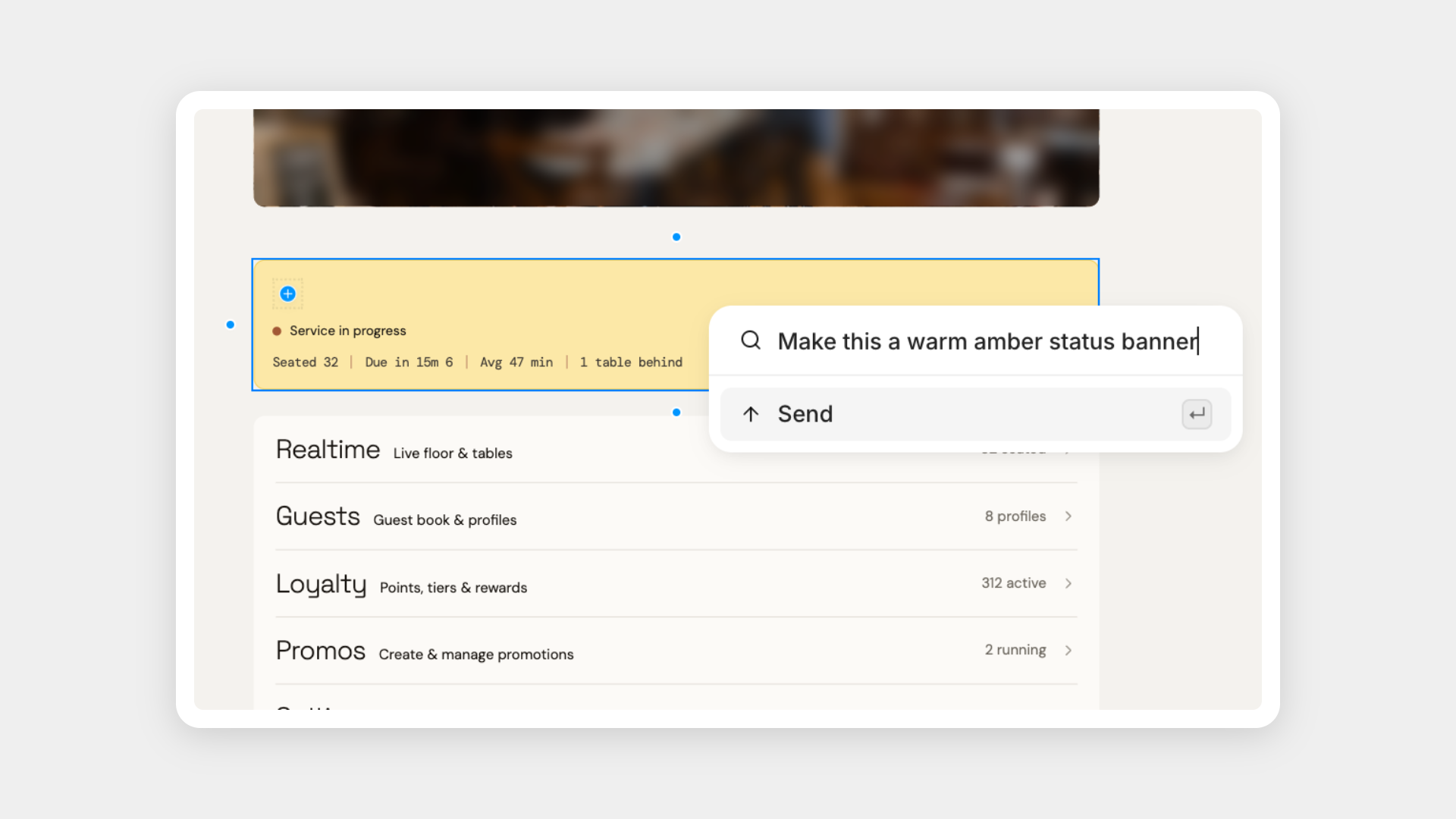
Inline quick edits route to agent chat

When using quick edit, larger and more complex requests now open in the agent chat with your selection attached. Small, targeted requests continue to edit your designs inline.