
See all updates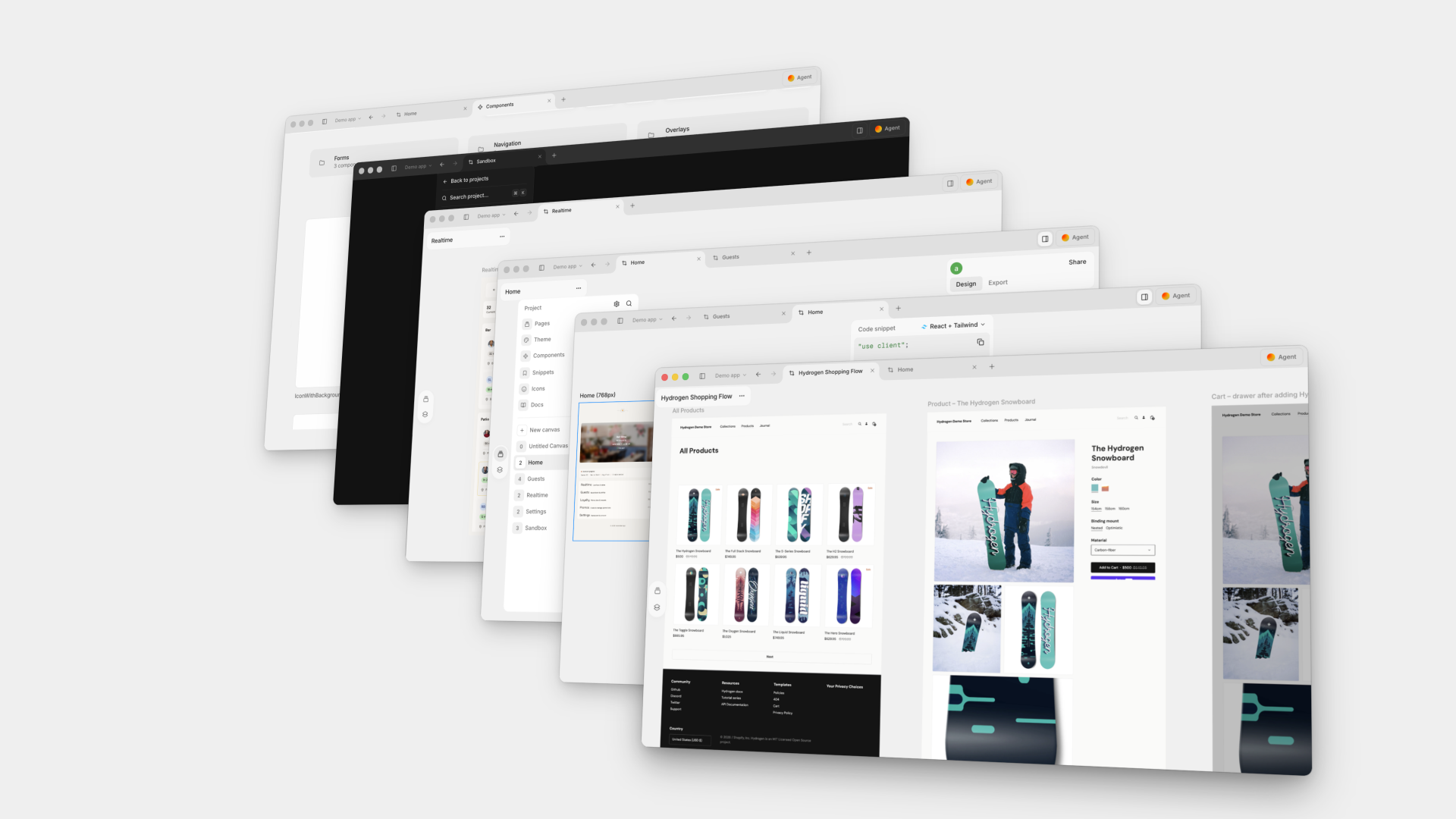
New
Multiple windows in the desktop app
Open more than one window in the desktop app to work on several projects side by side. Choose File → New Window or press ⌘⇧N (Ctrl+Shift+N on Windows). A link to another project opens in that project's window, and your windows reopen where you left them after a restart.