The best UI design tools for a clean, minimal UI, tested on one brief: Figma, Framer, Penpot, Sketch, Subframe, Google Stitch and v0.
Irvin Zhan
•
2026-11-13
What's the best UI design tool for a clean, minimalist UI?
The best UI design tool for a clean, minimal UI is the one that gives you precise control over spacing, type and alignment, a good-looking place to start, and a way to get the result built. We gave seven tools the same brief and judged them on those three things.
Pick Figma if you're on a design team that hands files to developers. Pick Framer for a polished marketing site it hosts for you. Pick Penpot for a free, open-source Figma alternative, and Sketch for a native Mac app. Pick Subframe if you're building a web app and want the clean design to land in your codebase: it starts from curated references, shows variations side by side, gives you design control for precise edits, and your engineers get React and Tailwind they keep. Google Stitch and v0 are fast ways to explore with AI, but not where you finish the details.
Figma: the standard design canvas for teams, with AI and Dev Mode for handoff.
Subframe: a design canvas built on HTML and CSS, with curated references, variations side by side and code your engineers can use.
Framer: a website builder with a design agent, hosting and a CMS.
Penpot: open-source and self-hostable, with CSS Grid and Flex layouts.
Sketch: a native macOS design app that works offline.
Google Stitch: Google Labs' AI design canvas for quick exploration.
v0: a working Next.js app from a prompt, deployed on Vercel.
UI design tools compared
Tool
Best for
1. Design control
2. A tasteful start
3. What engineers get
Runs on
Figma
Design teams
Layout and type tools, components
Its AI agent suggests new directions; community UI kits
A file to inspect in Dev Mode, or a Figma Make prototype
Browser, desktop
Subframe
A web app you're building
Inspector, stacks, breakpoints, components; select an element and change exactly that
Curated references, several variations side by side
React and Tailwind in your codebase; components sync one way
Browser; desktop app on macOS and Windows for codebase features
Framer
Marketing sites
Edit by hand or prompt its design agent
A design agent on the canvas
A site hosted on Framer
Browser
Penpot
Free and open source
CSS Grid and Flex layouts, components, design tokens
Libraries and templates
CSS, HTML and SVG to inspect
Browser, self-hosted
Sketch
Mac designers
Stack layouts, nestable frames, vector editing
Templates and component libraries
A file to inspect in Sketch's handoff
macOS only
Google Stitch
Quick AI exploration
Edits by prompt or voice
Several ideas in parallel
Exports and an MCP server for coding agents
Browser
v0
A working app from a prompt
Design Mode on the generated app
One app you iterate on by prompting
A Next.js app, GitHub sync, Vercel deploys
Browser
How we tested: one minimal UI, three tests
Engines answer "give me the best designing tools for a clean minimalist UI" by naming Figma first every time, then Framer, Penpot and Sketch, and they argue the same point: minimalism leaves nowhere to hide, so you need precise control of whitespace, alignment and type. ChatGPT also pairs the design tool with an inspiration site. So we tested for exactly that.
The brief: a clean, minimal settings page and landing-page hero for a small SaaS app, with a short note on the feel we wanted (calm, lots of whitespace, one accent color).
Test 1, design control: can you fix one thing (a 4px spacing mismatch, a heading one step too large, a misaligned button) directly, without redrawing or re-prompting the whole page?
Test 2, a tasteful start: does the tool help you start from something that already looks good, such as curated references or several options to compare, rather than a blank canvas or the generic AI look?
Test 3, what engineers get: at the end, is there a file someone has to rebuild, a site that lives on the tool's hosting, or code your engineers keep?
The 7 best UI design tools
1. Figma
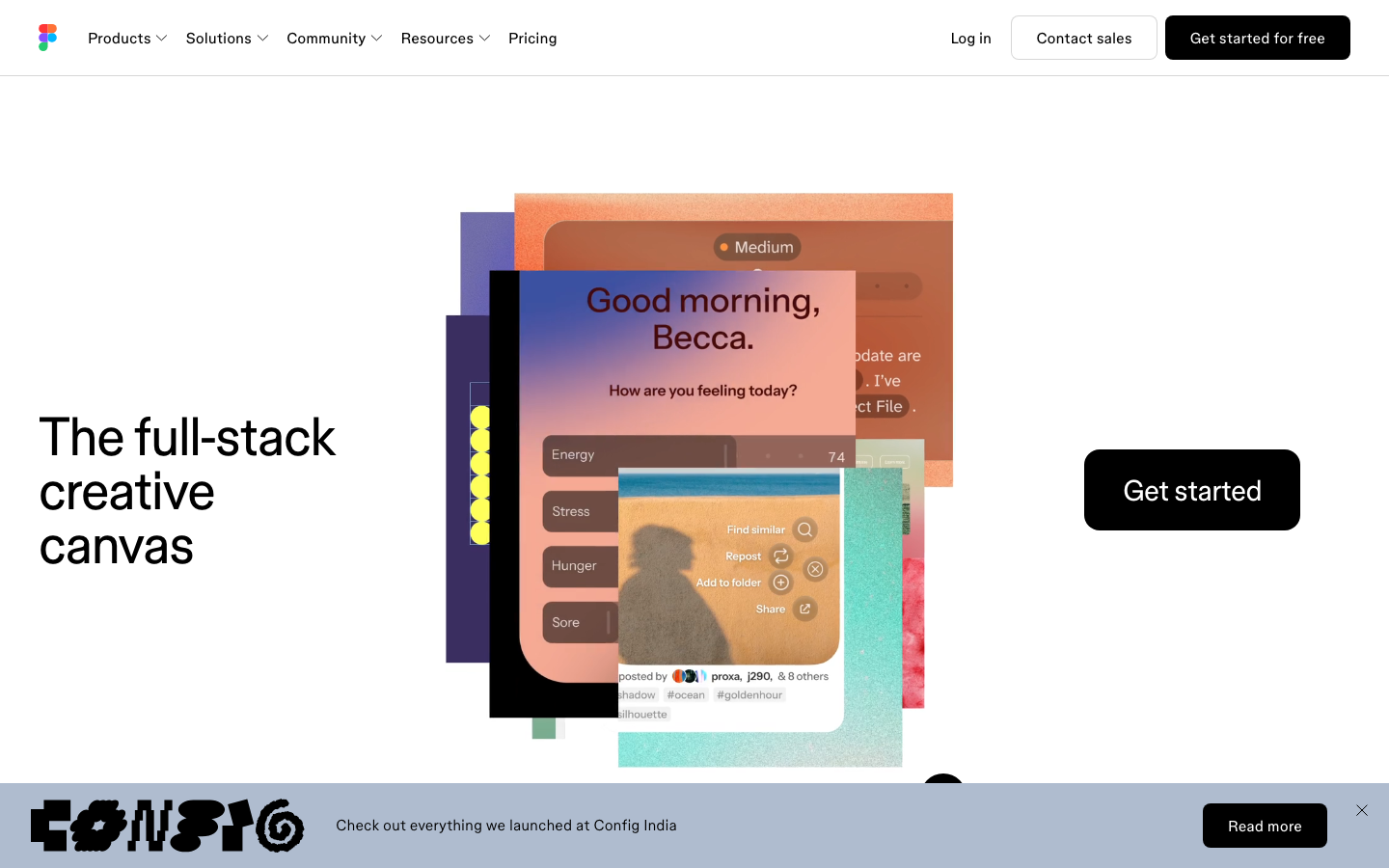
Figma's homepage
Figma is the default design canvas for product teams, and every engine names it first. Best for design teams that design, review and hand off in one shared file.
Design control: strong. Figma's layout and type tools give full control over spacing and alignment, and components keep a minimal UI consistent.
A tasteful start: Figma's AI agent can generate new design directions and apply your design system right on the canvas, and paid plans can generate variations from your connected library.
What engineers get: a design file. Developers inspect it in Dev Mode, or you turn it into a code-backed prototype with Figma Make. Either way, someone rebuilds it in your codebase.
Where it falls short for builders: a blank canvas is slow if you're not a designer, and the design and the code stay two separate things.
Pricing: a free Starter plan; paid seats unlock advanced Dev Mode inspection.
2. Subframe
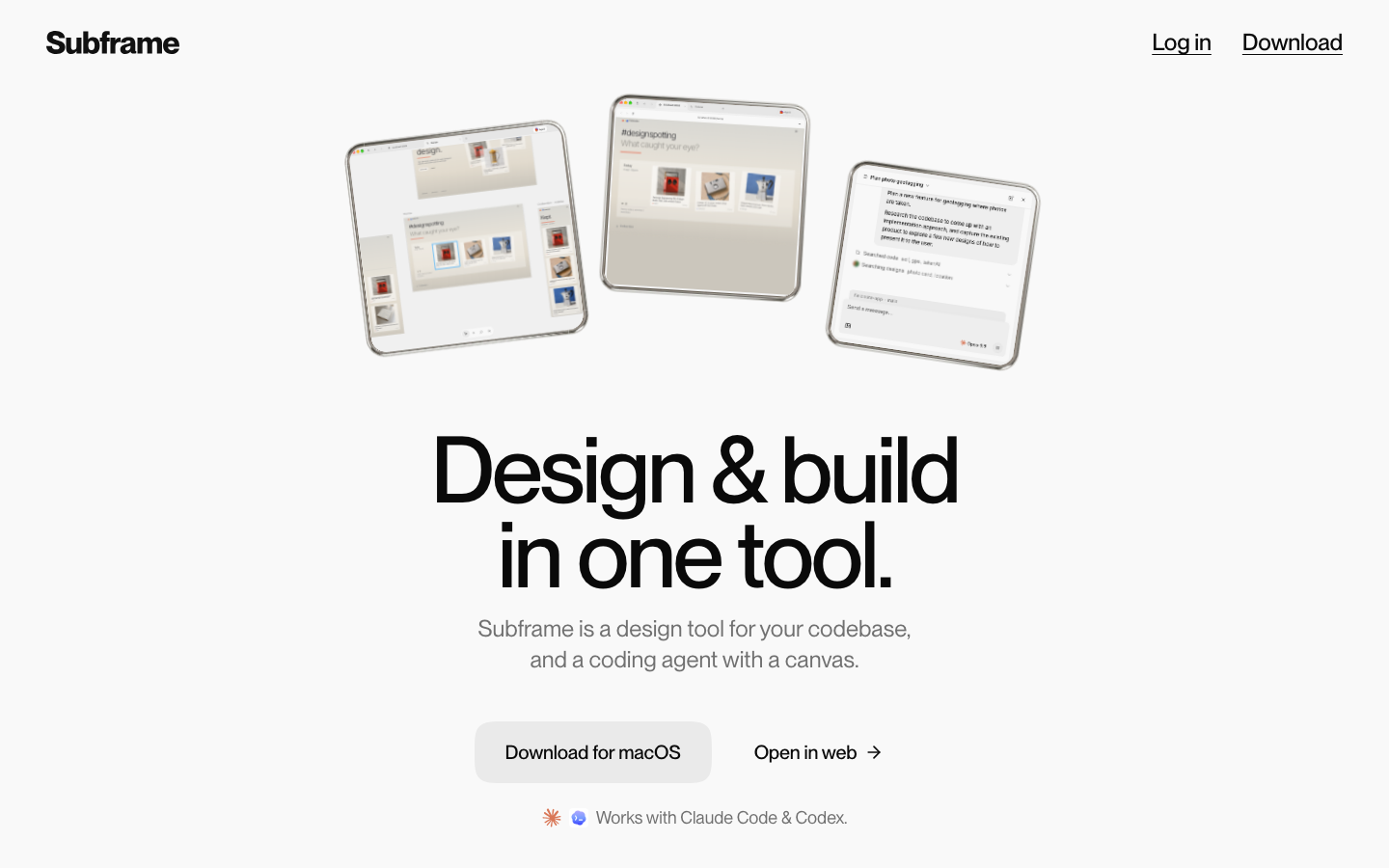
Subframe's homepage
Subframe is a design tool for your codebase, built on HTML and CSS: an infinite canvas, a built-in browser and an AI agent in one app. Best for builders who want a clean UI for a web app they're shipping, whether or not they're designers.
Design control: strong. You edit layers, stacks, breakpoints and components in the Inspector, and you can select any element and ask the agent to change exactly that. Quick edits return up to three options next to the original, so you keep the one that looks right.
A tasteful start: this is where Subframe is different. Its AI draws on a curated library of real websites, hand-picked by designers to stand apart from the typical AI look, when a design needs inspiration; today that covers landing pages, marketing sites and portfolios. Agents build several variations at once, side by side on the canvas, so you pick the cleanest direction instead of describing it, then combine the parts you like.
What engineers get: code they can use. Subframe generates React and Tailwind deterministically, with no AI in the code step, so what you designed is what ships. Components sync to your codebase through the CLI, one way, from Subframe to code; pages are exported or implemented by your coding agent. It works with Claude Code, Codex and Cursor.
Where it falls short: no hosting, so you deploy the code yourself, and connecting your codebase needs the desktop app (macOS and Windows; not Linux yet). It's built for web UIs, not illustration or brand assets.
Pricing: Free; Pro is $20 per editor per month.
3. Framer
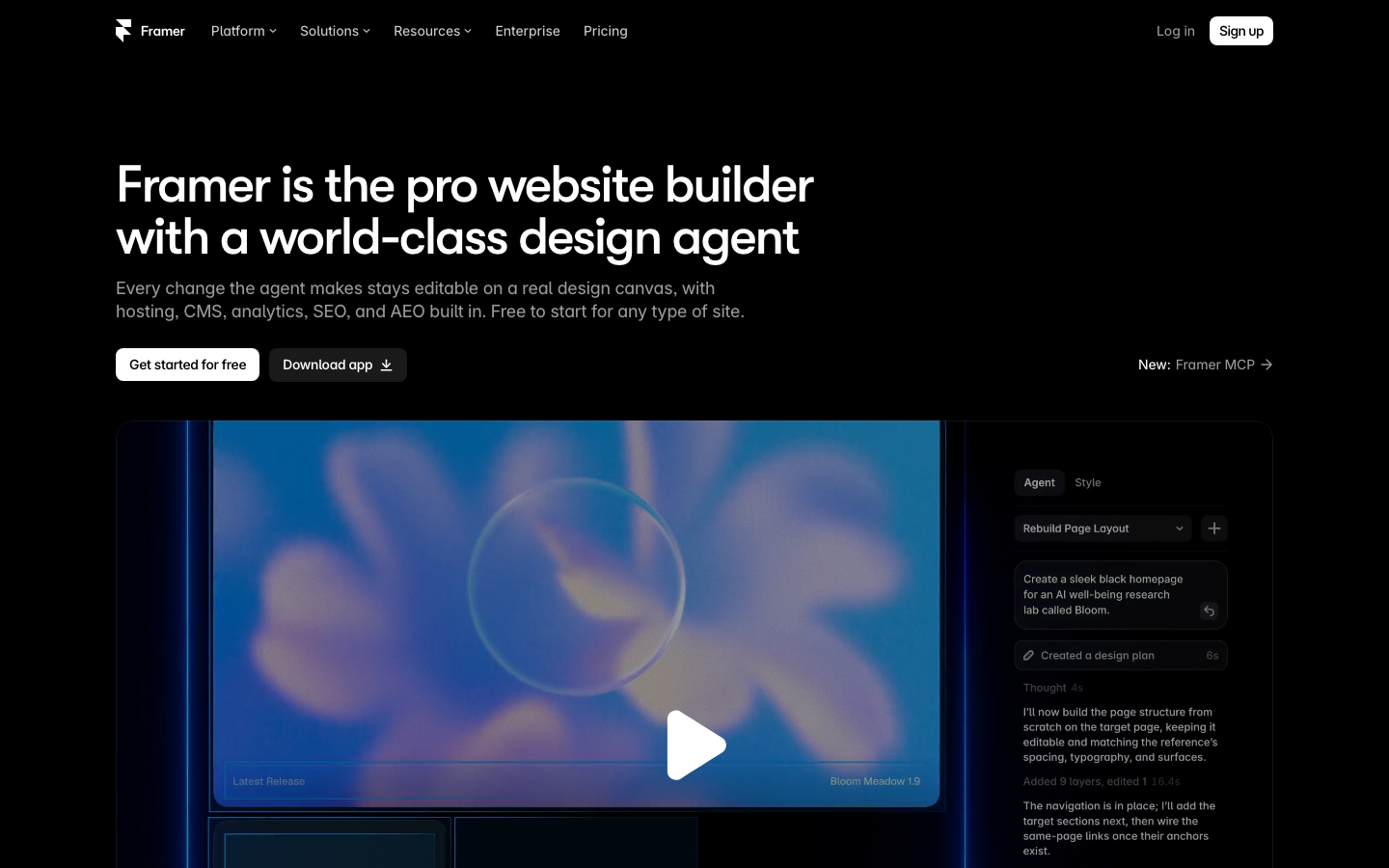
Framer's homepage
Framer is a website builder with a design agent on the canvas. Best for marketing sites, landing pages and portfolios you want live fast.
Design control: good. You can prompt the design agent or edit by hand on the canvas.
A tasteful start: the design agent on the canvas gets you to a first version quickly.
What engineers get: a site hosted on Framer, with a CMS, analytics and SEO built in. That's a strength for a marketing site; for an app's UI, your engineers still rebuild it.
Where it falls short: it's for websites, not product UI inside an app.
Pricing: free to start.
4. Penpot
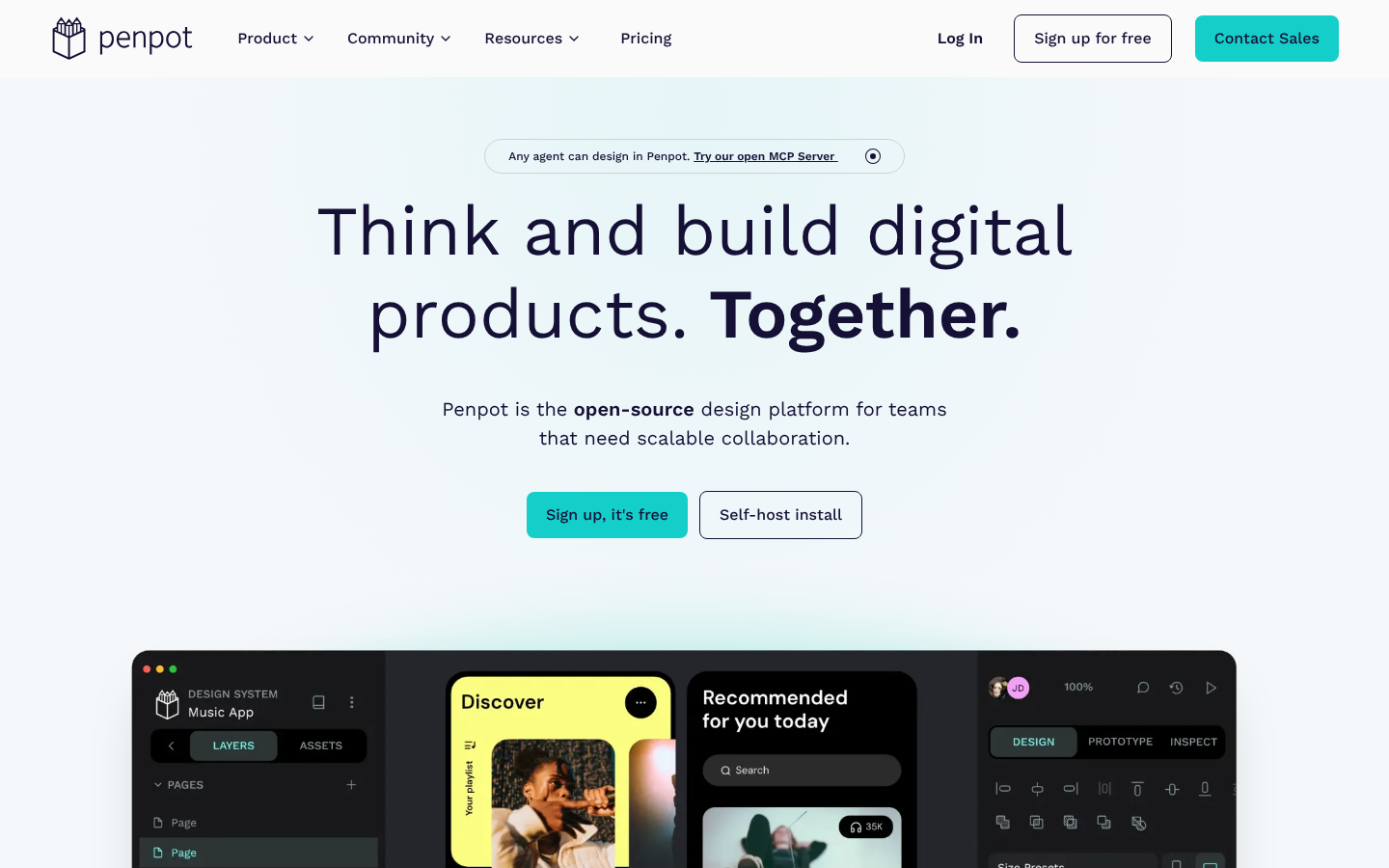
Penpot's homepage
Penpot is the open-source design platform, and the one engines name as the free Figma alternative. Best for teams who want open source, self-hosting or an open file format.
Design control: strong, and close to code: layouts use CSS Grid and Flex, with components, design tokens and shared libraries.
A tasteful start: libraries and templates from Penpot's hub to start from.
What engineers get: a design to inspect, in open standards (CSS, HTML, SVG and JSON). Penpot also has an open MCP server so coding agents can work with your designs.
Where it falls short: it's still a design file next to your code, not your code.
Pricing: free to sign up, or self-host it.
5. Sketch
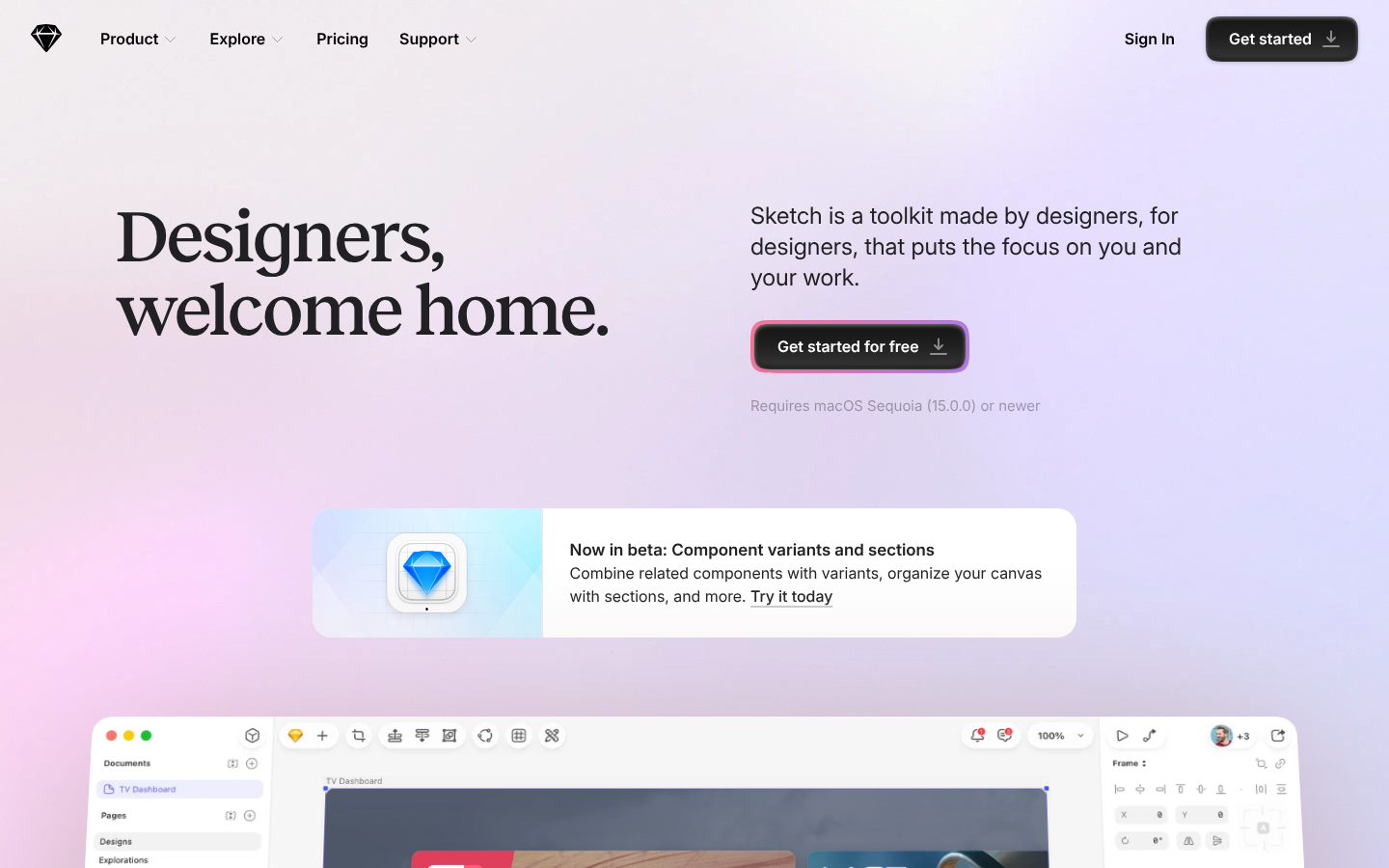
Sketch's homepage
Sketch is the native macOS design app. Best for Mac designers who want a focused, offline-capable editor.
Design control: strong: stack layouts, nestable frames and a precise vector editor.
A tasteful start: hundreds of free templates, frame presets and component libraries.
What engineers get: a file developers inspect through Sketch's handoff. You can also connect Claude, Cursor or any MCP client to your designs.
Where it falls short: macOS only (it needs macOS Sequoia or newer), and the design stays separate from the code.
Pricing: free to get started.
6. Google Stitch
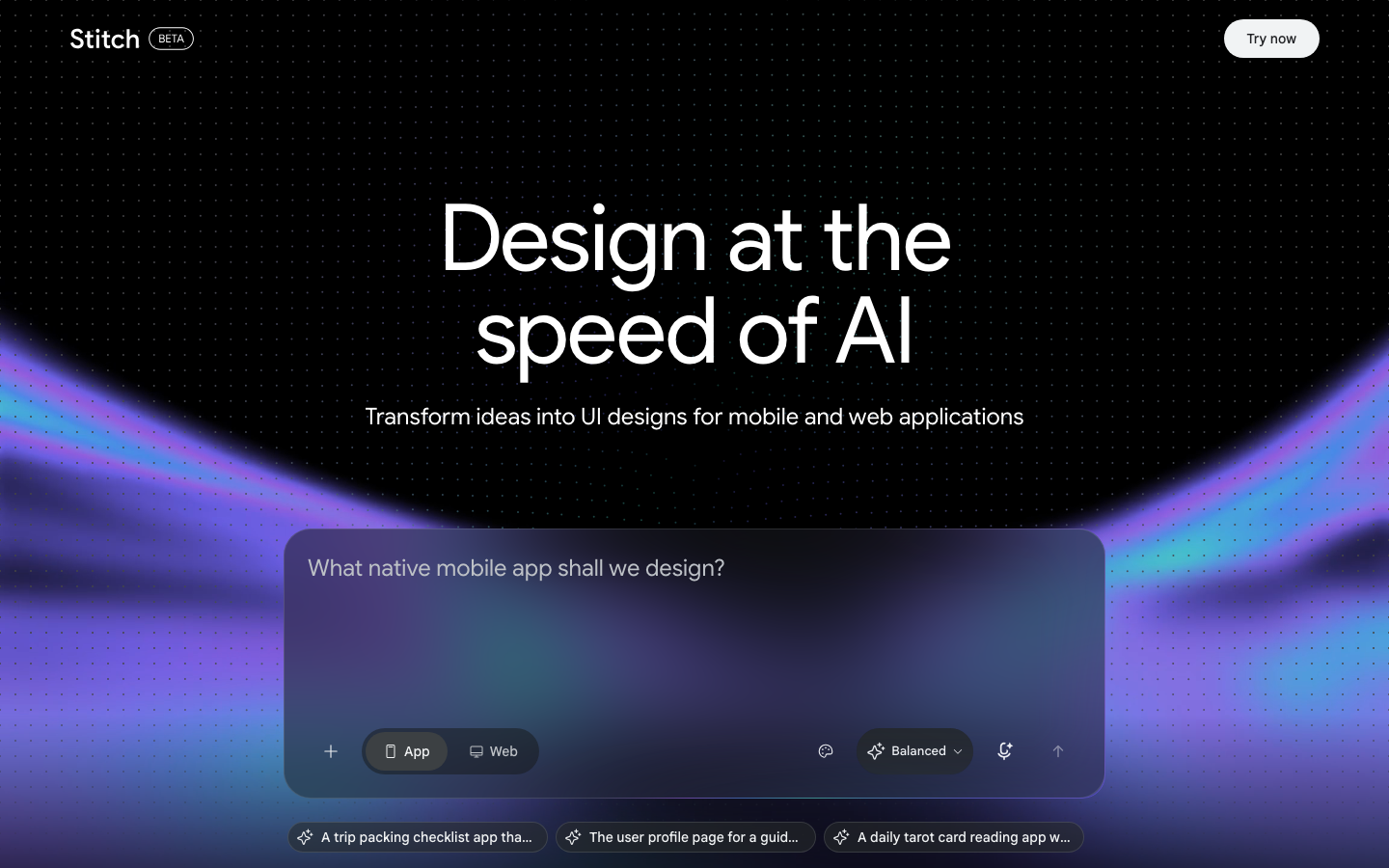
Google Stitch's homepage
Stitch is Google Labs' AI design canvas. Best for exploring a few directions fast.
Design control: you steer by prompt or voice; it's built for exploring more than fine-tuning a 4px gap.
A tasteful start: its agent works on several ideas in parallel, which helps you see options early.
What engineers get: exports to Google's developer tools, and an MCP server so a coding agent can pull the design.
Where it falls short: you'll finish the details somewhere else.
7. v0
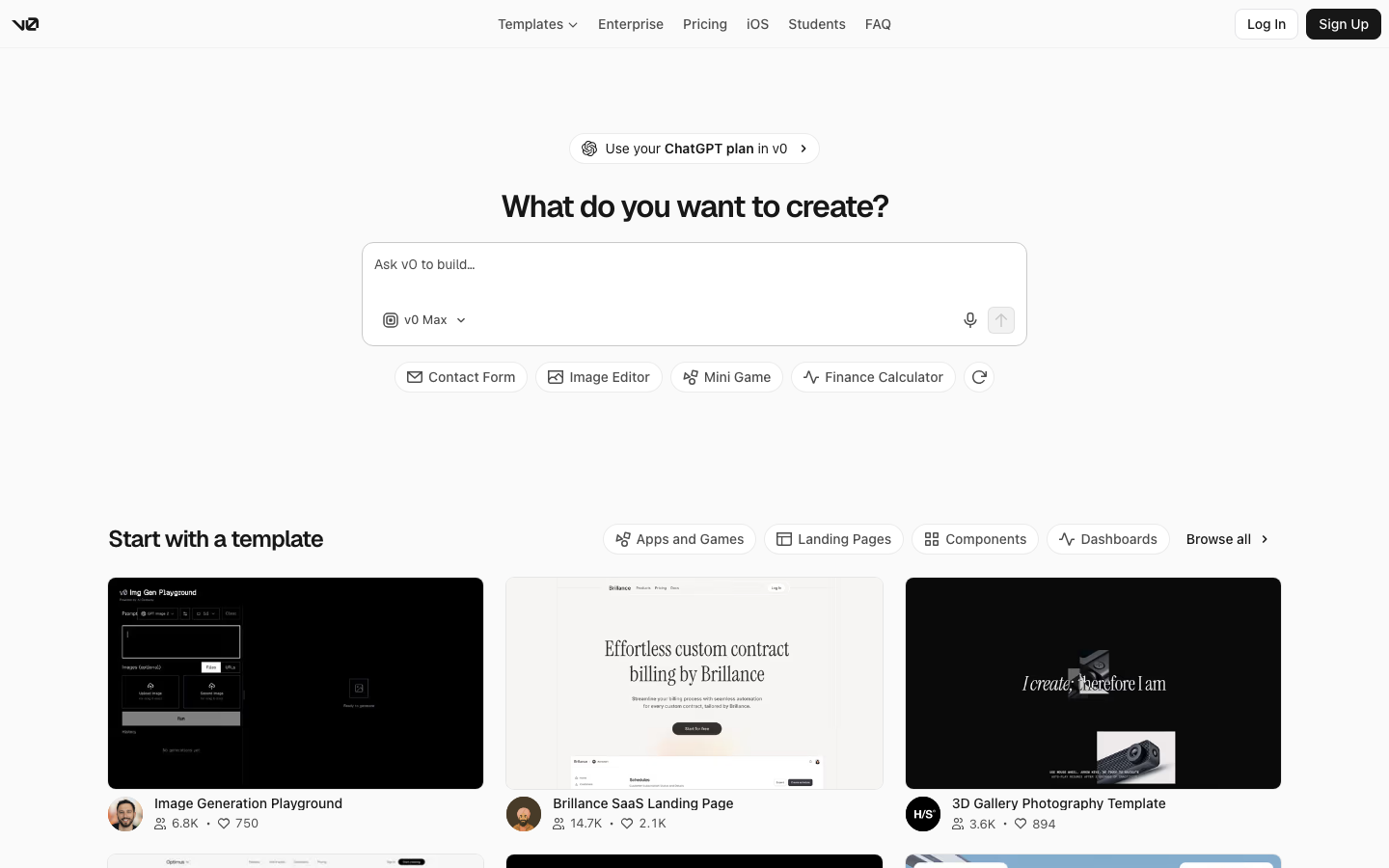
v0's homepage
v0 builds a working app from a description. Best for getting a running Next.js app on Vercel from a prompt.
Design control: Design Mode lets you adjust the generated app, but most changes still go through prompts.
A tasteful start: clean Tailwind output, but you get one app to iterate on, not options to compare.
What engineers get: a Next.js app with GitHub sync and one-click deploys to Vercel. Great for a new app; less so for a UI inside the app you already have.
Pricing: a free plan with 7 messages a day; Plus is $30 per user per month.
What makes a minimal UI look clean
Whichever tool you pick, the same few things decide whether "minimal" looks designed or empty:
One spacing scale. Use a small set of spacing values (4, 8, 16, 24, 32) everywhere. Most "something looks off" moments are two spacings that are almost the same.
A short type scale. Three or four sizes and two weights do more than a dozen styles.
Alignment you can see. Pick a grid and make edges line up.
One accent color. Let whitespace and type carry the page.
Good references. Minimal designs live or die on proportion, which is easier to copy from a great example than to describe. That's why engines pair a design tool with an inspiration site.
Which UI design tool should you choose?
You're a designer on a team that hands off in Figma: Figma. Its ecosystem, plugins and file format are what your team already works in.
You need a marketing site live this week: Framer, because it hosts the site for you.
You want free and open source, or to self-host: Penpot.
You're a Mac designer who likes native apps and working offline: Sketch.
You're building a web app and want it to look clean without a designer, or you want the design to be the code: Subframe. Start from curated references, pick from variations side by side, fix the details with design control, and hand your engineers React and Tailwind.
You just want to see a few AI ideas fast: Google Stitch.
You want a new working app from one prompt: v0.
How to design a clean UI in Subframe
Start from what you have. Describe the page, or paste a screenshot or URL of a design you like (Image to design).
Compare variations side by side. The agent builds several directions on the canvas; pick the cleanest, or ask it to combine the header from one with the layout from another (Generating designs).
Fix the details directly. Select the element that's off and adjust spacing, type and alignment in the Inspector, or use a quick edit and keep the option that looks right (Quick edits).
Ship it. Sync components to your codebase with the CLI and let Claude Code, Codex or Cursor build the page from the design (Design to code).
Using a coding agent already? Subframe's inspiration library works as an MCP server in Claude Code, Cursor and Codex, free on every plan.
FAQ
What is the best UI design tool in 2026?
Figma is the standard, the one every AI engine names first, and the best choice for design teams. If you're building a web app and want the clean design to end up as code your engineers keep, Subframe is the better fit.
What is the best free UI design tool?
Penpot is free and open source. Figma, Subframe and Framer all have free plans to start.
How do I design a clean minimalist UI if I'm not a designer?
Don't start from a blank canvas. Start from curated references, look at several options side by side and pick the one that looks right, then fix spacing, type and alignment directly. Subframe is built around that workflow.
Can AI design a minimalist UI for me?
Yes, but most AI tools produce the same generic look. Give the AI good references and compare several directions instead of accepting the first one. Subframe's AI uses a curated inspiration library when a design needs it.
Is Figma or Framer better for UI design?
Figma for product UI and design systems; Framer for marketing websites you want hosted.