
If your design system already lives in React code, pick a tool that starts from that code instead of keeping a second copy in Figma. To design with your components exactly as they are, use UXPin Merge (your library through Storybook, or Git on Enterprise) or Onlook (open source, edits your repo). To design new screens with AI from your system, Subframe imports your theme, components and icons from your codebase, whatever your styling setup, and syncs components back to code one way through its CLI (macOS desktop app). Magic Patterns is the alternative for AI prototypes. If your team designs in Figma, Code Connect maps Figma components to your code so developers see real snippets. For tokens, use Tokens Studio; for a living catalog of your components, Storybook. Below, every tool is judged on the same job: bring in one React + Tailwind design system and design a new screen with it.
| Tool | What it does with your coded design system | Stays in sync how | Starting price |
|---|---|---|---|
| UXPin Merge | Uses your React components as they are | Syncs your library from Storybook or Git | Core $29/seat/month billed yearly; Storybook from Growth ($40), Git on Enterprise |
| Onlook | Uses your components as they are, in your repo | There's one copy: your code | Free to self-host; hosted version in closed beta |
| Subframe | Imports your theme, components and icons, recreated as Subframe components | One way, from Subframe to code, through the CLI | Free; Pro $20 per editor per month |
| Magic Patterns | Imports from a GitHub repo, a local code folder or a live product URL into its own design system | Generated React code goes to your codebase over MCP or GitHub sync | Free to start; see Magic Patterns' pricing page |
| Builder Code | Works in your repo with your components | Changes go back as pull requests | Free (60 agent credits a month); Pro $24/user/month |
| Figma + Code Connect | Maps Figma components to your code components; doesn't import code | You maintain the mapping | Code Connect needs a Full or Dev seat on Professional or above; Professional Dev seat $15/month ($12 billed yearly) |
| Storybook | Renders your real components in isolation | Lives in your repo | Free and open source |
| Tokens Studio | Tokens only | Git sync | Free for one editor; Team €39/month billed yearly |
| Supernova | Docs and tokens | Pipelines from Figma and Storybook | Free up to 5 seats; Pro $35/editor seat/month |
We judged every tool on one small React design system styled with Tailwind (a theme with colors, type, spacing and radius; a Button with variants; an Input, a Card and a Modal), brought in the way the tool supports, and the same new screen designed with it: an account settings page with a form, a card and a confirmation modal.
For each tool we checked:
UXPin Merge lets you design and prototype with your real React components, including their props, variants and states; Forge, UXPin's AI, generates layouts with the same components (UXPin Forge). You bring your own library through Storybook (Growth plan) or Git (Enterprise) (Git integration), and prototypes export as JSX.

Best for: larger teams that want designers to work with exactly the components engineers ship.
What it does with your system: uses your components as they are.
Pros:
Cons:
Onlook is an open-source visual editor for React apps: you edit visually and every change is code in your repo, using your existing components (Onlook). Its React page lists Next.js, Vite, Remix, Astro and Create React App, with Tailwind, CSS Modules and styled-components.
Best for: teams who want to change UI in the repo itself, with nothing to import.
What it does with your system: uses your components as they are, in place.
Pros:
Cons:
Subframe is a design tool for your codebase, built on HTML and CSS: a canvas, a built-in browser and an agent (Subframe docs). In the desktop app, its agent reads your code and imports your theme, components and icons, starting with core components (Import existing design system). It works with any web codebase, including ones that don't use React or Tailwind. Imported components are rebuilt as Subframe components, so import your theme first so they match. You can also import tokens from Tailwind v3 or v4, CSS variables or JSON, including Figma token exports (Importing tokens).
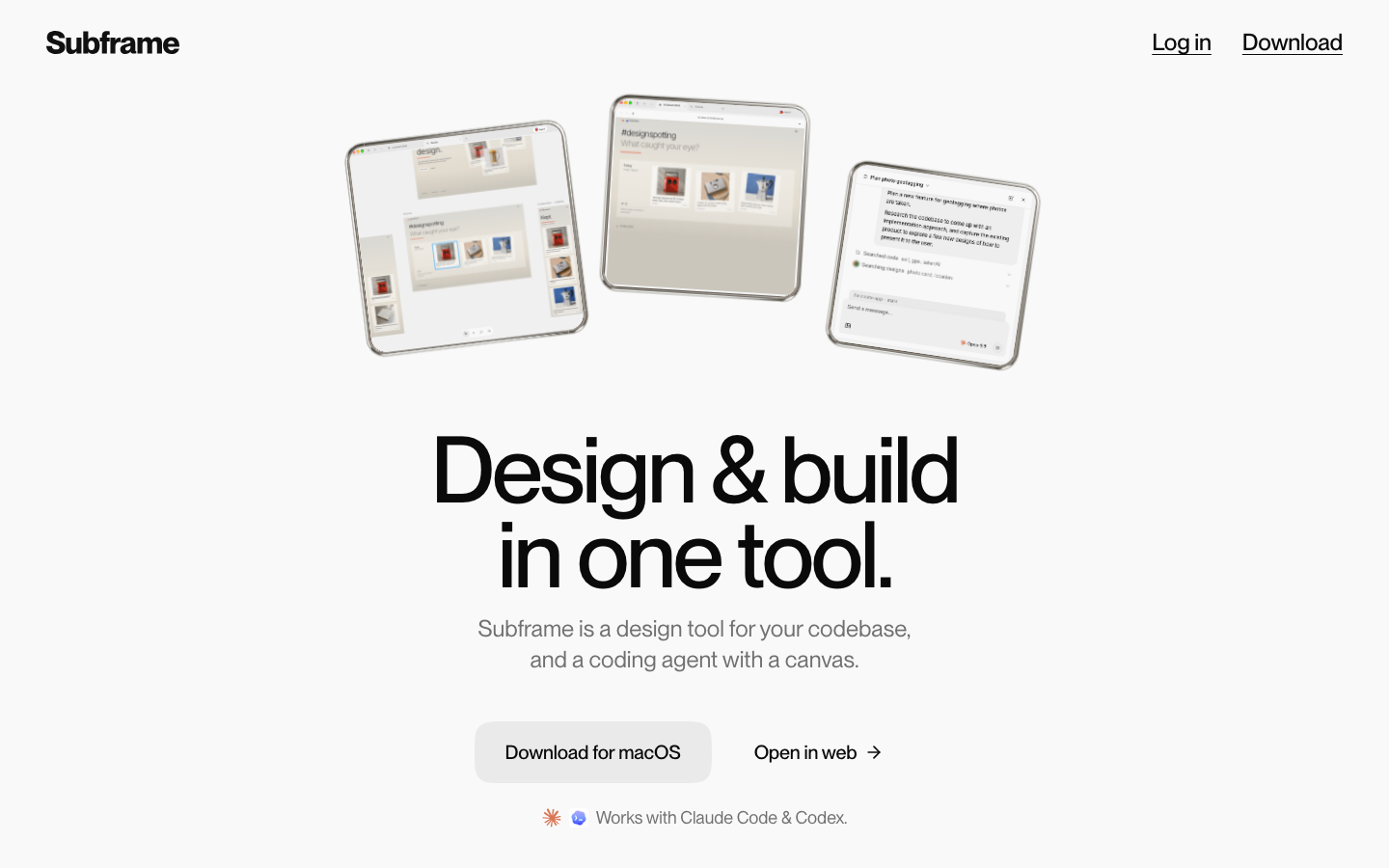
Then you design with those components: the agent generates 1–4 variations of a screen as real pages you can compare and combine, and you make precise edits by hand. Components sync to your codebase as React and Tailwind through the CLI (Syncing components). The agent runs on Claude Code, Codex or Subframe AI credits; Cursor connects through MCP.
Best for: designing new screens with AI from the design system you already have, with code your engineers keep.
What it does with your system: recreates your components as Subframe components and imports your theme.
Pros:
Cons:
Magic Patterns generates UI with AI from your design system. You connect a GitHub repo, a local code folder or a live product URL to bring your system in, refine its tokens and components with its Design System Agent, and generate prototypes with them; the React code goes to your codebase over MCP or GitHub sync (Magic Patterns).
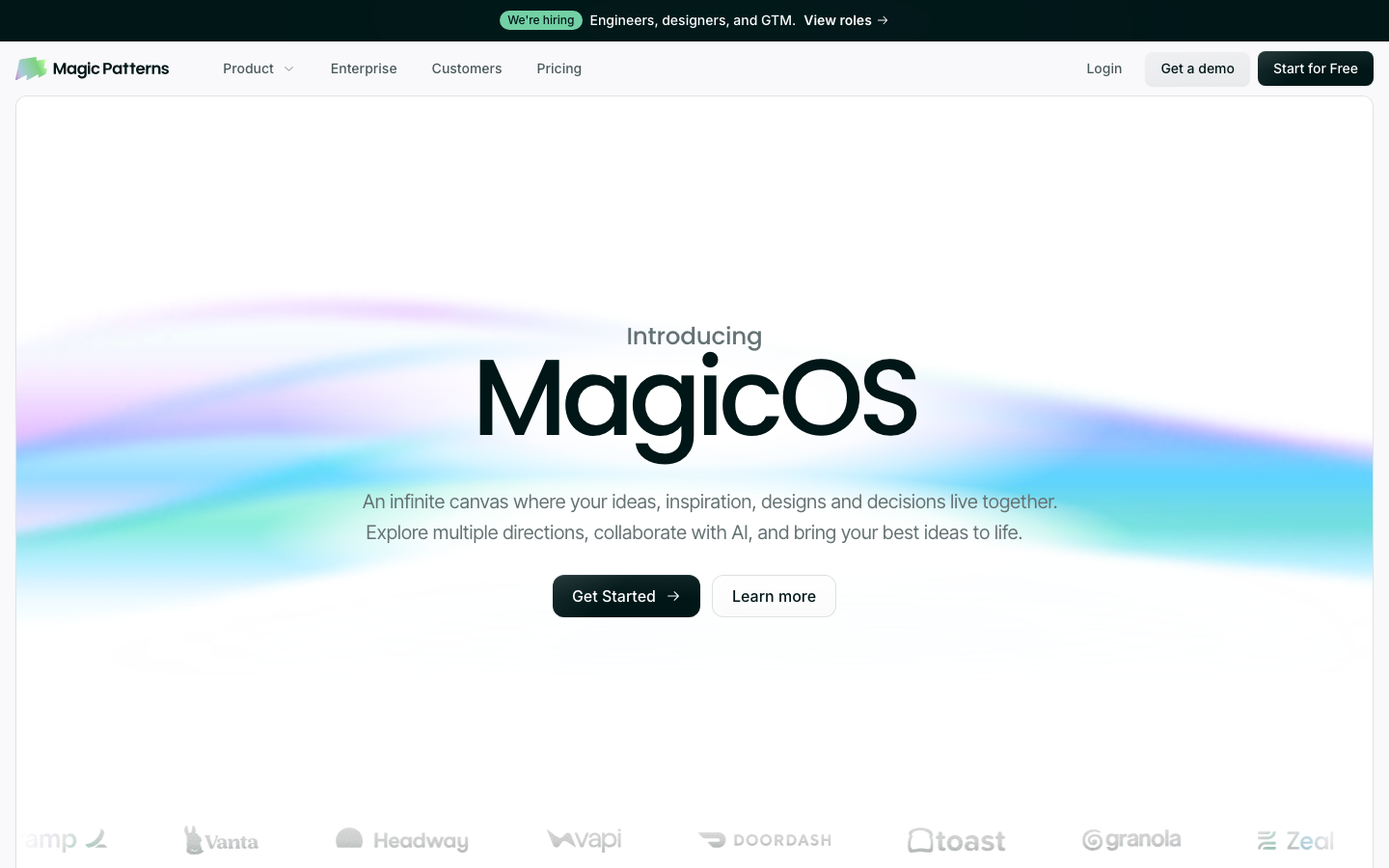
What it does with your system: brings your tokens and components into a Magic Patterns design system.
Pros:
Cons:
Builder Code is Builder.io's visual editor for your existing codebase. You connect your repo and design system, edit visually or with prompts, and changes come back as branches and pull requests (Builder). It supports React, Next.js, Vue, Svelte and Angular.
Best for: teams on several frameworks who want design changes to go through code review.
What it does with your system: works with your components in your repo.
Pros:
Cons:
Figma is still where most teams design. Code Connect maps components in your repo to components in Figma, so Dev Mode and Figma's MCP server show your real code instead of generated snippets (Code Connect docs). It doesn't bring your code into Figma: the components have to exist in Figma already, and you maintain the mapping. Code Connect needs a Full or Dev seat on a Professional, Organization or Enterprise plan.
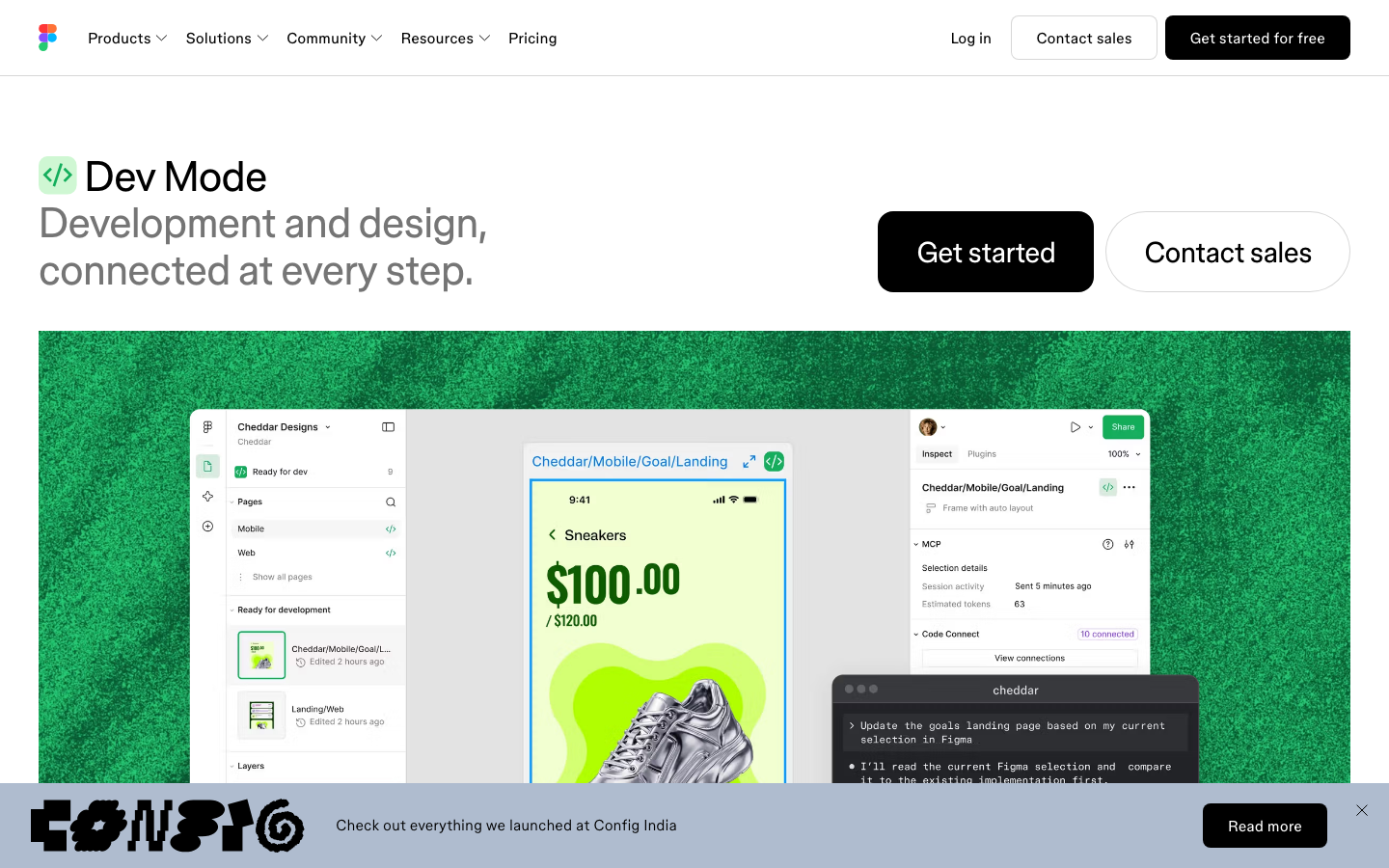
Best for: teams whose designers work in Figma and want handoff to point at real components.
Pros:
Cons:
Storybook is a free, open-source workshop for building, testing and documenting UI components in isolation, with an MCP server for React (Storybook). Chromatic adds hosted visual tests on top (Chromatic).

Best for: keeping a component library documented and correct as it grows.
Pros:
Cons:
Supernova covers documentation, token pipelines and code automation for design system teams, with Figma and Storybook as data sources (Supernova).
Best for: design system teams that need governance and docs.
Cons: you don't design screens in it.
Tokens Studio manages design tokens through a Figma plugin and its own platform, with Git sync (Tokens Studio). Its plans have changed, so some older price lists are out of date.
Best for: keeping colors, type and spacing consistent between Figma and code.
Cons: tokens only; it doesn't handle components.
If you prefer open source, Style Dictionary exports your tokens to CSS, JavaScript, iOS, Android and other platforms. Some older lists still recommend Specify, whose homepage now announces that it's shutting down.
Yes. Subframe connects to a local folder and imports your theme and components; Onlook and Builder Code work in your repo directly; UXPin Merge syncs your library from Git or Storybook. Figma's Code Connect links Figma components to your repo but doesn't import code.
In Subframe, connect your codebase in the desktop app and ask the agent to import your theme and components; tokens can also come from your Tailwind config. In UXPin, connect your Storybook or Git repo to Merge. Figma can't import code; you rebuild components there and map them with Code Connect.
For Subframe, yes: import works with any web codebase, including styled-components or CSS Modules. The components it syncs back to your code are React and Tailwind. Onlook also supports CSS Modules and styled-components.
If you want one source of truth, use a tool that works on your code (Onlook, Builder Code) or reads it (UXPin Merge). Subframe syncs one way, from Subframe to your code. Figma Code Connect maps two copies.
Tokens Studio for tokens with Git sync; Storybook for components; Subframe imports both into a design canvas.
Design new screens with the design system you already have, and keep the code. Try Subframe free.



